1. Киришүү
This manual provides essential instructions for the safe and efficient use of your OnePlus Nord Buds 2 True Wireless Earbuds. Please read this manual thoroughly before using the product and retain it for future reference.
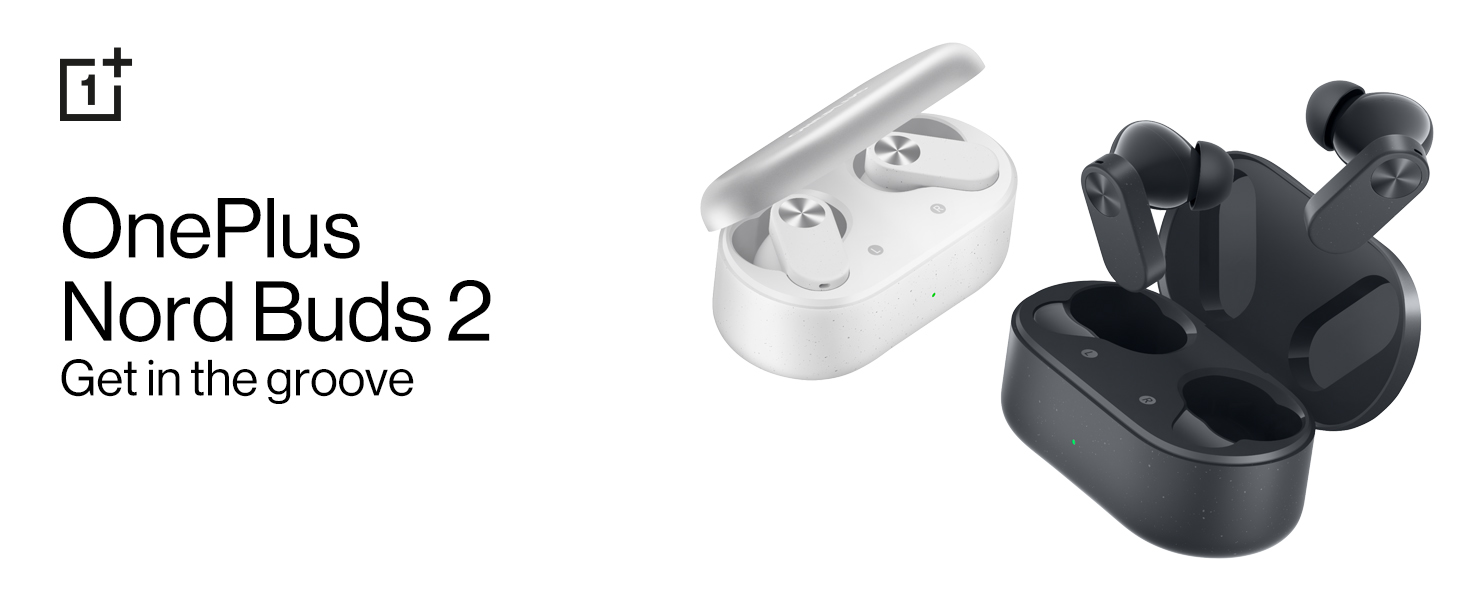
Image: OnePlus Nord Buds 2 in both Lightning White and Thunder Gray colors, alongside their respective charging cases.
2. Кутуда эмне бар
Таңгакта бардык буюмдар бар экенин текшериңиз:
- OnePlus Nord Buds 2 Earbuds (Left and Right)
- Заряддоо кутусу
- 1U Charging Cable (USB Type-C)
- 4N Eartips (various sizes)
- 1U User Guide
- 1U Warranty & Safety Card
- 1N Red Cable Club Welcome Card
3. Продукт бүтүп калдыview
3.1 Кулакчындар жана кубаттоочу кутуча
The OnePlus Nord Buds 2 consist of two true wireless earbuds and a portable charging case. The earbuds feature a stem design with touch control areas.

Image: The OnePlus Nord Buds 2 earbuds shown with their charging case, illustrating their compact design.
3.2 Компоненттер
- Earbud Speaker: Аудио берет.
- Микрофондор: Used for calls and Active Noise Cancellation.
- Сенсордук башкаруу аймагы: Ойнотууну, чалууларды жана режимдерди башкаруу үчүн.
- Заряддоо байланыштары: For charging the earbuds within the case.
- Кубаттоочу кутучанын LED индикатору: Заряддоо абалын жана батареянын деңгээлин көрсөтөт.
- USB Type-C порту: Ишти заряддоо үчүн.

Сүрөт: деталдуу view of a single earbud, showing the speaker and microphone components.
4. Орнотуу
4.1 Заряддоо
- Баштапкы төлөм: Before first use, place both earbuds into the charging case and connect the case to a power source using the provided USB Type-C cable. Ensure the case and earbuds are fully charged.
- Кулакчындарды заряддоо: Place the earbuds into the charging case. They will charge automatically. The case LED indicates the charging status.
- Заряддоо кутусу: Connect the charging case to a USB power adapter using the USB Type-C cable. The LED indicator will show charging progress. A full charge provides up to 36 hours of total playback with the case.
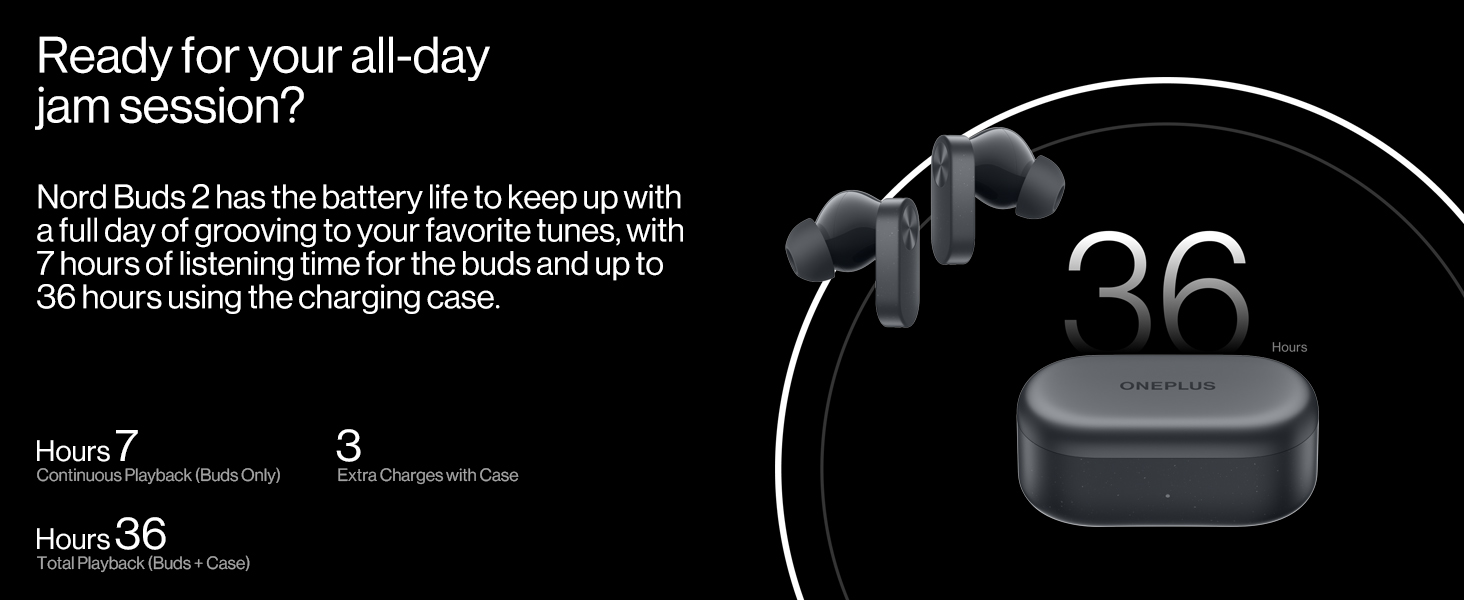
Image: Visual representation of the battery life, indicating 7 hours of continuous playback for earbuds and 36 hours total with the charging case.
4.2 Жупташуу
- Биринчи жолу жупташтыруу: Open the charging case with the earbuds inside. The earbuds will automatically enter pairing mode.
- Түзмөккө туташуу: On your smartphone or Bluetooth device, go to Bluetooth settings and select "OnePlus Nord Buds 2" from the list of available devices.
- Re-pairing/New Device: To pair with a new device or re-pair, place the earbuds in the case, open the lid, and press and hold the function button on the case for 2 seconds until the indicator light flashes white. Then select the earbuds on your device.
- Fast Pairing (OnePlus Devices): For OnePlus devices, simply open the charging case near your phone, and a pop-up will appear for quick connection.
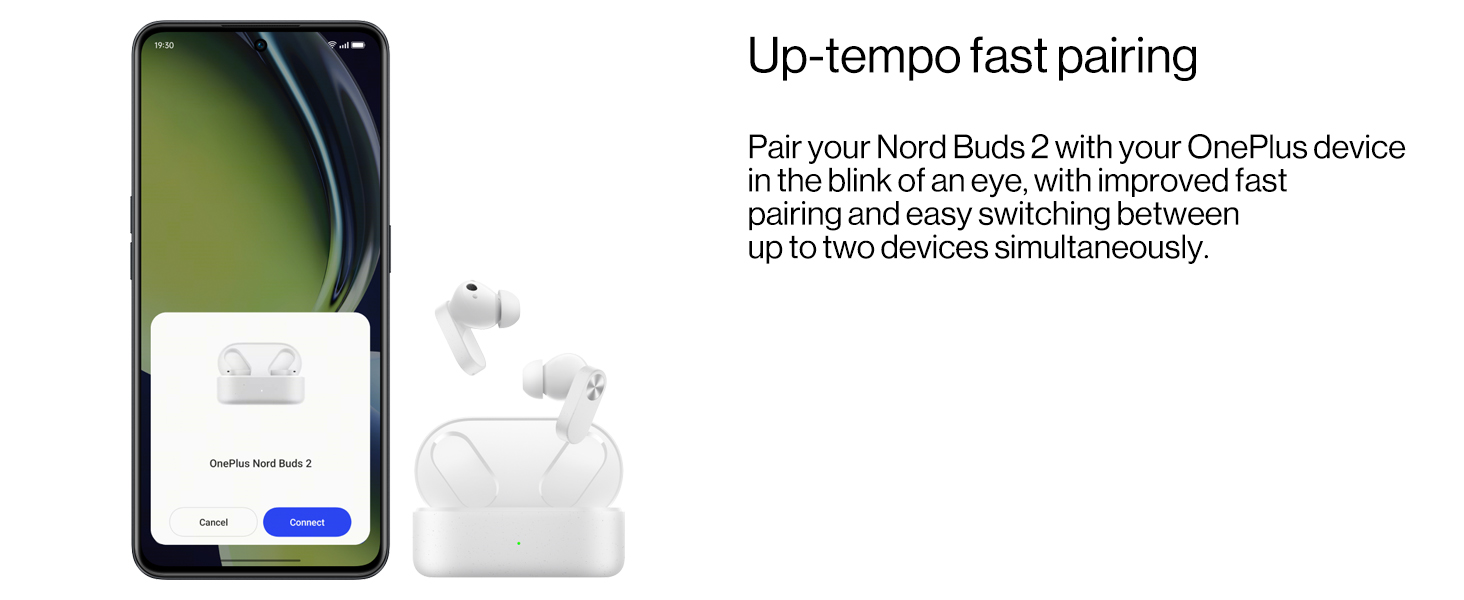
Image: A smartphone screen showing the fast pairing interface for OnePlus Nord Buds 2.
4.3 Кулакчындарды тагынуу
- Кулак учтарын тандаңыз: Choose the eartips that provide the best seal and comfort for your ears. Different sizes are included.
- Кулакчындарды салуу: Кулакчындарды кулак каналдарыңызга акырын киргизиңиз.
- Позицияны тууралоо: Rotate the earbuds slightly until they fit securely and comfortably, ensuring the stem points downwards. A proper fit is crucial for optimal sound quality and Active Noise Cancellation performance.

Image: A selection of eartips in different sizes, allowing users to find the best fit for comfort and sound isolation.
5. Кулакчындарды иштетүү
5.1 Сенсордук башкаруу
The touch control area is located on the stem of each earbud. Functions can be customized via the HeyMelody app.
- Бир жолу таптоо: Музыканы ойнотуу/тындыруу, Чалууга жооп берүү/аяктоо.
- Эки жолу таптоо: Кийинки трек, Чакырууну четке кагуу.
- Үч жолу таптоо: Мурунку трек.
- Press and Hold (1 second): Switch between Noise Cancellation modes (ANC On, Transparency, ANC Off).
5.2 Активдүү ызы-чууну жокко чыгаруу (ANC)
The Nord Buds 2 feature up to 25dB Active Noise Cancellation to reduce ambient noise. Press and hold the touch control area on either earbud to cycle through ANC On, Transparency Mode, and ANC Off.

Image: A visual representation of how Active Noise Cancellation works, showing an earbud suppressing ambient sound waves.
5.3 Айкындуулук режими
Transparency Mode allows you to hear your surroundings while still listening to audio. This is useful for situational awareness. Activate it by pressing and holding the touch control area.
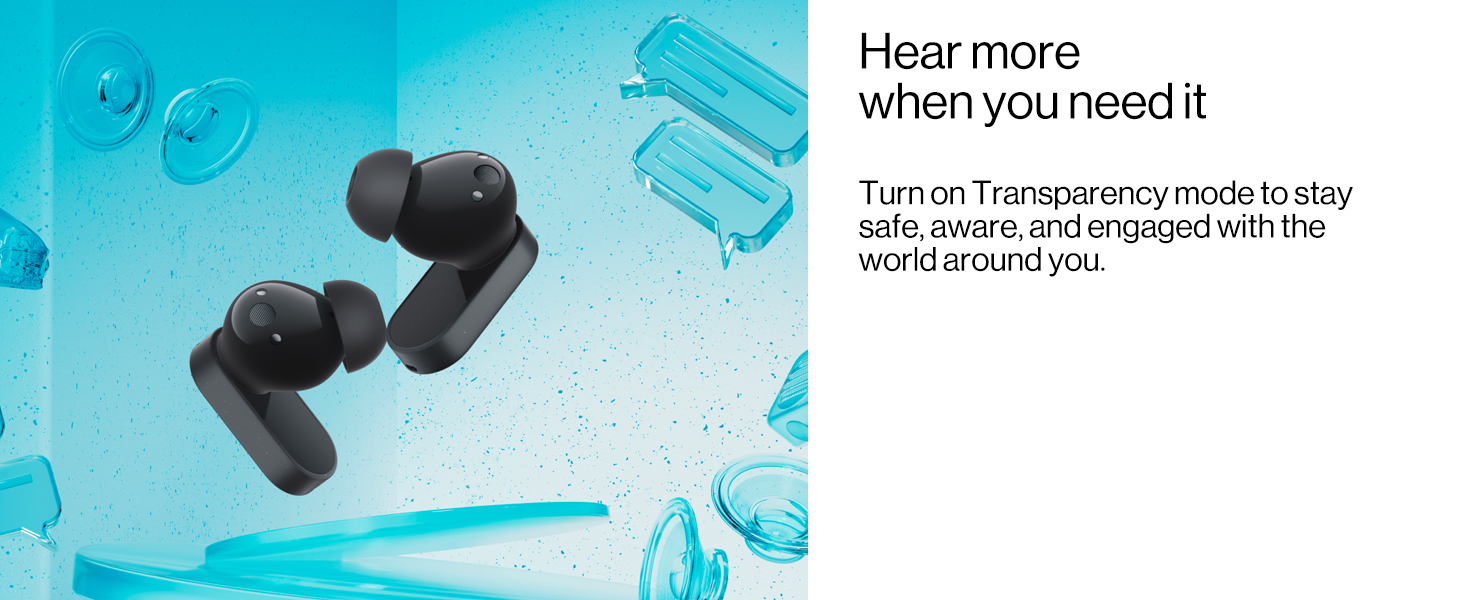
Image: Earbuds depicted with elements suggesting external sound, illustrating the function of Transparency Mode.
5.4 Sound Master Equalizers and BassWave Technology
Customize your audio experience using the HeyMelody app. The app provides various sound profiles (Balance, Vocal, Transparent) and the BassWave bass enhancement algorithm for dynamic low-frequency response.
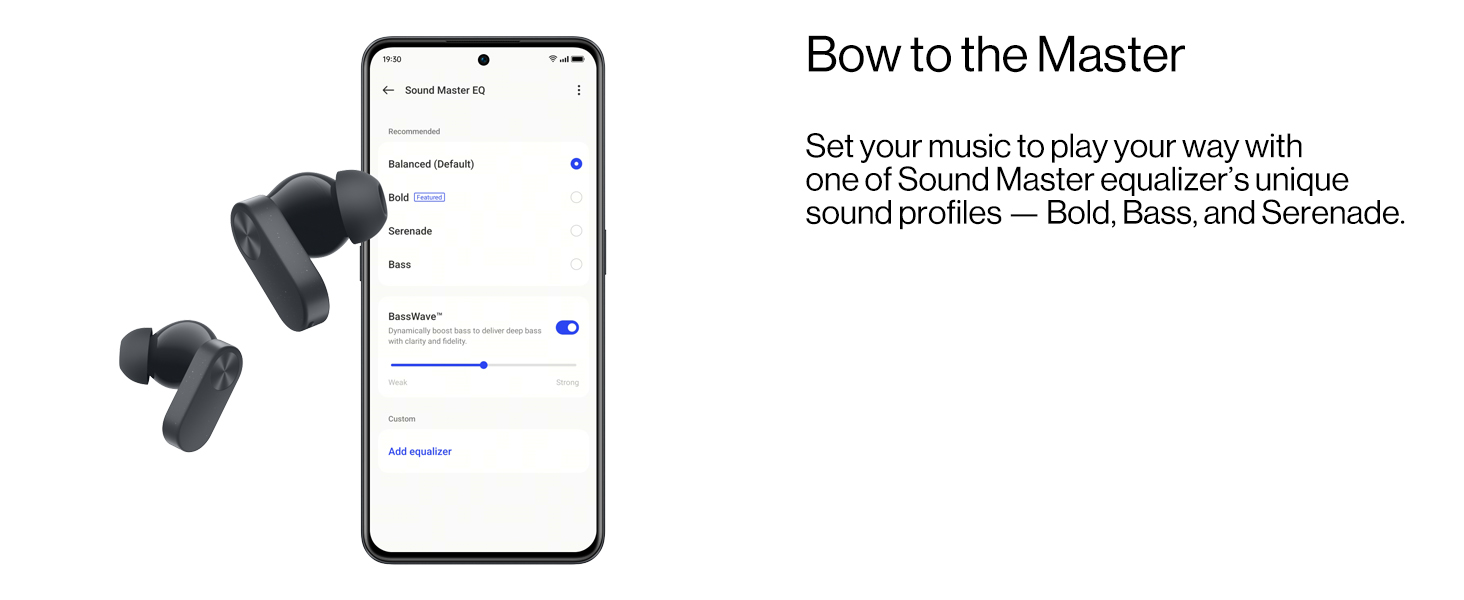
Image: A smartphone screen displaying the Sound Master Equalizer settings within the HeyMelody app, showing options for sound profiles and BassWave.
5.5 Чакыруу функциялары
The Nord Buds 2 feature a 4-mic design and AI Clear Calls algorithm for clear voice pickup during calls, filtering out background noise.

Image: An illustration of an earbud indicating the placement and function of the noise cancellation and call clarity microphones.
6. Техникалык тейлөө
6.1 Тазалоо
Үзгүлтүксүз тазалоо оптималдуу натыйжалуулукту жана гигиенаны сактоого жардам берет:
- Кулакчындарды жана кубаттоочу кутуну сүртүү үчүн жумшак, кургак, түксүз чүпүрөктү колдонуңуз.
- Кичинекей, таза щетка же кебез тампонду колдонуп, кулактын учтары менен динамиктин торунан кулактын кирин же калдыктарын акырын алып салыңыз.
- Кулакчындардагы жана кутудагы кубаттоо контакттары таза жана кургак экенин текшериңиз.
- Абразивдүү материалдарды, спиртти же химиялык тазалоочу каражаттарды колдонбоңуз.
6.2 Water Resistance (IP55 Rating)
The OnePlus Nord Buds 2 earbuds have an IP55 rating, indicating resistance to dust and splashes of water. This means they can withstand sweat and light rain. However, they are not waterproof and should not be submerged in water or exposed to high-pressure water jets.
- Dry the earbuds completely before placing them back into the charging case to prevent damage.
- Заряддоо кутусу сууга чыдамдуу эмес.
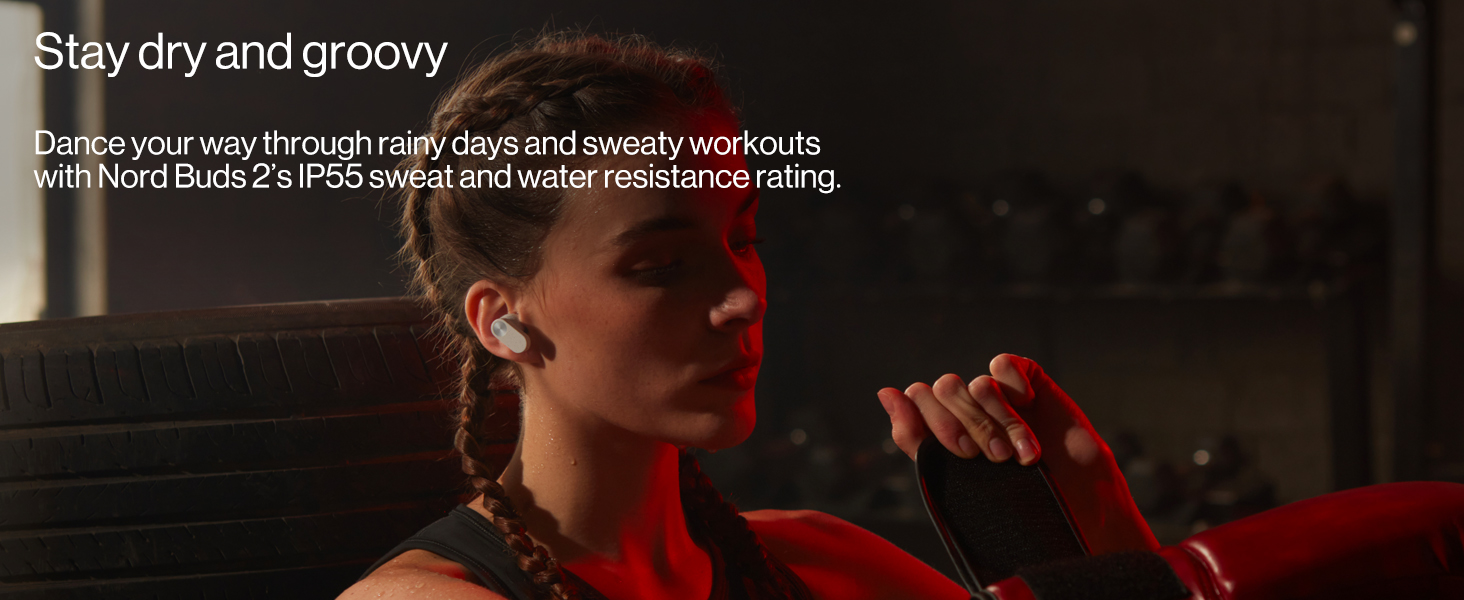
Image: A user wearing the earbuds during a workout, demonstrating their IP55 rating for sweat and water resistance.
7. Кыйынчылыктарды
7.1 Жалпы маселелер жана чечимдер
- Кулакчындар жупташкан жок:
- Кулакчындардын кубатталганын текшериңиз.
- Place earbuds in the case, close the lid, then open it. Press and hold the function button on the case for 2 seconds until the indicator light flashes white.
- Түзмөгүңүздөгү Bluetooth'ду өчүрүп, күйгүзүңүз.
- Bluetooth жөндөөлөрүңүздө түзмөктү унутуп, кайра жупташтырып көрүңүз.
- Бир кулакчындан үн чыкпайт:
- Эки кулакчындын тең кубатталганын текшериңиз.
- Кулакчындын жана каптын заряддоочу контакттарын тазалаңыз.
- Try resetting the earbuds (refer to the full user guide for specific reset instructions).
- Көлөмү төмөн же үн сапаты начар:
- Туташкан түзмөгүңүздөгү үндү тууралаңыз.
- Ensure eartips are correctly sized and provide a good seal.
- Clean the speaker mesh for any obstructions.
- Check equalizer settings in the HeyMelody app.
- ANC эффективдүү эмес:
- Кулакчындардын кулагыңызга туура орнотулганын жана жакшы жабылганын текшериңиз.
- Verify ANC is activated via touch control or the HeyMelody app.
8. Техникалык шарттар
| Модел | E508A |
| Байланыш | Bluetooth 5.3 |
| Зымсыз диапазон | 10 метрге чейин |
| Айдоочунун өлчөмү | 12.4mm Dynamic Titanium Drivers |
| Noise Control | Активдүү ызы-чууну жокко чыгаруу (25дБ чейин) |
| Микрофондор | 4-Mic Design for calls |
| Батареянын иштөө мөөнөтү (наушник) | 7 саатка чейин (бир кубаттоо) |
| Батареянын иштөө мөөнөтү (бардыгы куту менен) | 36 саатка чейин |
| Заряддоо убактысы (капка) | Approximately 36 hours (This seems to be a typo in the source data, likely referring to total playback, not charge time. Actual charge time is typically much shorter, e.g., 1-2 hours for case.) |
| Тез заряддоо | 5 саат ойнотуу үчүн 10 мүнөт заряддаңыз |
| Суу каршылык | IP55 (Кулакчындар гана) |
| Башкаруу түрү | Touch Control |
| Салмагы | 47 грамм (жалпы) |
9. Кепилдик жана колдоо
For detailed warranty information, please refer to the included Warranty & Safety Card. This document outlines the terms and conditions of your product warranty.
For further assistance, technical support, or to access the full user manual, please visit the official OnePlus support webсайтка же кардарларды тейлөөгө кайрылыңыз.
Өндүрүүчү: ONEPLUS TECHNOLOGY (SHENZHEN) CO., LTD.
Импорттоочу: MOBITECH CREATIONS PRIVATE LIMITED


