1. Киришүү
Thank you for choosing the Claiks Electric Standing Desk. This manual provides detailed instructions for the assembly, operation, maintenance, and troubleshooting of your new adjustable height desk. Please read this manual thoroughly before assembly and use to ensure safe and efficient operation.

Figure 1: Claiks Electric Standing Desk (Nature Top, White Frame)
2. Коопсуздук боюнча маанилүү маалымат
Продукцияга зыян келтирбөө үчүн төмөнкү коопсуздук эрежелерин сактаңыз:
- Use responsibly.
- 176 фунт (80 кг) максималдуу салмак чегинен ашпаңыз.
- Ensure the desk is stable on a level surface before use.
- Бардык монтаждоо көрсөтмөлөрүн кылдаттык менен аткарыңыз.
- Иш учурунда балдарды жана үй жаныбарларын столдон алыс кармаңыз.
- Суюктуктарды түздөн-түз башкаруу панелине же мотор компоненттерине коюудан алыс болуңуз.
3. Пакеттин мазмуну
Монтаждоону баштоодон мурун бардык компоненттер бар экендигин текшериңиз. Эгерде кандайдыр бир бөлүктөрү жок же бузулуп калса, кардарларды колдоо менен байланышыңыз.
Figure 2: Claiks Standing Desk Parts List
Пакетке төмөнкүлөр кирет:
- Desktop sections (40x24 inches, Nature finish)
- Electric lifting columns (White frame)
- Desk feet
- Дисплей менен башкаруу панели
- Motor and power adapter
- Трансмиссия таякчасы
- Side plates and crossbar
- Кулакчын илгичи
- Кабелдик клиптер
- Жөнгө салынуучу буттар (x4)
- Монтаждоо жабдыктары (буроолор, Аллен ачкычы)
- Орнотуу боюнча колдонмо
4. Орнотуу жана чогултуу
The Claiks Electric Standing Desk is designed for easy assembly. A detailed installation manual is included in your package. Please refer to it for step-by-step visual guidance.
4.1 Жыйын бүттүview
Assembly typically involves connecting the lifting columns to the feet, attaching the crossbar, securing the desktop sections, and installing the control panel and accessories.

Figure 3: Desk Dimensions and Key Features
4.2 Desktop Assembly (for Splice Board Models)
For models with a splice board, ensure correct orientation of the desktop sections. The main desktop piece connects to the side pieces. Use the provided screws to securely fasten them together.
4.3 Рамка монтажы
Connect the lifting columns to the feet using the designated screws. Then, attach the crossbar between the two lifting columns. Ensure all screws are tightened for stability.
4.4 Transmission Rod Installation
The transmission rod connects the two lifting columns to ensure synchronized movement. Insert the rod into the hexagonal nut on the left leg's hole position. Adjust the rod to the appropriate length and angle, then insert it into the slot of the right leg motor. Ensure it is fully inserted and aligned. If the left leg is unable to synchronize lift, it may be due to incorrect alignment or insufficient insertion of the transmission rod.
Video 1: Correcting Misalignment between Desktop Holes and Table Leg
Video 2: Fixing Asynchronous Elevation of Left Leg (Non-Motor Side)
4.5 Attaching the Desktop to the Frame
Carefully place the assembled desktop onto the frame, aligning the pre-drilled holes. Use the provided screws to secure the desktop to the frame. Ensure the side plates are installed with the outer side connected to the table leg for proper alignment.
4.6 Control Panel and Accessories
Attach the multi-function intelligent keypad to the underside of the desk using the small screws. Connect the motor cable and power cable to the control panel. Install the headphone hook and cable clips as desired for cable management.

Figure 4: Multi-Function Intelligent Keypad
5. Иштөө нускамалары
Your Claiks Electric Standing Desk features an intuitive control panel for easy height adjustment.
5.1 Бийиктикти тууралоо
- колдонуу Өйдө (^) жана Төмөн (v) arrow buttons to manually adjust the desk height. The height range is from 28.3 inches to 46.5 inches.
- Санарип дисплей учурдагы бийиктикти дюйм менен көрсөтөт.
5.2 Эстутум алдын ала орнотууларды колдонуу
The control panel has three preset buttons (1, 2, 3) to save and recall your preferred heights.
- Алдын ала орнотууну сактоо үчүн: Adjust the desk to your desired height using the Up/Down arrows. Press and hold one of the preset buttons (1, 2, or 3) until the display flashes or beeps, indicating the height has been saved.
- Алдын ала орнотууну кайра чакырып алуу үчүн: Simply press the corresponding preset button (1, 2, or 3). The desk will automatically move to the saved height.
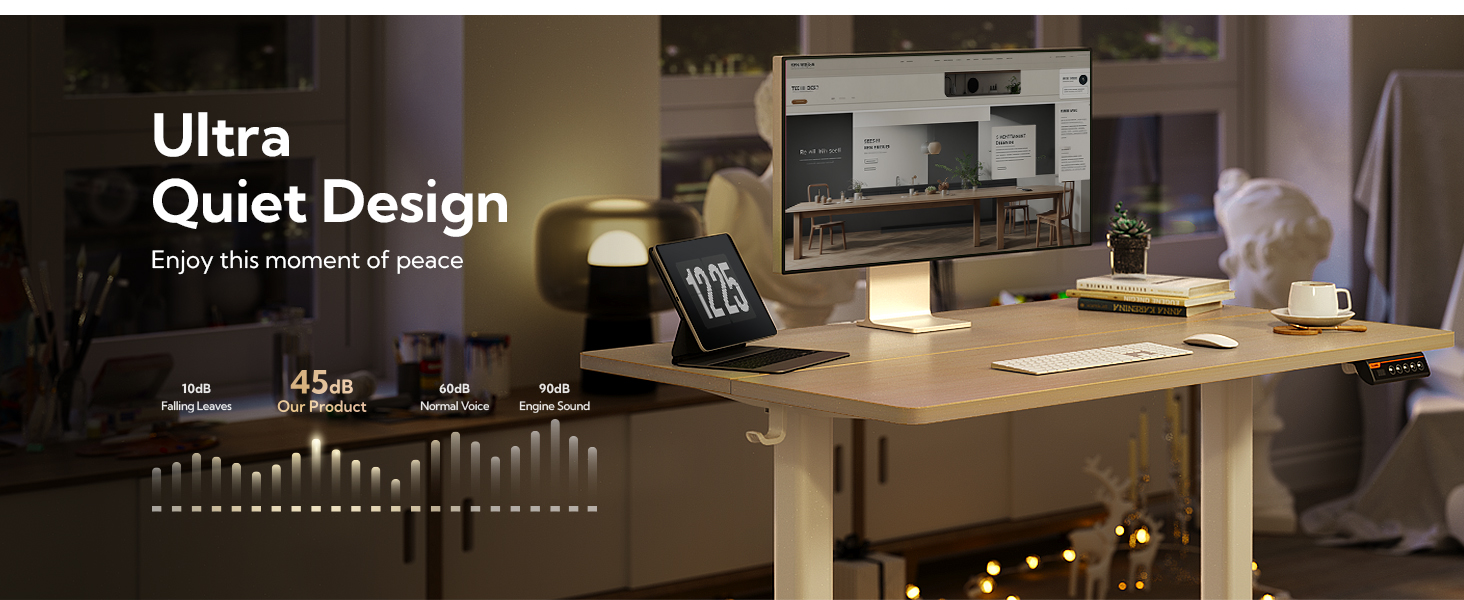
Figure 5: Sleek Touch Design and Ergonomic Workspace
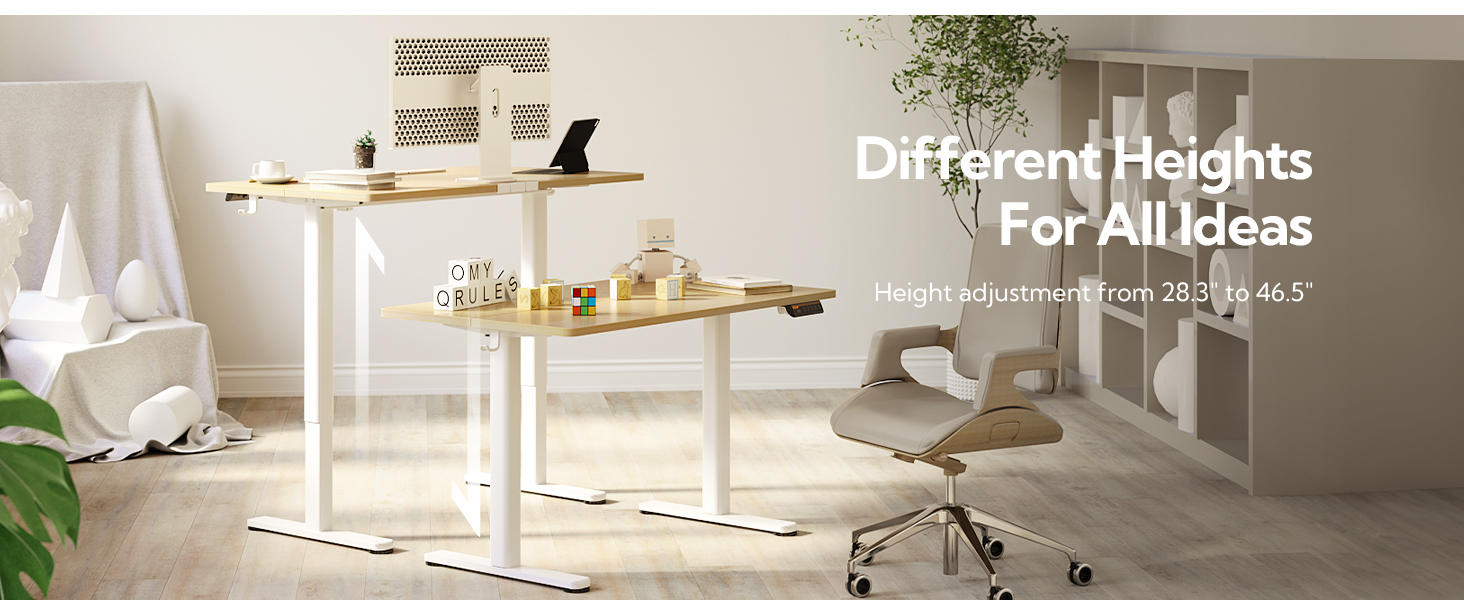
Figure 6: Electric Height Adjustable Functionality
6. Техникалык тейлөө
To ensure the longevity and optimal performance of your Claiks Electric Standing Desk, follow these maintenance tips:
- Бардык бурамалар менен туташуулардын бекем экенине ынануу үчүн аларды үзгүлтүксүз текшерип туруңуз.
- Жумушчу столдун бетин жумшак, d менен тазалаңызamp кездеме. Катуу химиялык заттардан алыс болуңуз.
- Моторду жана электрдик тетиктерди чаңдан жана нымдуулуктан алыс кармаңыз.
- Do not overload the desk beyond its 176-pound weight capacity.
7. Кыйынчылыктарды
If you encounter any issues with your desk, please refer to the following common troubleshooting solutions:
7.1 Control Panel Display Shows "rES"
If the control panel displays "rES" and none of the buttons are working, the desk needs to be reset.
- Калыбына келтирүү үчүн: Press and hold the Down (v) button for 8 seconds until the display shows "28.3", then release the button. Once reset, the up and down buttons on the control panel can adjust the height normally.
Video 3: Step-by-Step: Resolving rES Mode on Desk Control Panels
7.2 Asynchronous Leg Movement
If one leg (non-motor side) is not moving synchronously with the other, it may indicate an issue with the transmission rod installation.
- Чечим: Refer to section 4.4 on Transmission Rod Installation. Ensure the rod is correctly aligned with the internal threads of the hex nut and fully inserted into the slot of the right leg motor.
8. Техникалык шарттар
| Өзгөчөлүк | Спецификация |
|---|---|
| Бренд | Claiks |
| Модель номери | P1.01.001 |
| Продукциянын өлчөмдөрү | 24"D x 40"W x 28"H |
| Түс | Nature (Top), White (Frame) |
| Минималдуу бийиктик | 28.3 дюйм |
| Максималдуу бийиктик | 46.5 дюйм |
| Максималдуу салмак боюнча сунуш | 176 фунт (80 кг) |
| Негизги материал | Эритме болот |
| Жогорку Материал түрү | Metal (with Wood Stain/White finish) |
| Өзгөчөлүктөр | Adjustable Height, Electric, Ergonomic, Home Office |
| Ассамблея талап кылынат | Ооба |
9. Кепилдик жана колдоо
9.1 Кепилдик маалыматы
The Claiks Electric Standing Desk comes with a Чектелген Кепилдик. Some customers have reported a 2-year warranty period. For specific details regarding your warranty coverage, please refer to the warranty card included in your package or contact Claiks customer support directly.
9.2 Кардарларды колдоо
If you have any questions, require assistance with assembly, or need troubleshooting support, please visit the Claiks Store on Amazon or contact Claiks customer service through the platform where you purchased the product.


