1. Продукт бүтүп калдыview
The Rraycom BW4-N-White-2Pack is a 5MP battery-powered wireless outdoor camera system designed for comprehensive home security. It features advanced AI motion detection, two-way audio, color night vision, and is built to withstand various weather conditions with an IP66 waterproof rating. This manual provides detailed instructions for setting up, operating, and maintaining your Rraycom security cameras.
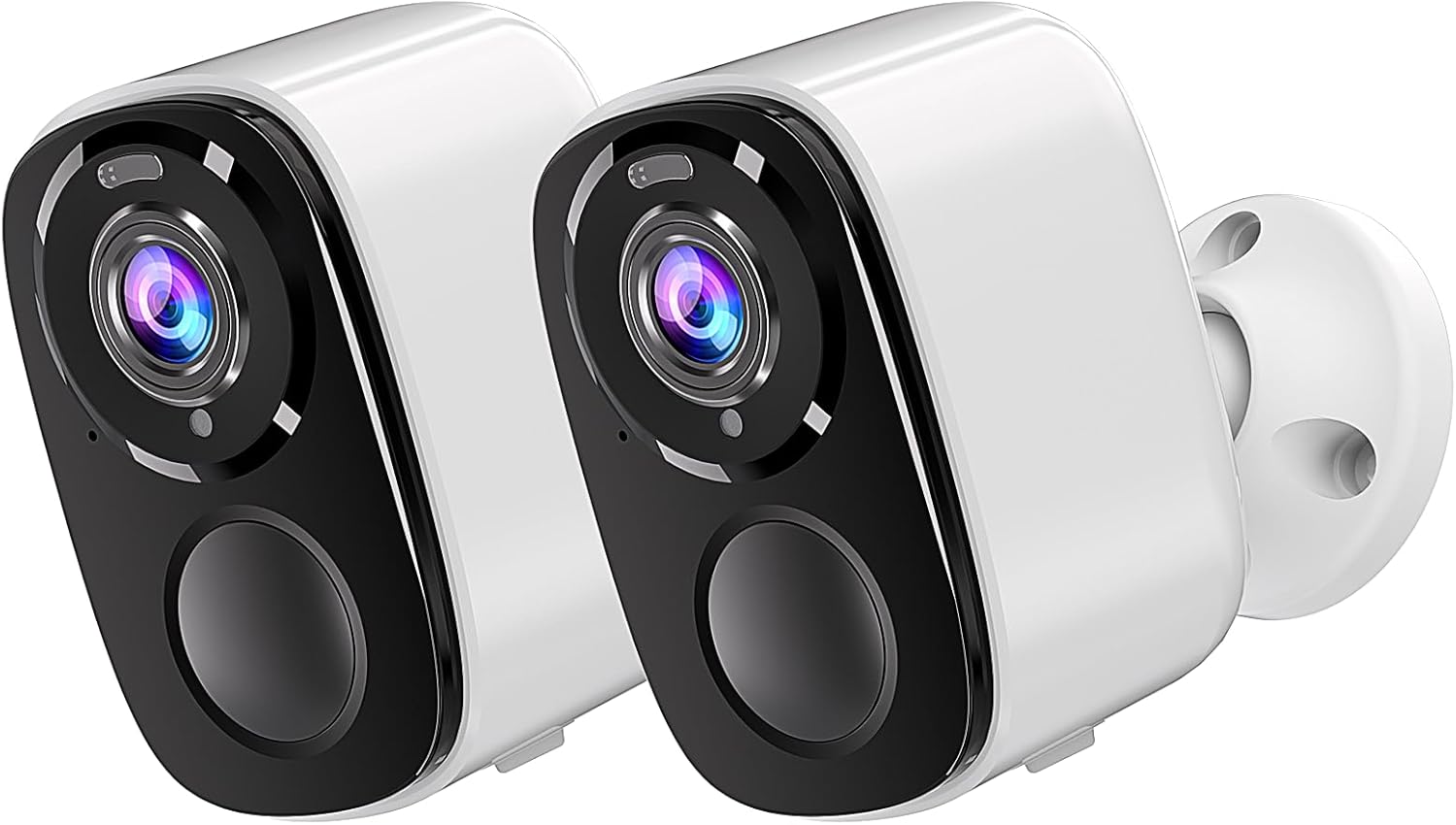
Image: Two Rraycom BW4-N-White-2Pack wireless outdoor cameras, showcasing their compact design and white finish.
2. Кутуда эмне бар
Сиздин пакетте бардык компоненттер бар экенин текшериңиз:
- Rraycom BW4-N-White-2Pack Wireless Outdoor Cameras (2 units)
- Монтаждоо бурамалар
- Siren (integrated)
- Кайра заряддалуучу батарейкалар (алдын ала орнотулган же кошо берилет)
- User Manual
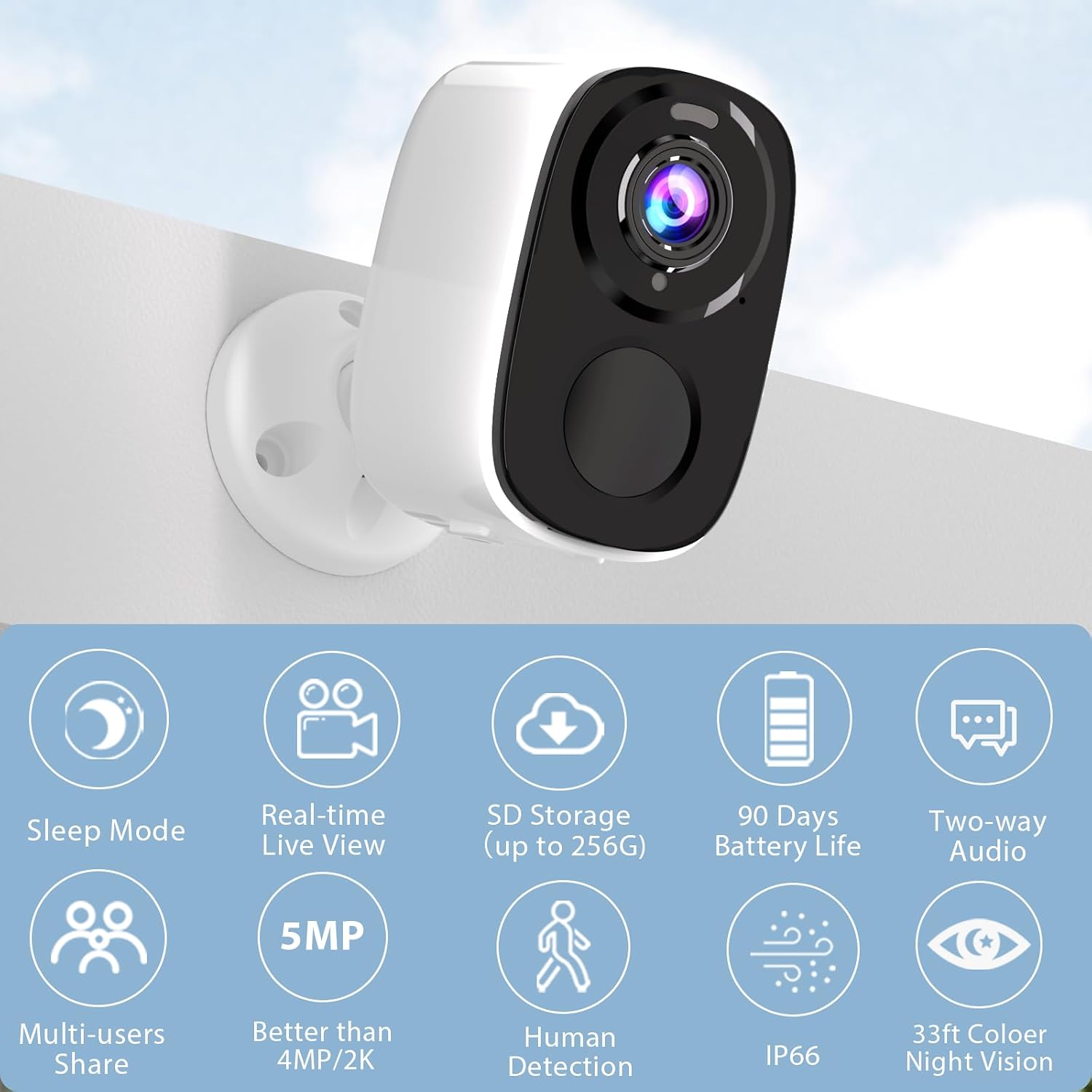
Image: A single Rraycom camera mounted on a wall, surrounded by icons illustrating its key features such as sleep mode, real-time live view, SD storage, 90-day battery life, two-way audio, multi-user sharing, 5MP resolution, human detection, IP66 weather resistance, and 33ft color night vision.
3. Негизги өзгөчөлүктөрү
- PIR Motion Detection & AI Recognition: Utilizes infrared sensor technology and cloud image analysis for real-time motion detection, sending instant alerts. Customizable detection zones reduce unwanted notifications.
- Wireless & Rechargeable Battery: Cordless operation with a 5200mAh battery, offering 1 to 6 months of operation on a full charge depending on usage.
- 5MP 2.7K Resolution & Color Night Vision: Delivers 2560*1920P clear image quality. Features full-color night vision and infrared night vision up to 33ft.
- Easy Installation & IP66 Waterproof: Designed for quick setup in various outdoor and indoor locations. IP66 rating ensures resistance to harsh weather. Operates only with 2.4GHz WiFi.
- SD & FREE Cloud Storage: Supports micro SD card (up to 256GB, not included) and offers free 1-day rolling cloud storage for life without subscription.
- Эки тараптуу аудио: Allows for clear conversations through the camera, enabling communication with visitors or deterring intruders.

Image: Visual comparison demonstrating the superior clarity of 5MP resolution over 3MP, and an illustration of the camera's spotlight feature for enhanced night vision.
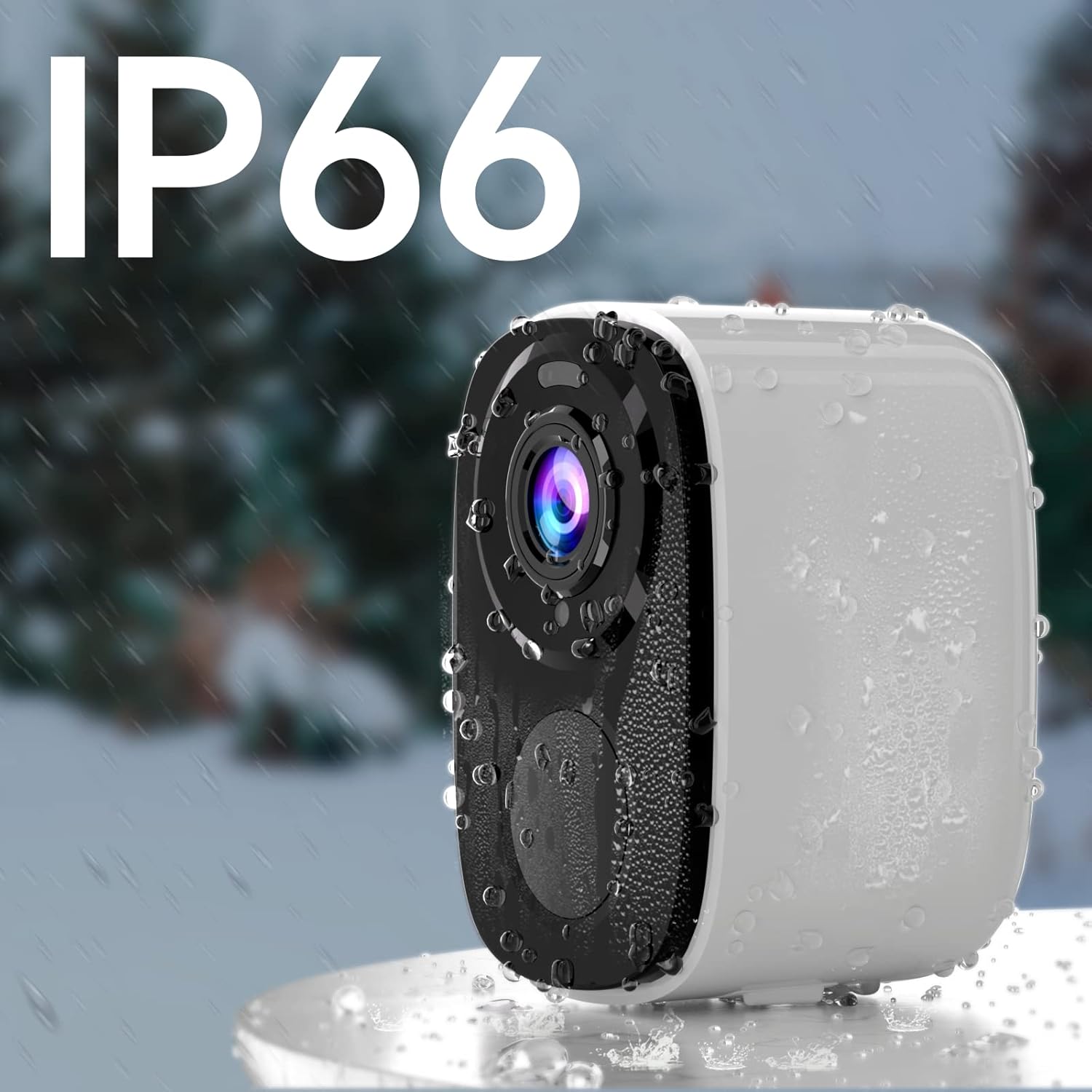
Image: A Rraycom camera with water droplets on its surface, highlighting its IP66 waterproof and weather-resistant design.
4. Орнотуу колдонмосу
- Камераны заряддоо: Before first use, fully charge the camera's battery using the provided USB cable. A full charge can take several hours.
- Download the O-KAM App: Издөө "O-KAM" in the App Store (iOS) or Google Play Store (Android) and install it on your smartphone.
- Каттоо эсебин каттоо: Open the O-KAM app and follow the on-screen instructions to create a new account.
- Түзмөк кошуу: Tap the "+" icon in the app to add a new device. Select your camera model and follow the pairing instructions. Ensure your Wi-Fi network is 2.4GHz.
- Камераны орнотуу: Choose a suitable location for installation. Use the included screws and bracket to securely mount the camera. Ensure the camera has a clear field of view and is within range of your 2.4GHz Wi-Fi network.

Image: A person easily installing a Rraycom camera on a ceiling, highlighting the simple installation process.
5. Иштөө нускамалары
5.1 Live View жана Ойнотуу
- Open the O-KAM app and select your camera to view жандуу тоют.
- Access recorded videos from the cloud storage or inserted SD card for playback.
5.2 Эки тараптуу аудио
Түз эфирде микрофон сүрөтчөсүн басыңыз view to speak through the camera. Tap the speaker icon to listen to audio from the camera's location.

Image: A delivery person speaking to someone through the Rraycom camera's two-way audio feature, with the mobile app interface visible on a smartphone.
5.3 Кыймылды аныктоо жана эскертүүлөр
- Configure motion detection sensitivity and set up specific detection zones within the app to minimize false alerts.
- Кыймыл аныкталганда смартфонуңузга заматта push эскертмелерин алыңыз.

Image: A Rraycom camera overseeing a detection zone in a driveway, with a smartphone showing real-time alerts for detected motion and persons.
5.4 Түнкү көрүү режимдери
The camera supports both full-color night vision and infrared night vision. You can switch between modes in the app settings based on your preference and lighting conditions.

Сүрөт: Бөлүнгөн экран view on a smartphone demonstrating the difference between 5MP color night vision and infrared night vision modes, capturing details in low light.
5.5 Сирена жана прожекторлор
Activate the integrated siren and spotlights via the app to deter intruders or alert others to suspicious activity.

Image: A Rraycom camera emitting a siren and spotlight, with a smartphone displaying a motion detection alert and options to activate the siren or spotlights, illustrating its deterrent capabilities.
5.6 Видео демонстрациялар
Видео: Бүттүview of the Rraycom camera's features and basic operation, demonstrating its ease of use and key functionalities.
Video: A demonstration of the camera's AI motion detection and alert system, showing how it identifies and notifies users of activity.
Video: A visual guide to setting up and customizing detection zones within the O-KAM app for optimized security monitoring.
6. Техникалык тейлөө
- Батареяны заряддоо: Recharge the camera battery when the app indicates low power. Battery life varies based on usage and environmental factors.
- Тазалоо: Мезгил-мезгили менен камеранын линзасын жана корпусун жумшак, гamp чаңды жана калдыктарды тазалоо үчүн кездеме. Катуу химиялык заттарды колдонбоңуз.
- Программалык камсыздоонун жаңыртуулары: Keep the camera firmware updated through the O-KAM app to ensure optimal performance and access to new features.
- Аба ырайын коргоо: While IP66 rated, avoid direct high-pressure water jets and extreme temperatures to prolong the camera's lifespan.
7. Кыйынчылыктарды
| Көйгөй | Мүмкүн себеп | Чечим |
|---|---|---|
| Камера Wi-Fi'га туташпайт | Туура эмес Wi-Fi сырсөзү; 5 ГГц Wi-Fi тармагы; камера роутерден өтө алыс. | Ensure correct 2.4GHz Wi-Fi password; move camera closer to router or use a Wi-Fi extender. |
| Сүрөттүн сапаты начар | Кир линза; жарык аз шарттар; тармактын өткөрүү жөндөмдүүлүгүндөгү көйгөйлөр. | Clean the lens; ensure adequate lighting or use night vision; check network speed. |
| Кыймылды аныктоо эскертүүлөрү жок | Detection sensitivity too low; detection zone not set correctly; app notifications disabled. | Adjust sensitivity in app; redefine detection zones; enable app notifications in phone settings. |
| Батареянын иштөө мөөнөтү кыска | Frequent motion detection; continuous live view; extreme temperatures. | Reduce detection sensitivity; limit live view time; ensure optimal operating temperature. |
| Эки тараптуу аудио иштебейт | Microphone/speaker permissions not granted; low volume settings. | Check app permissions for microphone; adjust volume settings in app and on phone. |
If you encounter issues not listed here, please refer to the customer service section for support.
8. Техникалык шарттар
| Өзгөчөлүк | Деталь |
|---|---|
| Модел | BW4-N-White-2Pack |
| Видео тартуунун резолюциясы | 5 МП (2560*1920P) |
| Power Source | Батарея менен иштейт (5200 мАч литий-ион) |
| Connectivity Protocol | Wi-Fi (2.4 ГГц гана) |
| Түнкү көрүү диапазону | Up to 33 Feet (Color and Infrared) |
| Field Of View | 120 градус |
| Эл аралык коргоо рейтинги | IP66 |
| Сактагыч параметрлери | Micro SD card (up to 256GB), Cloud Storage |
| Шайкеш түзмөктөр | Smartphone (iOS/Android), Amazon Alexa |
| Монтаж түрү | Дубалга орнотуу |
| Элемент Салмагы | 1.3 фунт |
9. Кепилдик жана Кардарларды колдоо
Rraycom is committed to providing high-quality products and excellent customer service. For any questions, technical assistance, or warranty inquiries, please contact our support team.
- Электрондук почта колдоо: aftersale@rraycom.com
- Онлайн ресурстар: Visit the official Rraycom store on Amazon for FAQs and additional product information: Rraycom Store

Image: An illustration depicting a customer service representative, emphasizing available support via email at aftersale@rraycom.com.


