Продукт бүттүview
The TRIGKEY G4 Mini PC is a compact and powerful desktop computer designed for various uses, including office work, education, and home entertainment. It features a 12th Gen Intel Alder Lake-N100 processor, 16GB DDR4 RAM, and a 500GB M.2 SSD, offering efficient performance in a small form factor.

Сүрөт: алдыңкы view of the TRIGKEY G4 Mini PC, showcasing анын компакт дизайны жана алдыңкы порттору.
Кутуда эмне бар
Upon unboxing your TRIGKEY G4 Mini PC, you should find the following items:
- 1 x TRIGKEY Mini PC Intel-N100 16GB+500GB
- 1 х кубат адаптери
- 1 x HDMI Cable(100cm)
- 1 x User Manual
- 1 x Vesa Mount with Screws
Орнотуу колдонмосу
1. Баштапкы байланыш
Before powering on your Mini PC, ensure all necessary peripherals are connected.
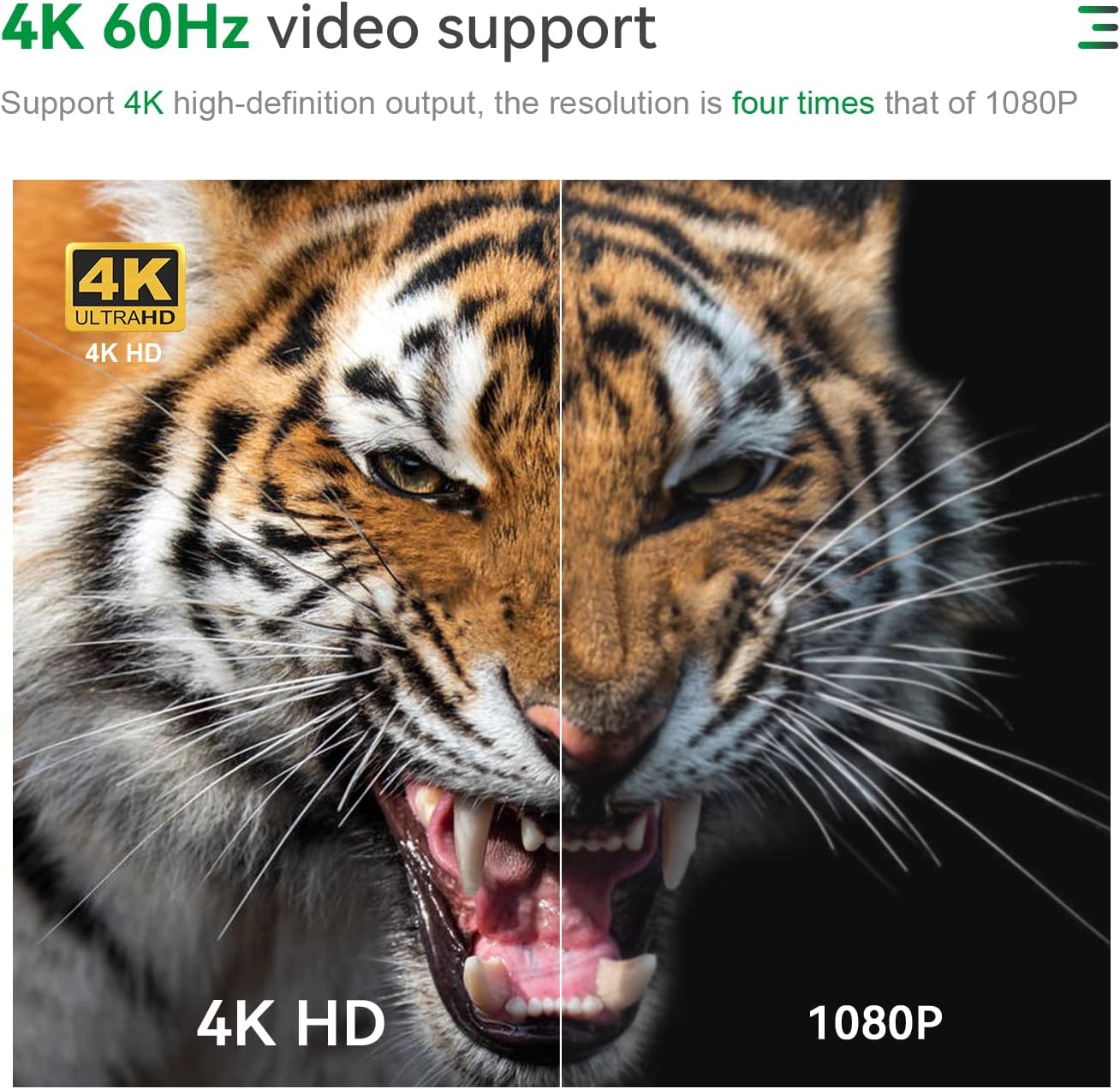
- Дисплейди туташтыруу: Use the provided HDMI cable to connect the Mini PC to your monitor or TV. The device supports dual 4K@60Hz displays.
- Перифериялык түзүлүштөрдү туташтыруу: Plug in your keyboard, mouse, and any other USB devices into the available USB 3.2 ports.
- Туташуу кубаты: Connect the power adapter to the DC power input port on the Mini PC, then plug it into a power outlet.
Сүрөт: Арткы view of the TRIGKEY G4 Mini PC showing various ports including HDMI, LAN, and USB, with cables connected.
2. First Boot and Operating System
The TRIGKEY G4 Mini PC comes with OS 11 Pro preinstalled. Upon first boot, follow the on-screen instructions to complete the initial setup of the operating system.

Image: Visual representation of various operating systems supported, including Windows 11 Pro and Linux distributions.
Иштөө нускамалары
Күйгүзүү/өчүрүү
Press the power button located on the front of the Mini PC to turn it on. To turn it off, use the standard shutdown procedure within the operating system.
Кош дисплей орнотуу
The Mini PC supports dual 4K@60Hz displays via its two HDMI 2.0 ports. Connect two monitors to these ports for an extended desktop experience, enhancing productivity for tasks like office work, design, and multimedia.

Image: A TRIGKEY G4 Mini PC connected to two monitors, demonstrating its dual 4K display capability.
Байланыш
The Mini PC offers robust connectivity options:
- Wi-Fi 6 (802.11ax): Provides fast and stable wireless internet connection.
- Bluetooth 5.2: For connecting wireless peripherals such as keyboards, mice, and headphones.
- LAN (1000Mbps): A gigabit Ethernet port for wired network connections.
- USB 3.2 Type-A (10Gbps): Four high-speed USB ports for data transfer and connecting devices.

Сүрөт: деталдуу view of the TRIGKEY G4 Mini PC's front and rear interfaces, highlighting USB, HDMI, LAN, and audio ports.
Типтүү колдонуу учурлары
The TRIGKEY G4 Mini PC is suitable for a variety of applications:
- Офис иши: Ideal for running productivity software like Microsoft Office, AI, PS, CAD, and PR.
- Билими: A compact solution for learning environments and school computer rooms.
- Үйдөгү көңүл ачуу: Supports 4K video playback for streaming and multimedia consumption.
- Дизайн: Capable of handling design software with its Intel UHD Graphics.

Image: Collage showing the Mini PC being used in different scenarios such as education, home theater, audio making, office, and design.
Техникалык тейлөө
Сактагычты кеңейтүү
The Mini PC comes with a 500GB M.2 SSD. You can expand storage by adding a 2.5-inch SATA3 HDD or M.2 SATA3 2280 SSD, supporting up to 2TB (not included). This allows for significant storage upgrades for your fileлар жана колдонмолор.

Image: Internal components of the Mini PC, highlighting the M.2 SSD slot and DDR4 RAM module, indicating expandability.
Муздатуу системасы
The device features an upgraded cooling system, including a large silent CPU fan, copper heat sink, and a dedicated SSD cooling shield, ensuring efficient heat dissipation and stable performance during operation.

Сүрөт: жарылды view diagram illustrating the cooling fan, heat sink, and hard drive cooler components of the Mini PC.
Проблемаларды чечүү
If you encounter any issues with your TRIGKEY G4 Mini PC, consider the following general troubleshooting steps:
- Дисплей жок: Ensure all display cables are securely connected and the monitor is powered on and set to the correct input source.
- Кубат жок: Verify the power adapter is correctly connected to both the Mini PC and a working power outlet.
- Жай аткаруу: Check for background applications, ensure sufficient free storage space, and consider updating drivers.
- Тармак маселелери: For Wi-Fi, ensure you are connected to the correct network and the signal is strong. For wired connections, check the Ethernet cable and router status.
For more detailed assistance, please refer to the Support section.
Техникалык шарттар
| Өзгөчөлүк | Деталь |
|---|---|
| Процессор | Intel Alder Lake-N100 (4C/4T, up to 3.4GHz) |
| RAM | 16GB DDR4 (3200MHz) |
| Сактагыч | 500GB M.2 SSD (Expandable up to 2TB 2.5-inch SATA3 HDD / M.2 SATA3 2280 SSD) |
| Графика | Intel UHD Graphics 24EU |
| Display Output | Dual HDMI 2.0 (4K@60Hz) |
| Зымсыз байланыш | Wi-Fi 6 (802.11ax), Bluetooth 5.2 |
| Зымдуу туташуу | 1 x 1000Mbps LAN port |
| USB порттору | 4 x USB 3.2 Type-A (10Gbps) |
| Аудио порт | 1 x 3.5mm audio port |
| Операция системасы | OS 11 Pro (Preinstalled) |
| Өлчөмдөр | Окутуу үчүн. 4.52 х 4.01 х 1.61 дюйм |
| Салмагы | Болжол менен 1.58 фунт |

Image: A detailed table outlining the product specifications of the TRIGKEY G4 Mini PC.
Кепилдик жана колдоо
Кепилдик маалымат
TRIGKEY provides a one-year return policy under reasonable circumstances, along with exchange and warranty service. Please retain your proof of purchase for warranty claims.
Кардарларды колдоо
For any questions regarding your TRIGKEY G4 Mini PC, including operating system inquiries or technical issues, please contact the professional after-sales team through Amazon. They are available to provide assistance and guidance.
Video: An official product video from TRIGKEY showcasing the G4 Mini PC's features and capabilities.


