Introduction
Thank you for choosing the BINNUNE BG02 Gaming Headset. This manual provides detailed instructions for setting up, operating, and maintaining your new headset. Designed for immersive audio and clear communication, the BG02 is compatible with a wide range of gaming platforms, including PS5, PS4, Xbox One, Xbox Series S|X, PC, and Nintendo Switch.
Please read this manual thoroughly before use to ensure optimal performance and longevity of your headset.
Кутуда эмне бар
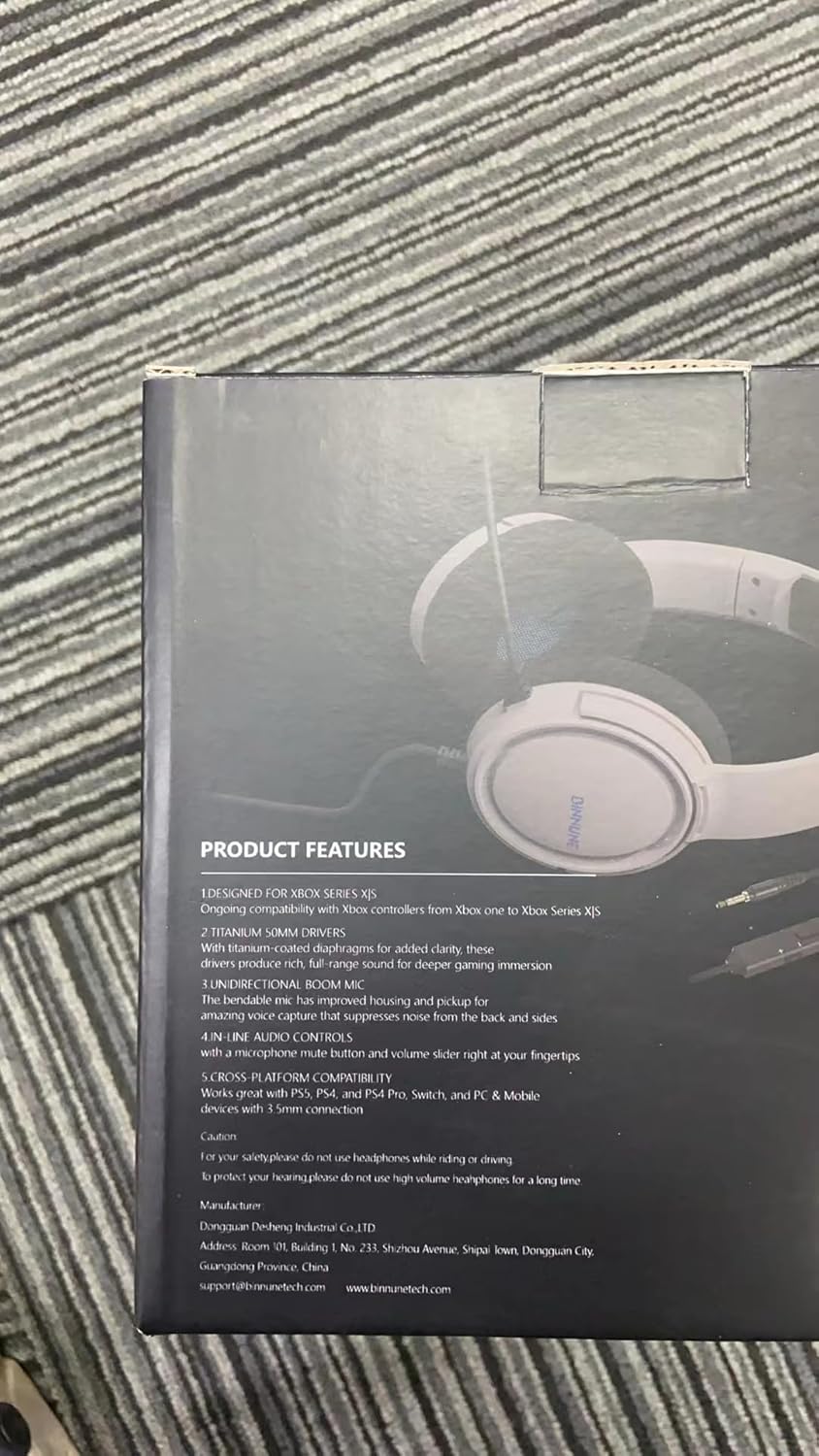
Image: All components included in the BINNUNE BG02 Gaming Headset package.
- BINNUNE BG02 Wired Gaming Headset (x1)
- Колдонуучунун колдонмосу (x1)
- Adapter Cable (x1)
Продукт бүттүview

Сүрөт: алдыңкы view of the BINNUNE BG02 Gaming Headset.
Негизги компоненттер:
- Жөнгө салынуучу баш боосу: For a comfortable fit during extended use.
- Soft Memory Foam Earpads: Узакка созулган ыңгайлуулук үчүн иштелип чыккан.
- Unidirectional Boom Microphone: Provides clear communication by suppressing background noise.
- In-line Audio Controls: Conveniently located volume control and microphone mute button.
- 50 мм драйверлер: High-precision drivers for crystal-clear audio and rich soundscapes.
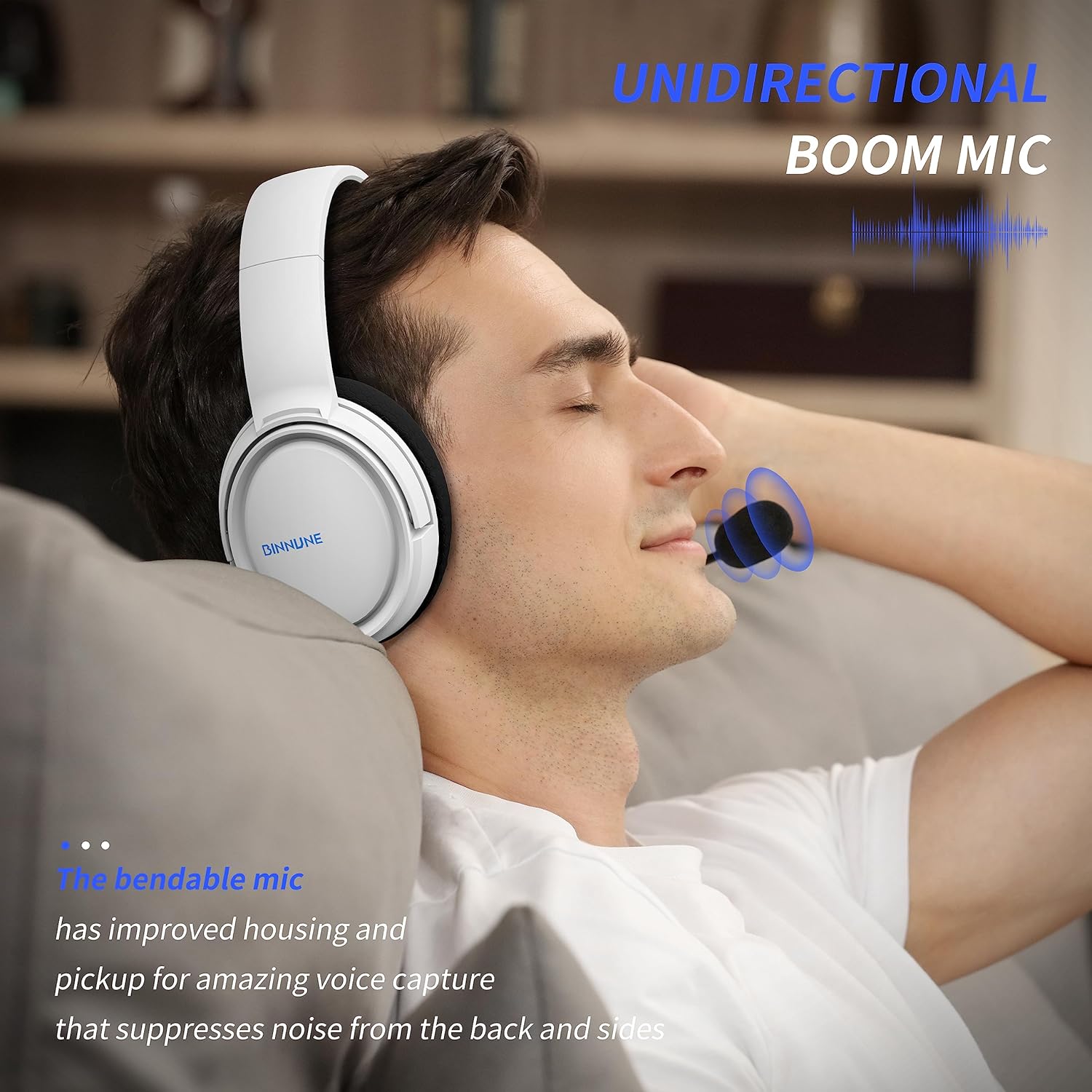
Image: Detail of the unidirectional boom microphone.

Image: Close-up of the in-line volume and mute controls.

Image: Illustration of the 50mm audio drivers.
Жайгашуу
Connecting to Gaming Consoles (PS5, PS4, Xbox One, Xbox Series S|X)
- Locate the 3.5mm audio jack on your console's controller.
- Plug the 3.5mm connector of the BINNUNE BG02 headset directly into the controller's audio jack.
- For some Xbox One controllers, an Xbox One Stereo Headset Adapter (sold separately) may be required if the controller does not have a 3.5mm jack.
- Adjust audio settings on your console as needed to ensure the headset is recognized and audio is routed correctly.

Image: Headset connected to a PlayStation 5 setup.
Компьютерге/ноутбукка туташуу
- If your PC/laptop has a single 3.5mm combined audio/microphone jack, plug the headset directly into it.
- If your PC/laptop has separate audio (green) and microphone (pink) jacks, use the included adapter cable. Plug the headset into the female end of the adapter, then plug the green and pink male ends into the corresponding jacks on your PC/laptop.
- Ensure your computer's sound settings are configured to use the headset as the default input and output device.
Connecting to Nintendo Switch / Mobile Devices
- Plug the 3.5mm connector of the headset directly into the 3.5mm audio jack on your Nintendo Switch or mobile device.

Image: Headset shown with various compatible devices.
Иштөө нускамалары
Үндү тууралоо
- Use the volume roller located on the in-line control unit to increase or decrease the audio output. Roll it up to increase volume, and down to decrease.
Микрофондун үнүн өчүрүү
- Press the microphone mute button on the in-line control unit to toggle the microphone on or off. When muted, your voice will not be transmitted.
Гарнитураны тагынуу
- Adjust the headband to ensure the earpads sit comfortably over your ears.
- Position the flexible boom microphone close to your mouth for optimal voice pickup.
Техникалык тейлөө
- Тазалоо: Гарнитураны тазалоо үчүн жумшак, кургак чүпүрөктү колдонуңуз. Катуу химиялык заттарды же абразивдүү материалдарды колдонбоңуз.
- Сактагыч: Гарнитураны күн нурунан жана экстремалдык температурадан алыс салкын, кургак жерде сактаңыз.
- Кабельге кам көрүү: Зыяндын алдын алуу үчүн кабелди курч ийилүүдөн же ашыкча тартуудан качыңыз.
- Микрофон: Handle the microphone boom gently.
Проблемаларды чечүү
| Көйгөй | Мүмкүн чечим |
|---|---|
| Гарнитурадан үн жок |
|
| Микрофон иштебей жатат |
|
| Үн бурмаланган же түшүнүксүз |
|
Техникалык шарттар
| Өзгөчөлүк | Деталь |
|---|---|
| Модель аты | BG02 |
| Байланыш технологиясы | Зымдуу |
| Наушник уясы | 3.5 мм Джек |
| Айдоочунун өлчөмү | 50 миллиметр |
| Жыштык диапазону | 20 Гц - 20 000 Гц |
| Импеданс | 32 Ом |
| Сезимталдуулук | 97 дБ |
| Noise Control | Активдүү ызы-чууну жокко чыгаруу (микрофон) |
| Элемент Салмагы | 303 грамм (10.7 унция) |
| Продукциянын өлчөмдөрү | 3.94 x 7.44 x 7.87 дюйм |
| Материал | Пластик |
| Шайкеш түзмөктөр | Gaming Consoles, Laptops, Desktops |
Кепилдик жана колдоо
BINNUNE is committed to providing valuable and qualified products. For any questions, issues, or support needs regarding your BINNUNE BG02 Gaming Headset, please refer to the contact information provided in the packaging or visit the official BINNUNE webжардам үчүн сайт.
We value your feedback and are dedicated to quick issue resolution.


