Introduction
This manual provides comprehensive instructions for the Taiahiro Retro Typewriter Keyboard (Model 981). This mechanical keyboard combines a vintage aesthetic with modern functionality, offering a unique typing experience. It features blue mechanical switches, customizable LED backlighting, and versatile connectivity options for various devices.
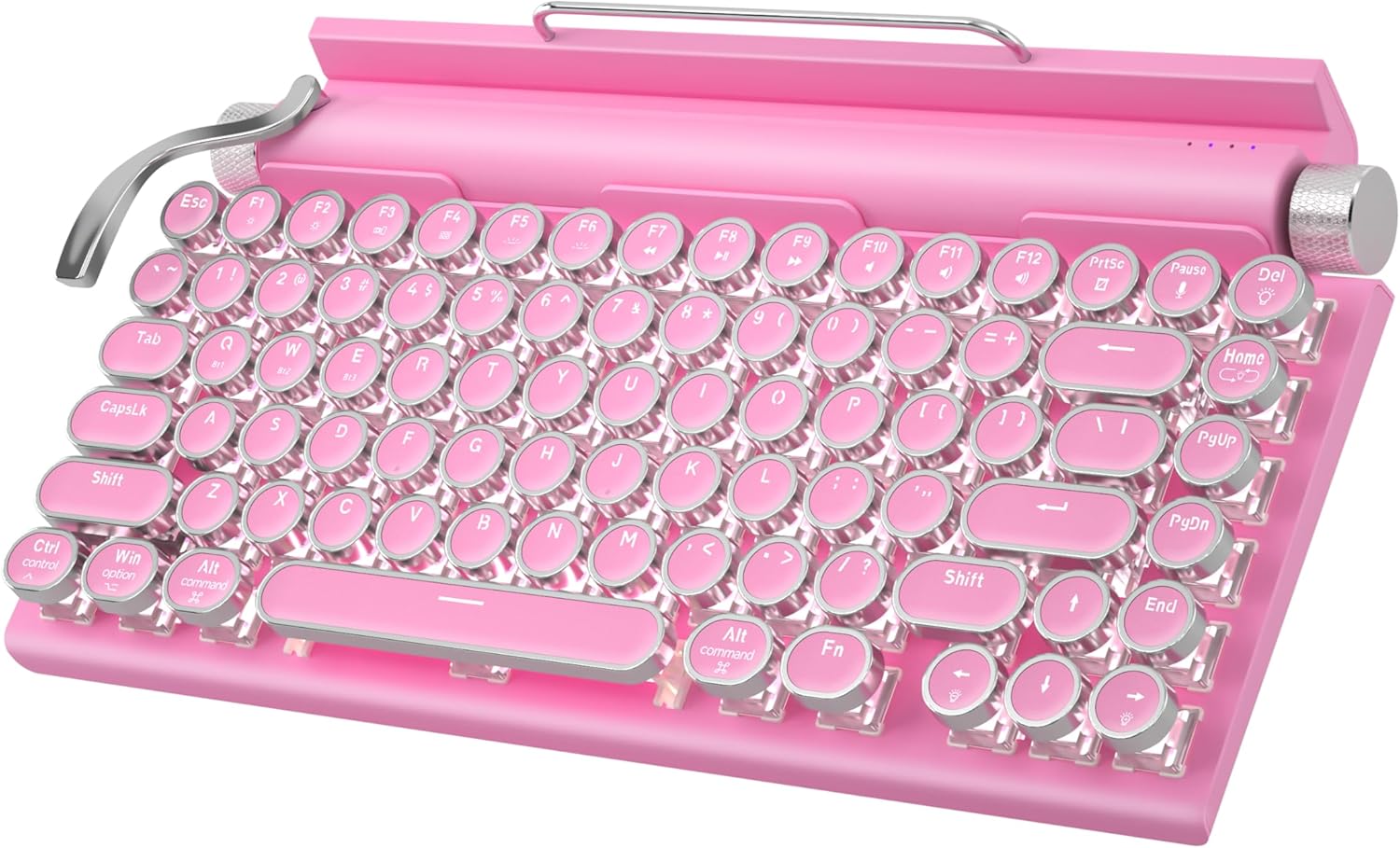
Figure 1: Taiahiro Retro Typewriter Keyboard (Pink Model)
Пакеттин мазмуну
Төмөндө тизмеленген нерселердин баары пакетиңизге камтылганын текшериңиз:
- Retro Typewriter Backlit Mechanical Gaming Keyboard
- Алынуучу USB-C кабели
- Баскыч капкагын тарткыч
- Blue Switches (2 extra)
- Колдонуучунун Колдонмосу (бул документ)

2-сүрөт: Продукт пакетине камтылган нерселер.
Жайгашуу
The Taiahiro Retro Typewriter Keyboard offers both wired and wireless (Bluetooth) connectivity options. Ensure the keyboard is charged before initial use.
Баскычтопту заряддоо
The keyboard is equipped with a 2000mAh rechargeable battery. To charge, connect the provided USB-C cable to the Type-C charging port on the keyboard and the other end to a compatible USB power source (e.g., computer USB port, wall adapter).

Figure 3: Keyboard charging via USB-C port.
Зымдуу туташуу (USB-C)
For a direct and stable connection, use the provided USB-C cable:
- Connect one end of the USB-C cable to the keyboard's Type-C port.
- USB-C кабелинин экинчи учун компьютериңиздеги же түзмөгүңүздөгү жеткиликтүү USB портуна туташтырыңыз.
- Баскычтоп автоматтык түрдө таанылып, колдонууга даяр болот.
Bluetooth туташуу
The keyboard supports Bluetooth 5.0 and can connect to up to three different devices. It is compatible with Windows, macOS, Android, and iOS.
- Баскычтоптун күйгүзүлгөнүн жана жетиштүү кубатталганын текшериңиз.
- басыңыз Fn Bluetooth канал баскычтарынын бири менен бир убакта баскычты басыңыз (BT1, BT2, же BT3) to select a channel.
- Басып кармап туруңуз Fn + BT[1/2/3] for 3-5 seconds until the indicator light for the selected channel flashes rapidly, indicating pairing mode.
- On your device (PC, laptop, tablet, or phone), enable Bluetooth and search for new devices.
- Select "Taiahiro Keyboard" (or similar name) from the list of available devices to pair.
- Жупташкандан кийин индикатор жарыгын өчүрбөйт жана туруктуу бойдон калат.
Жупташтырылган Bluetooth түзмөктөрүнүн ортосунда которулуу үчүн, жөн гана басыңыз Fn + BT1/BT2/BT3 corresponding to the desired device.
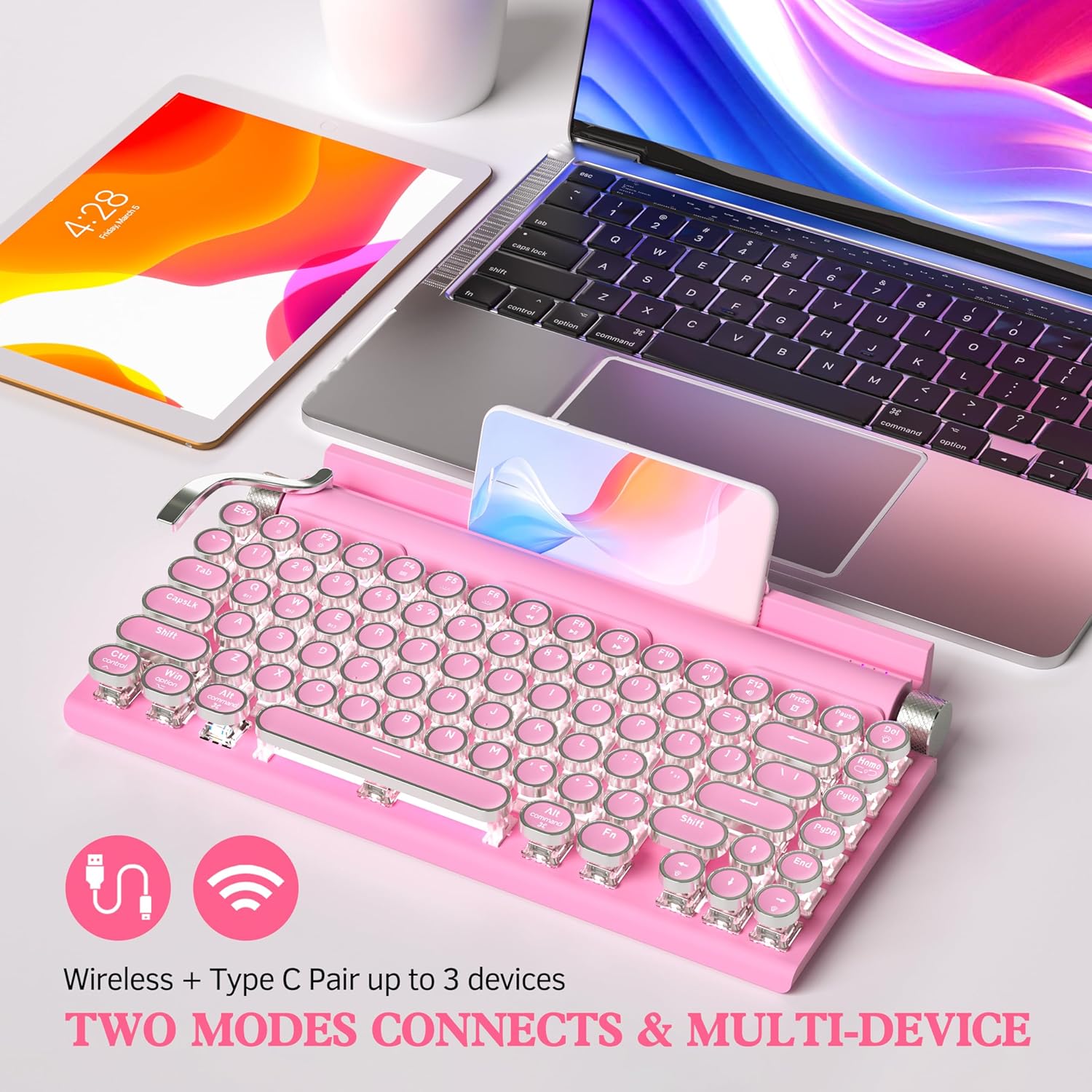
Figure 4: Dual-mode connectivity (Wireless & Type-C) for up to 3 devices.

Figure 5: Connectivity options and charging port details.
Иштөө нускамалары
Authentic Typewriter Experience (Blue Switches)
This keyboard features blue mechanical switches, designed to provide a satisfying clicky sound and tactile feedback, similar to a traditional typewriter. This design aims to reduce finger and hand fatigue during extended typing sessions.

Figure 6: Detail of the mechanical blue switch, offering high precision and fast response.
LED арткы жарыкты башкаруу
The keyboard features 14 distinct LED backlight modes. The white backlighting can be adjusted using the stainless-steel lever located on the left side of the keyboard. Pulling the lever will cycle through the available backlight modes.
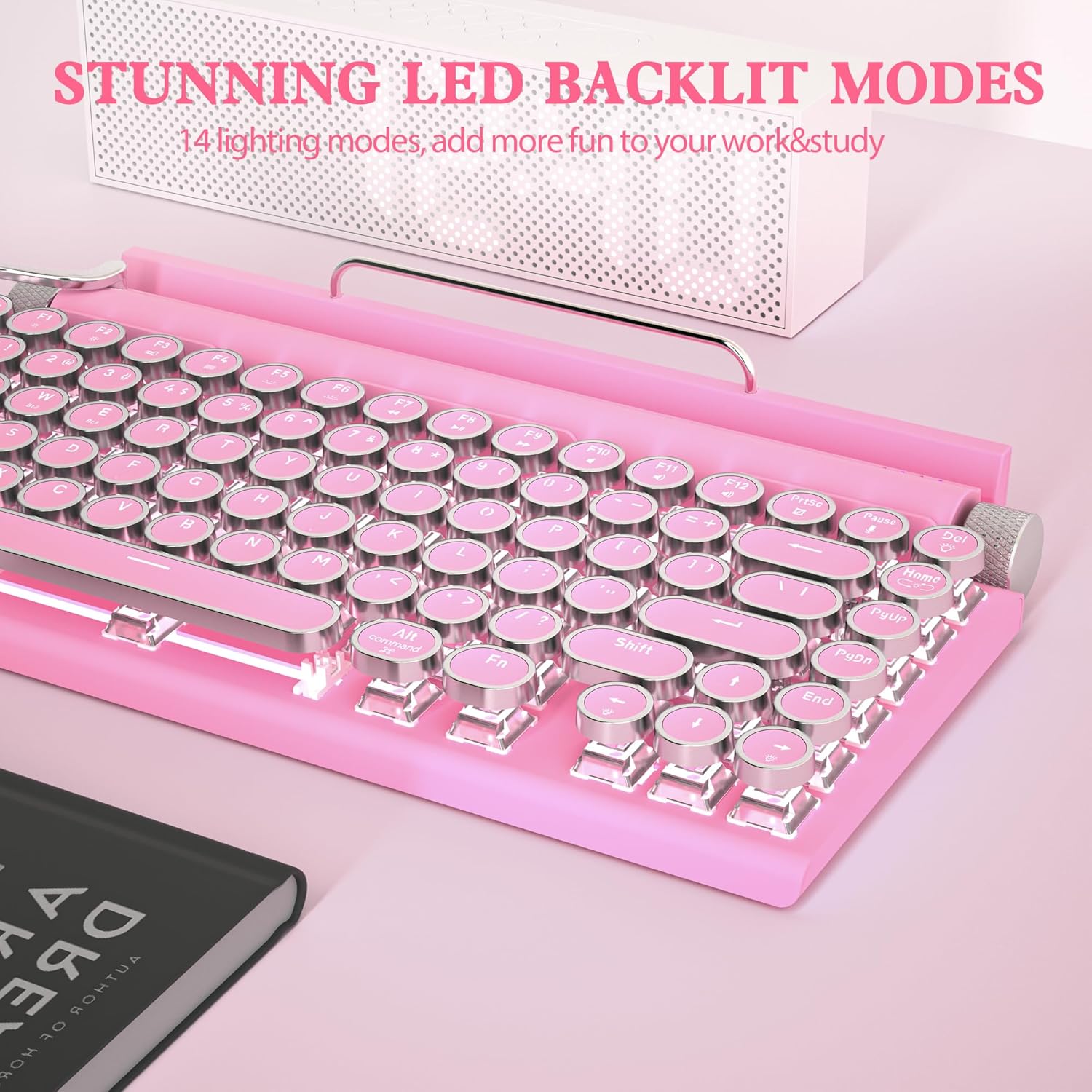
Figure 7: Keyboard displaying one of the 14 LED backlight modes.
Volume and Brightness Knobs
The keyboard includes two rotary knobs for quick adjustments:
- Сол баскыч: Controls the brightness of the LED backlight. Rotate to increase or decrease brightness.
- Оң баскыч: Controls the system volume. Rotate to adjust the audio output level.
Hot-Swappable Дизайн
The keyboard features a hot-swappable design, allowing you to easily change keycaps and switches without soldering. This enables customization of your typing experience.
- Каалаган клавиатураны акырын алып салуу үчүн берилген клавиатура тарткычын колдонуңуз.
- Use the switch puller (often integrated with the keycap puller) to carefully remove the mechanical switch from its socket.
- Жаңы которгучтун төөнөгүчтөрүн платадагы тешиктер менен тегиздеп, ал ордуна чыкылдаганча бекем басыңыз.
- Place the new keycap onto the switch stem.
The package includes two extra blue switches for replacement or experimentation.

Figure 8: Hot-swappable feature allowing easy replacement of keycaps and switches.
Интеграцияланган түзмөк кармоочу
The keyboard includes a built-in slot designed to hold smartphones and tablets, providing convenient access to your devices while typing. This feature enhances efficiency when working across multiple devices.

Figure 9: Keyboard with a tablet securely placed in the integrated device holder.
Техникалык тейлөө
To ensure the longevity and optimal performance of your Taiahiro Retro Typewriter Keyboard, follow these maintenance guidelines:
- Тазалоо: Use a soft, dry cloth to wipe down the keyboard surface. For deeper cleaning, use a can of compressed air to remove dust and debris from between the keycaps. The keycap puller can be used to remove keycaps for thorough cleaning underneath.
- Суюктуктардан алыс болуңуз: Do not expose the keyboard to liquids. Spills can cause damage to the internal components.
- Сактагыч: Клавиатураны күн нурунан жана экстремалдык температурадан алыс, салкын, кургак жерде сактаңыз.
- Батареяга кам көрүү: For optimal battery life, avoid fully discharging the battery frequently. Charge the keyboard regularly.
Проблемаларды чечүү
Эгер клавиатураңызда көйгөйлөргө туш болсоңуз, төмөнкү жалпы көйгөйлөрдү жана чечимдерди караңыз:
Keyboard Not Responding (Wired)
- USB-C кабели клавиатурага жана түзмөгүңүзгө коопсуз туташканын текшериңиз.
- Клавиатураны түзмөгүңүздөгү башка USB портуна туташтырып көрүңүз.
- Test the keyboard with a different USB-C cable if available.
- Компьютериңизди же түзмөгүңүздү өчүрүп күйгүзүңүз.
Keyboard Not Connecting (Bluetooth)
- Ensure the keyboard is charged. Low battery can prevent Bluetooth connection.
- Түзмөгүңүздө Bluetooth иштетилгенин текшериңиз.
- Make sure the keyboard is in pairing mode (indicator light flashing rapidly). If not, re-enter pairing mode by holding Fn + BT[1/2/3].
- Check if the keyboard is already paired to another device. Switch to an available channel or disconnect from the other device.
- Түзмөгүңүздүн Bluetooth тизмесинен клавиатураны алып салып, кайра жупташтырып көрүңүз.
- Move the keyboard closer to your device to ensure it's within range.
Backlight Not Working or Dim
- Adjust the backlight brightness using the left rotary knob.
- Cycle through backlight modes using the stainless-steel lever.
- Клавиатуранын батареясы жетиштүү заряддалганын текшериңиз.
Ачкычтар катталбайт же эки жолу терилбейт
- Кысылган аба менен жабыркаган клавиатуранын тегерегин жана астын тазалаңыз.
- If the issue persists, consider replacing the switch using the hot-swappable feature and the provided extra switches.
Техникалык шарттар
| Продукциянын өлчөмдөрү | 12.6 x 7 x 1.5 дюйм |
| Элемент Салмагы | 2.18 фунт |
| Модель номери | 981 |
| Батареялар | 1 литий-иондук батарейка талап кылынат (кошулган) |
| Шайкеш түзмөктөр | Laptop, Mac, PC, Smartphone, Tablet |
| Байланыш технологиясы | Bluetooth, USB-C |
| Keyboard Description | Typewriter Mechanical Hot-Swap Bluetooth Keyboard |
| Өзгөчө өзгөчөлүк | Blue switch keyboard wireless, Hot swappable mechanical keyboard, Rechargeable typewriter keyboard, Round key retro vintage gaming keyboard, iPad Mac Bluetooth mechanical keyboard |
| Түс | Кызгылт |
| Ачкычтардын саны | 83 |
| Баскычтоптун арткы жарыгы | Single Color (White LED), 14 Modes |
| Стиль | 83 Keys Retro Typewriter Mechanical Keyboard |
Кепилдик жана колдоо
For warranty information and technical support, please refer to the official Taiahiro webсайтка же кардарларды тейлөөгө кайрылыңыз. Кепилдик дооматтар үчүн сатып алуу дүмүрчөгүңүздү сактаңыз.
Additional resources, including a PDF user guide and manual, may be available:


