Introduction
Welcome to the user manual for your SUNOL F08 Smart Glasses. These open-ear Bluetooth sunglasses combine audio technology with UV protection, designed for comfort and convenience during various activities. This manual provides essential information for setup, operation, maintenance, and troubleshooting to ensure optimal use of your device.
Продукт өзгөчөлүктөрү
- Open Ear Listening Design: Allows you to hear audio while remaining aware of your surroundings for safety.
- TWS 5.3 Bluetooth: Provides a fast, reliable connection and high-fidelity sound for calls, navigation, and music.
- Сенсордук башкаруу каражаттары: Intuitive touch-sensitive controls for managing audio and calls without needing to access your paired device.
- UV Protection Lenses: Effectively filter light and protect your eyes from fatigue, especially during outdoor activities.
- Ыңгайлуу жана жеңил: Designed for stable wear, suitable for various face shapes and strenuous exercise.
- Суу өткөрбөйт дизайн: Withstands rain, making it suitable for use in diverse environments.
Продукт бүттүview

Сүрөт: алдыңкы жагы view of the SUNOL F08 Smart Glasses, showcasing the sleek design and dark lenses.

Image: The SUNOL F08 Smart Glasses highlighted with key features: Bluetooth connectivity, UV resistance, and lightweight construction.
Баштоо
Аппаратты заряддоо
Before first use, fully charge your smart glasses. Connect the provided USB-C charging cable to the charging port on the glasses and to a compatible USB power source. The charging indicator light will show the charging status.
Күйгүзүү/өчүрүү
- Күйгүзүү үчүн: Press and hold the touch button area on the temple for 3 seconds. You will hear an audible confirmation.
- Өчүрүү үчүн: Press and hold the touch button area on the temple for 5 seconds. An audible confirmation will indicate the device is powering down.
Bluetooth Жупташтыруу
- Ensure the smart glasses are powered off.
- Press and hold the touch button area for 3 seconds to power on the glasses. They will automatically enter pairing mode.
- Смартфонуңузда же Bluetooth иштетилген түзмөгүңүздө Bluetooth жөндөөлөрүнө өтүңүз.
- Издөө available devices and select 'TWS-F' from the list.
- Туташкандан кийин, сиз үндүү тастыктоо угасыз.

Image: Illustration of the Bluetooth 5.3 chip, highlighting the advanced connectivity technology.
Операция
Touch Controls
The smart glasses feature touch-sensitive controls on the temples for easy management of audio and calls.

Image: The touch control area on the temple of the smart glasses, indicated by a fingerprint icon.
- Музыканы ойнотуу/тындыруу: Басуу аймагын бир жолу басыңыз.
- Кийинки трек: Double tap the right touch area.
- Мурунку трек: Double tap the left touch area.
- Чалууга жооп берүү/аяктоо: Кирүүчү чалуу учурунда тийүү аймагын бир жолу басыңыз.
- Чакырууну четке кагуу: Press and hold the touch area for 2 seconds during an incoming call.
Үн жардамчысы
Activate your device's voice assistant (e.g., Siri, Google Assistant) directly from your smart glasses.
- Үн Жардамчысын жандыруу: Басуу аймагын үч жолу басыңыз.
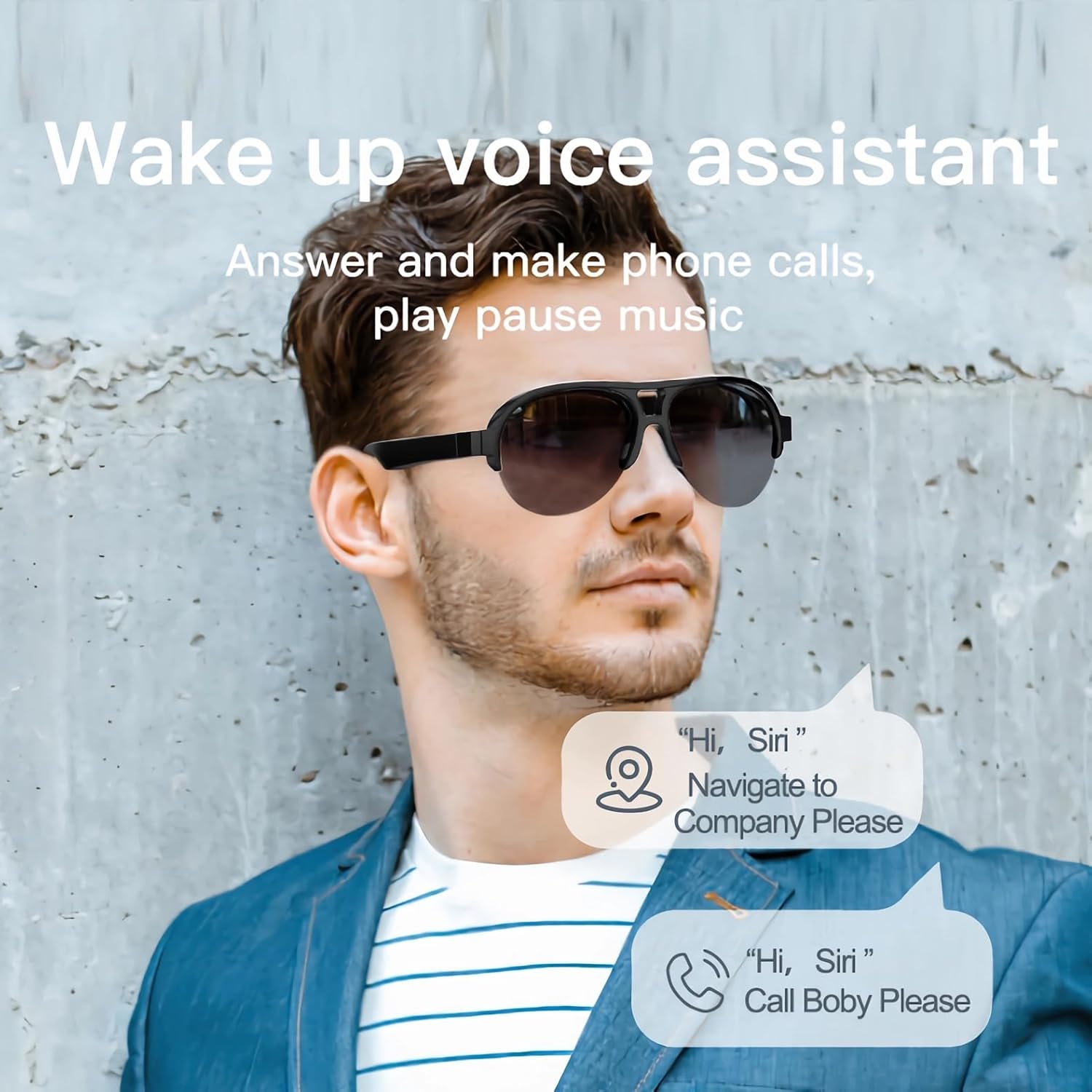
Image: A man wearing the smart glasses, with speech bubbles indicating interaction with a voice assistant for navigation and calls.
Open Ear Audio
The open-ear design allows for audio playback while maintaining situational awareness. Sound is directed towards your ears, minimizing leakage to others.

Image: A diagram illustrating the directional sound output from the smart glasses' speakers towards the ear, ensuring privacy and clear audio.
Техникалык тейлөө
Тазалоо
To clean your smart glasses, use the provided lens cloth or a soft, lint-free cloth. For lenses, a specialized lens cleaning solution can be used. Avoid harsh chemicals or abrasive materials that may damage the lenses or frame.
Суу өткөрбөйт дизайн
The SUNOL F08 Smart Glasses feature an IPX4 waterproof rating, meaning they are resistant to splashing water from any direction. This makes them suitable for use in light rain or during sweaty activities. Do not submerge the glasses in water or expose them to pressurized water streams.
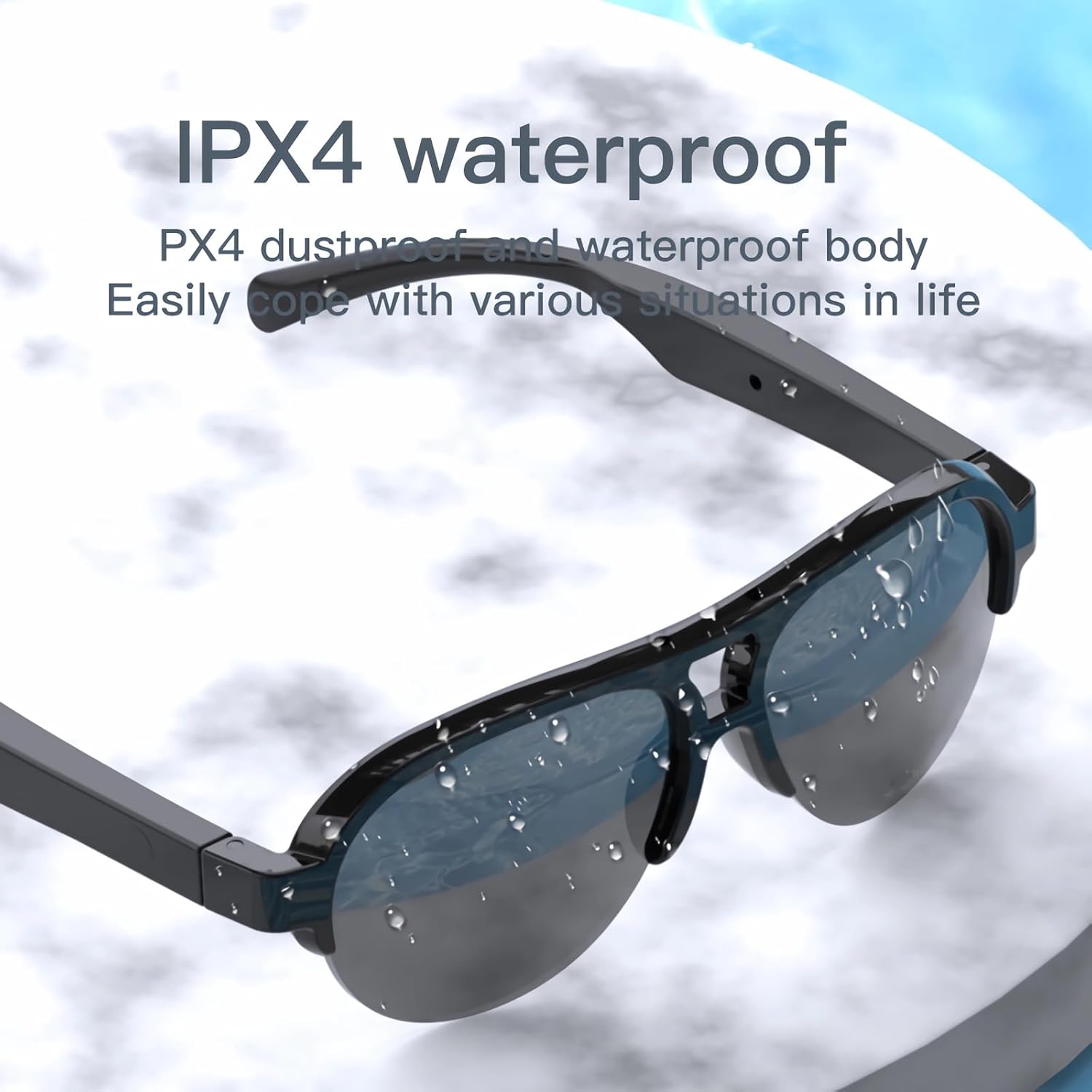
Image: The smart glasses with water droplets on the lenses and frame, demonstrating their IPX4 waterproof capability.
UV Protection Lenses
The lenses provide UV protection, blocking harmful ultraviolet rays. Keep lenses clean to maintain optimal clarity and protection.
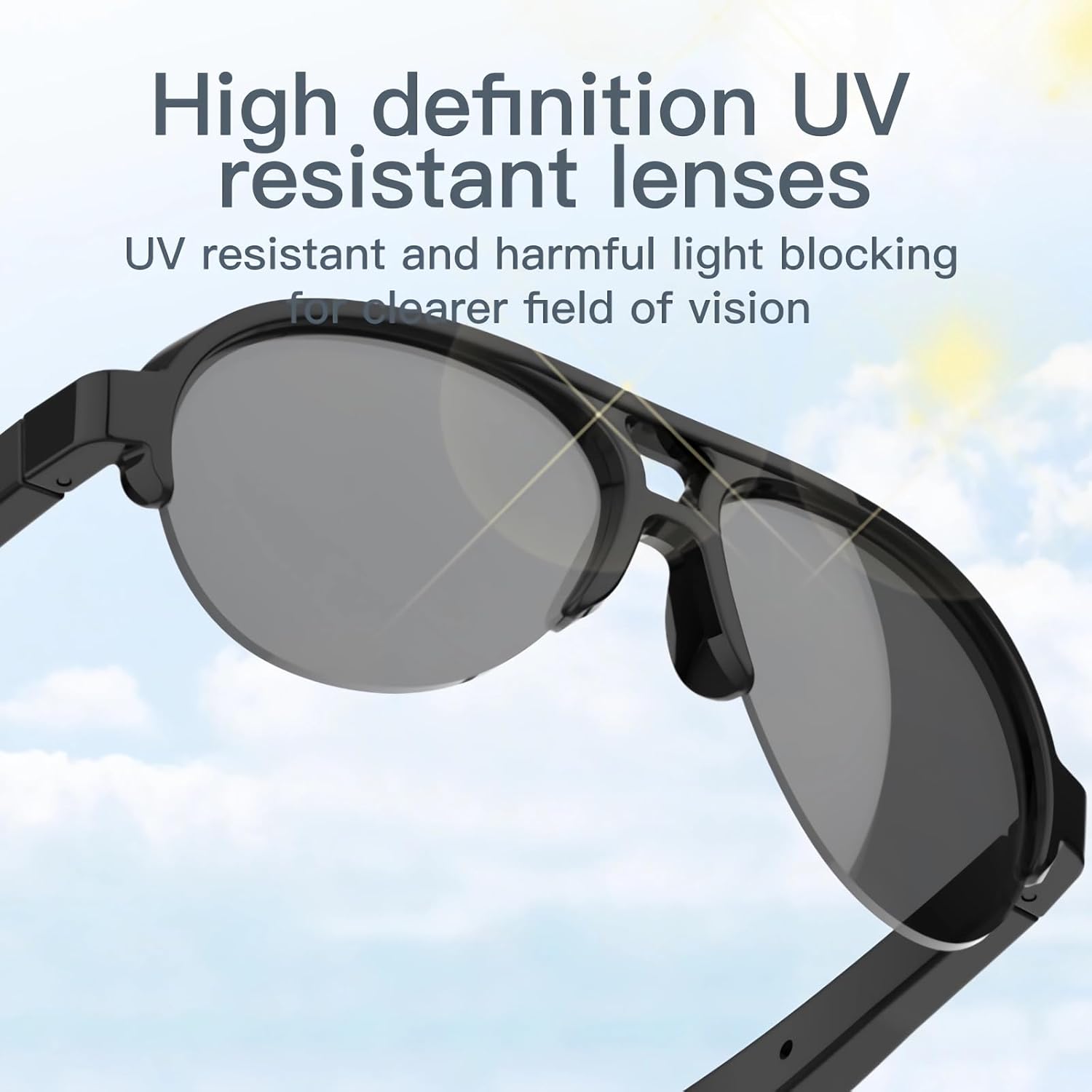
Image: The smart glasses with sun rays reflecting off the lenses, symbolizing their high-definition UV resistant properties.
Техникалык мүнөздөмөлөр
| Өзгөчөлүк | Спецификация |
|---|---|
| Модел | F08 |
| Bluetooth версиясы | TWS 5.3 |
| Батарея түрү | Литий полимери |
| Продукциянын өлчөмдөрү | 5.12 x 2.76 x 2.05 дюйм |
| Продукт Салмагы | 3.21 унция |
| Суу каршылык | IPX4 (чачууга каршы) |
| ASIN | B0C2Z1DG4M |

Image: The smart glasses with an overlay indicating approximately 2.5 hours of battery life.
Кыйынчылыктарды табуу боюнча колдонмо
- Түзмөк күйгүзүлбөйт: Ensure the glasses are fully charged. Connect to a power source and try again.
- Cannot pair with Bluetooth:
- Ensure the glasses are in pairing mode (power on, then check for 'TWS-F' in your device's Bluetooth list).
- Түзмөгүңүздө Bluetooth иштетилгенин текшериңиз.
- Move the glasses closer to your device.
- Көз айнек менен түзмөгүңүздү өчүрүп күйгүзүңүз.
- Үн жок же үнү төмөн:
- Check the volume level on both the glasses and your paired device.
- Ensure the glasses are properly connected via Bluetooth.
- Verify that the audio is playing from the correct output source on your device.
- Touch controls are unresponsive: Ensure your fingers are clean and dry. Try restarting the glasses.
Коопсуздук маалыматы
- Аппаратты ажыратууга же өзгөртүүгө аракет кылбаңыз.
- Аппаратты экстремалдык температурадан, түз күндүн нурунан жана ачык оттон алыс кармаңыз.
- Avoid exposing the device to corrosive liquids.
- Берилген заряддоо кабелин же тастыкталган эквивалентти гана колдонуңуз.
- Батареяларды жана электрондук тетиктерди жергиликтүү эрежелерге ылайык таштаңыз.
Кепилдик жана колдоо
For warranty information or technical support, please refer to the documentation included with your purchase or contact the retailer. Specific warranty terms and conditions may vary.


