1. Киришүү
The BuzzTV B5 is an advanced Android 11 TV Box designed to deliver a superior 4K UHD streaming experience. This device allows you to access a wide range of entertainment, including movies, TV shows, and applications, directly on your television. This manual provides essential information for the proper setup, operation, maintenance, and troubleshooting of your BuzzTV B5.
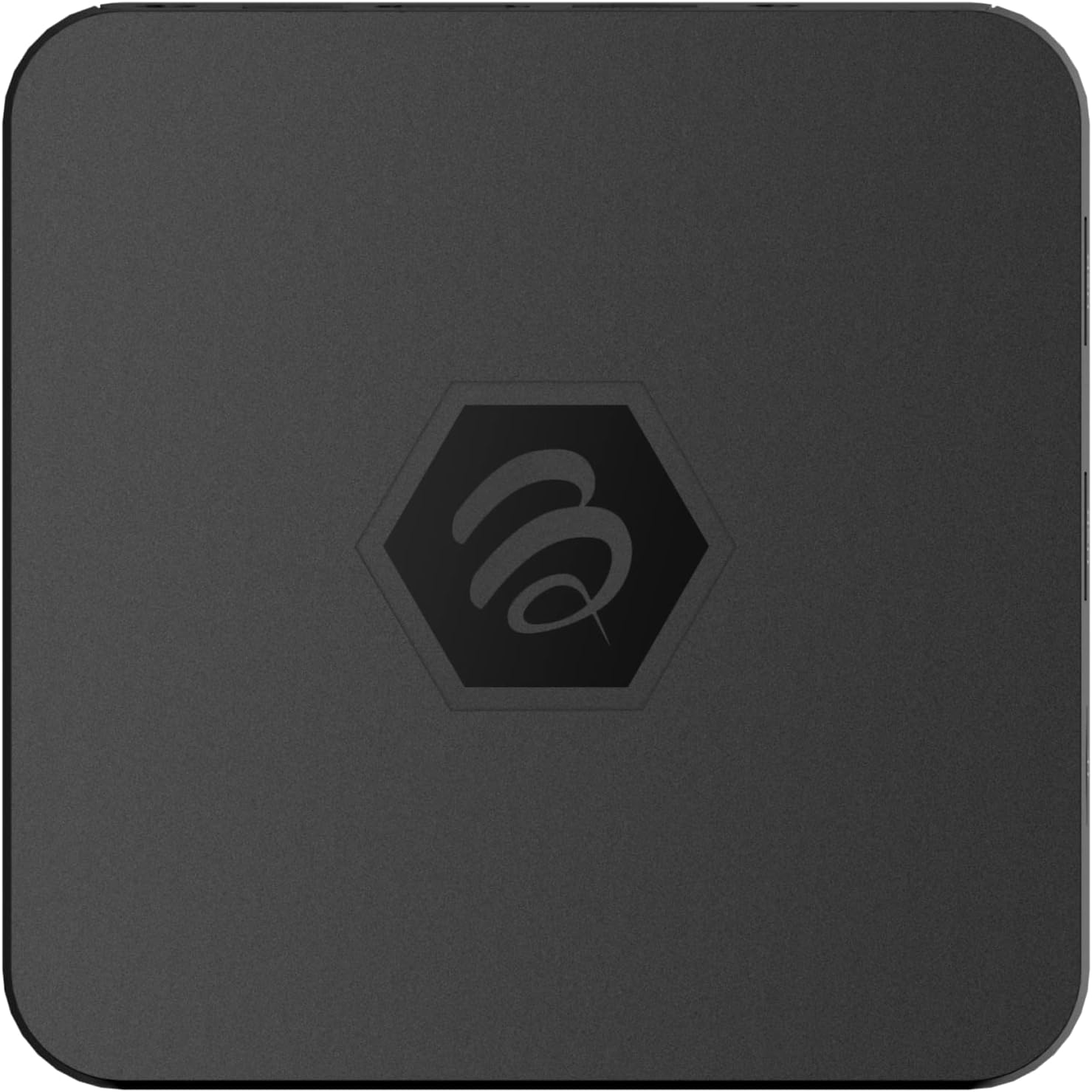
Сүрөт 1.1: Жогорку view of the BuzzTV B5 Android 11 TV Box.
2. Пакеттин мазмуну
Please verify that all items listed below are included in your BuzzTV B5 package:
- BuzzTV B5 Set Top Box
- IR-100 Remote Control
- Power Supply адаптер
- 2x AAA Батареялар (алыстан башкаруу үчүн)
- HDMI кабели
- Колдонуучунун Колдонмосу (бул документ)

Image 2.1: Contents included in the BuzzTV B5 retail package.
3. Орнотуу колдонмосу
Follow these steps to set up your BuzzTV B5 TV Box:
- Сыналгыга туташуу: Connect one end of the provided HDMI cable to the HDMI port on the BuzzTV B5 and the other end to an available HDMI input on your television.
- Туташуу кубаты: Plug the power supply adapter into the DC 5V port on the BuzzTV B5, then plug the adapter into a wall outlet. The device should power on automatically or can be powered on using the remote control.
- Батареяларды пультка салыңыз: Open the battery compartment on the back of the IR-100 Remote Control and insert the two AAA batteries, ensuring correct polarity (+/-).
- Тармак туташуусу: Once the device boots up, follow the on-screen instructions to connect to your network. You can choose between Wi-Fi (wireless) or Ethernet (wired) connection. For a wired connection, connect an Ethernet cable from your router to the Ethernet port on the BuzzTV B5.
- Баштапкы орнотуу: Complete the initial Android setup process, which may include language selection, Google account login, and time zone settings.

Image 3.1: Rear ports of the BuzzTV B5 for connectivity.
4. Иштөө нускамалары
The BuzzTV B5 operates on Android 11, providing a user-friendly interface for navigation and content access.
4.1 Алыстан башкаруу функциялары
The IR-100 Remote Control is your primary interface for the BuzzTV B5. Key functions include:
- Кубат баскычы: Аппаратты күйгүзөт же өчүрөт.
- Навигация тактасы (өйдө/төмөн/сол/оң/ОК): Менюларды карап чыгуу жана пункттарды тандоо үчүн колдонулат.
- Артка баскычы: Мурунку экранга же менюга кайтат.
- Үй баскычы: Негизги Android үй экранына кайтып келет.
- Үн баскычтары: Аудионун үнүн тууралайт.
- App/Menu Buttons: Accesses specific applications or context menus.

Image 4.1: Layout of the IR-100 Remote Control.
4.2 Тиркемелерге кирүү
From the home screen, you can access pre-installed applications like Netflix and YouTube, or download new applications from the Google Play Store. Use the navigation pad on your remote to select and launch applications.
4.3 4K UHD Streaming
The BuzzTV B5 supports 4K UHD resolution. Ensure your television is 4K compatible and that you are using a high-speed HDMI cable for optimal picture quality. Streaming quality will also depend on your internet connection speed and the content source.
5. Техникалык тейлөө
To ensure the longevity and optimal performance of your BuzzTV B5, consider the following maintenance tips:
- Тазалоо: Use a soft, dry cloth to clean the exterior of the device. Avoid liquid cleaners or abrasive materials.
- Вентиляция: Ашыкча ысып кетүүнүн алдын алуу үчүн аппаратты жакшы желдетилген жерге жайгаштырыңыз. Вентиляция тешиктерин жаппаңыз.
- Программалык камсыздоо жаңыртуулары: Periodically check for and install system updates to benefit from new features, performance improvements, and security patches. These can usually be found in the device's settings menu.
- Power Cycle: Эгер түзмөк жооп бербей калса, кубат адаптерин сууруп, 10 секунд күтүп, андан кийин кубат циклин аткаруу үчүн кайра туташтырыңыз.
6. Кыйынчылыктарды
If you encounter issues with your BuzzTV B5, refer to the following common problems and solutions:
| Көйгөй | Мүмкүн себеп | Чечим |
|---|---|---|
| Күч жок | Power adapter not connected; outlet not working. | Ensure power adapter is securely connected to the device and a working power outlet. Try a different outlet. |
| No Signal on TV | Incorrect HDMI input selected; faulty HDMI cable. | Select the correct HDMI input on your TV. Check HDMI cable connections or try a different HDMI cable. |
| Алыстан башкаруу жооп бербейт | Батареялар түгөнгөн; пульт жупташтырылган эмес (эгер бар болсо); тоскоолдук. | Replace AAA batteries. Ensure no obstructions between remote and device. |
| Тармакка туташуу маселелери | Incorrect Wi-Fi password; router issues; weak signal. | Verify Wi-Fi password. Restart your router. Move the device closer to the router or use an Ethernet cable. |
| Applications Crashing/Freezing | Insufficient memory; outdated app; software glitch. | Close background apps. Update the app or the device's firmware. Clear app cache/data in settings. |
7. Техникалык шарттар
Detailed technical specifications for the BuzzTV B5 Android 11 TV Box:
- Операция системасы: Android OS 11
- CPU: Amlogic S905W2 Quad-Core A-35
- GPU: Мали-G31 MP2
- RAM: 2 ГБ DDR
- Сактагыч: 16 ГБ eMMC
- Wi-Fi: Dual Band AC
- LAN: 10/100 Мбит/сек Ethernet
- Bluetooth: 4.2
- USB порттору: 2x USB 2.0
- MicroSD слоту: 1
- Power Interface: DC 5V
- HDMI чыгышы: 1
- Оптикалык аудио чыгаруу: 1
- Чыгуу чечими: 4K (32 FPS)
- Өлчөмдөрү: 9.06 x 5.63 x 2.32 дюйм
- Элемент Салмагы: 1.01 фунт

Image 7.1: BuzzTV B5 with a summary of its technical specifications.
8. Кепилдик маалыматы
For detailed warranty information regarding your BuzzTV B5, please refer to the warranty card included in your product packaging or visit the official BuzzTV webсайт. Кепилдиктин шарттары аймакка жана сатуучуга жараша өзгөрүшү мүмкүн.
9. Колдоо
If you require further assistance or have questions not covered in this manual, please contact BuzzTV customer support or visit their official website for FAQs, software downloads, and additional resources.
BuzzTV Official Webсайт: www.buzztv.com


