Introduction
This manual provides comprehensive instructions for the setup, operation, and maintenance of your XTRIKE ME GK986 Gaming Mechanical Keyboard. Please read this manual thoroughly before using the product to ensure optimal performance and longevity.
Пакеттин мазмуну
Пакетиңизде бардык буюмдар бар экенин текшериңиз:
- XTRIKE ME GK986 Gaming Mechanical Keyboard
- USB кабели (тиркелген)
Жайгашуу
- Баскычтопту туташтыруу: Locate an available USB port on your computer (desktop PC or laptop). Insert the USB connector of the GK986 keyboard into the USB port.
- Драйверди орнотуу: Баскычтоп "plug-and-play" режиминде иштейт. Операциялык системаңыз керектүү драйверлерди автоматтык түрдө аныктап, орнотот. Адатта, кошумча программалык камсыздоону орнотуунун кажети жок.
- Баштапкы сыноо: Once connected, the keyboard's Rainbow LED lighting should illuminate. Open a text editor or any application to test key functionality.
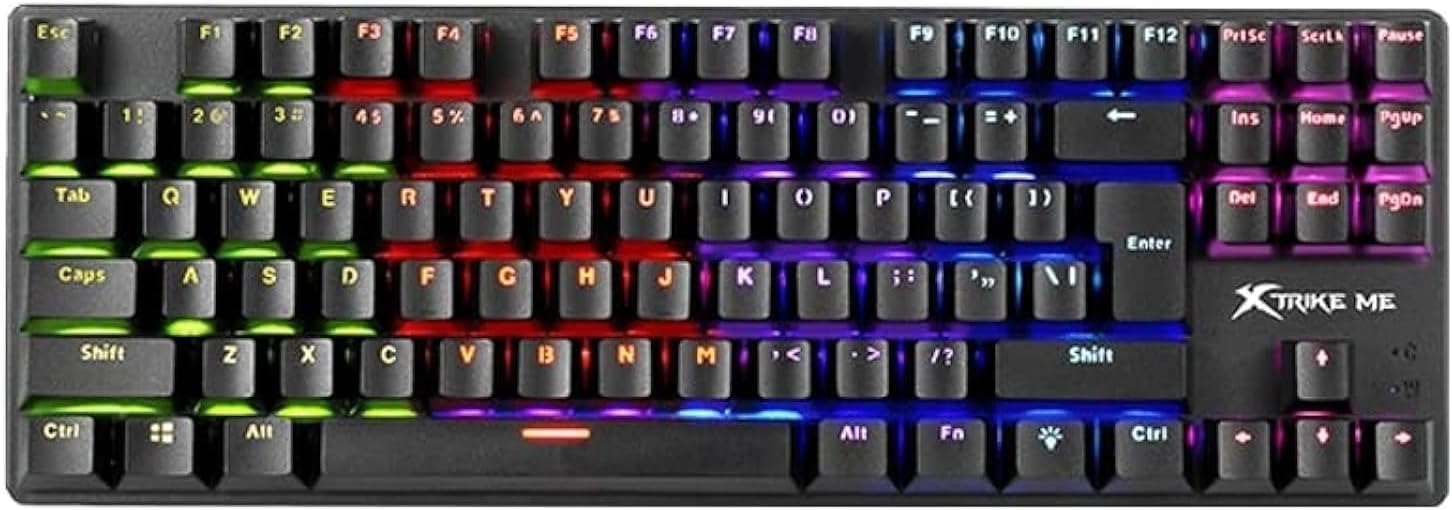
Сүрөт: жогорудан төмөнгө view of the XTRIKE ME GK986 keyboard, showcasing its full layout and vibrant rainbow LED backlighting across different key zones.
Иштөө нускамалары
Негизги баскычтоп функциялары
The GK986 functions as a standard mechanical keyboard. Its blue switches provide a tactile and audible click feedback for each keystroke. The layout includes a full set of alphanumeric keys, function keys (F1-F12), navigation keys, and a numeric keypad.
Rainbow LED Lighting
The keyboard features integrated Rainbow LED lighting. This lighting is zone-based, displaying a spectrum of colors across different sections of the keyboard. Specific key combinations may allow for cycling through various lighting effects or adjusting brightness. Refer to the keyboard's physical markings or a dedicated function key (often marked with a light bulb icon or 'Fn' + a specific key) for lighting control options.

Сүрөт: Жакын пландагы фронт view of the XTRIKE ME GK986 keyboard, highlighting the individual keycaps and the distinct color zones of the rainbow LED backlighting.
Anti-Ghosting and 25-Key Rollover
The GK986 supports advanced anti-ghosting with 25-key rollover. This feature ensures that multiple simultaneous key presses are registered accurately, preventing "ghosting" (unregistered keys) or "blocking" (keys not registering due to too many simultaneous presses). This is particularly beneficial for fast-paced gaming and typing scenarios.
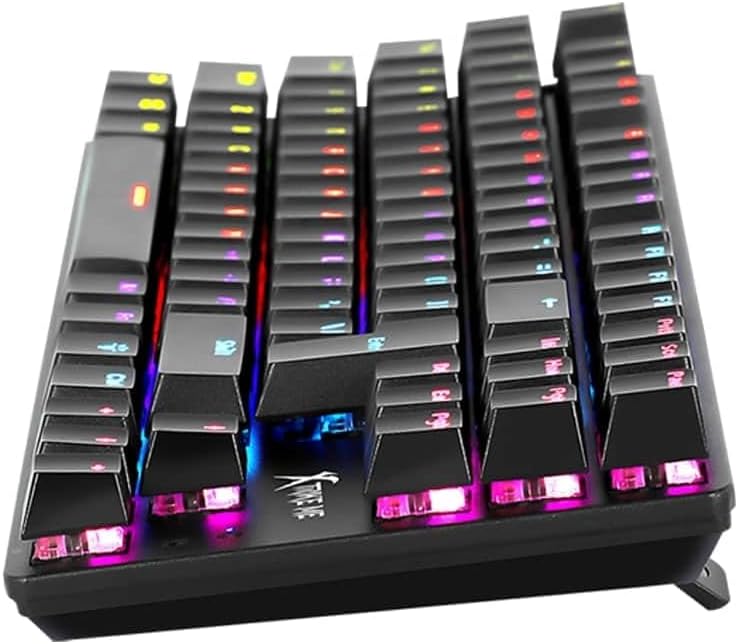
Сүрөт: каптал бурчтуу view of the XTRIKE ME GK986 mechanical keyboard, illustrating the ergonomic keycap profile and the visible blue mechanical switches beneath the keycaps.
Техникалык тейлөө
Клавиатураңыздын иштешин жана көрүнүшүн сактоо үчүн:
- Тазалоо: Use a soft, dry cloth to wipe the surface of the keyboard. For dust and debris between keycaps, use compressed air.
- Суюктуктардан алыс болуңуз: Клавиатурага суюктуктарды төкпөңүз. Эгерде төгүлүп кетсе, клавиатураны компьютериңизден дароо ажыратып, кайра туташтыруудан мурун аны толугу менен кургатуу керек.
- Сактагыч: Клавиатураны күн нурунан жана экстремалдык температурадан алыс, салкын, кургак жерде сактаңыз.
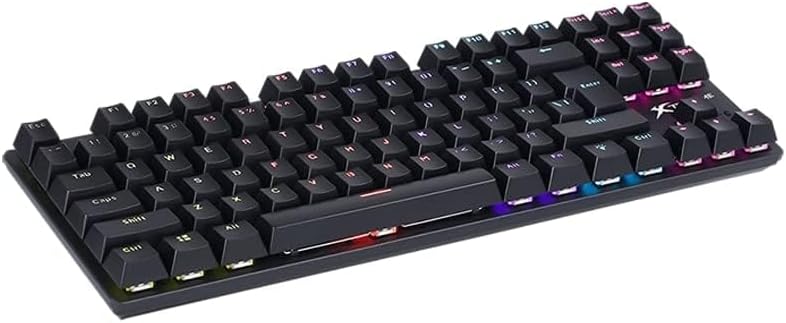
Image: An elevated, angled view of the XTRIKE ME GK986 mechanical keyboard, showing the full key layout and the overall compact design.
Проблемаларды чечүү
| Көйгөй | Мүмкүн чечим |
|---|---|
| Баскычтоп жооп бербей жатат |
|
| LED lighting is off or not working correctly |
|
| Keys are not registering or are "ghosting" |
|
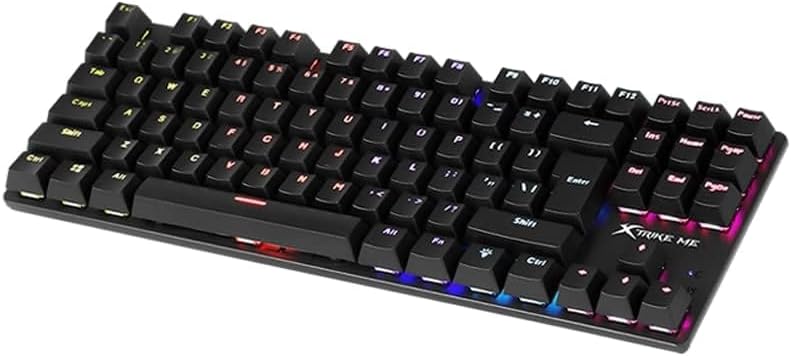
Сүрөт: бурчтуу view of the XTRIKE ME GK986 mechanical keyboard, showing the full key layout and the illuminated keys from a different perspective.
Техникалык шарттар
| Бренд | ME. XTRIKE |
| Модел | GK986 |
| Баскычтоптун түрү | Оюн механикалык клавиатурасы |
| Которуу түрү | Clicky (Blue Switches) |
| Жарыктандыруу | Rainbow LED Lighting |
| Anti-Ghosting | Advanced, with 25-key rollover support |
| Байланыш | USB |
| Шайкеш түзмөктөр | Ноутбук, компьютер |
| Материал | Пластик |
| Камтылган компоненттер | USB кабели |
| Продукциянын өлчөмдөрү (L x W x Y) | 34.8 x 12 x 3.6 см |
| Салмагы | 800 г |
Кепилдик жана колдоо
Кепилдик жөнүндө маалымат же техникалык колдоо алуу үчүн, сатып алуу учурунда берилген документтерди караңыз же сатуучуга кайрылыңыз. Кепилдик боюнча дооматтар үчүн сатып алууну тастыктаган документти сактап коюңуз.


