Introduction
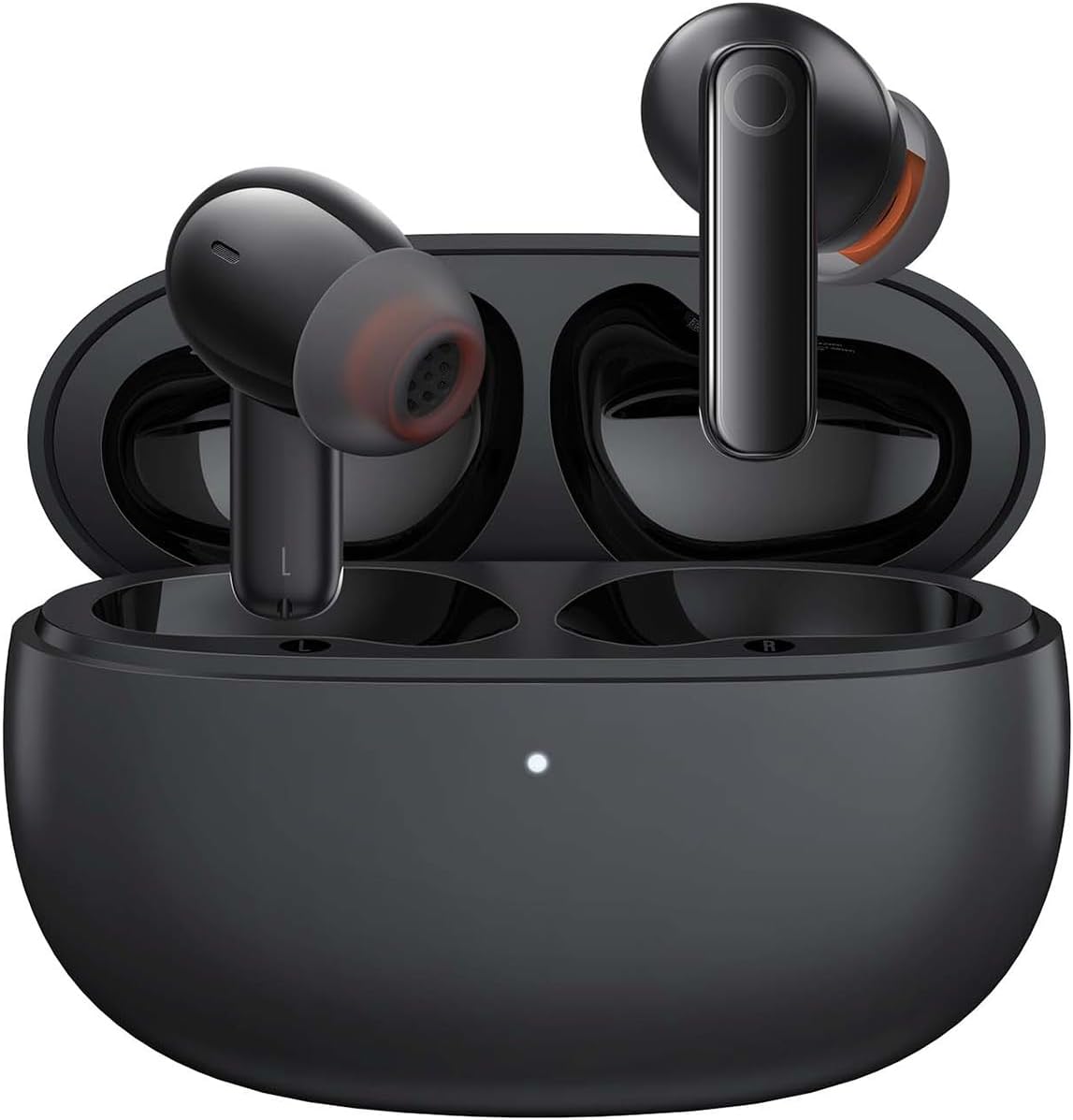
Image: The Baseus Bowie MZ10 True Wireless Stereo Earphones, shown in their open charging case, ready for use.
This manual provides detailed instructions for the operation, maintenance, and troubleshooting of your Baseus Bowie MZ10 TWS Earphones. Please read this manual thoroughly before using the product to ensure proper function and longevity.
Кутуда эмне бар
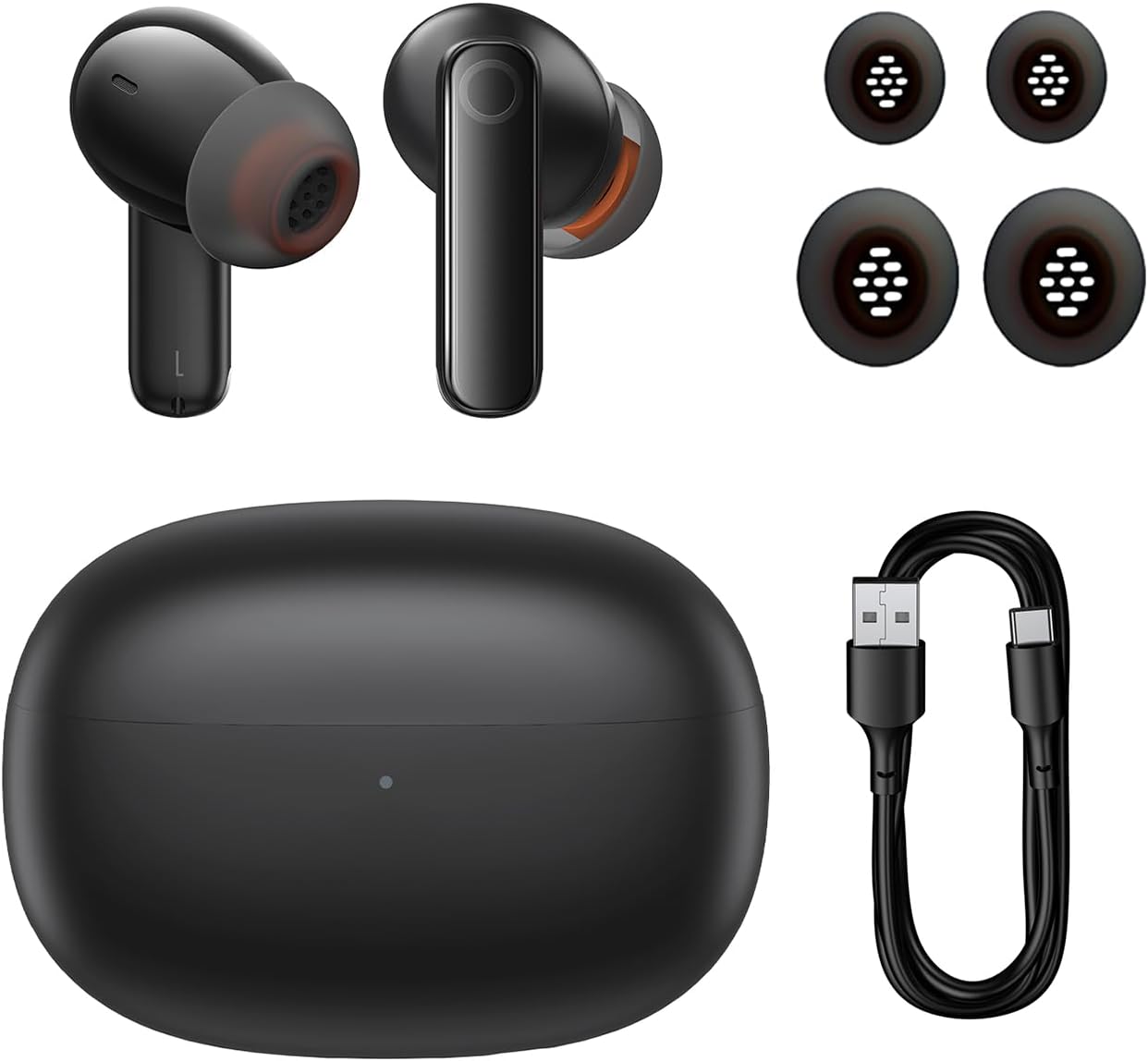
Image: The package contents of the Baseus Bowie MZ10 TWS Earphones, showing the two earbuds, the charging case, multiple sizes of ear tips, and a USB-C charging cable.
- Baseus Bowie MZ10 TWS Earbuds (Left and Right)
- Заряддоо кутусу
- USB-C заряддоо кабели
- Силикон кулак учтары (ар кандай өлчөмдөгү)
- Колдонуучунун Колдонмосу (бул документ)
Жайгашуу
1. Наушникти жана капты заряддоо
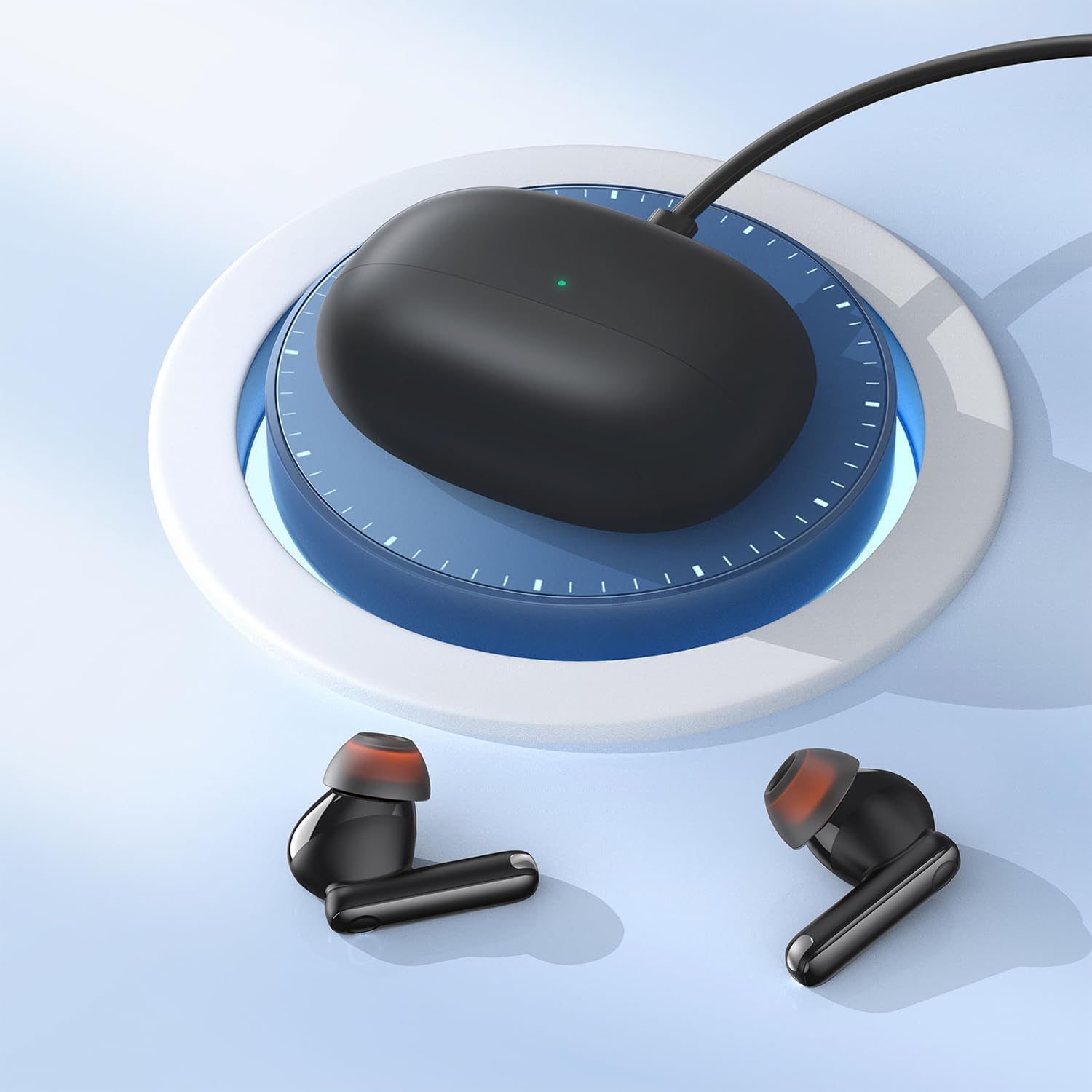
Image: The Baseus Bowie MZ10 charging case being charged via a USB-C cable, indicated by a green light on the case.
- Биринчи колдонуудан мурун, заряддоо кутусун жана кулакчындарды толук заряддаңыз.
- USB-C заряддоо кабелин корпустагы кубаттоо портуна жана кубат булагына туташтырыңыз.
- The indicator light on the case will show charging status. A full charge is indicated when the light remains solid.
- Place the earbuds into the charging case to charge them. The earbuds will automatically charge when placed correctly in the case.
2. Bluetooth Жупташтыруу
- Open the charging case. The earbuds will automatically enter pairing mode, and the indicator light on the case will flash.
- Түзмөгүңүздө (смартфон, планшет ж.б.) Bluetooth иштетиңиз.
- Издөө "Baseus Bowie MZ10" in the list of available Bluetooth devices.
- Select "Baseus Bowie MZ10" to connect. Once connected, the indicator light on the case will turn off or show a steady light.
- Эгер жупташтыруу ишке ашпай калса, кутуну жаап, бир нече секунд күтүп, кадамдарды кайталаңыз.
Иштөө нускамалары
Touch Controls
The Baseus Bowie MZ10 earphones feature touch-sensitive controls on each earbud. The specific functions may vary slightly depending on your device and application.
| Акция | Функция |
|---|---|
| Бир таптоо (Сол/Оң) | Музыканы ойнотуу/тындыруу, Чалууга жооп берүү/Аяктоо |
| Эки жолу таптаңыз (оңго) | Кийинки трек |
| Эки жолу таптаңыз (солго) | Мурунку трек |
| Узун басуу (Сол/Оң) | Switch between ANC/Transparency Mode (if applicable) |
| Үч жолу таптап (Сол/Оң) | Үн жардамчысын жандырыңыз |
Активдүү Шумду Жоюу (ANC)
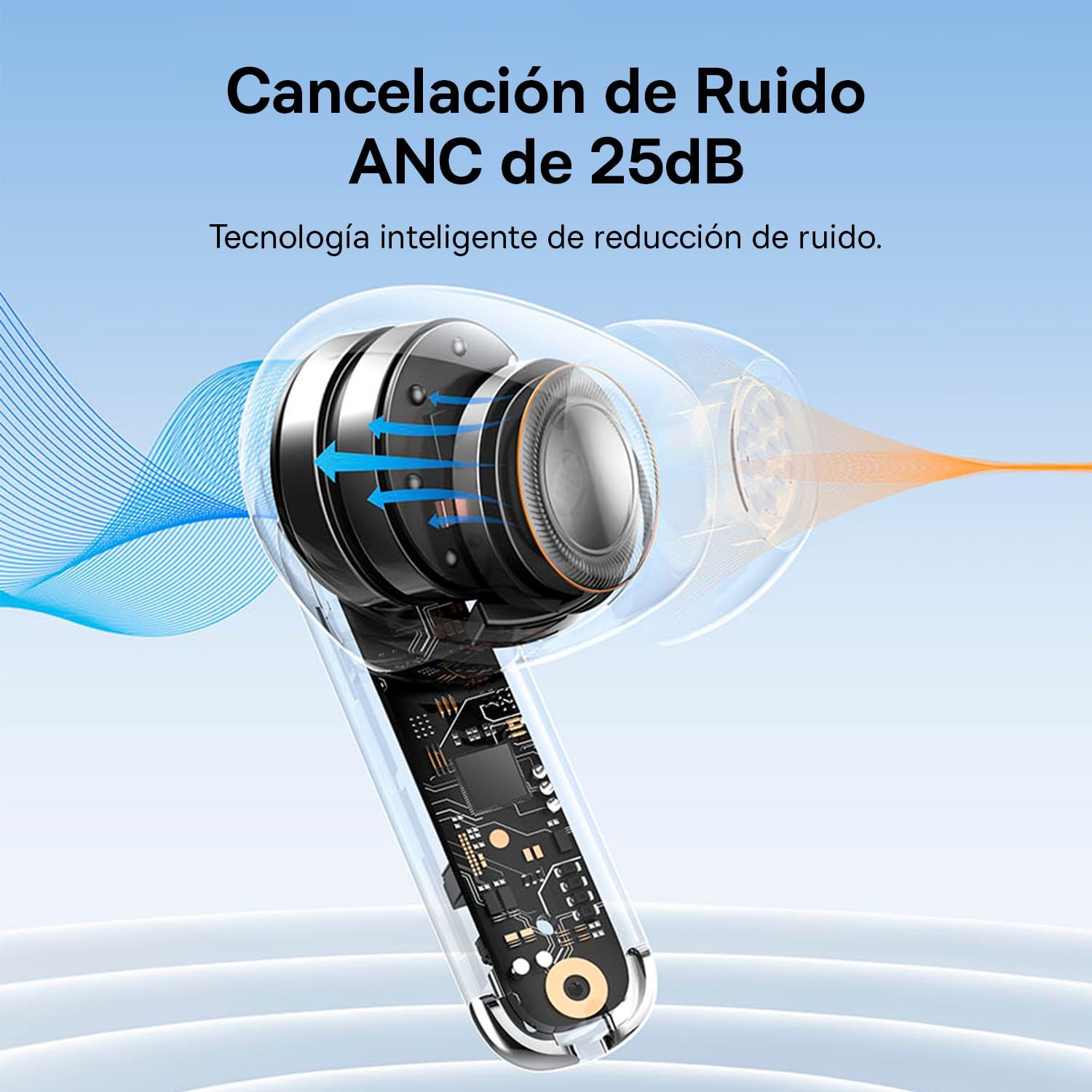
Image: A diagram showing how Active Noise Cancellation (ANC) works within the earbud, with sound waves being cancelled out.
The Baseus Bowie MZ10 earphones feature Active Noise Cancellation to reduce ambient noise. To activate or deactivate ANC, perform a long press on the touch area of either earbud. You may hear an audible prompt indicating the mode change.
Чалуулар үчүн айлана-чөйрөнүн ызы-чуусун жокко чыгаруу (ENC)
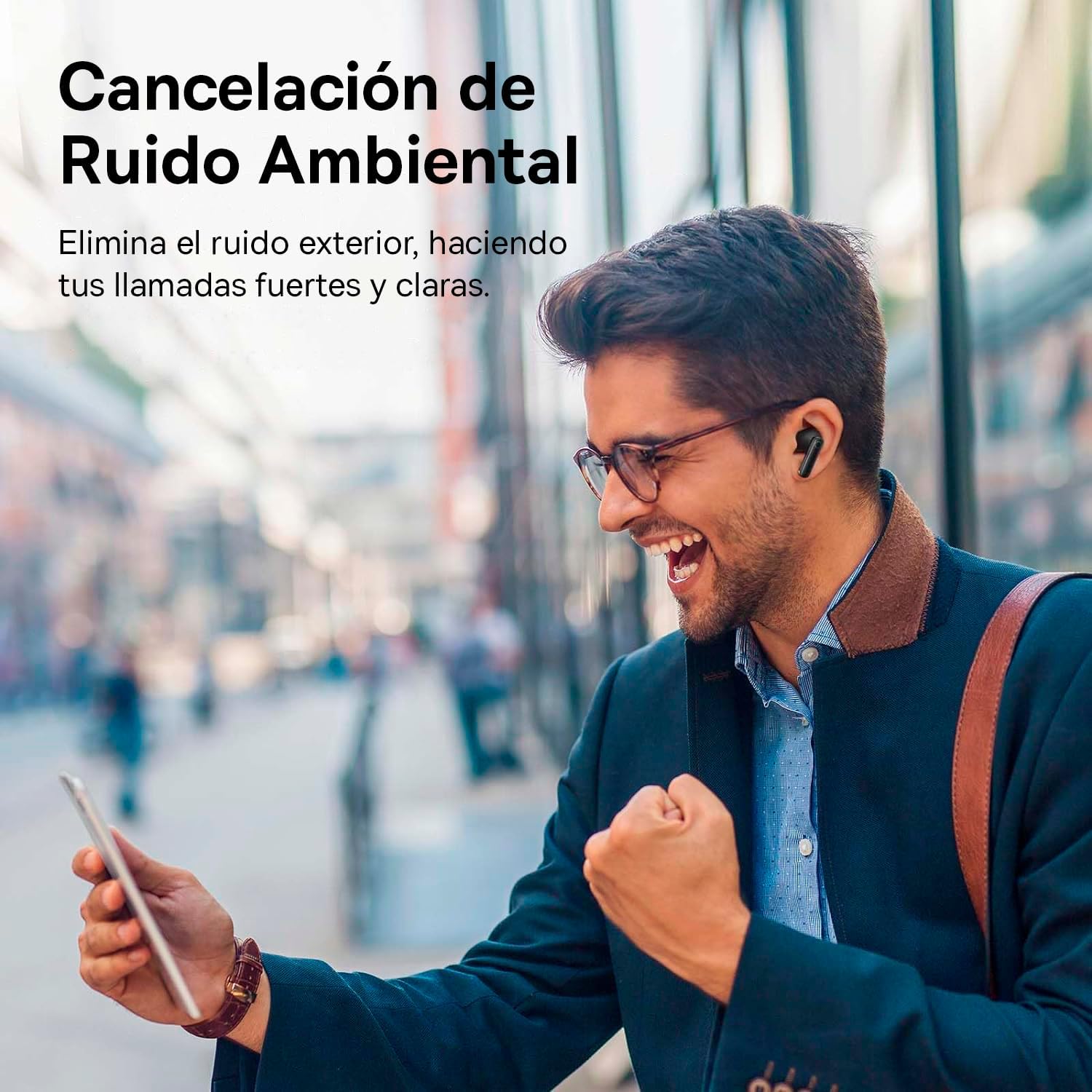
Image: A person smiling while using the Baseus Bowie MZ10 earphones in an outdoor setting, suggesting clear call quality despite ambient noise.
The earphones are equipped with Environmental Noise Cancellation (ENC) technology, which helps to suppress background noise during phone calls, ensuring your voice is transmitted clearly to the other party.
Low Latency Mode for Gaming
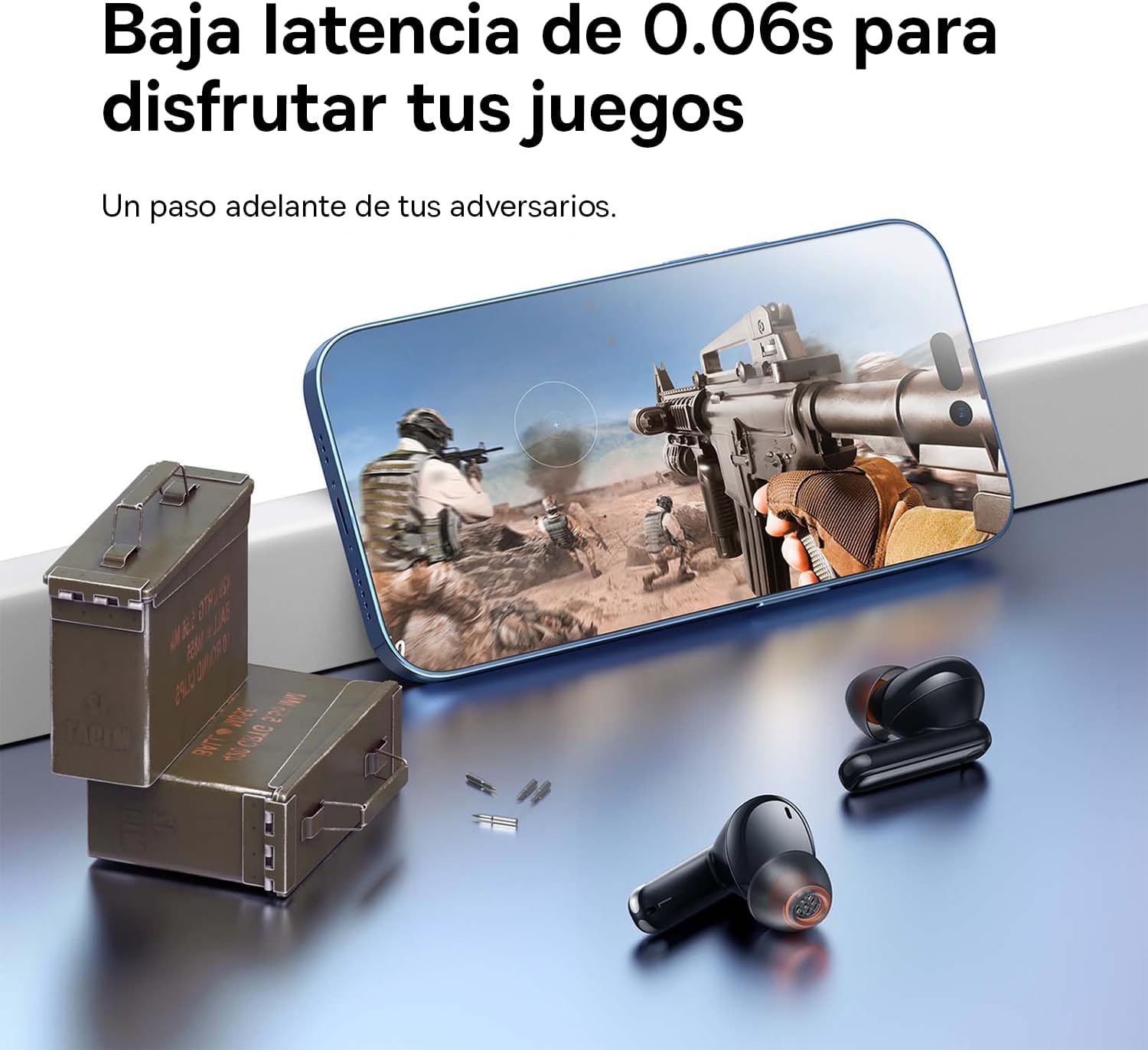
Image: The Baseus Bowie MZ10 earphones positioned near a smartphone displaying a video game, highlighting their low latency feature for an enhanced gaming experience.
For an optimized gaming experience, the Baseus Bowie MZ10 earphones offer a low latency mode. This mode reduces audio delay, ensuring that sound effects and dialogue are synchronized with on-screen actions. Refer to the Baseus app or specific earbud gestures (if available) to activate this mode.
Техникалык тейлөө
- Тазалоо: Regularly clean the earbuds and charging case with a soft, dry, lint-free cloth. Do not use abrasive cleaners or immerse the product in water.
- Кулак кеңештери: Кулактардын учтарын мезгил-мезгили менен алып салып, аларды спрей менен тазалап туруңузamp кездеме. Кайра жабыштыруудан мурун алар толугу менен кургатылганын текшериңиз.
- Сактагыч: When not in use, store the earphones in their charging case to protect them and keep them charged. Store in a cool, dry place away from direct sunlight and extreme temperatures.
- Батареяга кам көрүү: To preserve battery life, avoid fully discharging the battery frequently. Charge the earphones regularly, even if not in constant use.
Проблемаларды чечүү
| Көйгөй | Мүмкүн чечим |
|---|---|
| Кулакчындар түзмөк менен жупташкан жок |
|
| Үн ойнотууда бир гана кулакчын |
|
| Көлөмү төмөн же үн сапаты начар |
|
| Заряддоо куту заряддалбай жатат |
|
Техникалык шарттар
- Бренд: Baseus
- Модель номери: NGTW340001
- Продукт түрү: True Wireless Stereo (TWS) Earphones
- Түсү: Кара
- Батарея: Литий-ион (кайра заряддалуучу)
- Өзгөчөлүктөрү: Active Noise Cancellation (ANC), Environmental Noise Cancellation (ENC), Low Latency Mode
- Байланыш: Bluetooth (version not specified, but typically 5.0 or higher for TWS)
- Заряддоо интерфейси: USB-C
Кепилдик жана колдоо
Baseus products are designed and manufactured to the highest quality standards. For information regarding warranty coverage, technical support, or service, please refer to the warranty card included with your purchase or visit the official Baseus webсайт. Кепилдик дооматтар үчүн сатып алганыңыздын далилин сактаңыз.
Көбүрөөк жардам алуу үчүн, сиз Baseus кардарларды колдоо кызматына алардын расмий каналдары аркылуу кайрылсаңыз болот.


