1. Продукт бүтүп калдыview
The TRIGKEY G4 Mini PC is a compact and efficient desktop computer designed for various applications, including office work, home entertainment, and educational tasks. It features a 12th Generation Intel Alder Lake-N N95 Processor, 16GB DDR4 RAM, and a 500GB M.2 SSD, offering reliable performance in a small form factor. This manual provides detailed instructions for setting up, operating, and maintaining your TRIGKEY G4 Mini PC.

Сүрөт 1: Алдыңкы view of the TRIGKEY G4 Mini PC, showcasing анын компакт дизайны жана алдыңкы порттору.
2. Пакеттин мазмуну
Пакетте бардык буюмдар бар экенин текшериңиз:
- TRIGKEY G4 Mini PC
- Power Adapter (Input: 100-240V AC, 50/60Hz; Output: 12V 3A)
- HDMI Cable (100CM)
- Дубалга орнотулган кронштейн
- Көрсөтмө (бул документ)
- Бурамалар пакети
3. Аппараттык камсыздоонун өзгөчөлүктөрү
3.1 алдыңкы панели

Figure 2: Diagram illustrating the front and rear ports of the TRIGKEY G4 Mini PC.
- CLR CMOS Button: Used to clear CMOS settings.
- USB3.2 Gen2 (10Gbps) Ports (x2): Жогорку ылдамдыктагы USB түзмөктөрүн туташтыруу үчүн.
- Наушник уячасы (3.5 мм): For audio output to headphones or speakers.
- Кубаттуулук көрсөткүчү: Аппараттын кубат абалын көрсөтөт.
- Кубат баскычы: To power on/off the Mini PC.
3.2 Арткы панель
- Locking Slot: For security cable locks.
- Туруктуу кубат киргизүү: Берилген кубат адаптерин бул жерге туташтырыңыз.
- HDMI 2.0 порттору (x2): Supports 4K@60Hz output for dual display setup.
- LAN (1000M) Port: Зымдуу тармак туташуусу үчүн.
- USB3.2 Gen2 (10Gbps) Ports (x2): Жогорку ылдамдыктагы USB түзмөктөрүн туташтыруу үчүн.
3.3 Ички компоненттер

3-сүрөт: Ички view of the TRIGKEY G4 Mini PC, highlighting the CPU, RAM, and SSD components.
- CPU: Intel Alder Lake-N N95 Processor (4C/4T, up to 3.4 GHz).
- RAM: 16GB DDR4 SO-DIMM (expandable up to 16GB, single channel).
- Сактагыч: 500GB M.2 2280 SSD (supports up to 2TB M.2 SATA3 2280 SSD or 2.5-inch SATA3 HDD).
- Муздатуу системасы: Features a large silent CPU fan and copper heat sink for efficient heat dissipation.
Видео бүттүview
Көрүү үчүн бул видеону көрүңүзview of the TRIGKEY G4 Mini PC's features and capabilities.
1-видео: 56 секунддук видео көрсөтүүasing the TRIGKEY G4 Mini PC, its compact size, internal components like the Intel N100 processor, SSD, RAM, cooling system, and various ports, as well as its Wi-Fi 6 capabilities and dual HDMI display support.
4. Орнотуу колдонмосу
Follow these steps to set up your TRIGKEY G4 Mini PC:
- Дисплейге туташуу: Connect one or two monitors to the HDMI 2.0 ports on the rear panel using the provided HDMI cable(s).
- Перифериялык түзүлүштөрдү туташтыруу: Connect your keyboard, mouse, and other USB devices to the available USB3.2 ports on the front or rear panel.
- Тармак туташуусу: Зымдуу туташуу үчүн, Ethernet кабелин LAN портуна туташтырыңыз. Зымсыз туташуу үчүн, баштапкы орнотуу учурунда Wi-Fi тармагыңыз жеткиликтүү экенин текшериңиз.
- Күйгүзүү: Connect the power adapter to the DC power input port on the rear panel, then plug the adapter into a power outlet. Press the power button on the front panel to turn on the Mini PC.
- Initial OS Setup: The Mini PC comes pre-installed with OS 11 Pro. Follow the on-screen instructions to complete the initial operating system setup, including language, region, and network configuration.

Figure 4: The Mini PC connected to a monitor, keyboard, and mouse, ready for use.
5. Иштөө нускамалары
5.1 Күйгүзүү/өчүрүү
- Күйгүзүү үчүн: Алдыңкы панелдеги кубат баскычын басыңыз.
- Жабуу: Click the Start button in OS 11 Pro, then select Power > Shut down. Alternatively, press and hold the power button for 4-6 seconds.
- Кайра баштоо үчүн: Баштоо баскычын чыкылдатып, андан кийин Кубат > Кайра иштетүүнү тандаңыз.
5.2 Кош дисплейди орнотуу
The TRIGKEY G4 supports dual 4K@60Hz displays via its two HDMI 2.0 ports. Connect two monitors to the HDMI ports. Once connected, OS 11 Pro will automatically detect the displays. You can configure display settings (extend, duplicate, or second screen only) via Орнотуулар > Система > Дисплей.
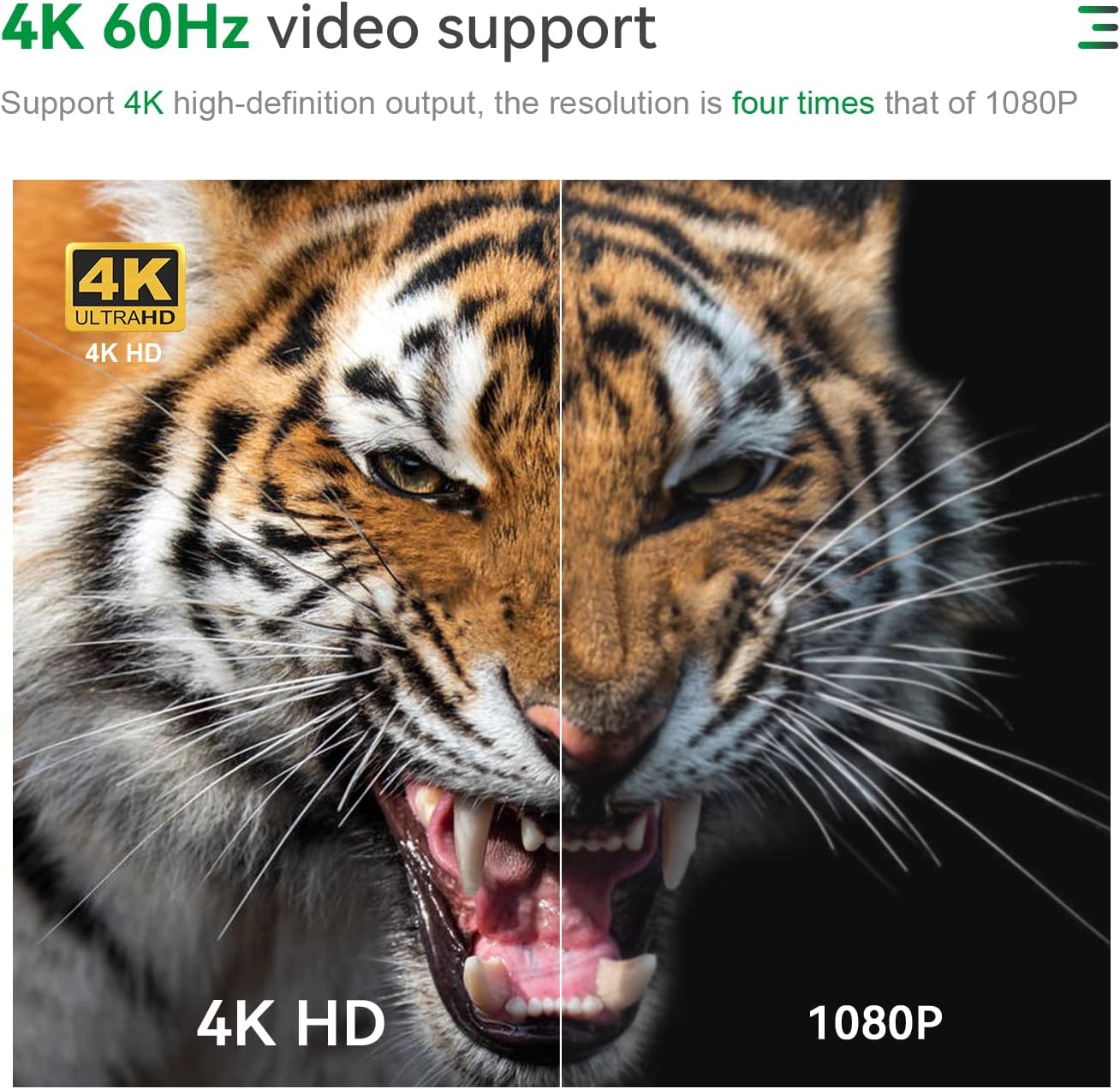
Figure 5: Illustration of the Mini PC connected to two monitors for a dual-screen setup.
5.3 Тармакка туташуу
- Зымдуу (LAN): Connect an Ethernet cable to the 1000M LAN port for a stable internet connection.
- Зымсыз (Wi-Fi): The Mini PC supports 802.11 b/g/n/ac (Wi-Fi 5) and 2.4+5G WIFI. To connect, go to Орнотуулар > Тармак жана Интернет > Wi-Fi, тармагыңызды тандап, сырсөздү киргизиңиз.
- Bluetooth: Integrated Bluetooth 4.0 allows connection to wireless peripherals like keyboards, mice, and headphones. Access Bluetooth settings via Орнотуулар > Bluetooth жана түзмөктөр.
5.4 Сактагычты кеңейтүү
The TRIGKEY G4 Mini PC allows for storage expansion:
- M.2 SSD: The existing 500GB M.2 2280 SSD can be upgraded to a maximum of 2TB M.2 SATA3 2280 SSD.
- 2.5-inch HDD/SSD: An internal bay supports a 2.5-inch SATA3 HDD or SSD (up to 2TB, not included).

Сүрөт 6: Жакын пландан view of the M.2 SSD slot inside the Mini PC.

Figure 7: Diagram showing the 2.5-inch HDD/SSD bay and its installation process.
6. Техникалык тейлөө
Туура тейлөө сиздин Мини компьютериңиздин узак иштөөсүн жана оптималдуу иштешин камсыз кылат:
- Тазалыкты сактоо: Regularly clean the exterior of the Mini PC with a soft, dry cloth. Avoid using liquid cleaners directly on the device.
- Вентиляция: Ensure the ventilation holes are not obstructed to prevent overheating. The internal fan and heat sink are designed for efficient heat dissipation.
- Программалык камсыздоо жаңыртуулары: Keep your operating system and drivers updated to ensure security and performance.
- Коопсуз өчүрүү: Always shut down the Mini PC properly through the operating system to prevent data corruption.
- Сактагычты башкаруу: Periodically check your storage usage and remove unnecessary files системанын ылдамдыгын сактоо үчүн.

8-сүрөт: жарылган view of the cooling fan and heat sink components, emphasizing efficient heat dissipation.
7. Кыйынчылыктарды
| Көйгөй | Мүмкүн себеп | Чечим |
|---|---|---|
| Кубат жок/Күйгүзбөйт | Power adapter not connected or faulty; Power outlet issue. | Ensure the power adapter is securely connected to both the Mini PC and a working power outlet. Try a different outlet. |
| Монитордо дисплей жок | HDMI cable loose or faulty; Incorrect input source on monitor. | Check HDMI cable connections. Ensure the monitor is set to the correct HDMI input source. Try a different HDMI cable or monitor. |
| Wi-Fi туташуу маселелери | Incorrect Wi-Fi password; Router issues; Driver problems. | Verify Wi-Fi password. Restart your router. Check for updated Wi-Fi drivers in Device Manager. |
| Жай аткаруу | Өтө көп тиркемелер иштеп жатат; Сактоо орду аз; Ысып кетүү. | Close unnecessary applications. Free up disk space. Ensure proper ventilation and clean dust from vents. |
| Cannot clear CMOS | Туура эмес жол-жобо. | With the Mini PC powered off and disconnected from power, press and hold the CLR CMOS button for 5-10 seconds. Reconnect power and restart. |
8. Техникалык шарттар
| Өзгөчөлүк | Деталь |
|---|---|
| Модел | TRIGKEY G4 |
| Процессор | 12th Gen Intel Alder Lake-N N95 (4C/4T, 6M Smart Cache, up to 3.4 GHz) |
| Графика | Intel UHD графикасы (4K@60Hz колдойт) |
| RAM | 16GB DDR4 SO-DIMM (Max 16GB 3200MHz) |
| Сактагыч | 500GB M.2 2280 SSD (expandable up to 2TB M.2 SATA3 2280 SSD or 2.5-inch SATA3 HDD) |
| Операция системасы | OS 11 Pro (pre-installed) / Linux-Ubuntu support |
| Зымсыз байланыш | Wi-Fi 5 (802.11 b/g/n/ac, 2.4+5G WIFI), Bluetooth 4.0 |
| Порттар |
|
| Өлчөмдөр | Болжол менен 4.52 x 4.01 x 1.61 дюйм (115 x 102 x 41 мм) |
| Салмагы | Болжол менен 1.5 фунт |
| Иш чөйрөсү | -10°C to 45°C, 30% to 90% Humidity |
| Сактоо чөйрөсү | -20°C to 60°C, 10% to 90% Humidity |
9. Кепилдик жана колдоо
TRIGKEY provides comprehensive support for its products:
- Кепилдик: 12 months replacement available.
- Кайтаруулар: 30 days no reason to return.
- Техникалык колдоо: Өмүр бою сатуудан кийинки тейлөө жана техникалык колдоо.
- Байланыш: For any questions regarding the operating system, installation, or other issues, please contact TRIGKEY customer support through Amazon or visit the official TRIGKEY webсайт.

Figure 9: TRIGKEY customer support details, including response times and warranty periods.


