Introduction
This manual provides detailed instructions for the setup, operation, and maintenance of your Noorio D110 Wireless Doorbell Camera. Please read thoroughly before use to ensure optimal performance and safety.
Кутуда эмне бар
The Noorio D110 Wireless Doorbell Camera package typically includes:
- Noorio D110 Doorbell Camera
- Зымсыз коңгуроо
- Кронштейн орнотуу
- Монтаждоо бурамдары жана дубал анкерлери
- USB-C заряддоо кабели
- User Manual
- Reset Pin / Release Tool

Жайгашуу
1. Баштапкы заряддоо
Before initial use, fully charge the doorbell camera for at least 2 hours using a 5V 2A power adapter (not included). This ensures optimal battery performance and a smooth setup process.

2. Физикалык орнотуу
The D110 offers effortless setup with its wireless design. You can choose between adhesive tape or screws for mounting.
- Mark Positions: Use the mounting bracket to mark the desired drill holes on your wall.
- Бургулоо тешиктери: Белгиленген жерлерде эки тешик бургула.
- Insert Plugs: Кеңейтүү тыгындарын бургуланган тешиктерге салыңыз.
- Коопсуз кашаа: Align the doorbell back cover with the holes and drive in the screws to secure it.
- Коңгуроону тиркөө: Slide the doorbell camera onto the secured mounting bracket until it clicks into place.

To remove the doorbell from the bracket, insert the provided reset pin into the latch at the bottom of the doorbell and gently pull the doorbell upwards.
3. Колдонмону жүктөп алуу жана туташуу
Download the "Noorio" app from your smartphone's app store. Follow the in-app instructions to pair your doorbell camera with your phone.
4. Wi-Fi орнотуу
The Noorio D110 supports 2.4GHz Wi-Fi networks only. Ensure your smartphone is connected to a 2.4GHz network during the setup process for a stable connection.

Operating the Doorbell Camera
1. Motion Detection
The D110 features dual motion detection (PIR and radar sensors) to reduce false alarms by 95%. It can distinguish between near and far subjects. You will receive instant notifications on your app when motion is detected.

2. Эки тараптуу сүйлөшүү
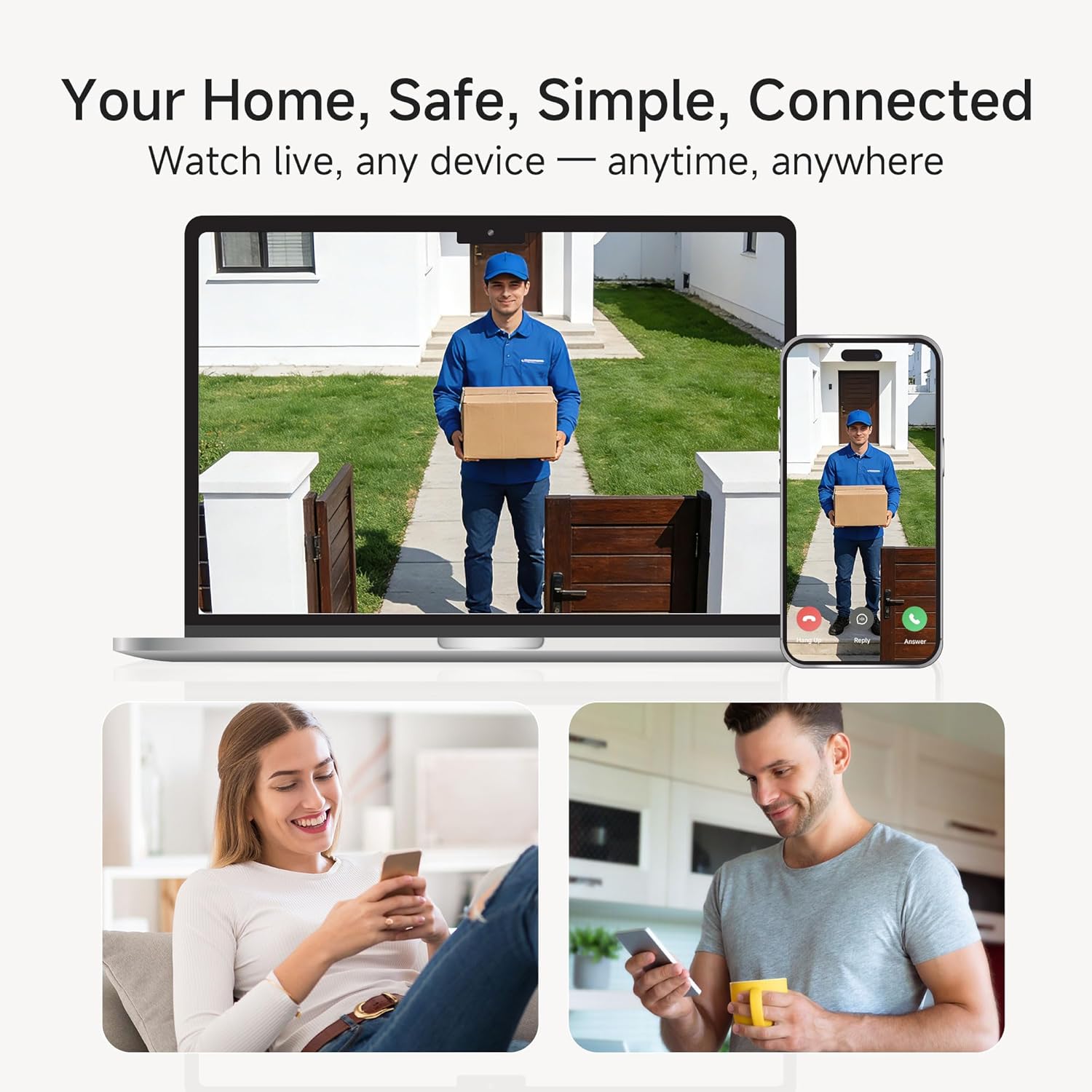
Engage in real-time two-way conversations with visitors through the Noorio app. This feature allows you to communicate with anyone at your door from anywhere.

3. Video Recording & Storage
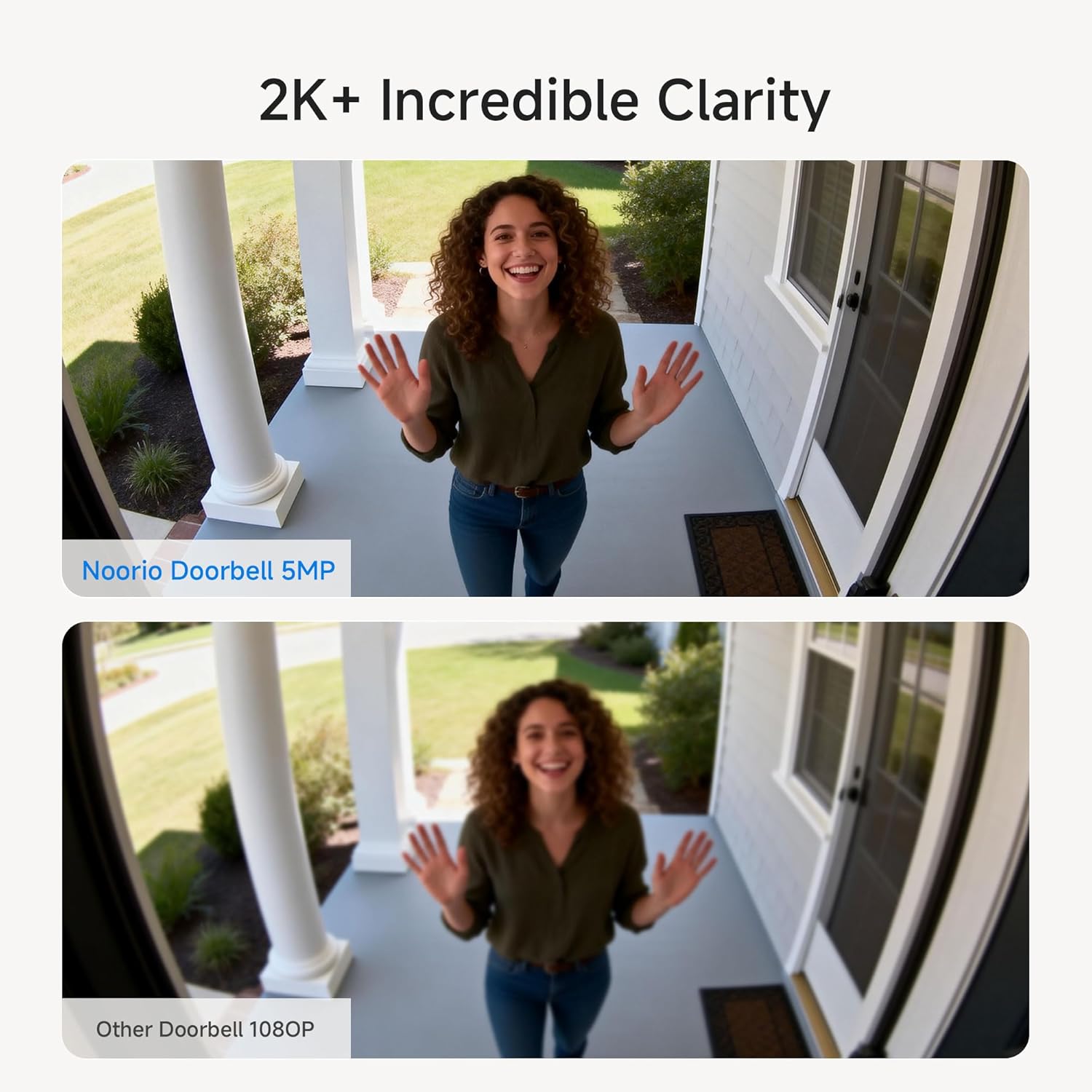
The D110 records in 2K HD with HDR for clear surveillance. It includes 16GB of local storage, capable of storing up to 6,000 video clips without hidden fees. Cloud storage is an optional service.
4. Түнкү көрүнүш
Benefit from 2K+ color night vision, ensuring clear and detailed images even in low-light conditions, unlike traditional black and white night vision.

5. Аба ырайына туруктуулук
The D110 is IP65 waterproof, designed to withstand various weather conditions including shine, snow, rain, and dust, making it suitable for outdoor use.
Техникалык тейлөө
1. Заряддоо
The doorbell camera is battery-powered. Recharge it as needed using the provided USB-C cable. The battery life is designed for extended use, reducing the frequency of charging.
2. Тазалоо
Камеранын линзасын жана корпусун жумшак, г менен сүртүңүзamp чаңды жана калдыктарды тазалоо үчүн кездеме. Аппаратка зыян келтирүүчү катаал химиялык заттарды же абразивдүү материалдарды колдонуудан алыс болуңуз.
Проблемаларды чечүү
- Эскертмелер жок: Ensure the doorbell is properly paired with the app and your phone's notification settings allow alerts from the Noorio app. Check Wi-Fi connectivity.
- Wi-Fi сигналы начар: The doorbell operates on 2.4GHz Wi-Fi. Ensure your router is within range and provides a strong signal to the installation location.
- Эшиктин коңгуроосу шыңгырабай жатат: Verify the chime is powered on and paired with the doorbell. Check the volume settings on the chime and in the app.
- Жалган кыймыл эскертүүлөрү: Adjust the motion detection sensitivity settings within the Noorio app to reduce unwanted alerts.
Техникалык шарттар
| Өзгөчөлүк | Деталь |
|---|---|
| Бренд | Нурио |
| Модель номери | D110 |
| Байланыш технологиясы | Wireless (2.4G WiFi Only) |
| Power Source | Батарея менен иштейт |
| Ички/тышкы колдонуу | Сыртта |
| Өзгөчө өзгөчөлүк | Суу өткөрбөйт (IP65) |
| Натыйжалуу дагы эле чечим | 5 депутат |
| Field Of View | 170 градус |
| Flash эстутум орнотулган өлчөмү | 16 ГБ |
| Түнкү көрүнүш | Түстүү түн |
| Шайкеш түзмөктөр | Noorio App, Amazon Alexa |
| Элементтин өлчөмдөрү | 15 x 5.4 x 3 Сантиметр |
Кепилдик
Noorio offers a 1-year warranty for return and replacement due to quality issues, along with lifetime technical support. Replies to inquiries are typically provided within minutes to 24 hours.
Колдоо
For technical assistance or customer service, please contact Noorio support:
- Телефон: 800 642 5905 (9:00 - 18:00 ET, жумуш күнү)
- Электрондук почта: Support@nooriolife.com


