1. Киришүү
Thank you for choosing the Joyroom JR-X9S Active Capacitive Stylus Pen. This manual provides essential information for the proper setup, operation, and maintenance of your stylus. Please read these instructions carefully before use to ensure optimal performance and longevity of your device.
2. Продукт бүтүп калдыview
The Joyroom JR-X9S is an active capacitive stylus designed for precise interaction with smart devices. It features a fine tip for accurate writing, drawing, and navigation. The stylus is lightweight and ergonomically designed for comfortable use.
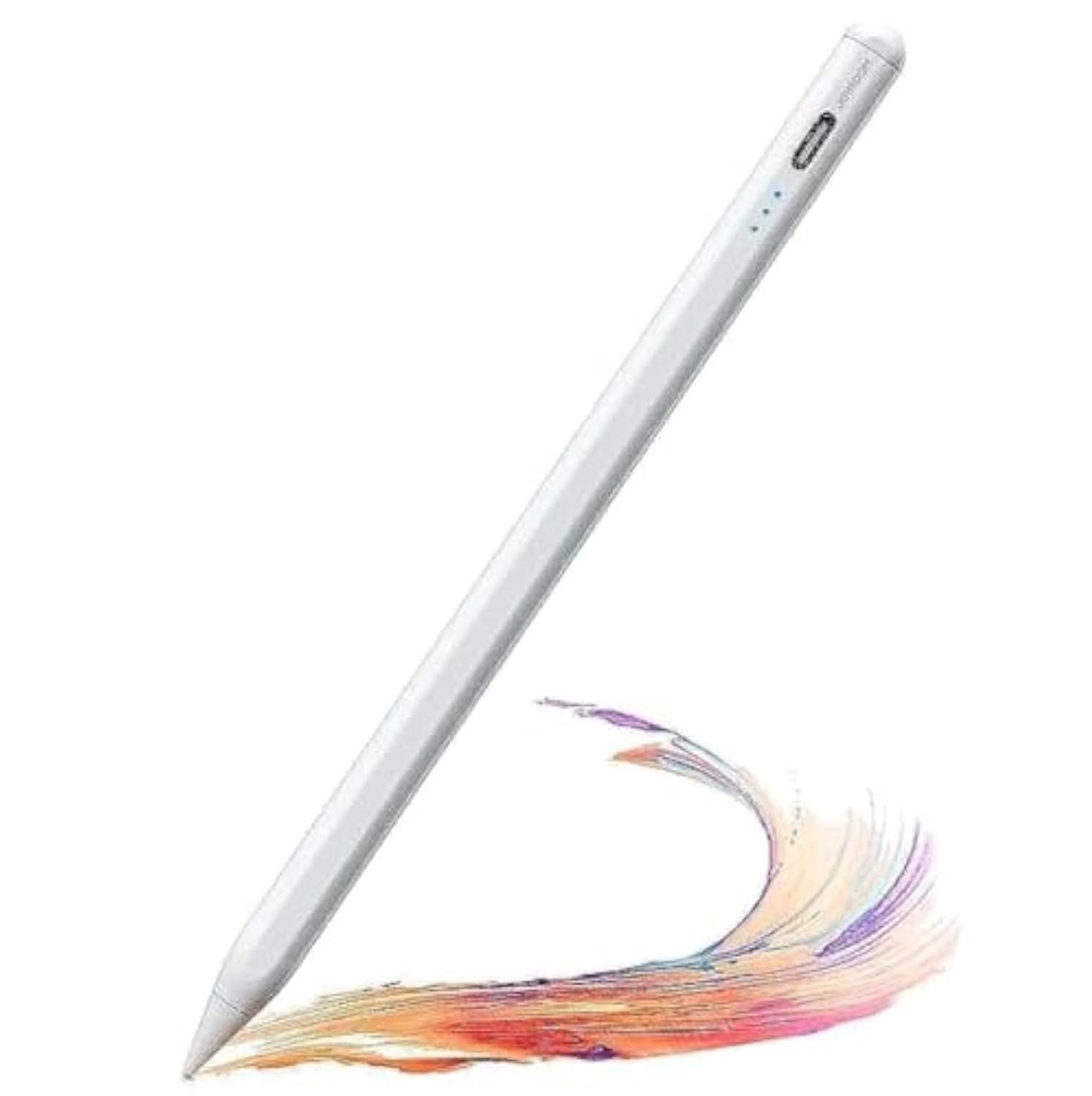
Image 1: Joyroom JR-X9S Active Capacitive Stylus Pen. This image displays the sleek design of the stylus pen, highlighting its fine tip and overall form factor.
Шайкештик жөнүндө эскертүү: This stylus is primarily designed for use with iPads and may not be fully compatible with all Android devices. Please verify your device's compatibility for optimal performance.
3. Орнотуу
3.1 Стилусту заряддоо
- Locate the charging port on the stylus. This is typically a USB-C port.
- Connect the provided charging cable to the stylus and a compatible USB power source (e.g., computer, wall adapter).
- The indicator light on the stylus will illuminate during charging. It will typically change color or turn off once fully charged.
- Толук заряддоо, адатта, болжол менен 1-2 саатты талап кылат.
3.2 Күйгүзүү/өчүрүү
- Күйгүзүү үчүн: Press and hold the power button (if present) or gently tap the top of the stylus until the indicator light turns on.
- Өчүрүү үчүн: Press and hold the power button again or tap the top of the stylus until the indicator light turns off. The stylus may also power off automatically after a period of inactivity to conserve battery.
4. Иштөө нускамалары
4.1 Негизги колдонуу
- Ensure the stylus is powered on.
- Simply touch the stylus tip to your device's screen to begin writing, drawing, or navigating.
- The stylus is designed to mimic the feel of a traditional pen, offering precise control.
4.2 Тиркемелер менен колдонуу
The JR-X9S stylus is compatible with most drawing, note-taking, and productivity applications that support stylus input on compatible devices. No special pairing is typically required; the stylus functions by capacitive touch.
5. Техникалык тейлөө
5.1 Тазалоо
- Стилустун корпусун жумшак, кургак, түксүз чүпүрөк менен акырын сүртүңүз.
- For the stylus tip, use a slightly damp cloth if necessary, ensuring no moisture enters the device.
- Катуу химиялык заттарды, абразивдүү тазалагычтарды же эриткичтерди колдонбоңуз.
5.2 Сактоо
- Store the stylus in a cool, dry place away from direct sunlight and extreme temperatures.
- Avoid placing heavy objects on the stylus.
- Keep the stylus away from strong magnetic fields.
6. Кыйынчылыктарды
| Көйгөй | Мүмкүн себеп | Чечим |
|---|---|---|
| Стилус күйбөй жатат. | Батарея аз. | Charge the stylus fully. |
| Stylus is unresponsive. | Stylus is off or low battery. Device incompatibility. | Ensure stylus is powered on and charged. Verify device compatibility (e.g., iPad). |
| Inaccurate or intermittent input. | Screen protector interference. Stylus tip dirty or damaged. | Ensure screen protector is stylus-friendly. Clean the stylus tip. If damaged, consider replacing the tip (if applicable). |
| Стилус күтүүсүздөн өчүп калат. | Low battery. Automatic power-off feature. | Recharge the stylus. This is normal behavior if the stylus is inactive for a period. |
7. Техникалык шарттар
| Өзгөчөлүк | Деталь |
|---|---|
| Бренд | Joyroom |
| Модель номери | JR-X9S |
| Type | Active Capacitive Stylus Pen |
| Түс | Ак |
| Продукциянын өлчөмдөрү | 2.2 x 6.8 x 24.2 см |
| Салмагы | 90 грамм |
| ASIN | B0C8DXBQRQ |
8. Кепилдик жана колдоо
For warranty information or technical support, please refer to the documentation included with your purchase or contact Joyroom customer service directly. Keep your proof of purchase for any warranty claims.


