1. Продукт бүтүп калдыview
The CUPEISI Android 15 Tablet YQ10S MAX is a versatile 10-inch device designed for both productivity and entertainment. Running on the latest Android 15.0 system with Google GMS certification, it offers a smooth and secure user experience. This 2-in-1 tablet comes equipped with a powerful quad-core processor, ample memory, and a high-definition IPS screen, making it ideal for various tasks from gaming and multimedia consumption to work and study.

Figure 1.1: CUPEISI Android 15 Tablet with included accessories.
Негизги өзгөчөлүктөрү:
- Операция системасы: Android 15.0 with Google GMS certification for enhanced security and performance.
- Эстутум жана сактоо: 18GB RAM (6GB + 12GB expansion) and 128GB ROM, expandable up to 2TB via microSD card (not included).
- Процессор: New generation ultra-high performance and low power consumption 2.0GHz Quad-core CPU.
- Дисплей: 10.1-inch IPS HD screen with 1280x800 resolution, featuring a sensitive touchscreen and a comfortable "reading mode".
- Камералар: 8MP rear camera and 2MP front camera for capturing moments and video calls.
- Байланыш: Supports 2.4G/5G Wi-Fi 6.0 and Bluetooth 5.0 for stable and fast wireless connections.
- Батарея: 6000mAh battery providing up to 10 hours of usage on a single charge.
- 2-ин-1 Функциясы: Transforms into a laptop-style device with the included Bluetooth keyboard, wireless mouse, and stylus.
2. Кутуда эмне бар
Сураныч, бардык буюмдар бар экенине ынануу үчүн пакетиңиздин мазмунун текшериңиз:
- CUPEISI Android 15 Tablet (YQ10S MAX)
- Зымсыз клавиатура
- Bluetooth чычкан
- Foldable Protective Cover
- Стилус
- Type-C кабели

2.1-сүрөт: пакетке киргизилген бардык компоненттер.
3. Орнотуу колдонмосу
3.1 Алгачкы заряддоо
- Connect the provided Type-C cable to the tablet's charging port.
- Кабелдин экинчи учун туура келген USB кубат адаптерине туташтырыңыз (кошумча эмес) жана аны розеткага сайыңыз.
- Планшетті биринчи жолу колдонуудан мурун толук заряддаңыз. Экрандагы батареянын индикатору заряддоо абалын көрсөтөт.
3.2 Күйгүзүү/өчүрүү
- Күйгүзүү үчүн: Press and hold the Power button on the side of the tablet until the screen lights up.
- Өчүрүү үчүн: Өчүрүү менюсу пайда болгонго чейин Күйгүзүү баскычын басып, кармап туруңуз. Түзмөктү өчүрүү үчүн "Өчүрүү" дегенди тандаңыз.
- Кайра баштоо үчүн: From the power-off menu, select "Restart".
3.3 Аксессуарларды туташтыруу
The tablet comes with a Bluetooth keyboard, wireless mouse, and stylus for enhanced usability.

Figure 3.1: Tablet used with various accessories.
Connecting the Bluetooth Keyboard:
- Turn on the keyboard using its power switch.
- Press the "Connect" button on the keyboard to enter pairing mode (indicator light will blink).
- Планшетиңизден төмөнкүгө өтүңүз Орнотуулар > Туташкан түзмөктөр > Bluetooth.
- Bluetooth иштетилгенин текшериңиз. Планшет жеткиликтүү түзмөктөрдү издейт.
- Select the keyboard from the list (e.g., "Bluetooth Keyboard") and follow any on-screen prompts to complete pairing.
Connecting the Wireless Mouse:
- Insert the necessary batteries into the wireless mouse (refer to mouse instructions for battery type and insertion).
- Locate the USB receiver for the mouse, usually found in a compartment on the mouse itself.
- Plug the USB receiver into the tablet's USB-C port using an appropriate adapter if necessary (adapter not included).
- The tablet should automatically detect and connect to the mouse.
Стилусту колдонуу:
The stylus does not require pairing. Simply use it to navigate the touchscreen, draw, or write as you would with your finger.
4. Иштөө нускамалары
4.1 Негизги навигация
- тийүү: Колдонмону ачуу же нерсени тандоо үчүн сөлөкөтүн таптаңыз.
- Серпүү: Барактарды же мазмунду сыдыруу үчүн манжаңызды экранга сүйрөңүз.
- Чымчып-кичирейтүү: Эки манжаңызды экранга коюп, чоңойтуу үчүн аларды экиге бөлүңүз, же кичирейтүү үчүн бириктирип чымчыңыз.
- Башкы экран: Tap the Home button (usually a circle or house icon) to return to the main screen.
- Артка: Tap the Back button (usually a triangle or arrow icon) to return to the previous screen.
- Акыркы колдонмолор: Акыркы колдонмолор баскычын таптаңыз (көбүнчө төрт бурчтуу сүрөтчө). view жана жакында колдонулган колдонмолордун ортосунда которулуу.
4.2 Wi-Fi байланышы
The tablet supports both 2.4GHz and 5GHz Wi-Fi 6 for fast and stable internet access.

Figure 4.1: Tablet showing Wi-Fi connection capabilities.
- барыңыз Орнотуулар > Тармак жана интернет > Wi-Fi.
- Toggle the Wi-Fi switch to the "On" position.
- Жеткиликтүү тармактардын тизмесинен каалаган Wi-Fi тармагын тандаңыз.
- If prompted, enter the network password and tap "Connect".
4.3 Мультимедиа ойнотуу
Enjoy high-definition multimedia content with Widevine L1 support, ensuring a premium viewing experience for streaming services like Netflix and YouTube.
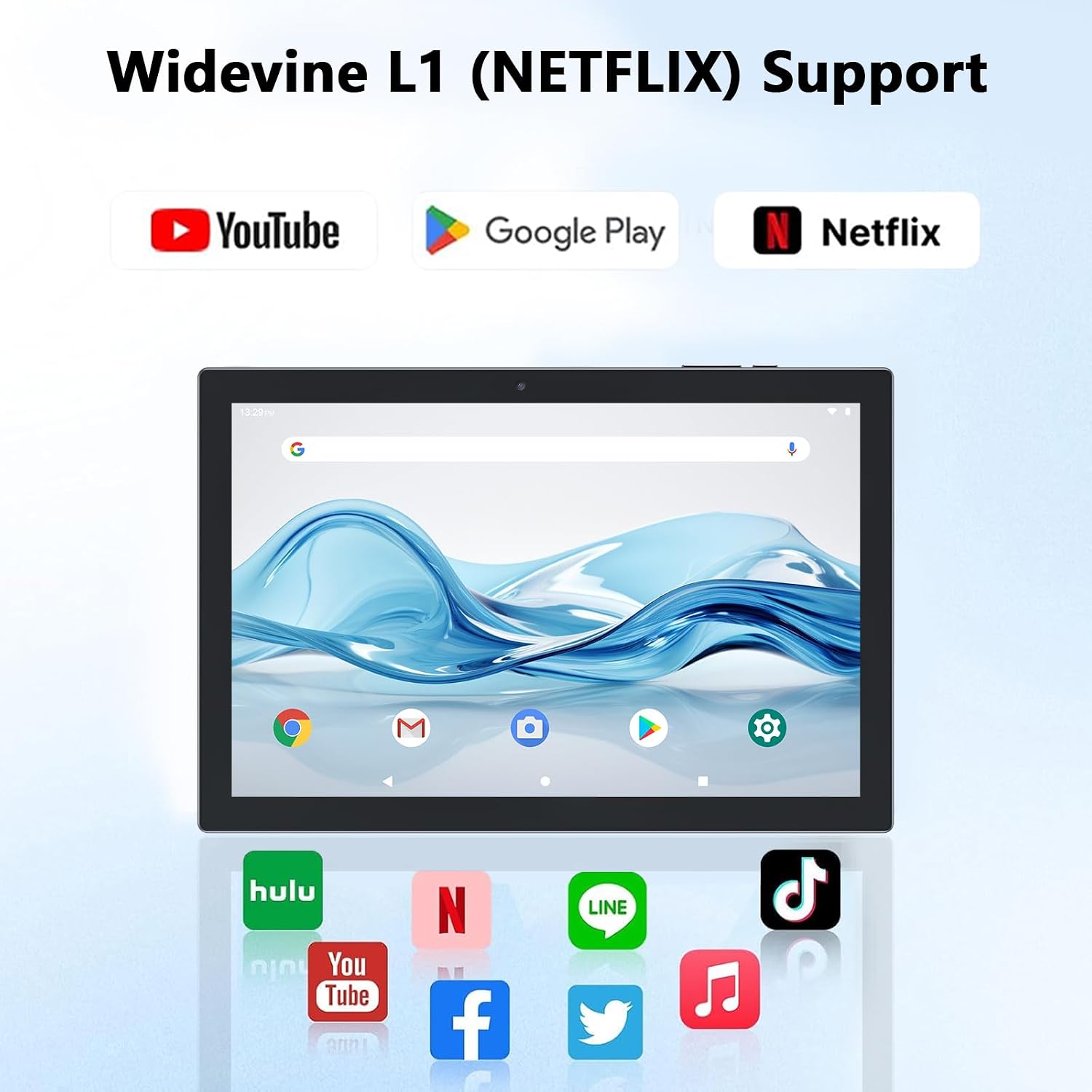
Figure 4.2: Widevine L1 support for popular streaming platforms.
The tablet's IPS HD screen provides vibrant colors and advanced visual effects. Utilize the pre-installed media players or download your preferred streaming apps from the Google Play Store.
Видео 4.1: Бүттүview of the YQ10SMAX Android 15 tablet's features and performance, demonstrating its capabilities for daily use and entertainment.
4.4 Using Cameras
The tablet features an 8MP rear camera and a 2MP front camera.

Figure 4.3: Dual cameras for photos and video calls.
- Open the "Camera" application from the home screen or app drawer.
- Алдыңкы жана арткы камералардын ортосунда которулуу үчүн камера сөлөкөтүн таптап коюңуз.
- Сүрөткө тартуу же видео жазууну баштоо/токтоо үчүн жапкычты таптаңыз.
4.5 Storage and Expansion
The tablet comes with 128GB of internal storage and supports up to 2TB expansion via a microSD card.

Figure 4.4: Mass storage and easy expansion options.
- To insert a microSD card, locate the card slot on the side of the tablet and gently push the card in until it clicks.
- To manage storage, go to Орнотуулар > Сактагыч.
5. Техникалык тейлөө
5.1 Планшетиңизди тазалоо
- Планшеттин экранын жана корпусун тазалоо үчүн жумшак, түксүз чүпүрөктү колдонуңуз.
- өжөр тактар үчүн, бир аз гampчүпүрөктү суу же экранга коопсуз тазалоо эритмеси менен жабыңыз.
- Катуу химиялык заттарды, абразивдүү материалдарды же ашыкча нымдуулукту колдонуудан алыс болуңуз.
5.2 Батареяга кам көрүү
The tablet is equipped with a 6000mAh battery for long-lasting performance.

Figure 5.1: Large-capacity battery with long-lasting battery life.
- Charge the tablet regularly, but avoid leaving it plugged in for extended periods after it's fully charged.
- Заряддоо үчүн берилген Type-C кабелин гана колдонуңуз.
- Avoid exposing the tablet to extreme temperatures, as this can affect battery life.
5.3 Программалык камсыздоо жаңыртуулары
Оптималдуу иштөөнү жана коопсуздукту камсыз кылуу үчүн системанын жаңыртууларын мезгил-мезгили менен текшерип туруңуз.
- барыңыз Орнотуулар > Система > Системаны жаңыртуу.
- Бардык жеткиликтүү жаңыртууларды жүктөп алуу жана орнотуу үчүн экрандагы нускамаларды аткарыңыз.
6. Кыйынчылыктарды
If you encounter any issues with your tablet, please refer to the following common problems and solutions:
| Көйгөй | Мүмкүн себеп | Чечим |
|---|---|---|
| Планшет күйбөйт | Аз батарея; Системанын бузулушу | Планшетті кеминде 30 мүнөт кубаттаңыз. Күйгүзүп кайра иштетүү үчүн Күйгүзүү баскычын 10-15 секунд басып туруңуз. |
| Wi-Fi туташуу маселелери | Incorrect password; Router issue; Out of range | Wi-Fi сырсөзүн текшериңиз. Роутериңизди өчүрүп-күйгүзүңүз. Wi-Fi роутерине жакындаңыз. |
| Жай аткаруу | Өтө көп тиркемелер иштеп жатат; Сактагычтын аздыгы; Эскирген программалык камсыздоо | Close unnecessary apps. Clear cache/uninstall unused apps. Check for system updates. |
| Аксессуарлар туташпай жатат | Bluetooth off; Incorrect pairing; Low battery in accessory | Ensure Bluetooth is on. Re-pair the accessory. Check accessory batteries. |
| Экран жооп бербей жатат | Убактылуу программалык ката | Планшетті күч баскычын кармап туруп, мажбурлап өчүрүп-күйгүзүңүз. |
7. Техникалык шарттар
| Өзгөчөлүк | Деталь |
|---|---|
| Бренд | CUPEISI |
| Модель аты | YQ10S MAX |
| Операция системасы | Android 15 |
| Screen Size | 10.1 дюйм |
| Screen Resolution | 1280 x 800 пиксел (IPS HD) |
| Процессор | 2.0 ГГц төрт ядролуу |
| RAM | 18GB (6GB + 12GB expansion) |
| Ички сактагыч | 128 ГБ |
| Кеңейтүүчү сактагыч | Up to 2TB (microSD card not included) |
| Арткы камера | 8 депутат |
| Алдыңкы камера | 2 депутат |
| Зымсыз түрү | 802.11ax (Wi-Fi 6), 2.4G/5G Dual-band |
| Bluetooth | Bluetooth 5.0 |
| Батарея сыйымдуулугу | 6000 мАч литий полимери |
| Батареянын орточо иштөө мөөнөтү | 10 саатка чейин |
| Элемент Салмагы | 2.75 фунт (болжол менен 1.25 кг) |
| Продукциянын өлчөмдөрү | 9.45 x 5.91 x 0.39 дюйм (болжол менен 24 x 15 x 1 см) |
8. Кепилдик жана колдоо
CUPEISI products are manufactured to the highest quality standards. This product is covered by a standard manufacturer's warranty against defects in materials and workmanship from the date of purchase. Please retain your proof of purchase for warranty claims.
For technical support, warranty inquiries, or any questions regarding your CUPEISI Android 15 Tablet, please contact our customer service team through the retailer's platform or visit the official CUPEISI webбайланыш маалыматы үчүн сайт.
Please note that the warranty does not cover damage caused by misuse, accidents, unauthorized repairs, or normal wear and tear.


