1. Продукт бүтүп калдыview
The Crucial X10 Pro Portable SSD is a high-performance external solid state drive designed for rapid data transfer and reliable storage. It offers advanced durability features and broad compatibility across various devices.
- Ultra-fast Speeds: Achieve up to 2,100MB/s read and 2,000MB/s write speeds for efficient file иштетүү.
- Туруктуу дизайн: Features IP55 water and dust resistance, along with drop protection up to 7.5 feet (2 meters). Includes a lanyard loop for secure portability.
- Кеңири шайкештик: Connects seamlessly with Windows, Mac, iPad Pro, Chromebooks, Android, Linux, PS4, PS5, and Xbox via USB-C and USB-A.
- Массивдүү сактоо сыйымдуулугу: This 2TB model provides ample space for high-resolution photos, 4K/8K videos, and large project files.
- Өркүндөтүлгөн коопсуздук: Supports SSD password protection for data security.
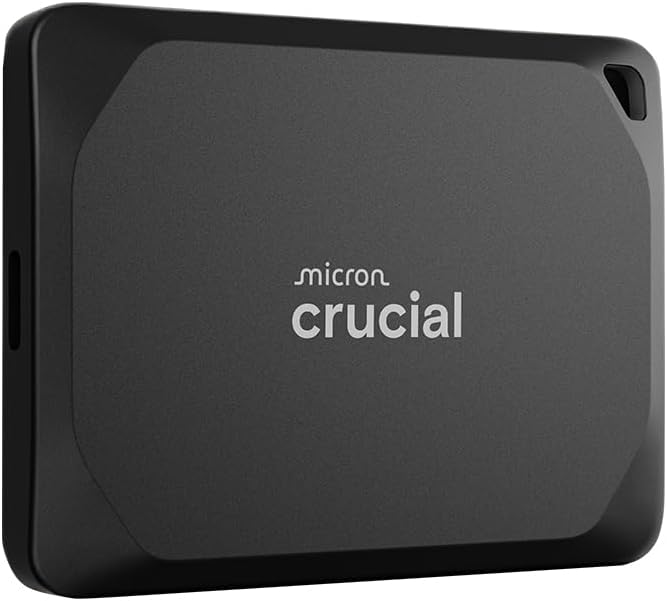
This manual provides essential information for setting up, operating, and maintaining your Crucial X10 Pro Portable SSD.
2. Орнотуу нускамалары
The Crucial X10 Pro Portable SSD is designed for plug-and-play functionality, making setup straightforward.
2.1 Кутуда эмне бар
- Crucial X10 Pro Portable SSD
- USB-C кабель
- Mylio Photos+ redemption code
2.2 SSD туташтыруу
- Locate the USB-C port on your computer, tablet, or gaming console.
- Connect one end of the included USB-C cable to the USB-C port on the Crucial X10 Pro SSD.
- Connect the other end of the USB-C cable to the compatible USB-C port on your device.
- The SSD should be automatically recognized by your operating system. If prompted, follow any on-screen instructions for initial setup or formatting.
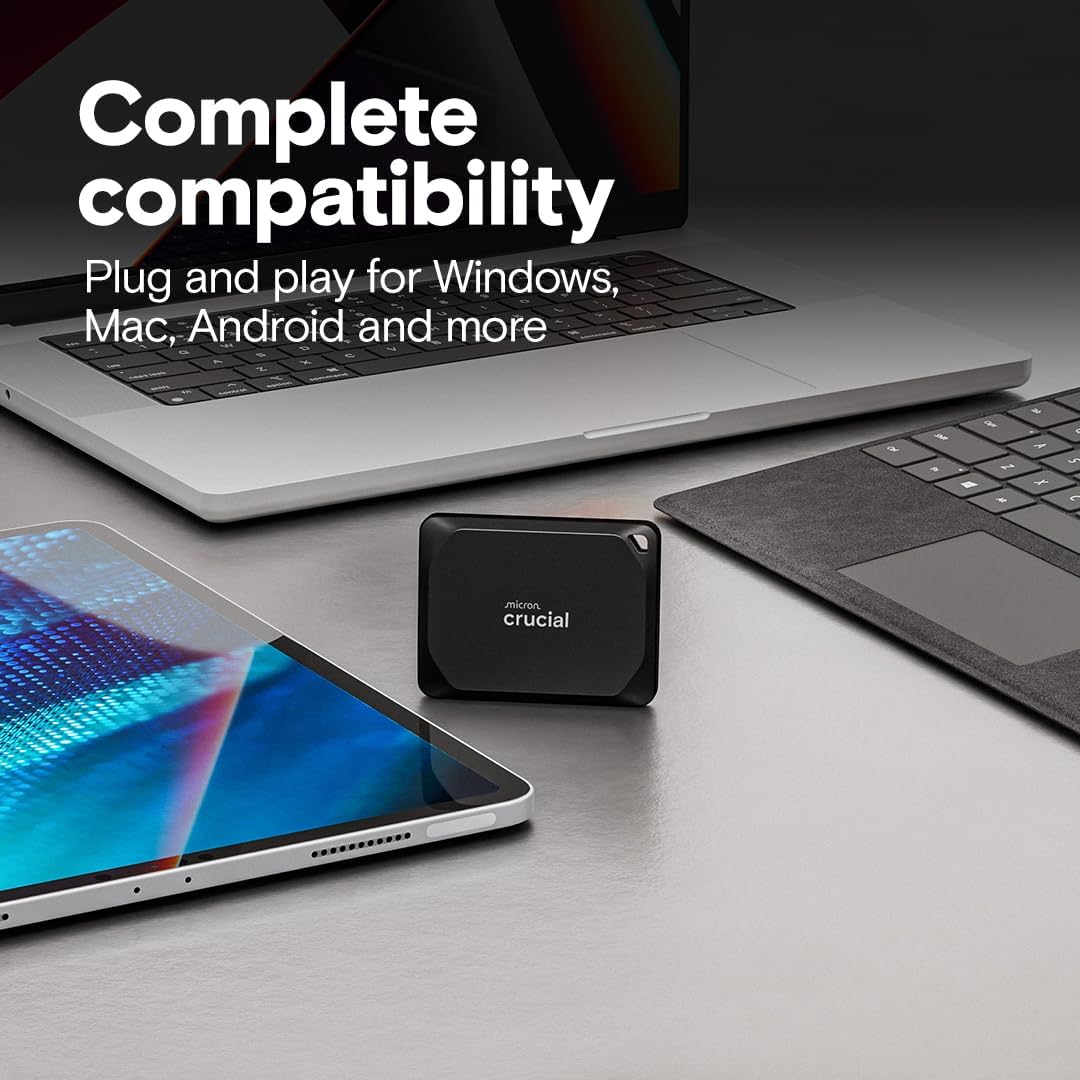
For optimal performance, ensure your device supports USB 3.2 Gen2 2x2 if you wish to achieve the maximum advertised speeds.
2.3 Initializing and Formatting (If Required)
In some cases, especially with new drives or specific operating systems, you may need to initialize and format the SSD before use. Refer to your operating system's documentation for detailed instructions on disk management.
3. Иштөө нускамалары
Once connected and recognized, your Crucial X10 Pro SSD functions like any other external storage device.
3.1 Өткөрүп берүү Files
өткөрүп берүү үчүн files, simply drag and drop them to and from the SSD's drive icon or folder in your file explorer/finder. The high read/write speeds enable quick transfers of large files.

3.2 Working Directly from the Drive
The Crucial X10 Pro's high speeds allow you to work directly on files stored on the SSD, such as editing 4K/8K videos or large photo projects, without experiencing significant lag.
3.3 Сырсөздү коргоо
The SSD supports password protection for enhanced data security. Refer to the included software documentation (Mylio Photos+ and Acronis True Image) or Crucial's official website for instructions on enabling and managing password protection.
4. Техникалык тейлөө
The Crucial X10 Pro is built with durability in mind, requiring minimal maintenance.
4.1 Физикалык бышыктык
- Суу жана чаңга туруктуулугу: The drive is IP55 rated, meaning it is protected against dust ingress and low-pressure water jets from any direction. Avoid submerging the device in water.
- Drop Protection: 2 метрге чейинки бийиктиктен кулап түшүүгө туруштук берүү үчүн иштелип чыккан.
- Боо илмеги: Utilize the integrated lanyard loop to secure the drive and prevent accidental drops.

4.2 Тазалоо
Wipe the exterior of the SSD with a soft, dry cloth. Avoid using harsh chemicals or abrasive materials.
5. Кыйынчылыктарды
If you encounter issues with your Crucial X10 Pro SSD, consider the following common solutions:
- Диск аныкталган жок:
- Ensure the USB-C cable is securely connected to both the SSD and your device.
- Түзмөгүңүздө башка USB-C портун колдонуп көрүңүз.
- Test with a different compatible USB-C cable.
- Компьютериңизди же түзмөгүңүздү өчүрүп күйгүзүңүз.
- Check your operating system's Disk Management (Windows) or Disk Utility (Mac) to see if the drive is visible but uninitialized/unformatted.
- Жай өткөрүү ылдамдыгы:
- Ensure your device's USB-C port supports USB 3.2 Gen2 2x2 for maximum performance. Older USB standards will result in lower speeds.
- Фондо иштеп жаткан, тутум ресурстарын талап кылган бардык керексиз тиркемелерди жабыңыз.
- Verify the cable is the original included cable or another high-quality USB 3.2 Gen2 2x2 compatible cable.
- Password Protection Issues:
- Ensure you are using the correct password.
- Refer to the documentation for the password protection software you are using (e.g., Acronis True Image) for specific recovery or reset procedures.
6. Техникалык шарттар
| Өзгөчөлүк | Деталь |
|---|---|
| Катуу диск түрү | Катуу абалдагы диск (SSD) |
| Кубаттуулугу | 2 ТБ |
| Модель номери | CT2000X10PROSSD902 |
| Окуу ылдамдыгы (макс) | 2100 МБ/сек чейин |
| Жазуу ылдамдыгы (макс.) | 2000 МБ/сек чейин |
| Интерфейс | USB-C (USB 3.2 Gen2 2x2) |
| Байланыш технологиясы | USB |
| Суу жана чаңга туруктуулук | IP55 |
| Drop Protection | 7.5 фут (2 метр) чейин |
| Өлчөмдөрү (LxWxH) | 2.56 x 1.97 x 0.39 дюйм |
| Салмагы | 1.48 унция |
| Шайкеш түзмөктөр | Camera, Gaming Console, Laptop, Tablet (Windows, Mac, iPad Pro, Chromebooks, Android, Linux, PS4, PS5, Xbox) |
7. Кепилдик жана колдоо
7.1 Чектелген Кепилдик
The Crucial X10 Pro Portable SSD comes with a limited 5-year warranty. Please retain your proof of purchase for warranty claims. For full terms and conditions, visit the official Crucial webсайт.
7.2 Included Software
Your purchase includes redemption codes for three months of Mylio Photos+ and Acronis True Image. Register your external drive on the Crucial website to access these bonus software offers.
7.3 Кардарларды колдоо
For further assistance, technical support, or to access additional resources, please visit the official Crucial support webсайтка же кардарларды тейлөөгө кайрылыңыз.


