1. Киришүү
Сатып алганыңыз үчүн рахматasing the CUPEISI YQ11M Android 13 10.1-inch Tablet. This manual provides essential information for setting up, operating, maintaining, and troubleshooting your device. Please read this manual thoroughly to ensure proper use and to maximize your tablet's performance.
2. Коопсуздук маалыматы
To prevent damage to your device or injury to yourself and others, please observe the following safety precautions:
- Планшетти экстремалдык температурага, тике күн нуруна же жогорку нымдуулукка тийгизбеңиз.
- Планшетті түшүрүп алуудан же катуу соккуга кабылтуудан алыс болуңуз.
- Планшетти суудан жана башка суюктуктардан алыс кармаңыз.
- Бекитилген аксессуарларды жана заряддоо түзүлүштөрүн гана колдонуңуз.
- Планшетти өз алдынча бөлүүгө же оңдоого аракет кылбаңыз. Квалификациялуу тейлөө кызматкерлерине кайрылыңыз.
Заряддоо чаралары
When charging your CUPEISI YQ11M tablet, it is crucial to use a charger with a 5V / 2.0A чыгуу. Using chargers with different output specifications may lead to device malfunction or damage. The tablet supports both Type-A and Type-C charging terminals. However, chargers with Type-C on both ends may not be compatible. Avoid using multi-type chargers with outputs exceeding 2.0A, chargers that automatically detect current, fast chargers, or chargers specifically designed for other brands (e.g., Apple, Docomo, au).

Сүрөт: Charging precautions and pre-applied protective film.
3. Пакеттин мазмуну
Сураныч, төмөнкү нерселер үчүн кутучаны белгилеңиз:
- CUPEISI YQ11M Android 13 Tablet
- USB заряддоо кабели
- Кубаттуу адаптер
- Колдонуучунун Колдонмосу (бул документ)
4. Түзмөк бүттүview
Familiarize yourself with the physical features of your CUPEISI YQ11M tablet.
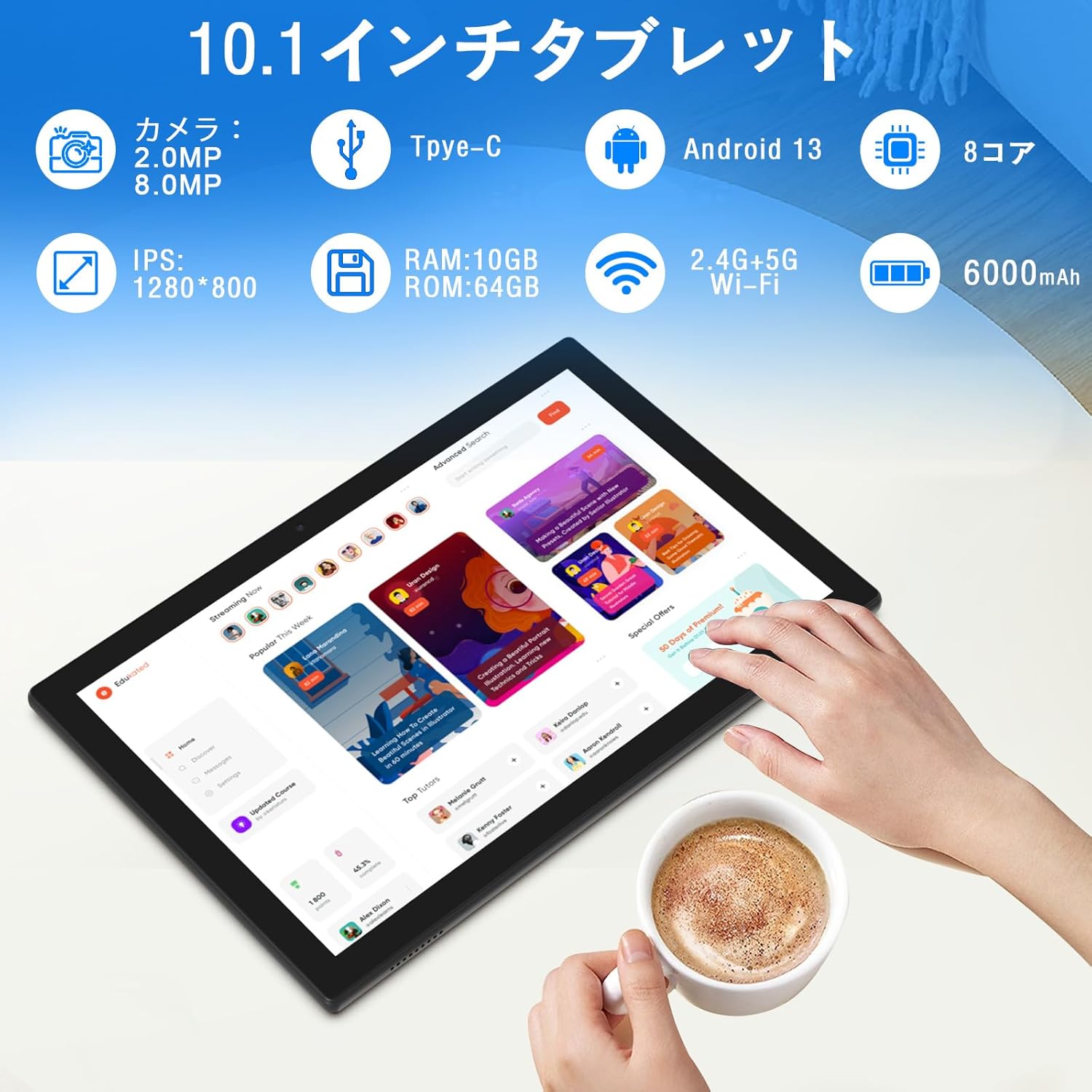
Сүрөт: Бүттүview of tablet features and specifications.
- Алдыңкы камера: Видео чалуулар жана селфилер үчүн 2 мегапиксел.
- Арткы камера: Сүрөт жана видео тартуу үчүн 8 мегапиксел.
- Дисплей: 10.1-inch IPS HD screen (1280x800 resolution).
- Баяндамачылар: Dual speakers for enhanced audio experience.
- Заряддоо порту: Кубаттоо жана маалыматтарды берүү үчүн Type-C порту.
- Кубат баскычы: Located on the side for turning the device on/off and screen lock.
- Үн баскычтары: Located on the side for adjusting volume.
- MicroSD картасынын уячасы: 1 ТБ чейин кеңейтилүүчү сактоо үчүн.

Сүрөт: Алдыңкы жана арткы view of the CUPEISI YQ11M tablet.
5. Орнотуу
5.1 Баштапкы күйгүзүү
- Экран күйгүчө кубат баскычын басып, кармап туруңуз.
- Тилди, аймакты тандап, шарттарды жана эрежелерди кабыл алуу үчүн экрандагы көрсөтмөлөрдү аткарыңыз.
5.2 Wi-Fi туташуусу
- During the initial setup, select your preferred Wi-Fi network from the list.
- Эгер суралса, Wi-Fi сырсөзүн киргизип, "Туташуу" баскычын басыңыз.
- The tablet supports both 2.4G and 5G Wi-Fi for stable and fast connections.
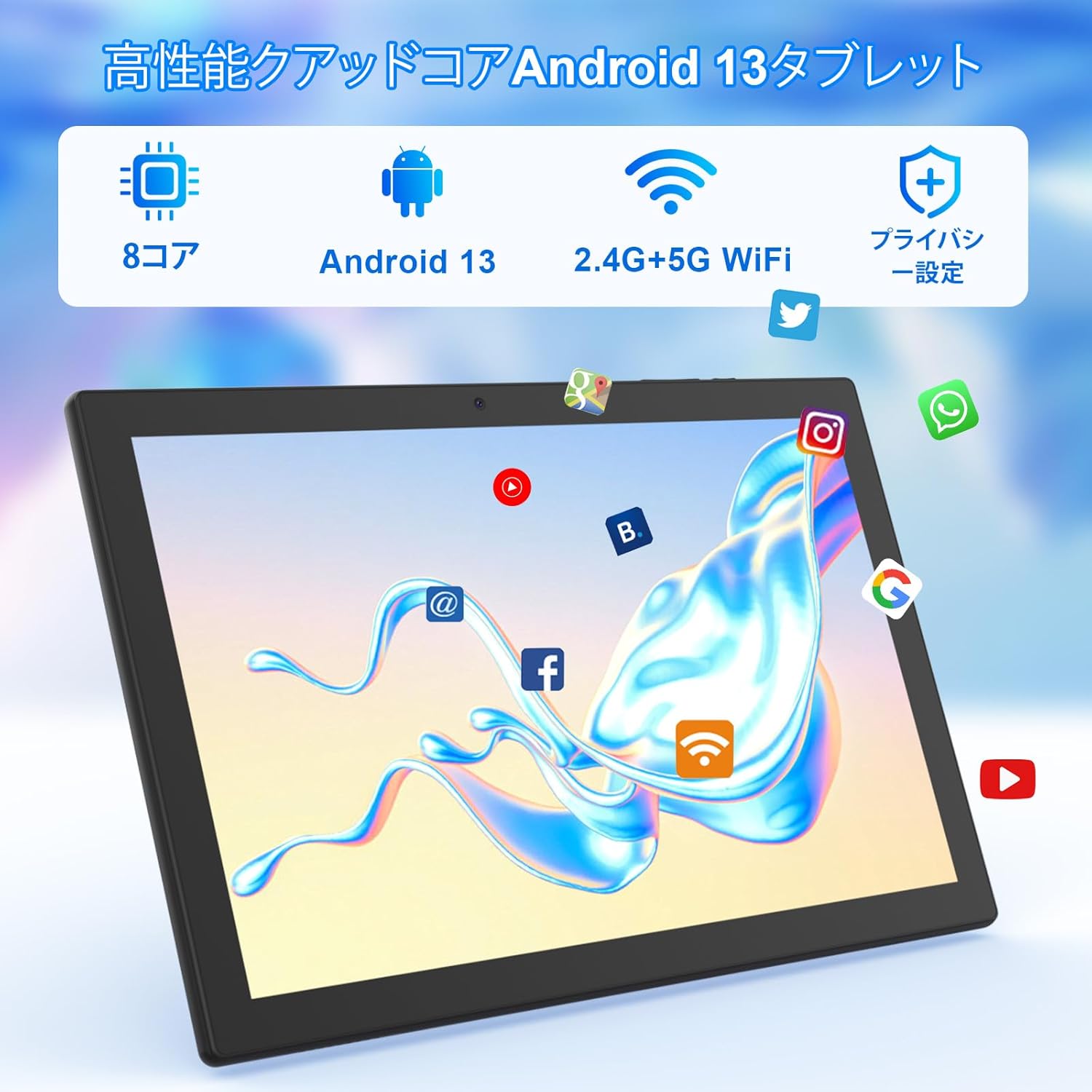
Сүрөт: Tablet screen showing app icons and connectivity features.
5.3 Google Каттоо эсебин орнотуу
Sign in with your Google account or create a new one to access Google Play Store, Gmail, and other Google services.
5.4 Коргоочу пленка
The tablet comes with a simple transparent PET protective film pre-applied. You may choose to keep it on or remove it according to your preference. It is designed for easy application without air bubbles or dust.
6. Иштөө нускамалары
6.1 Негизги навигация
The CUPEISI YQ11M tablet features a 10.1-inch FHD in-cell touchscreen with wide viewing angles and 1280x800 high resolution, offering a clear and vibrant visual experience.

Сүрөт: Tablet display features.
- таптаңыз: Select an item or activate a function.
- Серпүү: Navigate through screens or scroll content.
- Чымчуу: Сүрөттөрдү чоңойтуу же кичирейтүү жана web барактар.
6.2 Колдонмо башкаруу
The tablet comes with Google Play pre-installed, allowing you to download and use popular applications such as Facebook, Twitter, YouTube, Line, and Instagram. To install apps:
- Open the 'Play Store' app.
- Издөө каалаган колдонмо.
- Tap 'Install' to download and set up the app.
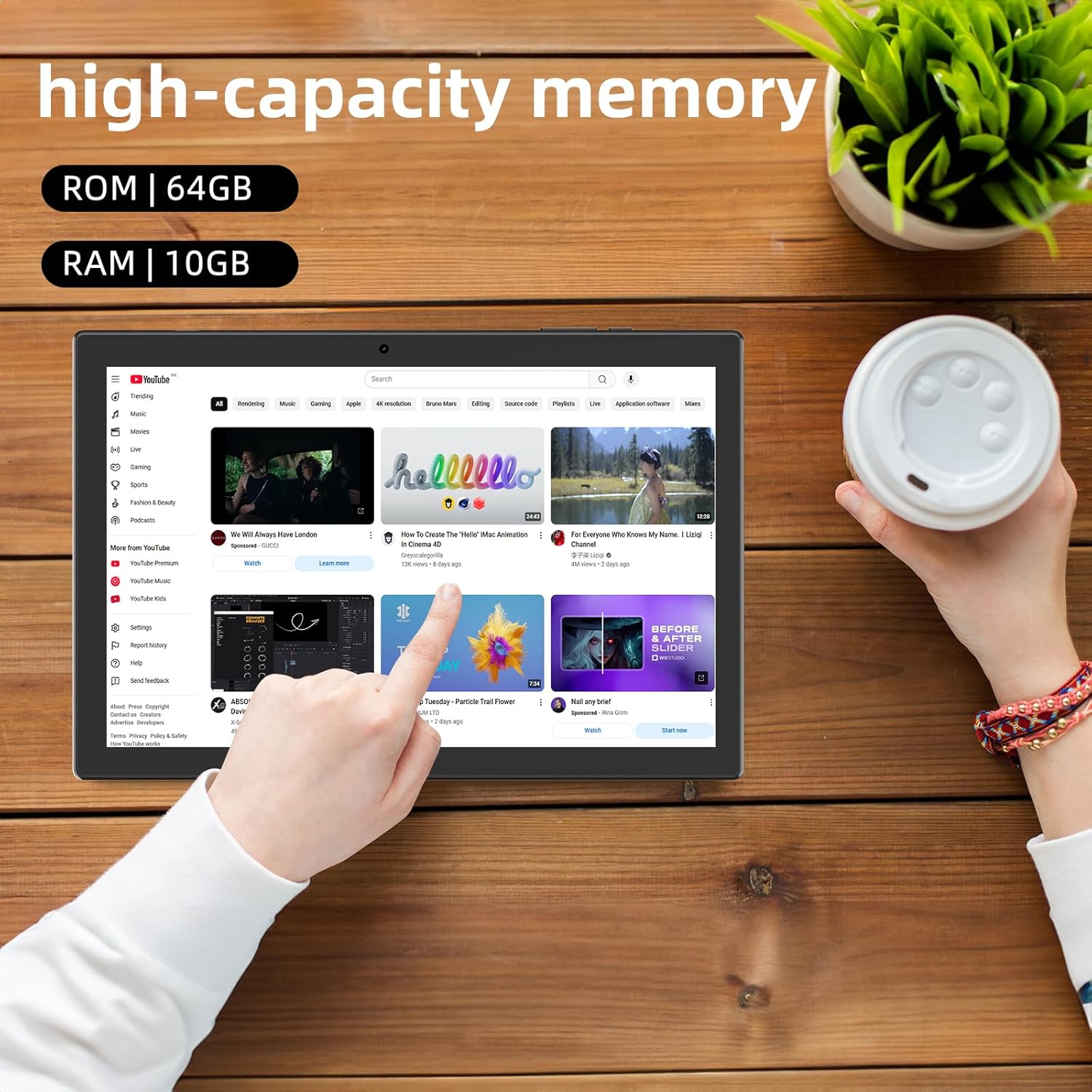
Сүрөт: Tablet displaying high-capacity memory and app usage.
6.3 Камераны колдонуу
The tablet is equipped with an 8MP main camera and a 2MP front camera. You can use them for capturing beautiful moments, participating in web conferences, or online classes.
- "Камера" тиркемесин ачыңыз.
- Керектүү учурда алдыңкы жана арткы камералардын ортосунда которулуңуз.
- Tap the shutter button to take a photo or start recording a video.
6.4 GPS функциясы
With built-in GPS functionality, you can download offline maps to your tablet and use it for navigation, even without an internet connection.
6.5 Батареяны башкаруу
The tablet features a large 6000mAh battery and AI intelligent power management, allowing for extended use for movies, reading, and browsing.

Сүрөт: Tablet highlighting its 6000mAh battery capacity.

Сүрөт: Tablet showing Type-C charging and various entertainment uses.
7. Техникалык тейлөө
7.1 Аппаратты тазалоо
Use a soft, lint-free cloth to gently wipe the screen and body of the tablet. Avoid using harsh chemicals or abrasive materials.
7.2 Программалык камсыздоо жаңыртуулары
Оптималдуу иштөөнү жана коопсуздукту камсыз кылуу үчүн планшеттин жөндөөлөрүнөн системанын жаңыртууларын мезгил-мезгили менен текшерип туруңуз.
7.3 Сактагычты башкаруу
The tablet comes with 64GB of internal storage (ROM) and supports MicroSD cards up to 1TB for additional storage. Regularly manage your files and uninstall unused apps to free up space and maintain smooth operation.
8. Кыйынчылыктарды
- Түзмөк күйбөй жатат: Батарея заряддалганын текшериңиз. Планшетти заряддагыч түзүлүшкө туташтырып, кайра күйгүзүүдөн мурун бир нече мүнөт күтө туруңуз.
- Wi-Fi туташуу көйгөйлөрү: Жөндөөлөрдө Wi-Fi иштетилгенин текшериңиз. Роутериңизди жана планшетиңизди өчүрүп-күйгүзүңүз. Wi-Fi сигналынын диапазонунда экениңизди текшериңиз.
- Жай аткаруу: Close unused applications. Clear cache and data for frequently used apps. Consider uninstalling unnecessary apps or moving large files MicroSD картасына.
- Экран жооп бербейт: Restart the tablet by holding down the power button. If the issue persists, contact support.
9. Техникалык шарттар
| Бренд | CUPEISI |
| Модел | YQ11M (Note: Some specifications may refer to CP31 or UMIDIGI G2 Tab, but YQ11M is the primary model for this product.) |
| Операция системасы | Android 13 (GMS тастыкталган) |
| CPU | MediaTek MTK8768 Octa-core, 2.3 GHz |
| RAM | 10 ГБ (4 ГБ + 6 ГБ кеңейтүү) |
| Ички сактагыч (ROM) | 64 ГБ |
| Кеңейтүүчү сактагыч | 1 ТБ чейинки MicroSD |
| Screen Size | 10.1 дюйм |
| Display Resolution | 1280x800 pixels HD IPS |
| Алдыңкы камера | 2MP |
| Арткы камера | 8MP |
| Wi-Fi | 2.4G + 5G Dual-band (802.11ac/b/g/n) |
| Bluetooth | Ооба |
| GPS | Ооба |
| Батарея сыйымдуулугу | 6000mAh (22.8 Ватт-саат) |
| Заряддоо порту | Type-C |
| Баяндамачылар | 2 Канал спикерлери |
| Элемент Салмагы | 516 г |
| Пакеттин өлчөмдөрү | 30.9 x 19.3 x 2.9 см |
10. Кепилдик жана колдоо
Бул продукт менен келет бир жылдык сапат кепилдиги. In the unlikely event that you encounter any issues or defects with your product, please do not hesitate to contact us via email. We are committed to providing a prompt response within 24 hours to address your concerns.
Returns and refunds are also possible for customer convenience. Please purchase with confidence.
For support inquiries, please refer to the contact information provided with your purchase or visit the official CUPEISI webсайт.

