Introduction
Thank you for choosing the RG N35 TWS Gaming Headset. This manual provides essential information for setting up, operating, and maintaining your new wireless earbuds. Please read this manual thoroughly before use to ensure optimal performance and longevity of your device.
Пакеттин мазмуну
- RG N35 TWS Gaming Earbuds (Left and Right)
- Заряддоо кутусу
- Заряддоо кабели
- User Manual
Продукт бүттүview
The RG N35 TWS Gaming Headset features a low-latency design optimized for gaming, true wireless stereo audio, and touch controls. The earbuds are housed in a distinctive charging case with LED indicators.

RG N35 TWS Gaming Earbuds in their charging case, with the lid open, showcasing the earbuds and the case's internal design.
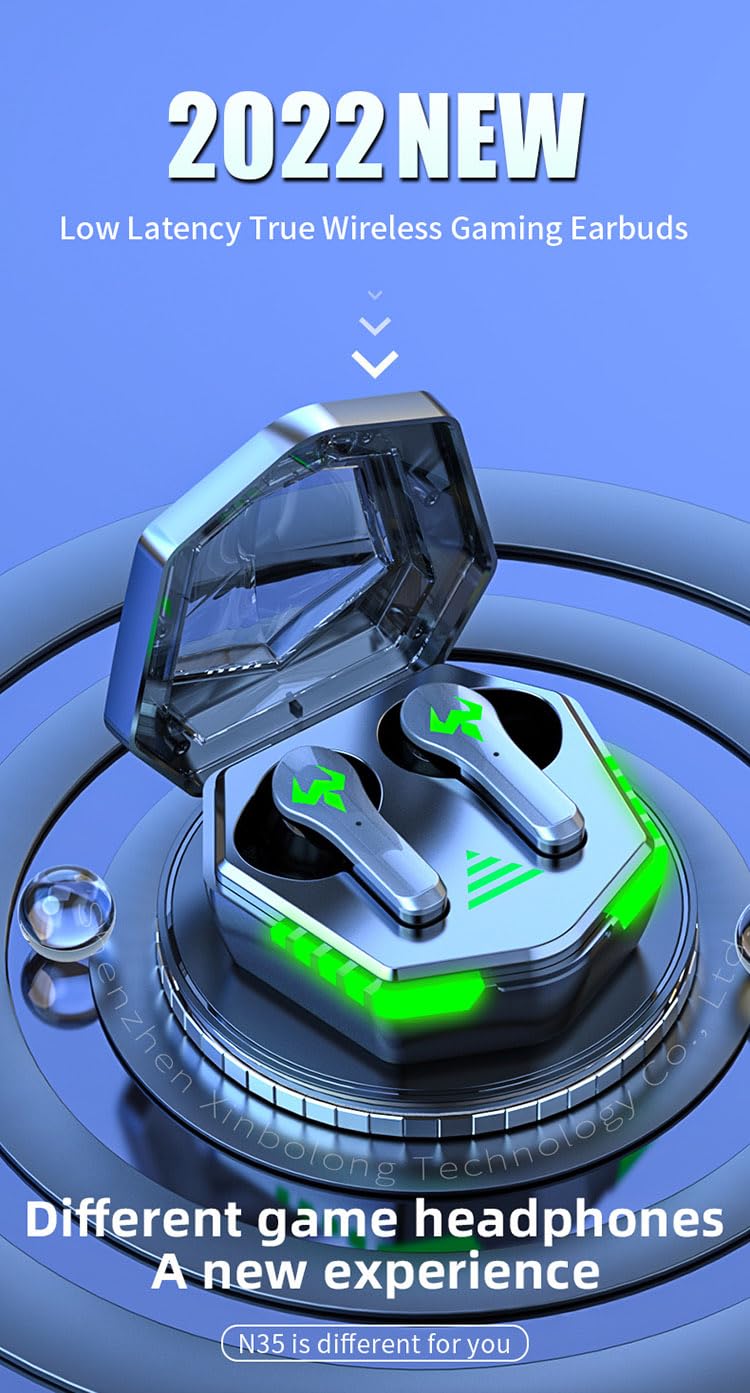
A visual representation of the RG N35 TWS Gaming Earbuds and charging case, emphasizing their low latency and gaming-specific design.
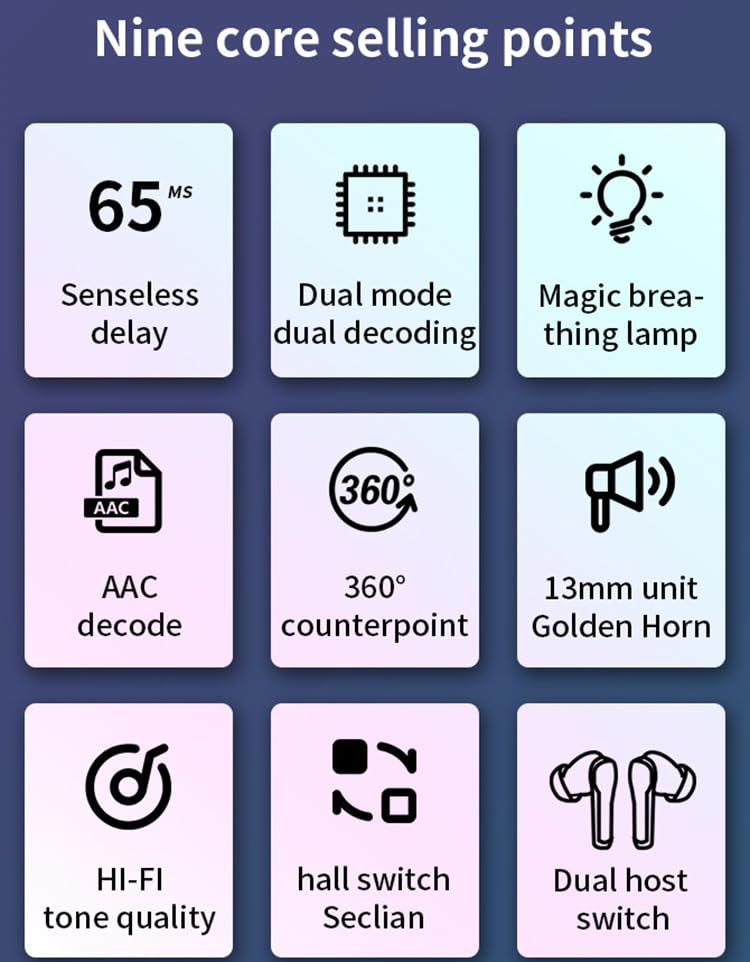
An infographic detailing key features of the RG N35 earbuds, including 65ms low latency, dual mode decoding, breathing lamp, AAC decode, 360-degree sound, 13mm driver, Hi-Fi audio, hall switch, and dual host switch.
Жайгашуу
1. Аппаратты заряддоо
Before first use, fully charge the earbuds and the charging case. Connect the provided charging cable to the charging port on the case and a compatible USB power source. The LED indicators on the case will show the charging status. A full charge typically takes approximately 1.5 hours.
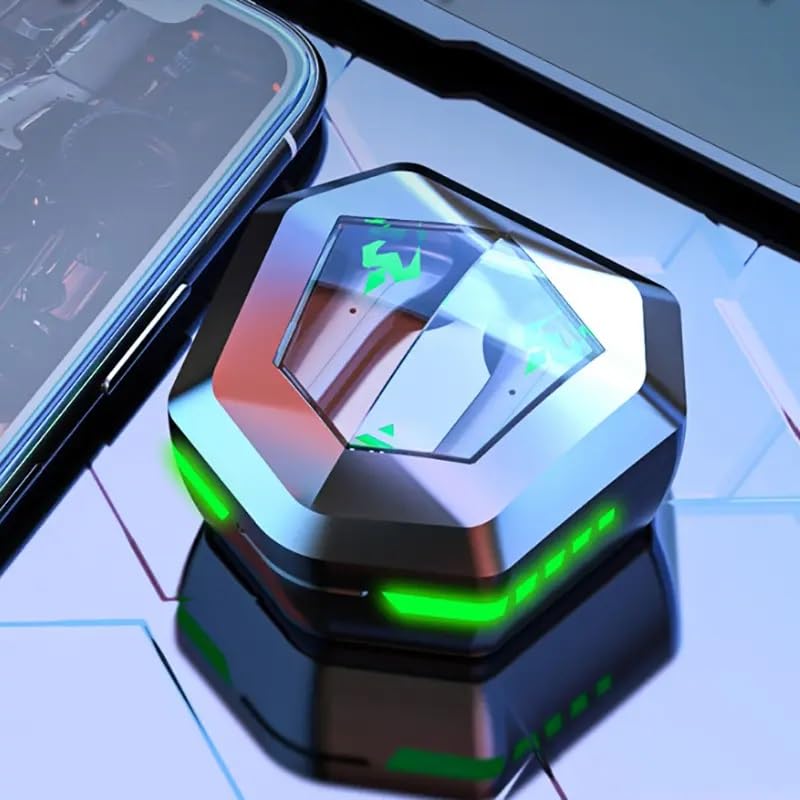
The RG N35 TWS Gaming Earbuds charging case, closed, displaying its hexagonal shape and illuminated green LED accents, indicating charging or power status.
2. Баштапкы жупташтыруу
- Кулакчындардын кубатталганын текшериңиз.
- Заряддоо кутучасын ачыңыз. Кулакчындар автоматтык түрдө күйүп, жупташтыруу режимине өтөт.
- On your device (smartphone, computer, etc.), enable Bluetooth.
- Издөө available Bluetooth devices and select "N35" from the list.
- Туташкандан кийин үн билдирүүсү ийгиликтүү жупташтырууну ырастайт.
The earbuds support synchronous transmission, meaning either earbud can function independently after initial pairing, allowing for single-ear use.
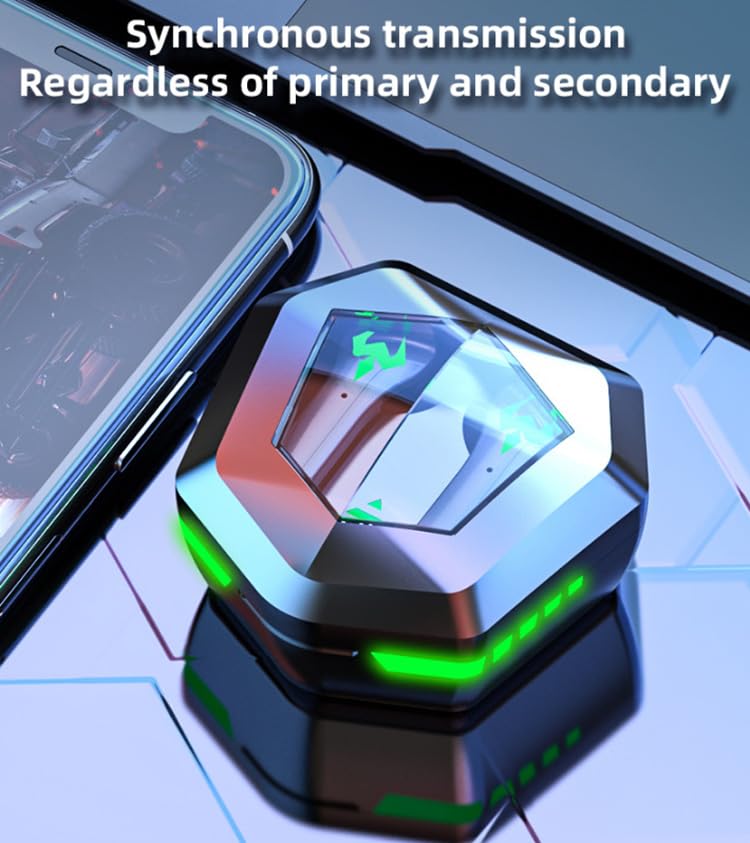
An image depicting the synchronous transmission capability of the earbuds, indicating that either earbud can function independently as primary or secondary.
Иштөө нускамалары
Күйгүзүү/өчүрүү
- Күйгүзүү: Кубаттоочу кутучаны ачыңыз же эки кулакчындын тең тийүү аймагын 3 секунд басып туруңуз.
- Өчүрүү: Кулакчындарды кайра кубаттоочу кутуга салып, капкагын жабыңыз же эки кулакчындын тең тийүүчү жерин 5 секунд басып туруңуз.
Музыка/Оюн режимин алмаштыруу
The RG N35 features a dual mode for music and gaming. In gaming mode, the earbuds provide ultra-low latency (approximately 45-65ms) for a synchronized audio-visual experience.
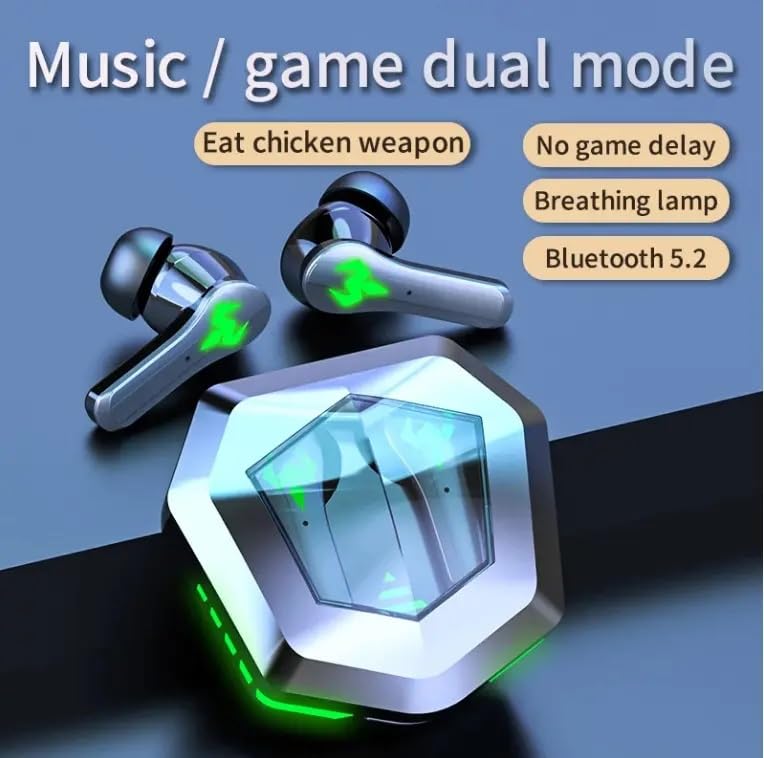
An illustration highlighting the dual mode functionality (music/game) of the RG N35 earbuds, emphasizing low latency for gaming and Bluetooth 5.2 connectivity.
To switch between modes, triple-tap the touch area on either earbud. A voice prompt will indicate the current mode.
Touch Controls
The earbuds are equipped with touch-sensitive controls for various functions:
- Ойнотуу/тындыруу: Single-tap either earbud.
- Кийинки трек: Оң кулакчынды эки жолу таптаңыз.
- Мурунку трек: Сол кулакчынга эки жолу басыңыз.
- Көлөмү: Оң кулакчынды көпкө басыңыз.
- Үнүн азайтуу: Сол кулакчынды көпкө басыңыз.
- Үн жардамчысын иштетүү (Siri, Google жардамчысы, Alexa): Triple-tap either earbud (when not in game mode).
Чалууларды жасоо
- Чалууга жооп берүү/аяктоо: Single-tap either earbud.
- Чакырууну четке кагуу: Кулакчындардын бирин 2 секунд басып туруңуз.
Техникалык тейлөө
Тазалоо
Оптималдуу иштешин жана гигиенаны камсыз кылуу үчүн кулакчындарыңызды жана кубаттоочу кутучаңызды үзгүлтүксүз тазалап туруңуз. Жумшак, кургак, мамыксыз чүпүрөктү колдонуңуз. Өжөр кир үчүн бир азamp cloth can be used, but ensure no moisture enters the charging ports or speaker grilles. Do not use harsh chemicals or abrasive materials.
Сактагыч
When not in use, store the earbuds in their charging case to protect them from dust and damage. Store the device in a cool, dry place away from direct sunlight and extreme temperatures.
Суу каршылык
The RG N35 earbuds are rated IPX-5 water resistant and sweatproof. This means they can withstand splashes of water and sweat, making them suitable for workouts and light rain. They are not designed for submersion in water or exposure to heavy rain. Ensure the earbuds are dry before placing them back in the charging case to prevent damage.
Проблемаларды чечүү
| Көйгөй | Мүмкүн чечим |
|---|---|
| Кулакчындар күйбөй жатат | Ensure the earbuds and charging case are fully charged. Place earbuds in the case, close, then reopen. |
| Түзмөк менен жупташтыруу мүмкүн эмес | Make sure Bluetooth is enabled on your device. Ensure earbuds are in pairing mode (open case). Forget "N35" from your device's Bluetooth list and try pairing again. Move closer to your device. |
| Үн жок же үзгүлтүксүз аудио | Check volume levels on both earbuds and your connected device. Ensure earbuds are properly seated in your ears. Reconnect the earbuds to your device. |
| Сенсордук башкаруу жооп бербей жатат | Манжаларыңыздын таза жана кургак экенине ынаныңыз. Кулакчындарды кутуга салып, кайра алып чыгып, кайра күйгүзүп көрүңүз. |
| Low latency not active in game mode | Ensure you have successfully switched to game mode (triple-tap either earbud). Verify your device's settings are not interfering with Bluetooth performance. |
Техникалык шарттар
| Өзгөчөлүк | Деталь |
|---|---|
| Модель аты | N35 |
| Байланыш технологиясы | Зымсыз (Bluetooth) |
| Зымсыз байланыш технологиясы | Bluetooth 5.2 |
| Bluetooth диапазону | 10м - 15м |
| Вокализм принциби | Балансталган арматура айдоочусу |
| Аудио драйверинин өлчөмү | 13 мм бирдиги |
| Декоддоо форматы | AAC |
| Зымсыз кечигүү убактысы | 45-65 ms (Gaming Mode) |
| Кулакчындын батареянын кубаттуулугу | 35mAh |
| Заряддоо кутусунун кубаттуулугу | 300mAh |
| Заряддоо убактысы | Болжол менен 1.5 саат |
| Музыканы ойнотуу убактысы | Болжол менен 5 саат |
| Talking Time | Болжол менен 5 саат |
| Суу өткөрбөйт стандарт | IPX-5 (Water Resistant, Sweatproof) |
| Башкаруу түрү | Сенсордук башкаруу, Үндү башкаруу |
| Микрофон | Камтылган |
| Оюн Атмосфералык жарык | Single Color (LED Display) |
| Шайкеш түзмөктөр | Mobile Phone, Computer, MP3 Player, Smartphone |
| Продукциянын өлчөмдөрү | 5 x 5 x 5 см |
| Элемент Салмагы | 200 г |
Кепилдик жана колдоо
For warranty information or technical support, please refer to the documentation provided at the time of purchase or contact your seller directly. Keep your proof of purchase for any warranty claims.