1. Киришүү
Thank you for choosing the itel T31 Truly Wireless Earbuds. This manual provides essential information for setting up, operating, maintaining, and troubleshooting your earbuds to ensure an optimal audio experience. Please read this manual carefully before using the product.
2. Кутуда эмне бар
The itel T31 package includes the following items:
- itel T31 Truly Wireless Earbuds (Left and Right)
- Заряддоо кутусу
- USB Type-C кубаттоочу кабель
- Наушниктер (ар кандай өлчөмдөгү)
- Колдонуучунун Колдонмосу (бул документ)
3. Орнотуу
3.1 Алгачкы заряддоо
Before first use, fully charge the earbuds and the charging case. Connect the provided USB Type-C cable to the charging port on the case and a compatible power source. The indicator lights on the case will show the charging status. A full charge typically takes approximately 1.5 to 2 hours.

Figure 1: Earbuds and charging case with Type-C fast charging.
3.2 Түзмөк менен жупташтыруу
- Кулакчындардын кубатталганын текшериңиз.
- Заряддоо кутучасын ачыңыз. Кулакчындар автоматтык түрдө жупташтыруу режимине өтөт, ал бир же эки кулакчындын жаркыраган LED жарыгы менен көрсөтүлөт.
- Смартфонуңузда, планшетиңизде же ноутбукуңузда Bluetooth'ду иштетиңиз.
- Издөө available Bluetooth devices and select "itel T31" from the list.
- Туташтырылгандан кийин, кулакчындагы LED индикатору күйүп-өчүүсүн токтотот жана сиз ырастоо сигналын угасыз.
Түзмөктө Bluetooth иштетилген болсо, кулакчындар кутудан чыгарылганда акыркы жупташтырылган түзмөккө автоматтык түрдө кайра туташат.
3.3 Comfortable Fit
Select the eartips that provide the best seal and comfort for your ears. A proper fit is crucial for optimal sound quality and effective Active Noise Cancellation (ANC).
4. Иштөө нускамалары
4.1 Сенсордук башкаруу
The itel T31 earbuds feature intuitive touch controls for managing music, calls, and sound modes.
| Акция | Сол кулакчын | Оң кулак |
|---|---|---|
| Музыканы ойнотуу/тындыруу | Single Tap | Single Tap |
| Кийинки трек | Эки жолу таптаңыз | Эки жолу таптаңыз |
| Мурунку трек | Үч жолу таптаңыз | Үч жолу таптаңыз |
| Чалууга жооп берүү/аяктоо | Single Tap | Single Tap |
| Чакырууну четке кагуу | Узак басуу (2сек) | Узак басуу (2сек) |
| Үн жардамчысын жандырыңыз | Узак басуу (2сек) | Узак басуу (2сек) |
| ANC/Айкындуулук режимин которуштуруу | Узак басуу (2сек) | Узак басуу (2сек) |
| Оюн режими | Төрт жолу таптоо | Төрт жолу таптоо |
5. Активдүү ызы-чууну жокко чыгаруу (ANC) жана тунуктук режими
The itel T31 earbuds offer versatile listening modes:
- Активдүү ызы-чууну жокко чыгаруу (ANC): Reduces ambient noise by up to -25dB, providing an immersive audio experience ideal for travel or noisy environments.
- Ачыктык режими: Allows you to hear your surroundings clearly without removing the earbuds, enhancing awareness in situations requiring attention to external sounds.
To switch between ANC and Transparency modes, use the touch controls as described in Section 4.1.
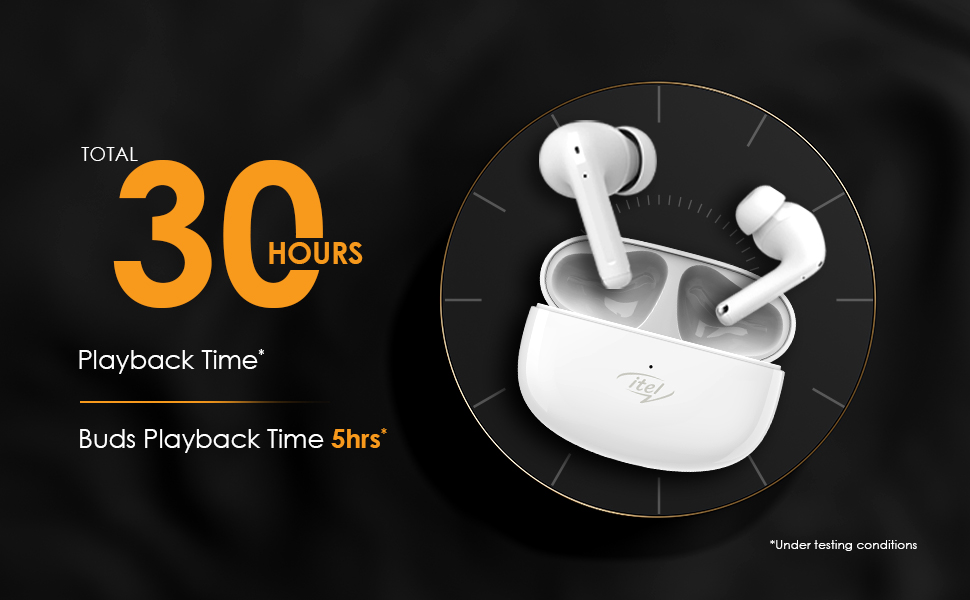
Figure 2: Active Noise Cancellation (ANC) feature.
6. Calling Features
The itel T31 earbuds are equipped with Quad Mic Environmental Noise Cancellation (ENC) technology. Four microphones work together to filter out background noise, ensuring your voice is clear and audible during calls, even in noisy environments.
7. Заряддоо
7.1 Earbuds Charging
Place the earbuds back into the charging case. They will automatically begin charging. The case's indicator lights will show the charging status of the earbuds.
7.2 Case Charging
Connect the charging case to a power source using the provided USB Type-C cable. The fast charging capability ensures quick power replenishment. A fully charged case provides multiple charges for the earbuds, extending the total playtime up to 30 hours.
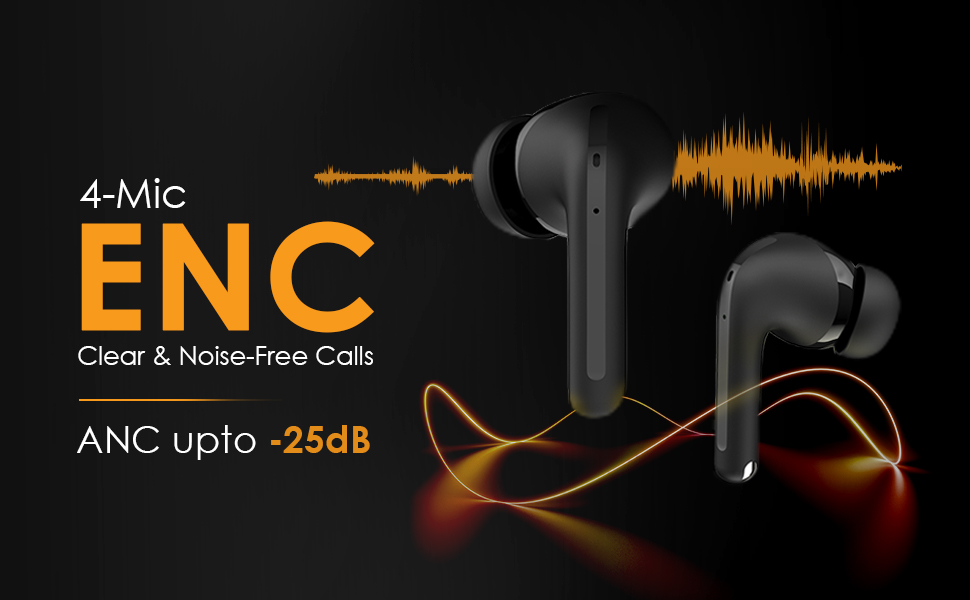
Figure 3: Earbuds in charging case, illustrating 30 hours of total playback.
8. Сууга туруктуулук (IPX5)
The itel T31 earbuds are rated IPX5 water-resistant. This means they are protected against low-pressure water jets from any direction. They are suitable for workouts and light rain but should not be submerged in water or exposed to heavy downpours.
9. Техникалык тейлөө
9.1 Тазалоо
Regularly clean your earbuds and charging case to maintain optimal performance and hygiene. Use a soft, dry, lint-free cloth. For stubborn dirt, slightly dampчүпүрөктү суу менен. Абразивдүү тазалагычтарды же эриткичтерди колдонбоңуз.
9.2 Сактоо
Колдонулбай турган учурда, кулакчындарды чаңдан, бузулуудан коргоо жана кубатталган бойдон сактоо үчүн кубаттоочу кутучасында сактаңыз. Аларды өтө жогорку температурада же жогорку нымдуулукта сактоодон алыс болуңуз.
10. Кыйынчылыктарды
If you encounter issues with your itel T31 earbuds, refer to the following common solutions:
- Кулакчындар жупташкан жок: Ensure both earbuds are charged and in pairing mode. Turn off and on Bluetooth on your device. Try forgetting the device in your Bluetooth settings and re-pairing.
- Бир кулакчындан үн чыкпайт: Place both earbuds back in the case, close it, then open it again. Ensure both earbuds are charged.
- Заряддоо маселелери: Кубаттоочу кабелди жана адаптерди текшериңиз. Кулакчындардын жана кутучанын кубаттоочу контакттары таза жана таштандылардан таза экенин текшериңиз.
- Көлөмү төмөн же үн сапаты начар: Adjust the volume on your device. Ensure the eartips provide a good seal. Clean any earwax or debris from the earbud nozzles.
- Сенсордук башкаруу жооп бербей жатат: Манжаларыңыздын таза жана кургак экенине ынаныңыз. Кулакчындарды кутуга салып, кайра алып чыгып, кайра күйгүзүп көрүңүз.
Эгер көйгөй чечилбесе, кардарларды колдоо менен байланышыңыз.
11. Техникалык шарттар
Key technical specifications for the itel T31 Truly Wireless Earbuds:
| Өзгөчөлүк | Деталь |
|---|---|
| Модель аты | T31 |
| Байланыш технологиясы | Bluetooth 5.3 |
| Noise Control | Active Noise Cancellation (ANC up to -25dB), Environmental Noise Cancellation (ENC) |
| Аудио драйверинин өлчөмү | 10mm Bass Boost Drivers |
| Батареянын иштөө мөөнөтү | 30 саатка чейин (заряддоо кутусу менен) |
| Заряддоо порту | USB Type-C (Fast Charging) |
| Сууга туруктуулук рейтинги | IPX5 |
| Башкаруу ыкмасы | Touch Control |
| Шайкеш түзмөктөр | Ноутбуктар, смартфондор, планшеттер |
| Элемент Салмагы | 36 грамм |
| Продукциянын өлчөмдөрү | 6.3 x 4.9 x 2.5 см |
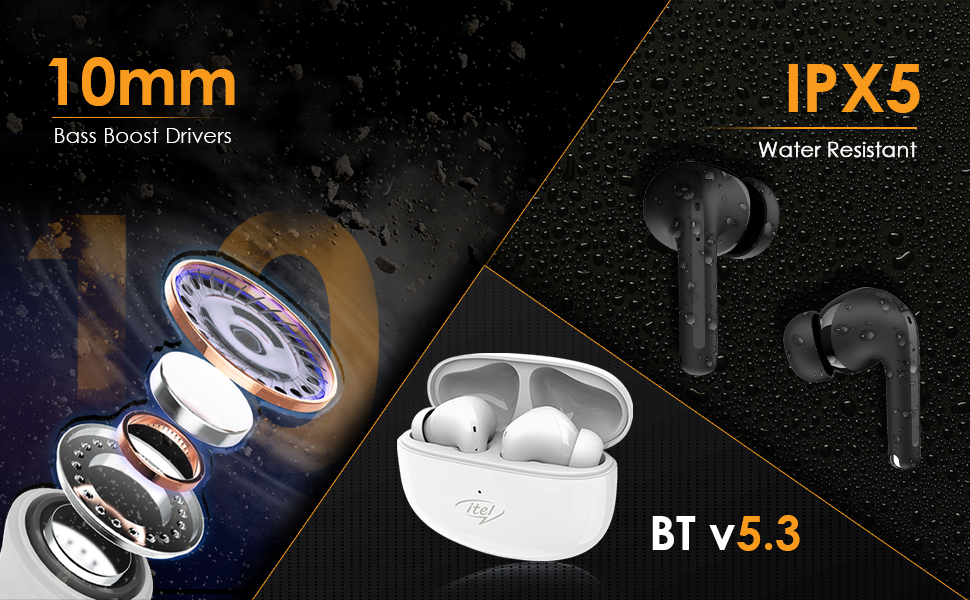
Figure 4: Illustration of 10mm Bass Boost Drivers.
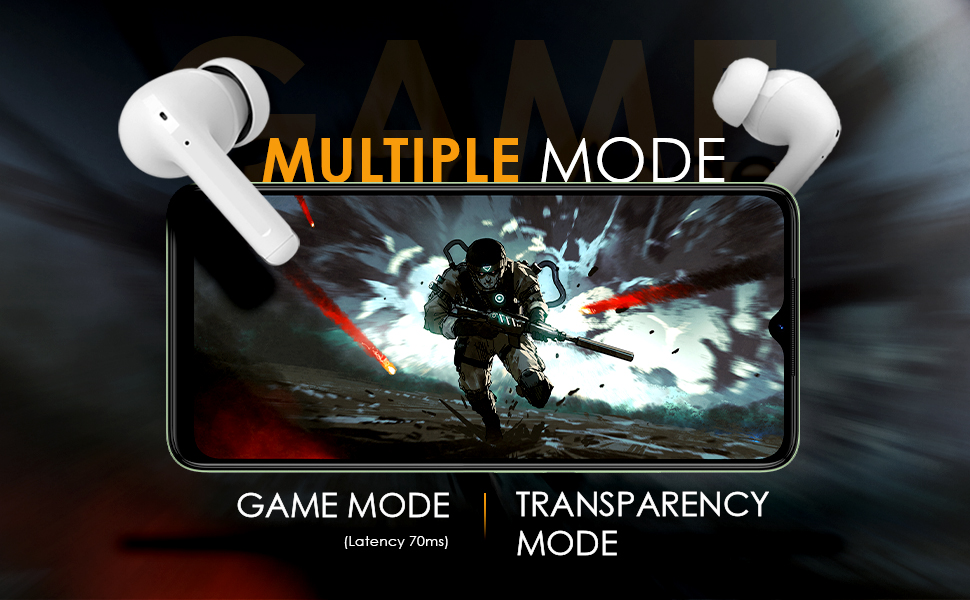
Figure 5: Earbuds in Game Mode.
12. Кепилдик жана колдоо
12.1 Кепилдик маалыматы
The itel T31 Truly Wireless Earbuds come with a standard manufacturer's warranty. Please refer to the warranty card included in your product packaging for specific terms, conditions, and duration of coverage. Keep your purchase receipt as proof of purchase for warranty claims.
12.2 Кардарларды колдоо
For technical assistance, troubleshooting beyond this manual, or warranty inquiries, please contact itel customer support. Contact details can typically be found on the official itel webсайтында же кепилдик картасында.


