1. Киришүү
Thank you for choosing the CRUA 30" Curved Gaming Monitor. This manual provides essential information for setting up, operating, and maintaining your monitor. Please read it thoroughly before use to ensure optimal performance and safety.
This monitor features a 30-inch WFHD (2560x1080) 1500R curved VA screen, offering a 21:9 aspect ratio for an immersive viewing experience. It supports a high refresh rate of up to 200Hz and AMD FreeSync technology for smooth, tear-free visuals. With 120% sRGB color gamut, 300 cd/m² brightness, and a 3000:1 contrast ratio, it delivers vibrant and true-to-life colors.
2. Коопсуздук маалыматы
Please observe the following safety precautions to prevent damage to your monitor or injury to yourself:
- Мониторду туруксуз арабага, стендге же столго койбоңуз.
- Желдетүүчү тешиктерди жаппаңыз.
- Do not use near water or sources of heat.
- Өндүрүүчү тарабынан берилген кубат адаптерин гана колдонуңуз.
- Чагылган бороондо же көпкө колдонулбаганда мониторду электр розеткасынан ажыратыңыз.
- Бардык тейлөөлөрдү квалификациялуу тейлөө кызматкерлерине тапшырыңыз.
3. Пакеттин мазмуну
Пакетиңизде бардык буюмдар бар экенин текшериңиз:
- 29.5 дюймдук оюн монитору
- Кубаттуу адаптер
- DP кабели
- База жана колдоо
- User Manual
4. Орнотуу
4.1. Стенд жыйыны
Монитордун стендин чогултуу үчүн:
- Carefully remove the monitor from its packaging, keeping it protected.
- Берилген бурамаларды колдонуп, стенддин негизин стенддин таянычына бекитиңиз.
- Чогулган стендди монитордун артындагы монтаждоо чекиттери менен тууралаңыз.
- Берилген бурамалар аркылуу стендди мониторго бекитиңиз.

Сүрөт 1: Арткы монитор view showing stand attachment points.

Figure 2: Monitor with stand fully assembled.
4.2. Дубалга монтаждоо
The monitor supports VESA wall mount installation (100x100mm). To install using a wall mount (sold separately):
- Эгерде стенд мурунтан эле бекитилген болсо, аны монитордон алып салыңыз.
- Attach your VESA-compatible wall mount bracket to the monitor's mounting holes.
- Ишенимдүү орнотуу үчүн дубалга орнотулган жабдыктар менен кошо берилген көрсөтмөлөрдү аткарыңыз.

Сүрөт 3: Арткы монитор view highlighting VESA mount compatibility.
4.3. Түзмөктөргө туташуу
Connect your monitor to your computer or other devices using the available ports:
- Кош HDMI порттору: Supports up to 120Hz refresh rate.
- Dual DisplayPort (DP) Ports: Supports up to 200Hz refresh rate.
- 3.5 мм аудио порт: Наушниктерди же тышкы динамиктерди туташтыруу үчүн.
- Туруктуу кубат киргизүү: Берилген кубат адаптерин бул жерге туташтырыңыз.

Figure 4: Monitor connectivity ports.
5. Иштөө нускамалары
5.1. Күйгүзүү/өчүрүү
To power on the monitor, press the power button located on the back or bottom of the monitor. Press it again to power off.
5.2. Экрандагы дисплей (OSD) менюсунун навигациясы
The OSD menu allows you to adjust various monitor settings. Buttons for navigation are typically located on the back or bottom of the monitor. Use these buttons to:
- Access the main OSD menu.
- Navigate through menu options (Up/Down, Left/Right).
- Параметрлерди тандап, жөндөөлөрдү ырастаңыз.
- Экрандык менюдан чыгуу.
5.3. Дисплей өзгөчөлүктөрү
- Жаңыртуу ылдамдыгы: Enjoy ultra-smooth visuals with a refresh rate of up to 200Hz (via DisplayPort) or 120Hz (via HDMI). Adjust this setting in your computer's display settings for optimal performance.
- AMD FreeSync: This technology synchronizes the monitor's refresh rate with your GPU's frame rate, eliminating screen tearing and stuttering for fluid gameplay. Ensure FreeSync is enabled in both your monitor's OSD and your graphics card's control panel.
- 1500R ийри экран: 1500R ийрилик иммерсивдүү камсыз кылат viewing experience by wrapping the display around your field of vision, reducing eye strain during extended use.
- Түс гаммасы: With 120% sRGB color gamut, 300 cd/m² brightness, and a 3000:1 contrast ratio, the monitor delivers vibrant, accurate, and true-to-life colors.
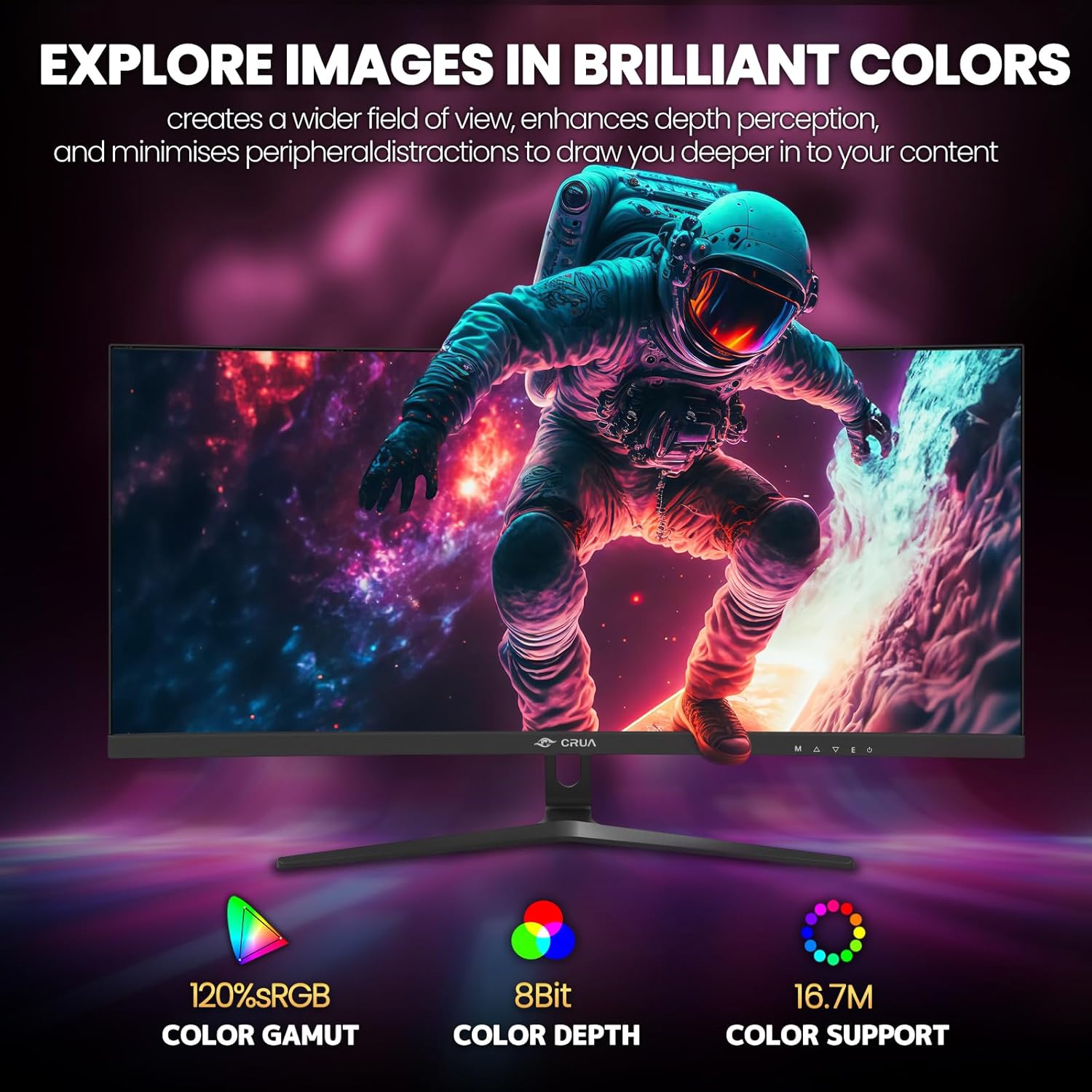
Figure 5: Immersive 1500R curved display.

Figure 6: Brilliant color reproduction with 120% sRGB.
6. Техникалык тейлөө
To ensure the longevity and optimal performance of your monitor:
- Тазалоо: Gently wipe the screen with a soft, lint-free cloth. For stubborn marks, use a screen-cleaning solution applied to the cloth, not directly to the screen.
- Кам көрүү: Avoid placing heavy objects on the monitor or its cables. Keep the monitor away from direct sunlight, excessive heat, and moisture.
- Вентиляция: Монитордун арткы бетиндеги желдетүү тешиктери ысып кетпеши үчүн бүтөлүп калбаганын текшериңиз.
7. Кыйынчылыктарды
Мониторуңузда көйгөйлөргө туш болсоңуз, төмөнкү жалпы чечимдерди караңыз:
- Кубат жок: Ensure the power adapter is securely connected to both the monitor and a working power outlet. Check if the power indicator light is on.
- Сигнал жок: Verify that the video cable (HDMI or DisplayPort) is correctly connected to both the monitor and your computer. Ensure the correct input source is selected on the monitor (via the OSD menu).
- Жыртылдоо/жырп этүү: Ensure AMD FreeSync is enabled in both the monitor's OSD and your graphics card settings. Check your refresh rate settings in your computer's display options.
- Сүрөттүн сапаты начар: Adjust brightness, contrast, and color settings via the OSD menu. Ensure your display resolution is set to the native 2560x1080.
8. Техникалык шарттар
| Өзгөчөлүк | Деталь |
|---|---|
| Туруктуу экранды көрсөтүү өлчөмү | 30 дюйм |
| Screen Resolution | 2560x1080 |
| Max Screen Resolution | 2560 x 1080 пиксел |
| Бренд | CRUA |
| Сериялар | CR300HD |
| Элементтин моделинин номери | CR300HD |
| Элемент Салмагы | 11.3 фунт |
| Продукциянын өлчөмдөрү | 27 x 3.3 x 16 дюйм |
| Түс | Кара |
| Power Source | DC |
| Screen Size | 30 дюйм |
| Резолюция | FHD 1080p Ultra Wide + |
| Аспект катышы | 21:9 |
| Screen Surface Description | Мт |
9. Кепилдик жана колдоо
CRUA is committed to providing high-quality computer monitors and premium services. If you have any questions or require assistance, please do not hesitate to contact us. We are here to serve you and solve all your problems.
For support, please refer to the contact information provided in your product packaging or visit the official CRUA webсайт.


