1. Киришүү
The Xbox Series X is Microsoft's fastest and most powerful console to date, designed to deliver an immersive gaming experience. It features 12 teraflops of raw graphic processing power, DirectX ray tracing, and a custom 1TB SSD for lightning-fast load times and 4K gaming. The console supports gameplay up to 120 FPS, powered by the Xbox Velocity Architecture. It is compatible with thousands of games across four generations of Xbox, with many titles optimized to look and play better than ever.
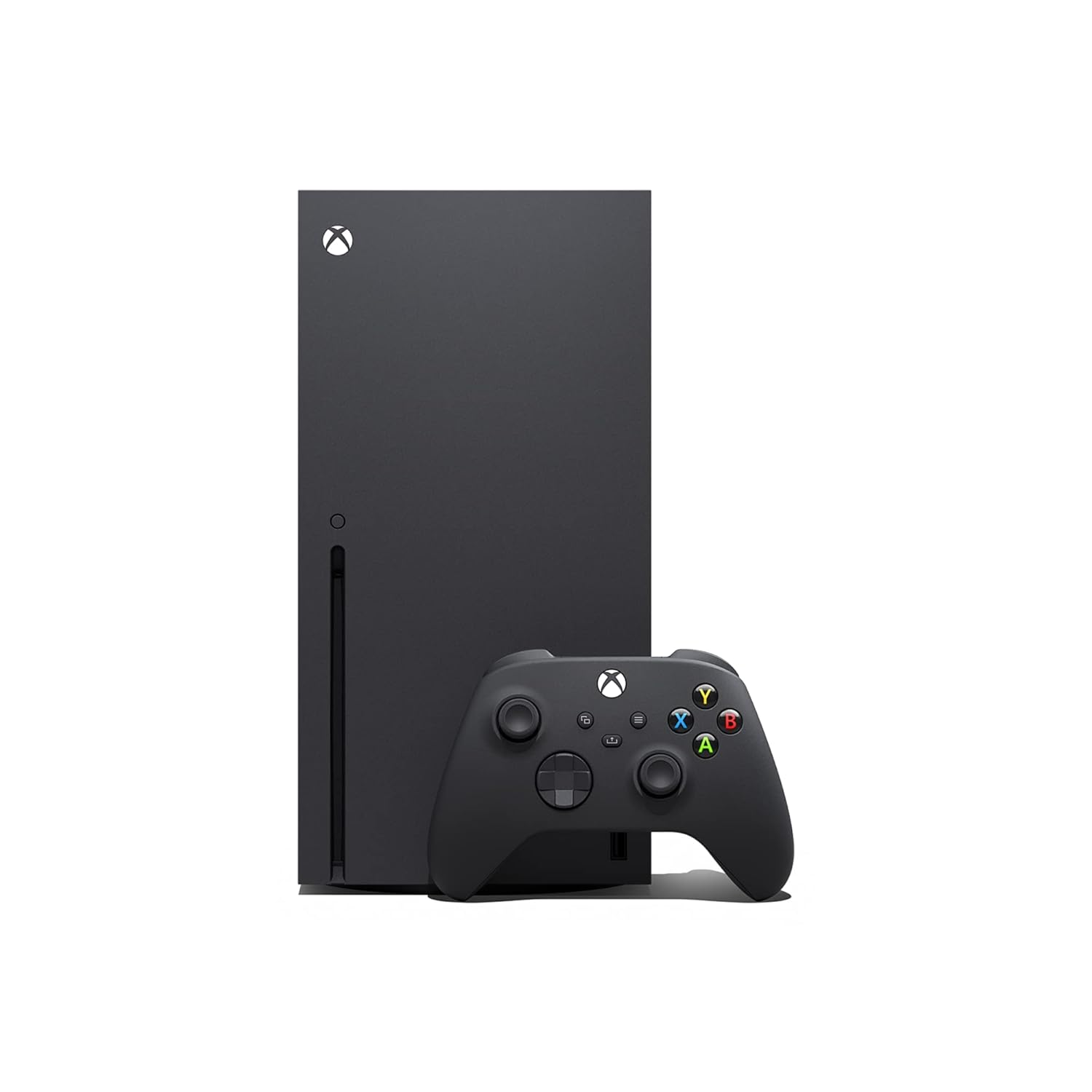
Image: Xbox Series X console and its wireless controller.
2. Эмнелер камтылган
Your Xbox Series X package includes the following components:
- Xbox Series X консолу
- One Xbox Wireless Controller
- Ultra-high-speed HDMI cable
- Электр кабели
- 2 AA batteries (for controller)

Image: A visual representation of the items included in the Xbox Series X packaging.
3. Орнотуу колдонмосу
3.1 Баштапкы орнотуу
1. Жайгашкан жери: Position your Xbox Series X console in a well-ventilated area, either vertically or horizontally. Ensure adequate space around the console for airflow.
2. Туташуу кубаты: Plug the power cable into the console's power port and then into a wall outlet.
3. HDMI туташтыруу: Connect one end of the included ultra-high-speed HDMI cable to the HDMI OUT port on the console and the other end to an HDMI input on your TV or monitor.
4. Күйгүзүү: Press the Xbox button on the front of the console to power it on. The Xbox logo will illuminate.
5. Контроллерди жупташтыруу: Insert the included AA batteries into the Xbox Wireless Controller. Press and hold the Xbox button on the controller until it lights up. Then, press the Pair button on the console (small circular button near the front USB port) and immediately press and hold the Pair button on the controller (small circular button on the top edge, near the USB-C port). The Xbox button on the controller will flash rapidly and then become solid when paired.
3.2 Тармактык туташуу
1. Зымдуу туташуу: For a stable connection, plug an Ethernet cable from your router into the Ethernet port on the back of the console.
2. Зымсыз туташуу: If using Wi-Fi, follow the on-screen prompts during initial setup to select your network and enter the password. You can also access network settings via the console's dashboard.

Image: The Xbox Series X console and its wireless controller, illustrating the sleek design and compact form factor.
4. Иштөө нускамалары
4.1 Күйгүзүү/өчүрүү
To power on the console, press the Xbox button on the console or the controller. To power off, hold the Xbox button on the controller until the Power Center appears, then select 'Turn console off'. Alternatively, press the Xbox button on the console for 10 seconds until it fully shuts down.
4.2 Башкаруу панелинде багыт алуу
The Xbox dashboard is your central hub for games, apps, and settings. Use the D-pad or left analog stick on your controller to navigate through menus and select items. The Xbox button on the controller opens the Guide, providing quick access to friends, parties, notifications, and system settings.
4.3 Оюндарды ойноо
Диск оюндары: Insert a game disc into the disc drive slot on the console. The game will automatically begin installing or prompt you to install it.
Санариптик оюндар: Download games from the Microsoft Store or through Xbox Game Pass. Once downloaded, they will appear in your 'My games & apps' library.
Тез резюме: The Xbox Series X features Quick Resume, allowing you to seamlessly switch between multiple games and instantly pick up where you left off, without lengthy loading screens.

Image: Highlights of Xbox Series X capabilities including True 4K Gaming, 3D Spatial Sound, and Quick Resume for faster gameplay.
4.4 Using Apps
Access various entertainment apps like Netflix, Prime Video, YouTube, and more from the 'My games & apps' section. You can download additional apps from the Microsoft Store.
5. Техникалык тейлөө жана кам көрүү
Proper maintenance ensures the longevity and optimal performance of your Xbox Series X console.
- Тазалоо: Regularly wipe the console's exterior with a soft, dry, lint-free cloth. Avoid using abrasive cleaners or solvents.
- Вентиляция: Ensure the console's vents are clear of obstructions to prevent overheating. Do not place the console in an enclosed space or on soft surfaces that can block airflow.
- Чаң: Periodically use compressed air to gently clear dust from the vents. Hold the can upright and use short bursts.
- Сактагыч: Консольду көпкө чейин колдонбогондо, аны салкын, кургак жерде, күндүн түз нурунан жана өтө жогорку температурадан алыс сактаңыз.
6. Кыйынчылыктарды
If you encounter issues with your Xbox Series X, try the following common troubleshooting steps:
- Кубат жок: Ensure the power cable is securely connected to both the console and the wall outlet. Try a different outlet.
- Дисплей жок: Check that the HDMI cable is securely connected to both the console and your TV. Try a different HDMI port on your TV or a different HDMI cable. Ensure your TV input is set to the correct HDMI source.
- Контроллер туташпай жатат: Re-pair the controller as described in the Setup Guide (Section 3.1). Ensure batteries are charged or replaced.
- Game Not Loading/Crashing: Try restarting the console. If it's a disc game, check the disc for scratches or smudges. For digital games, ensure your internet connection is stable and the game is fully updated.
- Ашыкча ысып кетүү: Ensure the console has proper ventilation and is not in an enclosed space. Clear any dust from the vents.
For persistent issues, please refer to the official Microsoft Xbox Support webсайтка же кардарларды тейлөөгө кайрылыңыз.
7. Техникалык шарттар
| Өзгөчөлүк | Деталь |
|---|---|
| Модель номери | SVN-00001 |
| Өндүрүүчү | Microsoft |
| Продукциянын өлчөмдөрү | 11.57 x 14.88 x 8.5 дюйм |
| Элемент Салмагы | 13.06 фунт |
| Сактагыч | 1TB NVMe SSD (Custom-built) |
| Graphics Processing Power | 12 Teraflops |
| Макс кадр ылдамдыгы | 120 FPS чейин |
| Video Output | 4K Gaming, DirectX Ray Tracing |
| Чыгарылган күнү | 15-сентябрь, 2023-жыл |
| Биринчи жеткиликтүү | 24-февраль, 2023-жыл |
8. Кепилдик жана колдоо
This Xbox Series X console is a renewed product. Please refer to the specific warranty information provided by the seller at the time of purchase, as renewed products may have different warranty terms than new products.
Кайтаруу саясаты: This product is eligible for a refund or replacement within 90 days of purchase.
Коргоо пландары: Extended protection plans are available for purchase separately to cover your device beyond the standard return period. Options include 2-Year and 3-Year Protection Plans, as well as a monthly 'Complete Protect' plan.
For official product support, technical assistance, or to register your product, please visit the official Microsoft Xbox Support webсайтка же түздөн-түз кардарларды тейлөөгө кайрылыңыз.


