1. Киришүү
Thank you for choosing the Clean Air Optima CA-904C Smart Design Fan Heater. This appliance is designed to provide both efficient heating during colder periods and a refreshing fan function during warmer days. It features a PTC heating element for energy-efficient operation, a digital thermostat for precise temperature control, and an oscillation function for wide air distribution. Please read this manual carefully before use to ensure proper operation and maintenance.
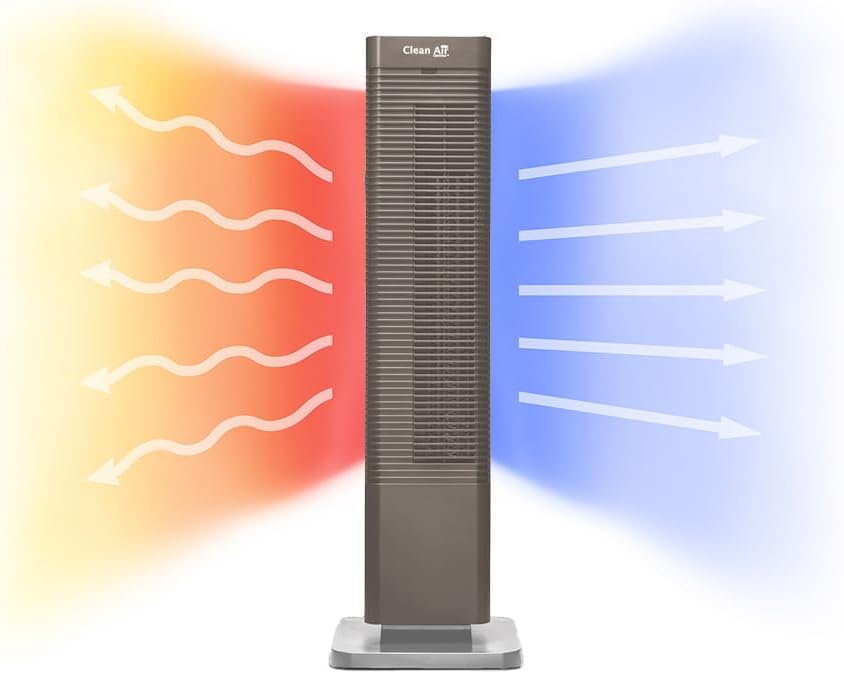
Image 1: The Clean Air Optima CA-904C Smart Design Fan Heater.
2. Коопсуздук нускамалары
Always observe the following safety precautions when using electrical appliances to reduce the risk of fire, electric shock, and injury.
- Шайманды колдонуудан мурун бардык нускамаларды окуп чыгыңыз.
- VoltagРейтинг этикеткасында көрсөтүлгөн e сиздин негизги томуңузга дал келетtage.
- Шайманды шнур же сайгыч бузулуп иштетпеңиз.
- Шайманды суудан же башка суюктуктардан алыс кармаңыз.
- Эч кандай тешиктерге нерселерди салбаңыз.
- Колдонбогондо же тазалоодон мурун шайманды розеткадан ажыратыңыз.
- Иштеп жатканда аба кирүүчү же чыгуучу жерди жаппаңыз.
- Бул шайман үй ичинде гана колдонуу үчүн.
- Иштеп жаткан учурда балдарды жана үй жаныбарларын шаймандан алыс кармаңыз.
3. Продукт бүтүп калдыview
The CA-904C is a versatile fan heater designed for optimal air distribution and temperature control. It features a sleek tower design with an integrated control panel and comes with a remote control for convenience.
3.1 Компоненттер
- Main Unit (Tower)
- База
- Digital Control Panel (on top of the unit)
- Алыстан башкаруу
- Air Inlet with Dust Filter
- Аба чыгаруу
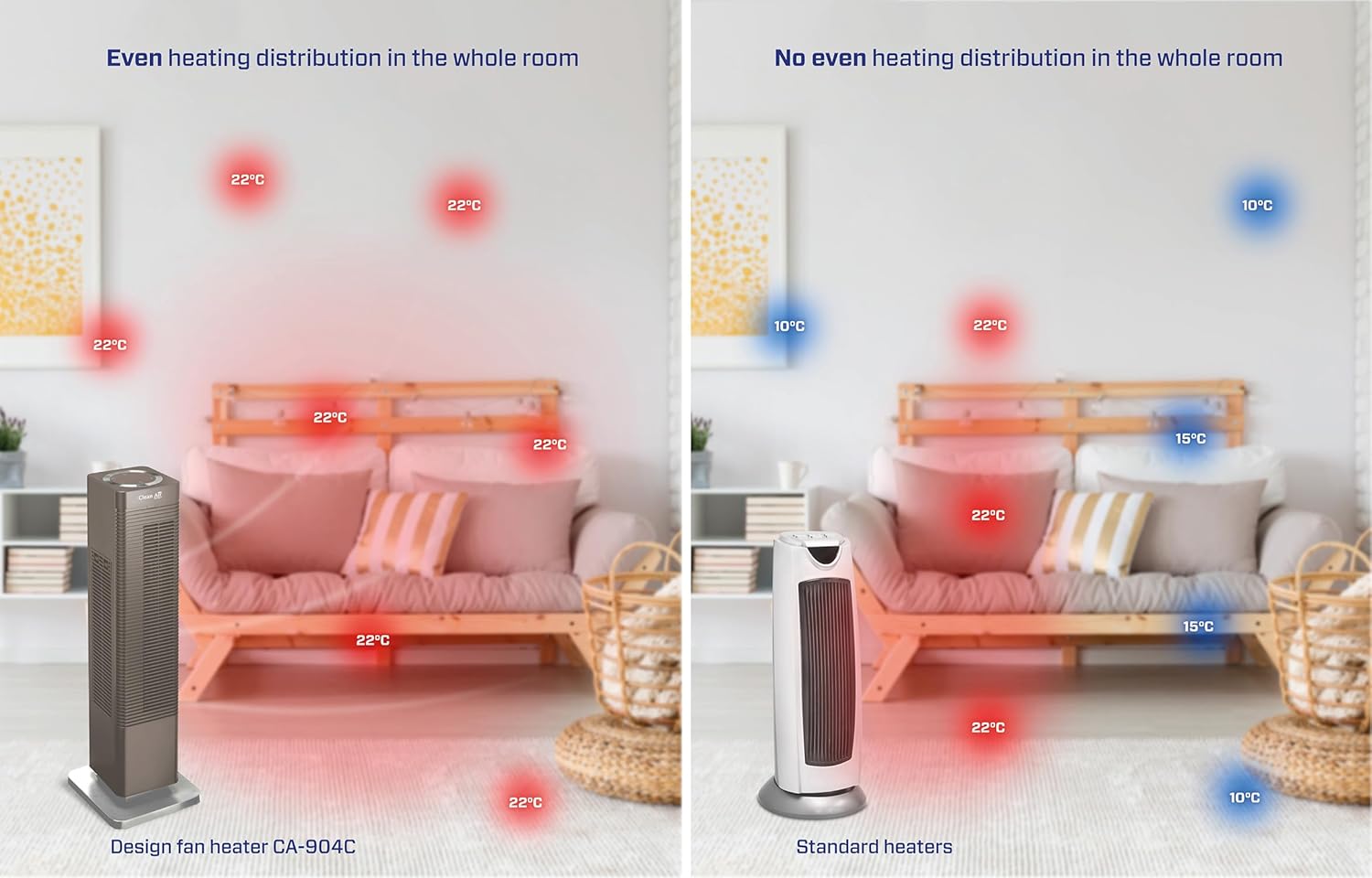
Image 2: Illustration demonstrating the heating (red arrows) and cooling (blue arrows) functions of the CA-904C.

Сүрөт 3: Жогорку view of the unit, highlighting the digital control panel and remote control storage slot.

Сүрөт 4: Детальдуу view of the digital thermostat control panel, showing temperature display and function buttons.

Image 5: The remote control for convenient operation.

Image 6: Location of the dust filter on the side of the unit.
4. Орнотуу
4.1 Пакеттен чыгаруу
- Шайманды таңгагынан кылдаттык менен чыгарыңыз.
- Ташуу учурунда кандайдыр бир бузулууларды текшериңиз. Эгерде бузулган болсо, колдонбоңуз жана сатуучуга кайрылыңыз.
- Таңгакты келечекте сактоо же ташуу үчүн сактаңыз.
4.2 Орнотуу
- Place the fan heater on a firm, level surface.
- Ensure there is at least 30 cm (12 inches) clearance from walls, furniture, and curtains to allow for proper airflow.
- Агрегатты түздөн-түз электр розеткасынын астына койбоңуз.
- Avoid placing in areas with high humidity or direct sunlight.
4.3 Кубат туташтыруу
- Кубат шнурун ылайыктуу жерге туташтырылган электр розеткасына сайыңыз.
- Электр шнурунун кыпчылып калбагандыгын же оор нерселердин астына коюлбагандыгын текшериңиз.
5. Иштөө нускамалары
The CA-904C can be operated using the digital control panel on top of the unit or the included remote control.
5.1 Күйгүзүү/өчүрүү
- басыңыз Кубат баскычы (
 ) аппаратты күйгүзүү же өчүрүү үчүн башкаруу панелинде же пультта.
5.2 Режимди тандоо
The unit offers both heating and fan-only modes.
- басыңыз Режим баскычы (
 ) to cycle between heating modes (1000W / 2000W) and fan-only mode.
5.3 Температураны орнотуу
In heating mode, you can set the desired temperature between 15°C and 35°C.
- колдонуу Температуранын көтөрүлүшү (
 ) жана Температура төмөн (
 ) buttons to adjust the target temperature. The unit will automatically maintain the set temperature.
5.4 Термелүү функциясы
The oscillation function distributes air across an 80° angle for wider coverage.
- басыңыз Термелүү баскычы (
 ) to activate or deactivate the 80° horizontal oscillation.
5.5 Таймер функциясы
Автоматтык түрдө өчүрүү үчүн таймерди коюңуз.
- басыңыз Таймер баскычы (
 ) to set the desired operating duration.
6. Техникалык тейлөө
Үзгүлтүксүз тейлөө сиздин шайманыңыздын оптималдуу иштешин жана узак иштөөсүн камсыздайт.
6.1 Сырты тазалоо
- Тазалоодон мурун ар дайым розеткадан ажыратыңыз.
- Сырткы беттерин жумшак менен сүртүңүз, гamp кездеме.
- Абразивдүү тазалагычтарды же эриткичтерди колдонбоңуз.
6.2 Чаң чыпкасын тазалоо
The integrated dust filter helps maintain air quality and unit efficiency. Clean it regularly.
- Агрегатты сууруп алыңыз.
- Locate the dust filter compartment (refer to Image 6).
- Чыпканы кылдаттык менен алып салыңыз.
- Clean the filter with a soft brush or vacuum cleaner. If heavily soiled, rinse with lukewarm water and allow it to dry completely before reinserting.
- Reinsert the dry filter into its compartment.
7. Кыйынчылыктарды
If you encounter issues with your CA-904C, refer to the following table for common problems and solutions.
| Көйгөй | Мүмкүн себеп | Чечим |
|---|---|---|
| Түзмөк күйбөйт. | Электр энергиясы жок. | Электр шнурунун иштеген розеткага бекем сайылганын текшериңиз. |
| No heat/cool air. | Incorrect mode selected or thermostat setting. | Ensure the correct mode (heating/fan) is selected and the thermostat is set to a desired temperature. |
| Кыскартылган аба агымы. | Чаң чыпкасы кир. | Clean the dust filter as described in Section 6.2. |
| Түзмөк күтүүсүздөн токтоп калат. | Overheating protection activated or timer expired. | Unplug the unit, allow it to cool down for 30 minutes, then restart. Check timer settings. |
If the problem persists after trying these solutions, please contact Clean Air Optima customer support.
8. Техникалык шарттар
| Өзгөчөлүк | Спецификация |
|---|---|
| Модель номери | CA-904C |
| Бренд | Таза аба Optima |
| Кубат (жылытуу) | 1000W / 2000W |
| Тtage | 230 VAC |
| Термостат кырка тоосу | 15°C - 35°C |
| Термелүү бурч | 80 ° Горизонталдуу |
| Сунушталган бөлмө өлчөмү | Up to 40m² / 100m³ |
| Продукциянын өлчөмдөрү (L x W x Y) | 21 x 21 x 68.8 см |
| Салмагы | 4.56 кг |
| Өзгөчөлүктөр | Heating and cooling functions, PTC heating element, Digital thermostat, Dust filter |
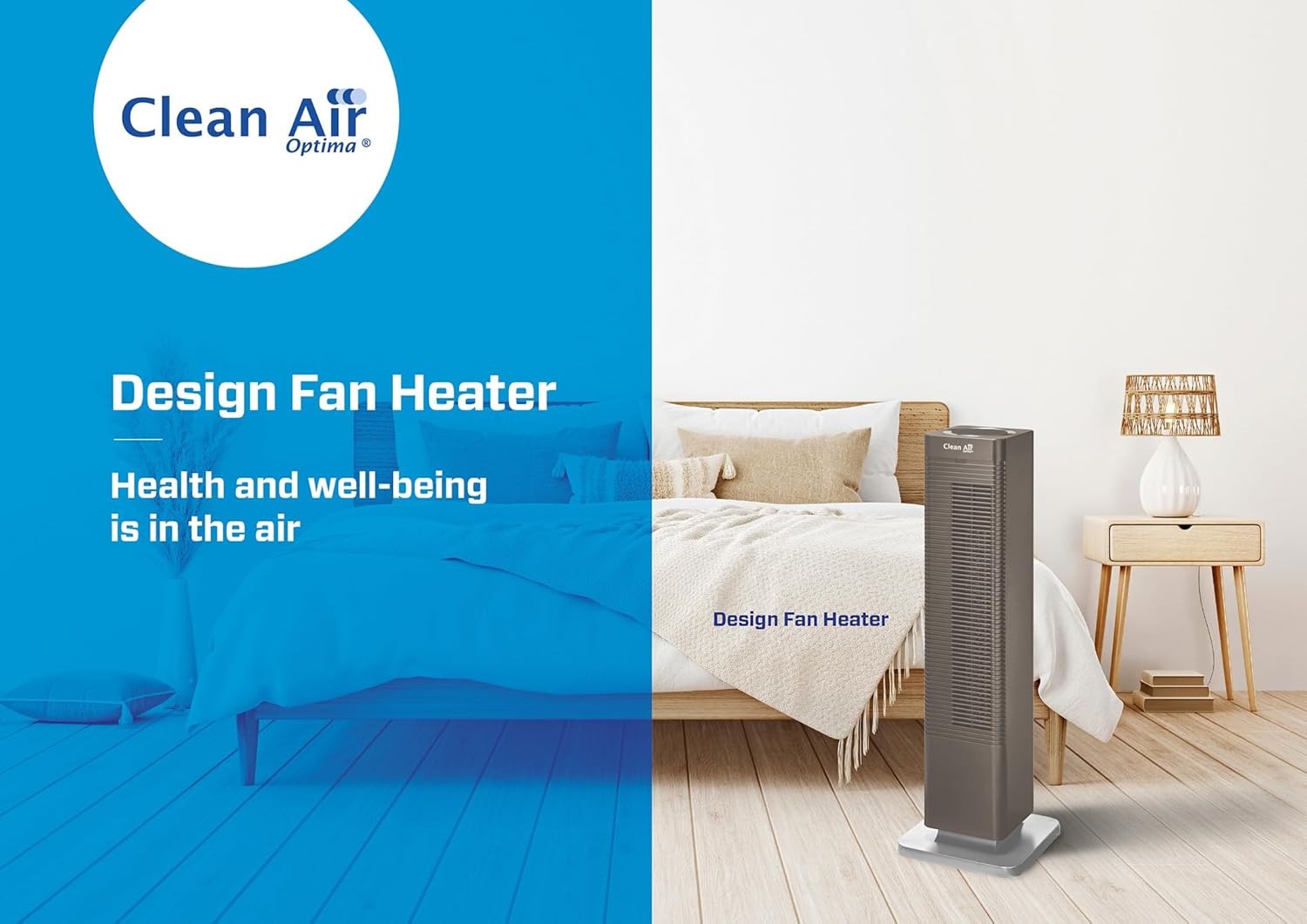
Сүрөт 7: Өлчөмдүүview of the CA-904C unit.
9. Кепилдик жана колдоо
Кепилдик жөнүндө маалымат алуу үчүн, өнүмүңүз менен кошо берилген документтерди караңыз же расмий Clean Air Optima дүкөнүнө баш багыңыз website. For technical support or service inquiries, please contact Clean Air Optima customer service directly.
Manufacturer: Clean Air Optima Int. B.V.


