1. Киришүү
This manual provides instructions for the setup, operation, and maintenance of your AgfaPhoto Realiview APF700 Wi-Fi Digital Photo Frame. Please read this manual thoroughly before using the device to ensure proper functionality and to prevent damage.
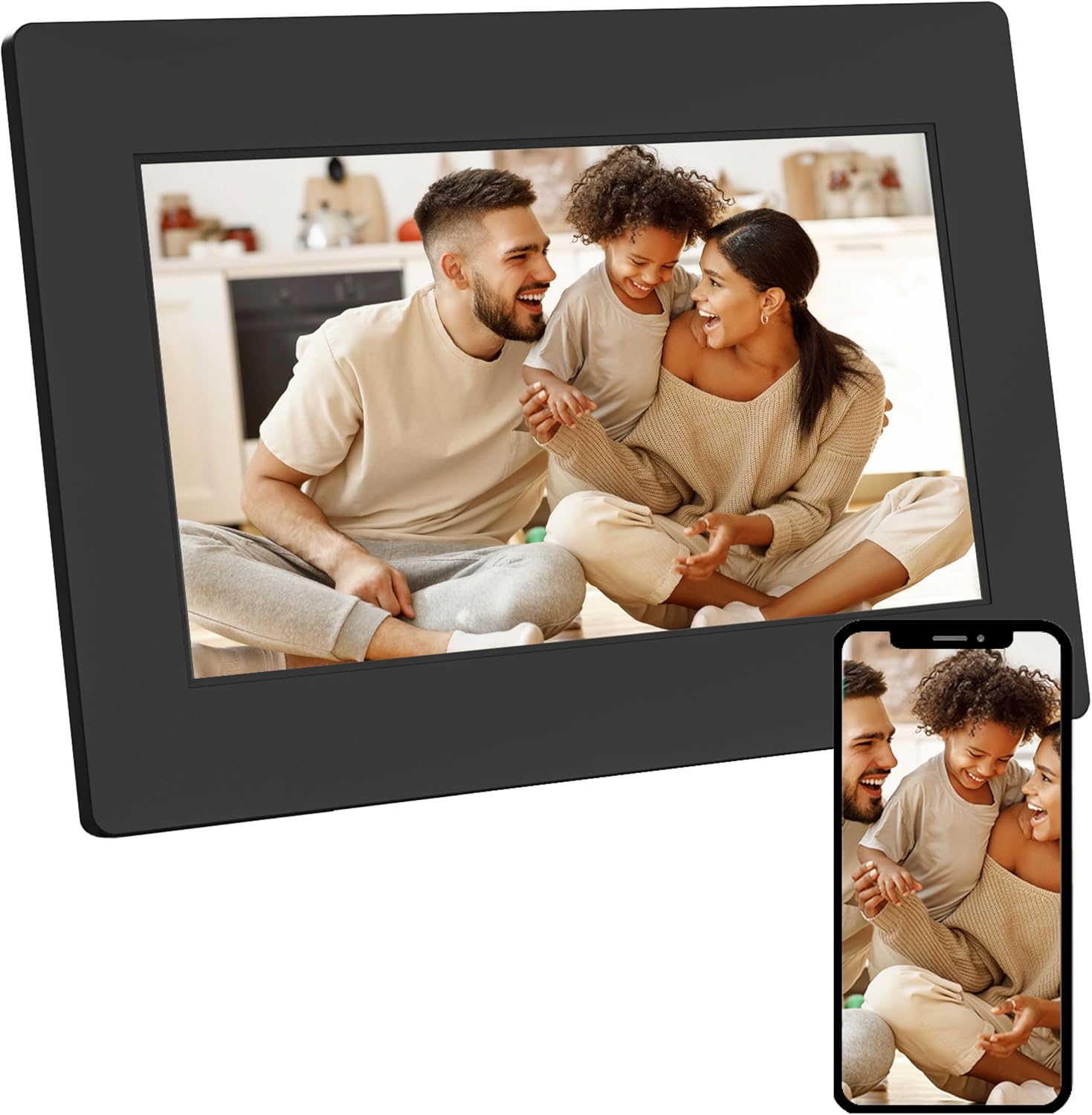
Image 1.1: AgfaPhoto Realiview APF700 Digital Photo Frame with a family photo displayed.
2. Пакеттин мазмуну
Пакетте бардык буюмдар бар экенин текшериңиз:
- AgfaPhoto Realiview APF700 Digital Photo Frame (7-inch)
- Кубаттуу адаптер
- Колдонуучунун Колдонмосу (бул документ)
- Тирөөч (алдын ала бекитилген же өзүнчө)
3. Продукт бүтүп калдыview
The AgfaPhoto Realiview APF700 is a 7-inch Wi-Fi enabled digital photo frame designed to display photos and videos. It features a touchscreen interface and integrates with the FRAMEO application for easy content sharing.
3.1 Фронт View
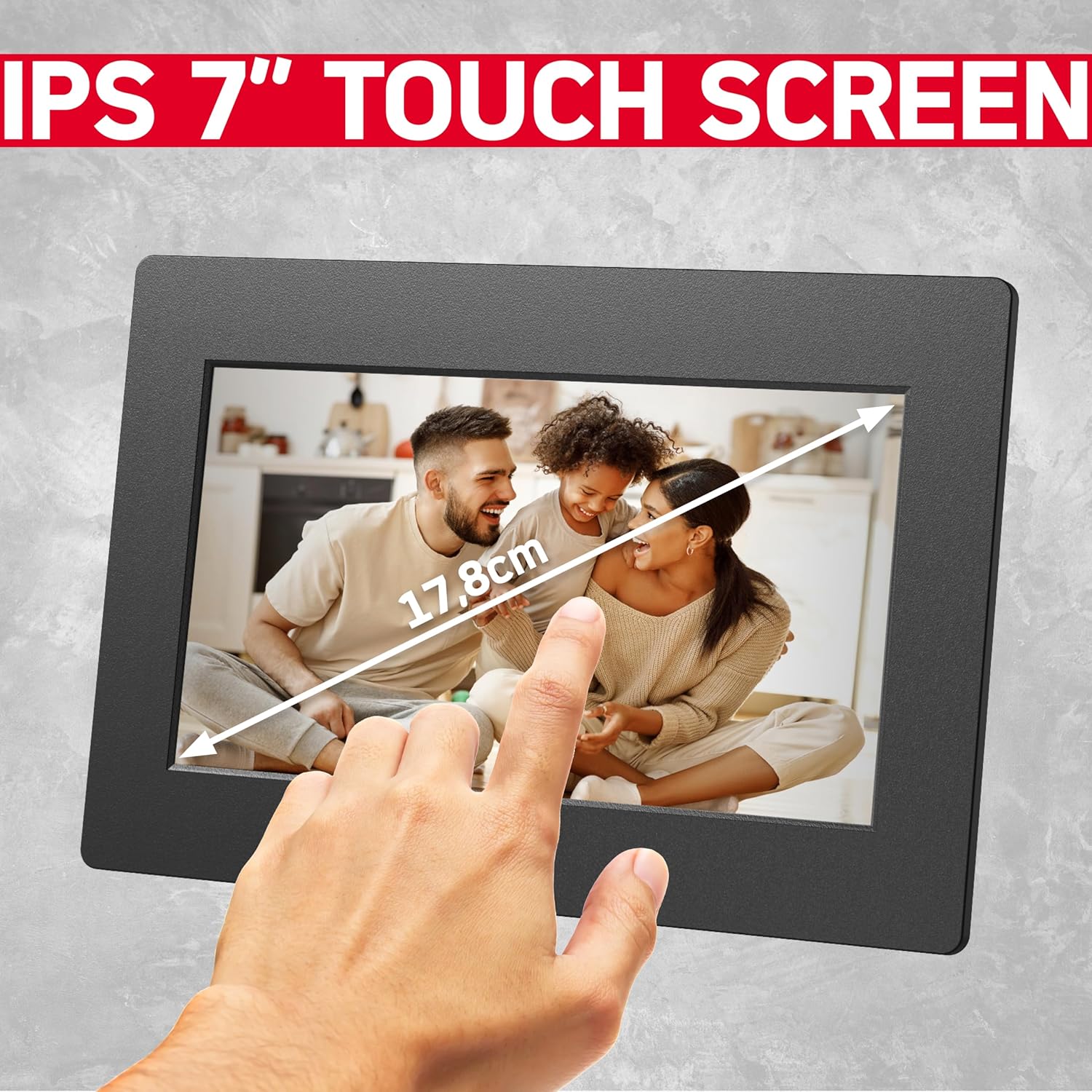
Сүрөт 3.1: Алдыңкы view of the 7-inch touchscreen display.
The front of the frame features the 7-inch IPS touchscreen display, which is the primary interface for interaction.
3.2 Арткы View жана порттор

Сүрөт 3.2: Алдыңкы жана арткы views of the digital photo frame, highlighting ports and features.
The rear of the frame typically includes:
- Кубат киргизүү порту
- USB Port (for external storage)
- MicroSD Card Slot (for external storage)
- Калыбына келтирүү баскычы
- Mounting Holes (for wall mounting, if applicable)
4. Орнотуу
4.1 Кадрды күйгүзүү
- Connect the power adapter to the frame's power input port.
- Кубат адаптерин розеткага сайыңыз.
- The frame will automatically power on and display the startup screen.
4.2 Баштапкы орнотуу жана Wi-Fi туташуусу
Upon first use, the frame will guide you through the initial setup process:
- Каалаган тилиңизди тандаңыз.
- Убакыт алкагыңызды тандаңыз.
- Connect to a Wi-Fi network: The frame will scan for available networks. Select your network and enter the password.
- Once connected, the frame will display a unique device ID. Note this ID for connecting with the FRAMEO app.
5. Иштөө нускамалары
5.1 Using the FRAMEO App
The FRAMEO app is essential for sending photos and videos to your digital frame.
- Колдонмону жүктөп алыңыз: Download the "FRAMEO" app from the Apple App Store (for iOS) or Google Play Store (for Android).
- Каттоо эсебин түзүү: Open the app and follow the instructions to create a user account.
- Рамкага туташуу: In the app, select "Add Friend" or a similar option. Enter the unique device ID displayed on your AgfaPhoto Realiview frame. This establishes a connection, allowing you to send media.

Image 5.1: The FRAMEO application interface on a smartphone.
5.2 Сүрөттөрдү жана видеолорду жөнөтүү
Once connected via the FRAMEO app:
- Смартфонуңуздагы FRAMEO колдонмосун ачыңыз.
- Түзмөгүңүздүн галереясынан жөнөткүңүз келген сүрөттөрдү же видеолорду тандаңыз.
- Choose your AgfaPhoto Realiview frame as the recipient.
- Add a caption if desired, then send. The media will appear on your frame shortly, provided both the frame and your phone are connected to the internet.

Image 5.2: Instant sharing functionality with the FRAMEO app.
5.3 Дисплей орнотуулары
Access display settings by tapping the screen and navigating to the settings menu.
- Жарыктык: Оптималдуу экран жарыктыгын тууралаңыз viewing.
- Уйку режими: Set a schedule for the frame to automatically turn off/on.
- Слайдшоу аралыгы: Customize how long each photo or video is displayed.
- Автоматтык айлантуу: The frame supports automatic rotation of content based on its orientation (portrait or landscape).

Image 5.3: Demonstration of the auto-rotate function.
5.4 Clock and Weather Functions
The frame can display current time and weather information. These functions are typically enabled and configured within the frame's settings menu, requiring an active internet connection to retrieve data.

Image 5.4: Icons representing the frame's various display functions.
6. Сактагычты башкаруу
The AgfaPhoto Realiview APF700 comes with 32GB of built-in memory. You can also expand storage using a MicroSD card or a USB drive.

Image 6.1: Illustration of the frame's 32GB built-in storage capacity.
6.1 Managing Internal Storage
Within the frame's settings, you can view storage usage and delete unwanted photos or videos to free up space.
6.2 Using External Storage
Insert a MicroSD card into the designated slot or connect a USB drive to the USB port. The frame will typically detect the external storage, allowing you to import media to the internal memory or play content directly from the external source.
7. Кыйынчылыктарды
Бул бөлүм сиз кабылышы мүмкүн болгон жалпы көйгөйлөрдү карайт.
| Көйгөй | Мүмкүн себеп | Чечим |
|---|---|---|
| Рамка күйбөйт. | Электр байланышы жок. | Ensure the power adapter is securely connected to the frame and a working power outlet. |
| Wi-Fi'га туташпай жатат. | Туура эмес сырсөз, диапазондон тышкары же тармак маселеси. | Verify Wi-Fi password. Move the frame closer to the router. Restart the router. |
| Сүрөттөр/видеолор кадрда көрүнбөйт. | No internet connection, incorrect frame ID, or app issue. | Check frame's Wi-Fi connection. Confirm the correct frame ID is entered in the FRAMEO app. Ensure the app is updated. |
| Сенсордук экран жооп бербейт. | Убактылуу программалык ката. | Кубат адаптерин сууруп жана кайра сайып, рамканы кайра иштетиңиз. |
8. Техникалык шарттар
- Модел: APF700
- Экрандын өлчөмү: 7 дюйм
- Дисплей түрү: LCD сенсордук экран
- Чечим: 1024 x 600 (as per A+ content, overriding 1080p from specs list for consistency with typical 7-inch frames)
- Ички эстутум: 32 ГБ
- Байланыш: Wi-Fi
- Шайкеш колдонмолор: FRAMEO (iOS & Android)
- Тышкы сактагыч: MicroSD Card, USB Drive
- Продукциянын өлчөмдөрү: 7.7 x 5.3 x 0.99 дюйм
- Элемент Салмагы: 1.34 фунт
9. Кароо жана тейлөө
- Тазалоо: Use a soft, dry cloth to clean the screen and frame. Avoid abrasive cleaners or solvents.
- Жайгашкан жери: Place the frame on a stable surface, away from direct sunlight, heat sources, and moisture.
- Күч: Берилген кубат адаптерин гана колдонуңуз.
- Программалык камсыздоо жаңыртуулары: Periodically check for and install software updates via the frame's settings menu to ensure optimal performance and security.
10. Кепилдик жана колдоо
For warranty information and technical support, please refer to the official AgfaPhoto webсайтка же түздөн-түз кардарларды тейлөөгө кайрылыңыз. Сатып алганыңыздын далили катары сатып алуу дүмүрчөгүңүздү сактаңыз.
Онлайн колдоо: www.agfaphoto.com


