1. Киришүү
Thank you for choosing the Trust Halyx 5-in-1 USB-C Hub. This manual provides essential information for the proper setup, operation, and maintenance of your device. This hub is designed to expand the connectivity of your PC, laptop, or MacBook Pro by adding four USB-C data ports and one USB-C Power Delivery (PD) port.
2. Продукт бүтүп калдыview
The Trust Halyx 5-in-1 USB-C Hub (Model 25136) features a durable aluminum housing and a compact design. It connects to your host device via an integrated 10cm USB-C cable.
2.1 Негизги өзгөчөлүктөрү
- 5-порттук туташуу: Adds 4 USB-C data ports and 1 USB-C Power Delivery port.
- 100W USB-C PD Power Port: Allows pass-through charging for your laptop (additional charger required).
- Жогорку ылдамдыктагы маалыматтарды өткөрүп берүү: Supports data transfer speeds up to 5 Gbps.
- Туруктуу дизайн: Constructed with an aluminum housing for enhanced durability.
- Plug and Play: Көпчүлүк операциялык системалар үчүн драйверлердин кереги жок.
2.2 Пакеттин мазмуну
- Trust Halyx 5-in-1 USB-C Hub
- Колдонуучунун Колдонмосу (бул документ)

Image: The Trust Halyx 5-in-1 USB-C Hub showing its five convenient ports and integrated USB-C cable.

Сүрөт: деталдуу view of the five USB-C ports on the Trust Halyx hub, including the Power Delivery port.
3. Орнотуу нускамалары
Follow these steps to set up your Trust Halyx 5-in-1 USB-C Hub:
- Хост түзмөккө туташуу: Plug the integrated USB-C cable of the hub into an available USB-C port on your PC, laptop, or MacBook Pro.
- Кубат туташуу (кошумча): If you wish to charge your laptop through the hub, connect your laptop's USB-C power adapter to the dedicated 100W USB-C PD port on the hub. Note: An additional charger is required for pass-through charging.
- Перифериялык түзүлүштөрдү туташтыруу: Plug your USB-C devices (e.g., external drives, keyboards, mice, other USB-C accessories) into the four USB-C data ports on the hub.
- Байланышты текшерүү: Your operating system should automatically detect the hub and connected devices. No additional drivers are typically needed.

Image: The Trust Halyx hub connected to a laptop, demonstrating how to plug in additional USB-C devices.

Image: The 100W USB-C Power Delivery port on the Trust Halyx hub, with a power cable connected for laptop charging.
4. Иштөө нускамалары
Once connected, the Trust Halyx hub operates as a direct extension of your computer's USB-C capabilities.
4.1 Түзмөктөрдү туташтыруу
- Simply plug your USB-C peripherals into any of the four available USB-C data ports.
- The hub supports data transfer speeds of up to 5 Gbps, suitable for most external storage devices, keyboards, mice, and other accessories.
4.2 Энергияны жеткирүү функциясы
- The dedicated USB-C PD port allows you to charge your laptop while using the hub. Connect your laptop's original USB-C power adapter to this port.
- The hub supports up to 100W pass-through power delivery. Ensure your power adapter is compatible with your laptop's charging requirements.

Image: A complete workstation setup utilizing the Trust Halyx hub to connect various peripherals to a laptop and external monitor.
5. Техникалык тейлөө жана кам көрүү
To ensure the longevity and optimal performance of your Trust Halyx USB-C Hub, follow these guidelines:
- Тазалоо: Хабды тазалоо үчүн жумшак, кургак чүпүрөктү колдонуңуз. Суюк тазалоочу каражаттарды же абразивдүү материалдарды колдонбоңуз.
- Сактагыч: Колдонулбаган учурда борборду салкын, кургак жерде сактаңыз. Анын чакан өлчөмү саякаттоого ылайыктуу.
- Колдонуу: Avoid dropping the hub or subjecting it to strong impacts. Do not bend the integrated cable excessively.
- Температура: Operate the hub within normal room temperatures. Avoid extreme heat or cold.
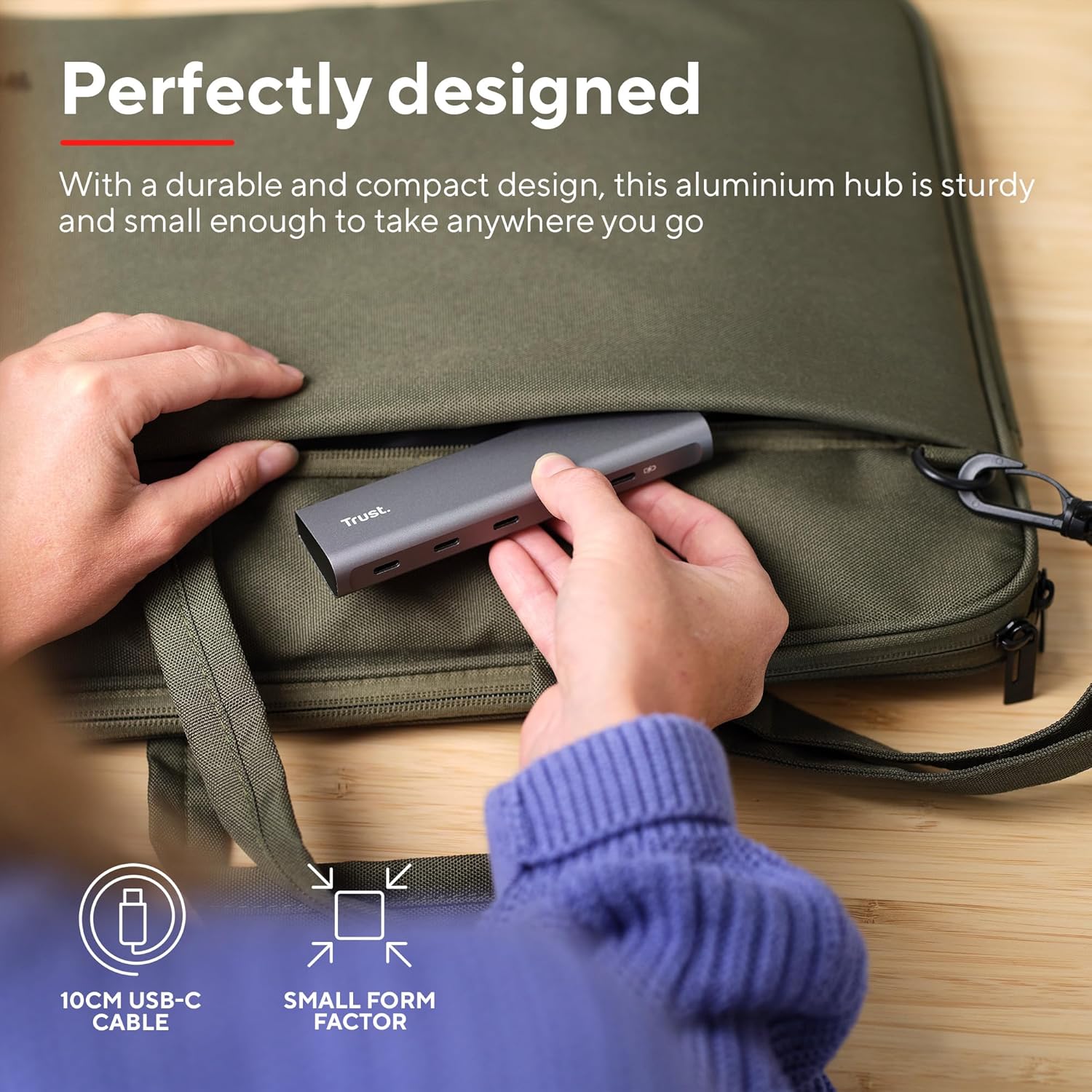
Image: The compact and durable design of the Trust Halyx hub, shown being placed into a laptop bag for portability.
6. Кыйынчылыктарды
If you encounter issues with your Trust Halyx USB-C Hub, refer to the following common solutions:
6.1 Devices Not Detected
- Байланыштарды текшерүү: Ensure the hub's USB-C cable is securely plugged into your host device and that peripherals are firmly connected to the hub.
- Хост түзмөгүн кайра иштетүү: Sometimes, a simple restart of your computer can resolve detection issues.
- Test Peripherals Directly: Connect the peripheral directly to your computer's USB-C port (if available) to confirm it is functioning correctly.
- Башка портту колдонуп көрүңүз: If your computer has multiple USB-C ports, try connecting the hub to a different one.
6.2 Charging Not Working
- Кубат адаптерин текшерүү: Ensure your USB-C power adapter is correctly connected to the hub's PD port and is capable of providing sufficient power for your laptop.
- Check Laptop Compatibility: Confirm your laptop supports USB-C Power Delivery for charging.
- Кабелдин бүтүндүгү: Ensure the USB-C cable from your power adapter to the hub is not damaged.
6.3 Маалыматтарды жай өткөрүп берүү
- Түзмөктүн шайкештиги: Ensure the connected peripheral supports USB 3.0 (5 Gbps) speeds. Older USB 2.0 devices will operate at their native slower speeds.
- Host Port Speed: Verify that the USB-C port on your computer supports USB 3.0 or higher data transfer rates.
- Ашыкча жүктөөдөн качыңыз: While the hub provides multiple ports, extremely demanding devices might perform better when connected directly to the host device if possible.
7. Техникалык шарттар
| Өзгөчөлүк | Деталь |
|---|---|
| Модель номери | 25136 |
| Бренд | Trust |
| Байланыш | 1x USB-C Host Connector (integrated cable), 4x USB-C Data Ports, 1x USB-C Power Delivery Port |
| Маалыматтарды өткөрүү ылдамдыгы | 5 Гбит/сек чейин (USB 3.0) |
| Power Delivery | 100 Вт чейин өткөрмө кубаттоо |
| Турак жай материалы | Алюминий |
| Кабелдин узундугу | 10 см |
| Өлчөмдөрү (LxWxH) | 1.26 x 5 x 0.63 дюйм (32 x 127 x 16 мм) |
| Салмагы | 2.86 унция (81 грамм) |
| Шайкеш операциялык системалар | Chrome OS, Windows 10 or 11, macOS 11, 12 or 13 |
8. Кепилдик жана колдоо
Кепилдик жөнүндө маалымат жана техникалык колдоо алуу үчүн, расмий Trust компаниясына кайрылыңыз webсайтка же түздөн-түз кардарларды тейлөөгө кайрылыңыз. Кепилдик дооматтар үчүн сатып алганыңыздын далилин сактаңыз.
Онлайн колдоо: www.trust.com/support