1. Киришүү
This manual provides essential information for the proper setup, operation, and maintenance of your boAt Lunar Peak Smartwatch. Please read this manual thoroughly before using the device to ensure optimal performance and longevity.
2. Кутуда эмне бар
Upon unboxing your boAt Lunar Peak Smartwatch, verify that all the following items are present:
- boAt Lunar Peak Smartwatch
- Заряддоо кабели
- Кепилдик картасы
- User Manual

Image: The boAt Lunar Peak Smartwatch in Rose Gold, showcasing анын дизайны жана дисплей.
3. Орнотуу
3.1 Акылдуу саатты кубаттоо
- Кубаттоочу кабелди акылдуу сааттын арткы бетиндеги кубаттоо портуна туташтырыңыз.
- Кубаттоочу кабелдин экинчи учун USB кубат адаптерине (кошулмада жок) же компьютердин USB портуна туташтырыңыз.
- Ensure the smartwatch is properly aligned with the charging pins. The watch display will indicate charging status.
- Allow the smartwatch to fully charge before initial use.
3.2 Смартфонуңуз менен жупташуу
- Download and install the official boAt Wearables app from your smartphone's app store (Google Play Store for Android, Apple App Store for iOS).
- Смартфонуңузда Bluetooth иштетилгенин текшериңиз.
- Open the boAt Wearables app and follow the on-screen instructions to create an account or log in.
- Колдонмонун ичинен "Түзмөк кошуу" же "Жаңы түзмөктү жупташтыруу" дегенди тандаңыз.
- Select 'Lunar Peak' from the list of available devices.
- Смартфонуңузда да, акылдуу саатыңызда да жупташтыруу өтүнүчүн ырастаңыз.
- Once paired, the smartwatch will synchronize data with your phone.
4. Акылдуу саатты иштетүү
4.1 Дисплей жана навигация
The boAt Lunar Peak features a 1.45-inch (3.68 cm) AMOLED display with a 466x466 HD resolution, offering clear and vibrant visuals. Navigation is primarily touch-based.
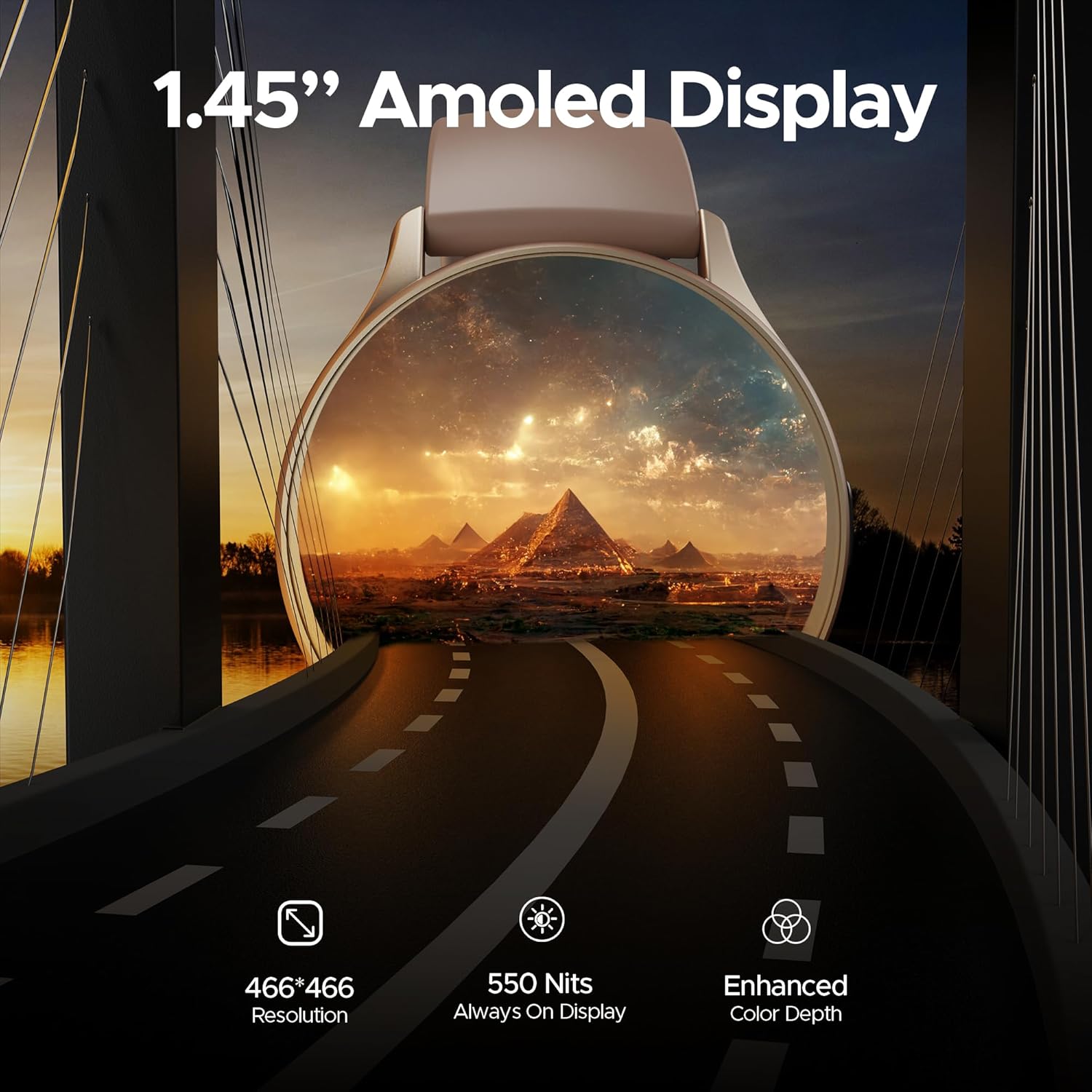
Сүрөт: деталдуу view of the smartwatch display highlighting its 1.45-inch AMOLED screen with 466x466 HD resolution and enhanced color depth.
4.2 Always On Display (AOD)
The Always On Display feature allows essential information, such as time, to remain visible on the screen without needing to activate the full display. This feature can be configured via the smartwatch settings or the companion app.
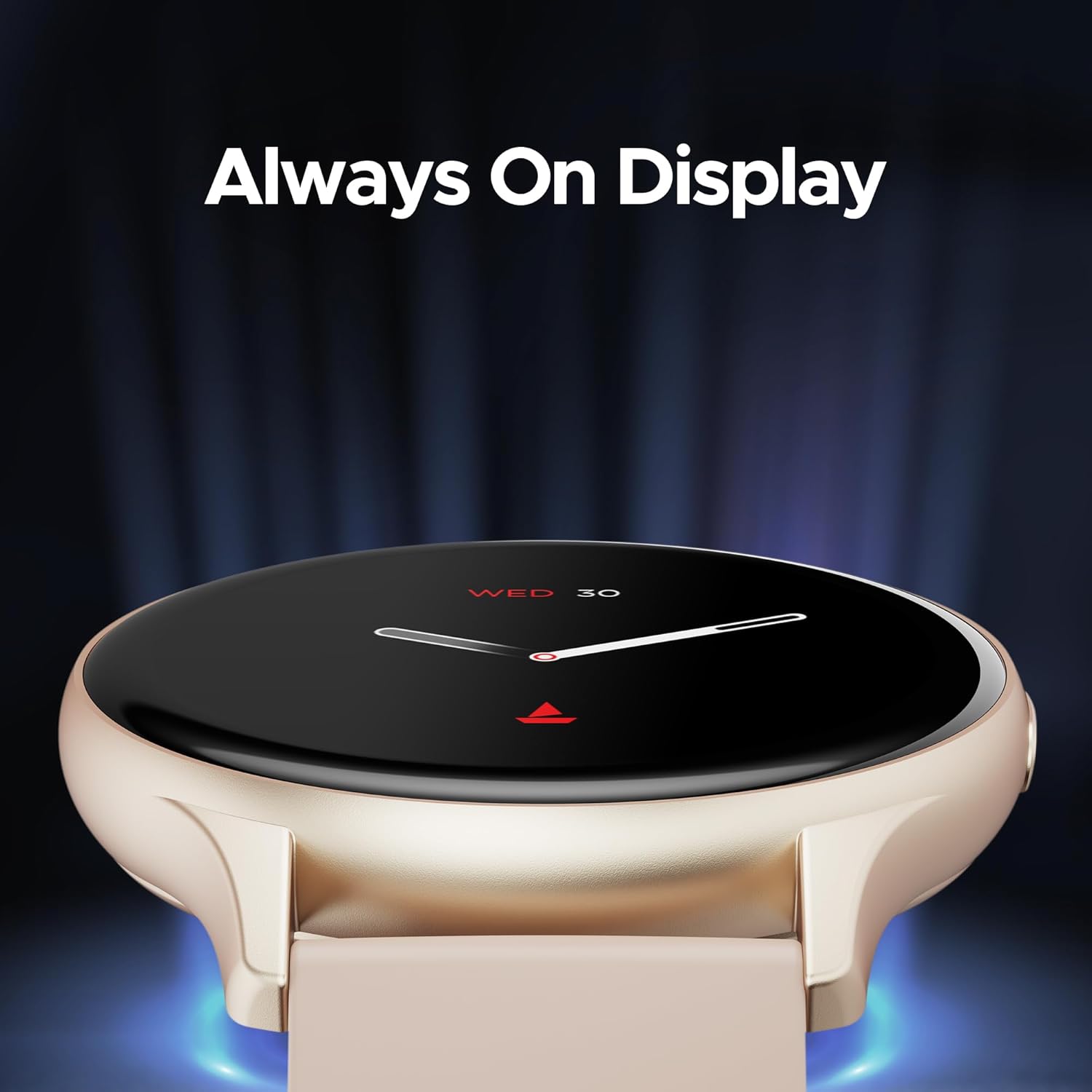
Image: The smartwatch displaying the time and date using the Always On Display feature.
4.3 Bluetooth чалуу
The advanced Bluetooth Calling feature enables you to make and receive calls directly from your smartwatch when connected to your smartphone. This includes a dialer and contact access.

Image: The smartwatch interface demonstrating Bluetooth calling functionality, including an incoming call notification and a dial pad.
4.4 Сааттын жекече жасалгалары
Personalize your smartwatch with a variety of cloud-based and custom watch faces. These can be changed through the boAt Wearables app to match your style and preferences.
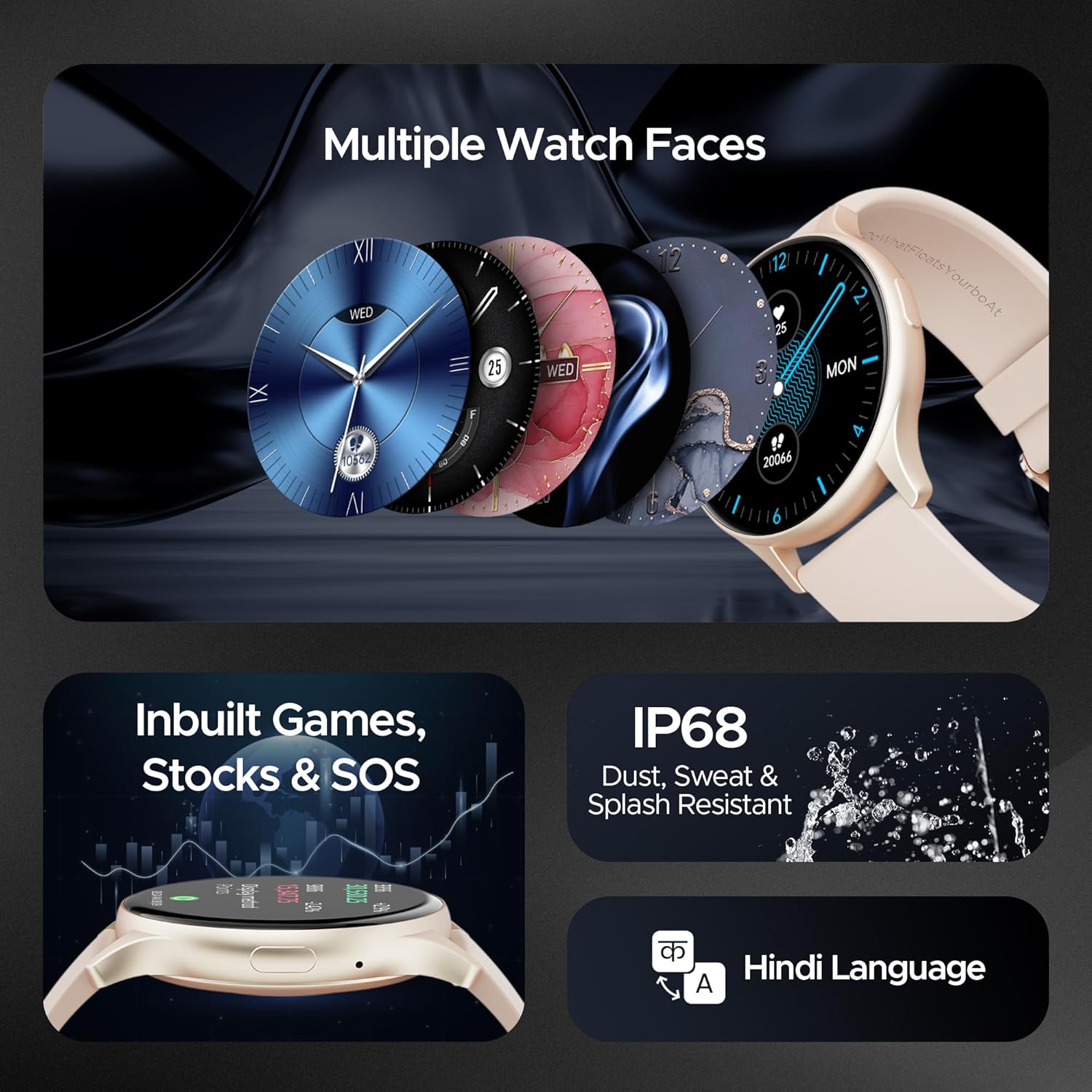
Image: A selection of diverse watch faces available for the smartwatch, alongside icons representing in-built games, stock tracking, and SOS features.
4.5 Ден соолуктун мониторинги
The smartwatch includes various health monitoring features to help you track your well-being:
- Жүрөктүн кагышын көзөмөлдөө: Күн бою жүрөктүн кагышын үзгүлтүксүз көзөмөлдөйт.
- Кандагы кычкылтектин (SpO2) мониторинги: Кандагы кычкылтектин деңгээлин өлчөйт.
- Стресс мониторинги: Стресс деңгээлиңиз боюнча түшүнүктөрдү берет.
- Уйкуга көз салуу: Уйкуңуздун үлгүсүн жана сапатын көзөмөлдөйт.
- 100+ Спорт режимдери: Tracks various activities and exercises.

Image: The smartwatch screen showing a sports mode interface, illustrating its capability to track over 100 different sports activities.
4.6 In-built Games, Stocks, and SOS
The smartwatch offers entertainment with in-built games, allows you to keep track of stock market information, and includes an SOS feature for emergency situations.
4.7 Узактыгы
The boAt Lunar Peak Smartwatch is IP67 rated for dust, sweat, and splash resistance, making it suitable for various environments and activities.
5. Техникалык тейлөө
Акылдуу саатыңыздын узак мөөнөттүү жана туура иштешин камсыз кылуу үчүн, төмөнкү техникалык тейлөө көрсөтмөлөрүн аткарыңыз:
- Тазалоо: Саатты жана боону жумшак, кургак чүпүрөк менен үзгүлтүксүз сүртүп туруңуз. Өтө кир болсо, бир азamp чүпүрөк менен сүртүп, андан кийин жакшылап кургатыңыз. Катуу химиялык заттардан же абразивдүү материалдардан алыс болуңуз.
- Заряддоо: Use only the provided charging cable. Do not expose the charging pins to water or corrosive liquids.
- Суу каршылык: While IP67 rated, avoid prolonged submersion in water, hot water, or steam. Dry the watch thoroughly if it gets wet.
- Сактагыч: Акылдуу саатты салкын, кургак жерде, күндүн түз тийген нурларынан жана өтө жогорку температурадан алыс сактаңыз.
- Программалык камсыздоо жаңыртуулары: Keep the boAt Wearables app and your smartwatch firmware updated to benefit from new features and performance improvements.
6. Кыйынчылыктарды
If you encounter issues with your boAt Lunar Peak Smartwatch, refer to the following common problems and solutions:
| Маселе | Мүмкүн чечим |
|---|---|
| Акылдуу саат күйбөй жатат | Ensure the watch is fully charged. Connect it to the charger for at least 30 minutes. If it still doesn't turn on, perform a hard reset (refer to the app for specific instructions). |
| Смартфон менен жупташтыруу мүмкүн эмес | Check if Bluetooth is enabled on your phone. Ensure the smartwatch is within range. Restart both the smartwatch and your phone. Clear the app's cache or reinstall the app. |
| Туура эмес ден соолук маалыматы | Саат өтө тар же өтө бош эмес, билегиңизге бекем тагылганын текшериңиз. Сааттын артындагы сенсорлорду тазалаңыз. Өлчөө учурунда ашыкча кыймылдан качыңыз. |
| Батареянын иштөө мөөнөтү кыска | Reduce screen brightness. Limit the use of power-intensive features like continuous heart rate monitoring or Always On Display. Disable unnecessary notifications. |
| Bluetooth calling issues | Ensure the watch is properly connected via Bluetooth to your phone. Check the volume settings on both devices. Verify microphone and speaker are not obstructed. |
If the issue persists after attempting these solutions, please contact boAt customer support for further assistance.
7. Техникалык шарттар
Detailed technical specifications for the boAt Lunar Peak Smartwatch:
| Өзгөчөлүк | Деталь |
|---|---|
| Бренд | кайык |
| Модель аты | Lunar Peak |
| Элемент моделинин номери | boAt Lunar Seek |
| Дисплей түрү | AMOLED |
| Screen Size | 1.45 дюйм (3.68 см) |
| Резолюция | 466 x 466 пиксель |
| Байланыш технологиясы | Bluetooth |
| Зымсыз түрү | Bluetooth |
| Өзгөчөлүктөр | Advanced Bluetooth Calling, Vivid AMOLED Display, Always On Display, Health Monitoring (Heart Rate, SpO2), In-built Games, Stocks, SOS |
| Сууга туруктуулук рейтинги | IP67 (Dust, Sweat, and Splash Resistant) |
| Батарея түрү | Литий полимери |
| Элемент Салмагы | 45 г |
| Продукциянын өлчөмдөрү | 4.8 x 10 x 12.3 см |
| Келип чыккан өлкө | Кытай |
8. Кепилдик жана колдоо
Your boAt Lunar Peak Smartwatch comes with a standard brand warranty. Please refer to the included Warranty Card for specific terms, conditions, and duration of the warranty.
For technical support, warranty claims, or any other inquiries, please visit the official boAt website or contact their customer service department. Contact details are typically provided on the warranty card or the product packaging.


