1. Киришүү
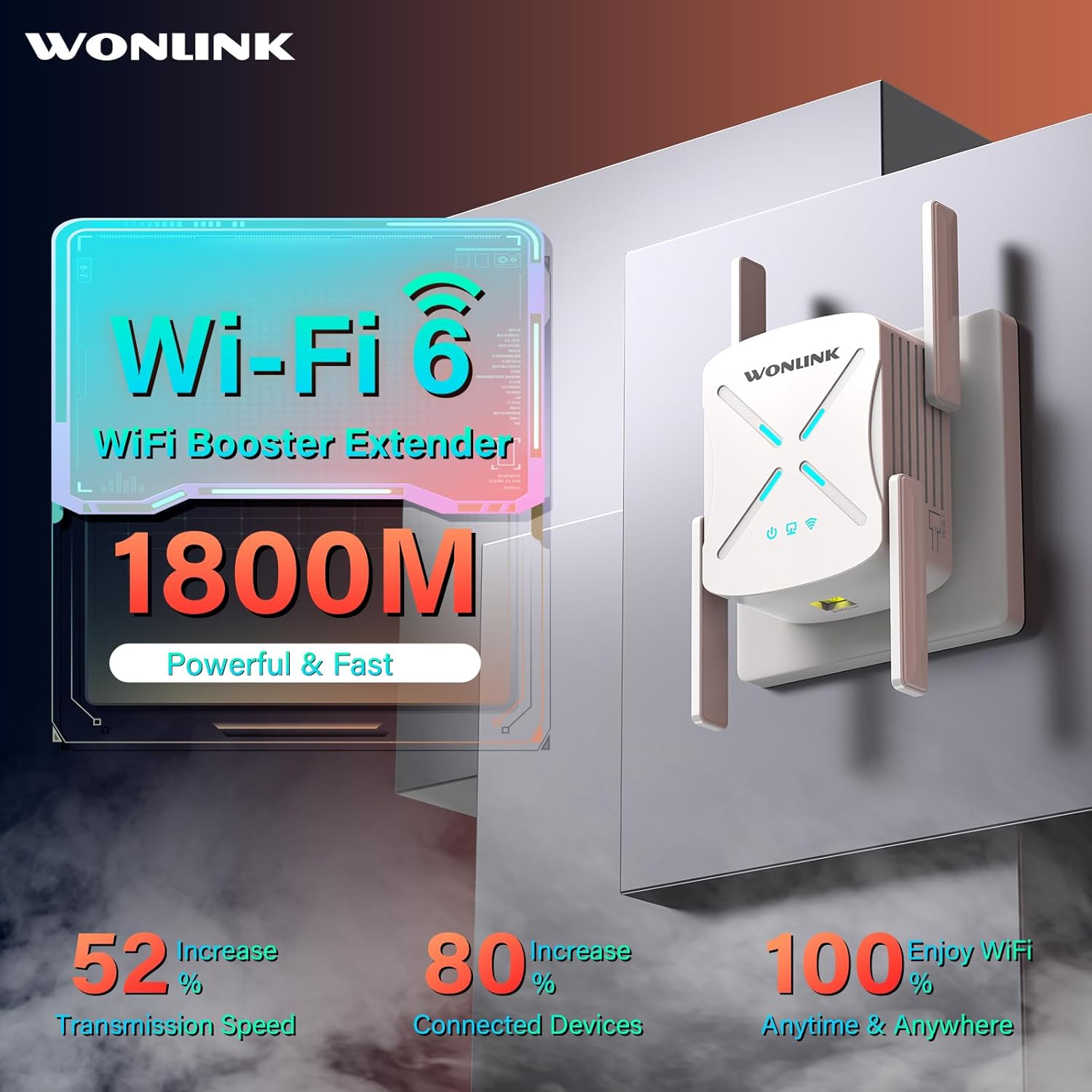
Thank you for choosing the WONLINK AX1800 WiFi 6 Extender. This device is engineered to expand your wireless network coverage and enhance internet speeds, eliminating dead zones and ensuring a stable connection throughout your home or office. Utilizing the latest WiFi 6 (802.11ax) technology, it delivers high-speed dual-band performance for demanding online activities.
This manual provides detailed instructions for setting up, operating, and maintaining your WiFi extender. Please read it carefully before use to ensure proper installation and optimal performance.
2. Продукциянын өзгөчөлүктөрү
- Lightning-Fast WiFi 6 Speed: Supports WiFi 6 technology, offering up to 1800Mbps combined speed (1201Mbps on 5GHz, 576Mbps on 2.4GHz) for smooth HD video streaming, online gaming, and web конференция.
- Extended Signal Coverage: Equipped with 4 high-gain antennas and performance power amplifiers, providing up to 10,000+ sq ft of coverage, penetrating walls and floors to eliminate WiFi dead spots.
- Simultaneous Device Support: Features a powerful three-core processor and supports MU-MIMO and OFDMA technologies, allowing connection of 64+ devices simultaneously with low latency.
- Гигабит Ethernet порту: Includes a Gigabit Ethernet port for high-speed wired connections to devices like smart TVs, gaming consoles, or PCs, ensuring stable and fast data transfer.
- Өркүндөтүлгөн коопсуздук: Incorporates the latest WPA3 security encryption protocols to protect your network from unauthorized access and external threats.
- Бир нече иштөө режимдери: Supports Repeater, Access Point (AP), Client, Bridge, and Router modes to meet various networking needs.



3. Пакеттин мазмуну
Пакетиңизде бардык буюмдар бар экенин текшериңиз:
- 1 x WONLINK AX1800 WiFi 6 Extender
- 1 x RJ45 Ethernet кабели
- 1 x User Manual
4. Орнотуу нускамалары
The WONLINK AX1800 WiFi 6 Extender offers two primary methods for quick setup: WPS (Wi-Fi Protected Setup) and Web Браузерди орнотуу.

Метод 1: WPS (Wi-Fi менен корголгон орнотуу)
- Күйгүзүү: Plug your WiFi extender into a power outlet near your main router. Wait for approximately 30 seconds for the device to power on and initialize.
- Press WPS Button on Extender: Locate the WPS button on the side of the WONLINK AX1800 extender and press it. The WPS indicator light on the extender should start blinking.
- Press WPS Button on Router: Within 2 minutes, press the WPS button on your main WiFi router. Ensure your router supports WPS functionality.
- Туташуу ырастоо: The extender's indicator light will turn solid, indicating a successful connection. The extended WiFi network will have the same name as your main network with '_EXT' or '_Plus' appended (e.g., MyHomeWiFi_EXT).
- Кеңейтүүчүнү көчүрүү: Once connected, unplug the extender and move it to a location halfway between your router and the area with poor WiFi signal. Plug it into a power outlet and wait for it to reconnect. Ensure the signal strength indicator on the extender shows a good connection.
Метод 2: Web Browser Setup (Recommended for non-WPS routers)
- Күйгүзүү: Plug your WiFi extender into a power outlet near your main router. Wait for approximately 30 seconds for the device to power on and initialize.
- Extender'дин WiFi'ына туташыңыз: On your computer or smartphone, connect to the extender's default WiFi network (SSID) which will typically be named something like "WONLINK-XXXX-2G" or "WONLINK-XXXX-5G". No password is required for the initial connection.
- Орнотуу барагына кирүү: ачуу а web браузер (мисалы, Chrome, Firefox, Safari) жана териңиз http://192.168.10.1 дарек тилкесине. Enter баскычын басыңыз.
- Кирүү: You will be prompted to create a new login password for the extender's management page. Follow the on-screen instructions.
- Режимди тандоо: Choose "Repeater Mode" (or your desired mode) from the setup options. The extender will scan for available WiFi networks.
- Тармагыңызды тандаңыз: Select your main WiFi network (SSID) from the list and enter its password.
- Кеңейтилген тармакты конфигурациялоо: You can choose to keep the same SSID for the extended network or create a new one. It is recommended to use a different SSID (e.g., MyHomeWiFi_EXT) to easily distinguish between networks.
- Орнотууларды колдонуу: Click "Apply" or "Save" to finalize the settings. The extender will restart.
- Кеңейтүүчүнү көчүрүү: Once restarted and connected, unplug the extender and move it to a location halfway between your router and the area with poor WiFi signal. Plug it into a power outlet and wait for it to reconnect. Ensure the signal strength indicator on the extender shows a good connection.
5. Иштөө режимдери
The WONLINK AX1800 WiFi 6 Extender supports multiple operating modes to suit various networking requirements:

5.1. Кайталоо режими (демейки)
In Repeater Mode, the extender wirelessly connects to your existing router's WiFi network and re-broadcasts it, extending the coverage area. This is ideal for eliminating WiFi dead zones in larger homes or offices.
5.2. Кирүү чекити (AP) режими
In AP Mode, the extender connects to your router via an Ethernet cable and transforms your wired network connection into a wireless access point. This is useful for adding WiFi capability to a wired-only network or creating a new WiFi network in a specific area.
5.3. Роутер режими
In Router Mode, the extender functions as a standalone router. You can connect it directly to a modem via an Ethernet cable to create a new private wireless network. This mode is suitable for small offices or homes that do not have an existing router.
6. Жалпы операция
6.1. Оптималдуу жайгаштыруу
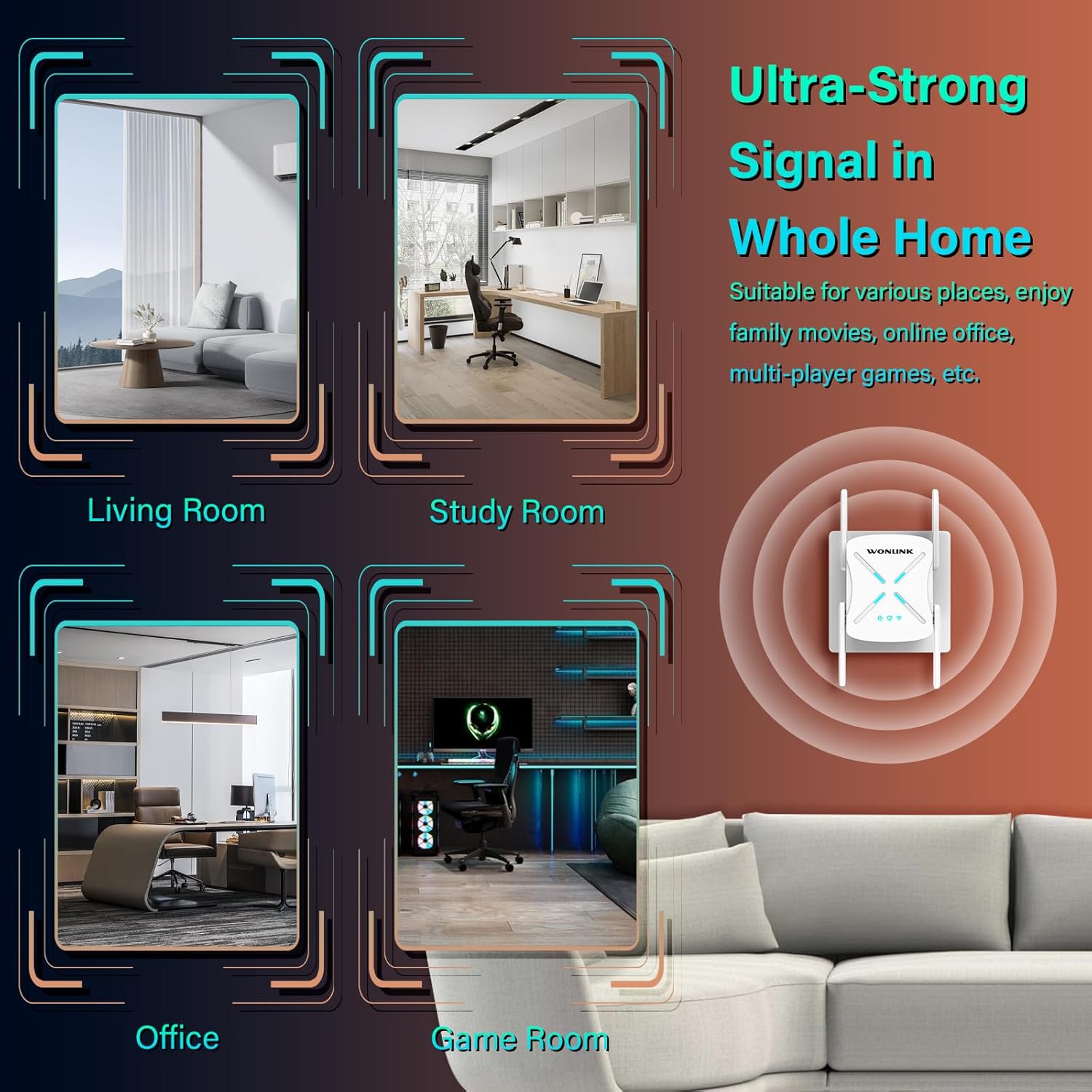
For best performance, place the extender halfway between your main router and the area where you need improved WiFi coverage. Avoid placing it near large metal objects, concrete walls, or other electronic devices that may cause interference. The signal indicator lights on the extender can help you find an optimal location.
6.2. Түзмөктөрдү туташтыруу
Once the extender is set up, your devices (smartphones, tablets, laptops, smart TVs, etc.) can connect to the extended WiFi network just like they would to any other WiFi network. Look for the extended SSID (e.g., MyHomeWiFi_EXT) in your device's WiFi settings.
6.3. Using the Ethernet Port
The Gigabit Ethernet port can be used to connect a wired device (e.g., desktop computer, gaming console) to the network, providing a stable and high-speed connection. Simply connect an Ethernet cable from the device to the extender's LAN/WAN port.
7. Техникалык тейлөө
- Тазалоо: Узарткычтын сыртын тазалоо үчүн жумшак, кургак чүпүрөктү колдонуңуз. Суюк тазалагычтарды же аэрозолдорду колдонбоңуз.
- Вентиляция: Ensure the cooling holes on the device are not obstructed to prevent overheating and ensure stable operation.
- Программалык камсыздоонун жаңыртуулары: Мезгил-мезгили менен өндүрүүчүнүн текшерүү webмикропрограммаларды жаңыртуу үчүн сайт. Түзмөгүңүздүн микропрограммасын жаңыртып туруу иштин иштешин жакшыртат, жаңы функцияларды кошуп, коопсуздукту жогорулатат.
- Кайра иштетилүүдө: Эгерде сизде тармак көйгөйлөрү пайда болсо, кеңейткичти розеткадан 10 секундга сууруп, андан кийин кайра сайып, кайра күйгүзүп көрүңүз.
8. Кыйынчылыктарды
If you encounter issues with your WONLINK AX1800 WiFi 6 Extender, please refer to the following common problems and solutions:
| Көйгөй | Мүмкүн болгон себеп / Чечим |
|---|---|
| Кеңейтүүчү күйбөй жатат. | Ensure the power outlet is working and the extender is properly plugged in. Try a different outlet. |
| Cannot connect to the extender's default WiFi for setup. | Ensure the extender is powered on and wait for 30 seconds. Try restarting the extender. Ensure your device's WiFi is enabled. |
| WPS орнотуу ишке ашпай калды. | Ensure your router supports WPS and that you press both WPS buttons within the 2-minute window. Try the web анын ордуна браузерди орнотуу ыкмасын колдонуңуз. |
| Кеңейтилген тармакка туташкандан кийин интернетке кирүү мүмкүн болбой жатат. | Verify that your main router has internet access. Re-run the setup process to ensure the extender is properly connected to your main router. Relocate the extender closer to the main router if the signal is weak. |
| Slow speeds on the extended network. | Relocate the extender to an optimal position (halfway between router and dead zone). Ensure there are no major obstructions. Check for interference from other electronic devices. Your main router's speed also affects the extended network. |
| Extended network disappears or disconnects frequently. | This could indicate a weak signal from the main router. Try moving the extender closer to the router. Ensure the extender is not overheating. |
| Security concerns or unusual network behavior. | Ensure you have set a strong password for the extender's management page and for the extended WiFi network. Verify that WPA3 encryption is enabled. If issues persist, perform a factory reset and reconfigure. |
Заводдук абалга кайтаруу
If the extender is not functioning correctly, you may need to perform a factory reset. With the extender powered on, use a paperclip or pin to press and hold the Reset button (usually located in a small hole) for about 5-10 seconds until the lights flash. The extender will restart with factory default settings, and you will need to set it up again.
9. Техникалык шарттар
| Өзгөчөлүк | Деталь |
|---|---|
| Модел | AX1800 |
| Зымсыз байланыш стандарты | 802.11a/b/g/n/ac, 802.11ax (WiFi 6) |
| Маалыматтарды өткөрүү ылдамдыгы | 1800 Мбит / с чейин (5 ГГцде 1201 Мбит / с, 2.4 ГГцде 576 Мбит / с) |
| Жыштык тилкесинин классы | Кош тилкелүү (2.4 ГГц жана 5 ГГц) |
| Ethernet порту | 1 x Gigabit Ethernet Port (LAN/WAN) |
| Антенналар | 4 x High Gain Omnidirectional Antennas |
| Коопсуздук протоколдору | WPA3, WPA2-PSK, WPA-PSK |
| Өлчөмдөр | 5.39 x 4.61 x 3.46 дюйм |
| Элемент Салмагы | 14.6 унция |
| Өндүрүүчү | WONLINK |
10. Кепилдик жана колдоо
For detailed warranty information, please refer to the documentation included with your purchase or contact WONLINK customer support. If you require further assistance or have questions not covered in this manual, please visit the official WONLINK website or refer to the comprehensive user guide available online:
Расмий колдонуучу колдонмосу (PDF): Колдонуучунун колдонмосун жүктөп алыңыз
Кепилдик дооматтары үчүн сатып алганыңыздын далилин сактап коюңуз.


