Introduction
Thank you for choosing the Laser TWS Earbuds. These true wireless stereo earbuds are designed to provide a high-fidelity audio experience with convenient features such as an LED battery display, intuitive tap controls, and an ergonomic design for comfortable, extended use. The included rechargeable case ensures your earbuds are always ready for use. This manual will guide you through the setup, operation, and maintenance of your new earbuds.
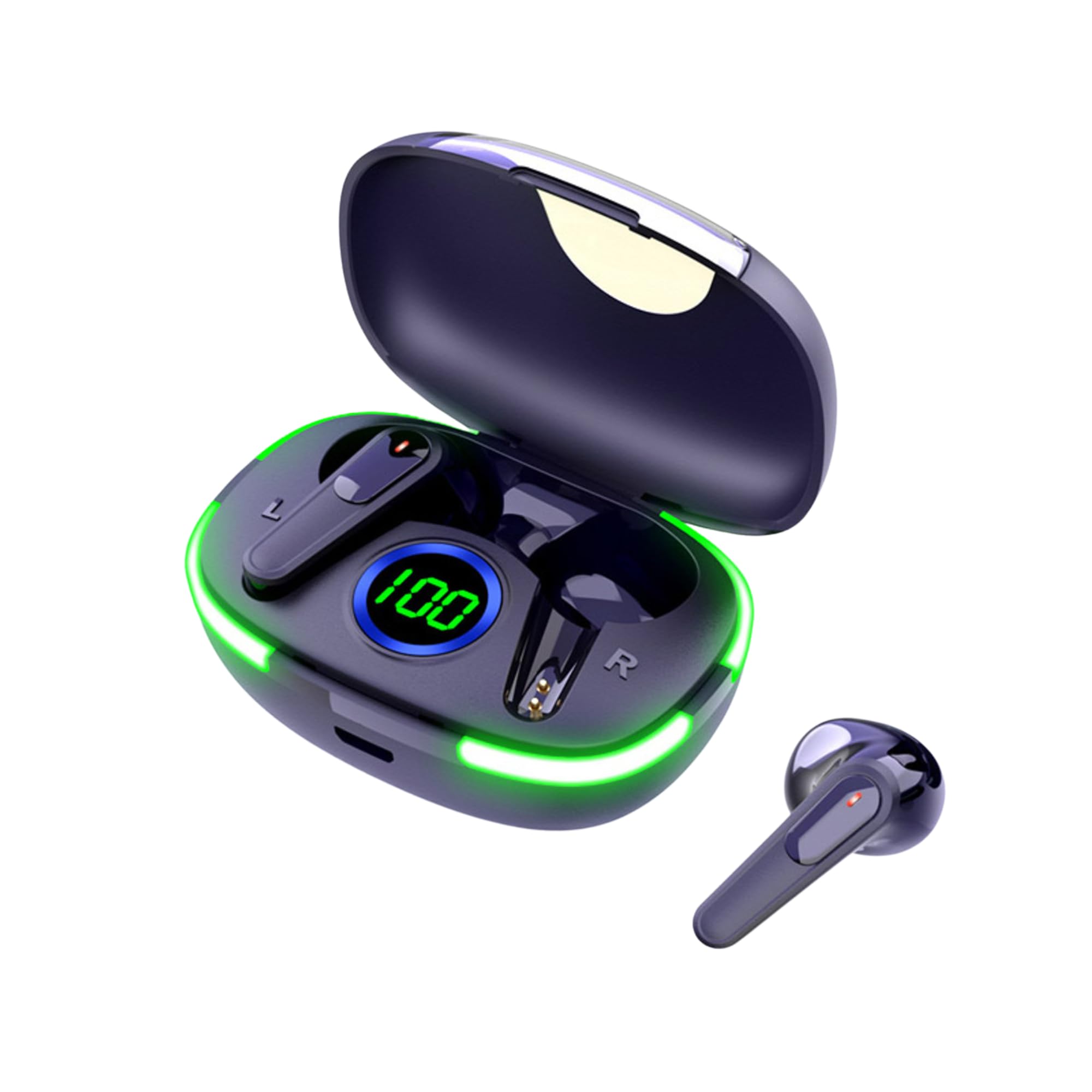
Image: The Laser TWS Earbuds, showcasing the charging case with its LED display and one earbud placed outside the case.
Пакеттин мазмуну
Пакетте бардык буюмдар бар экенин текшериңиз:
- 1 x Pair of Laser TWS Earbuds
- 1 x Charging Case with Battery Display
- 1 x Type-C заряддоо кабели
- 1 x User Manual
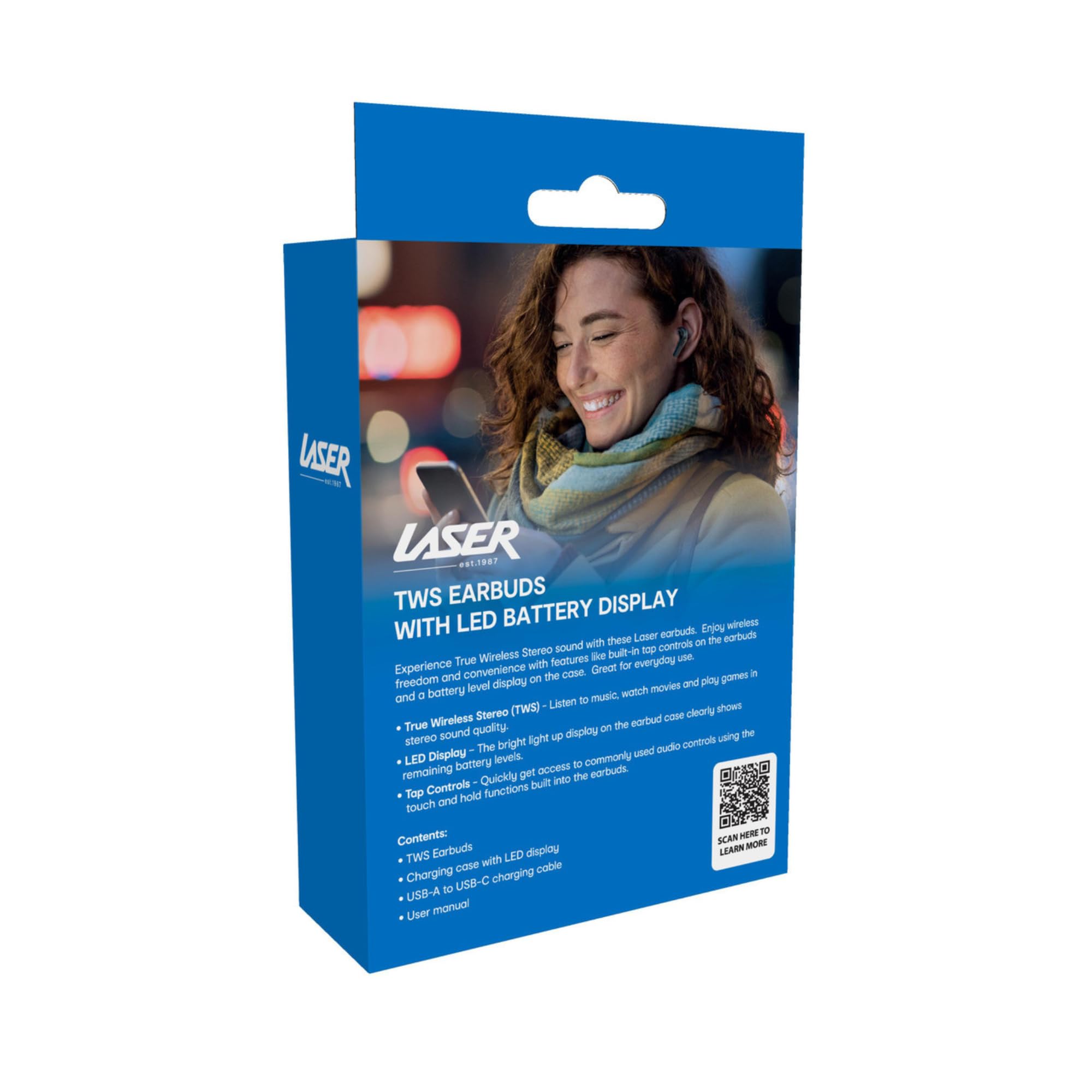
Image: The retail packaging for the Laser TWS Earbuds, indicating contents and features.
Жайгашуу
1. Кулакчындарды жана кутуну кубаттоо
Before first use, fully charge the earbuds and the charging case. The LED display on the case indicates the battery level.
- Берилген Type-C заряддоо кабелин корпустагы заряддоо портуна жана USB кубат булагына туташтырыңыз.
- The LED display will show the charging progress. A full charge takes approximately 1 hour.
- The earbuds charge automatically when placed inside the charging case. The case can recharge the earbuds up to 3 times on a single charge.

Сүрөт: жакын план view of the charging case's LED display, showing the battery percentage, indicating the charge level.
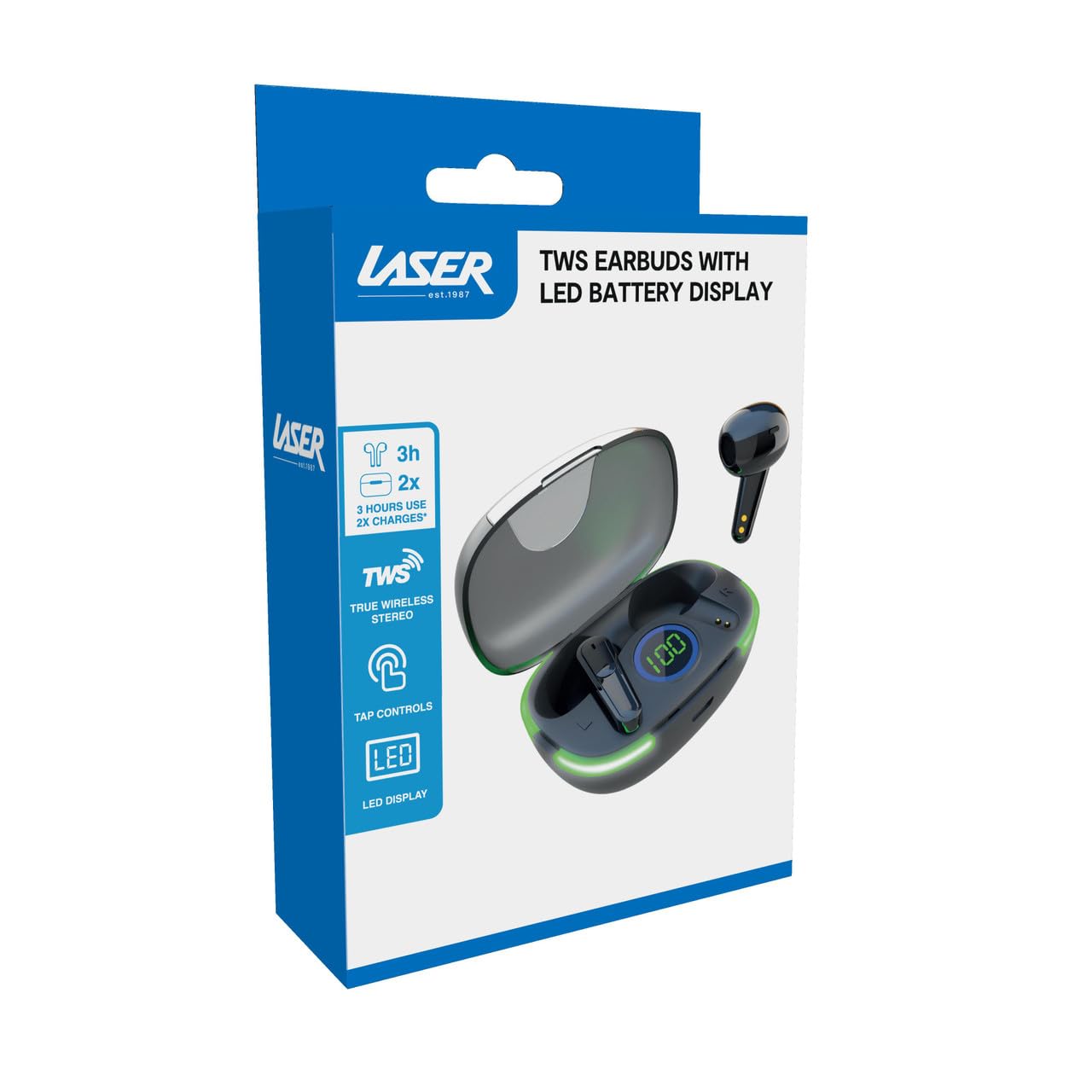
Image: Another close-up of the LED display on the charging case, highlighting the digital battery indicator.
2. Түзмөк менен жупташтыруу
The earbuds use Bluetooth for wireless connectivity.
- Заряддоо кутучасын ачыңыз. Кулакчындар жупташтыруу режимине автоматтык түрдө кирет.
- Түзмөгүңүздө (смартфон, планшет, ноутбук) Bluetooth иштетип, жаңы түзмөктөрдү издеңиз.
- Select "Laser TWS Earbuds" or "EPS-LT10B-128" from the list of available devices.
- Туташкандан кийин, сиз ырастоо үнүн угасыз жана кулакчындар колдонууга даяр болот.
- The earbuds support multi-device compatibility, allowing pairing with various devices.
Иштөө нускамалары
Кулакчын тагынуу
The earbuds are designed for ergonomic comfort and a secure fit. Gently insert each earbud into your ear canal and twist slightly to ensure a snug and comfortable position. This helps optimize sound quality and stability.
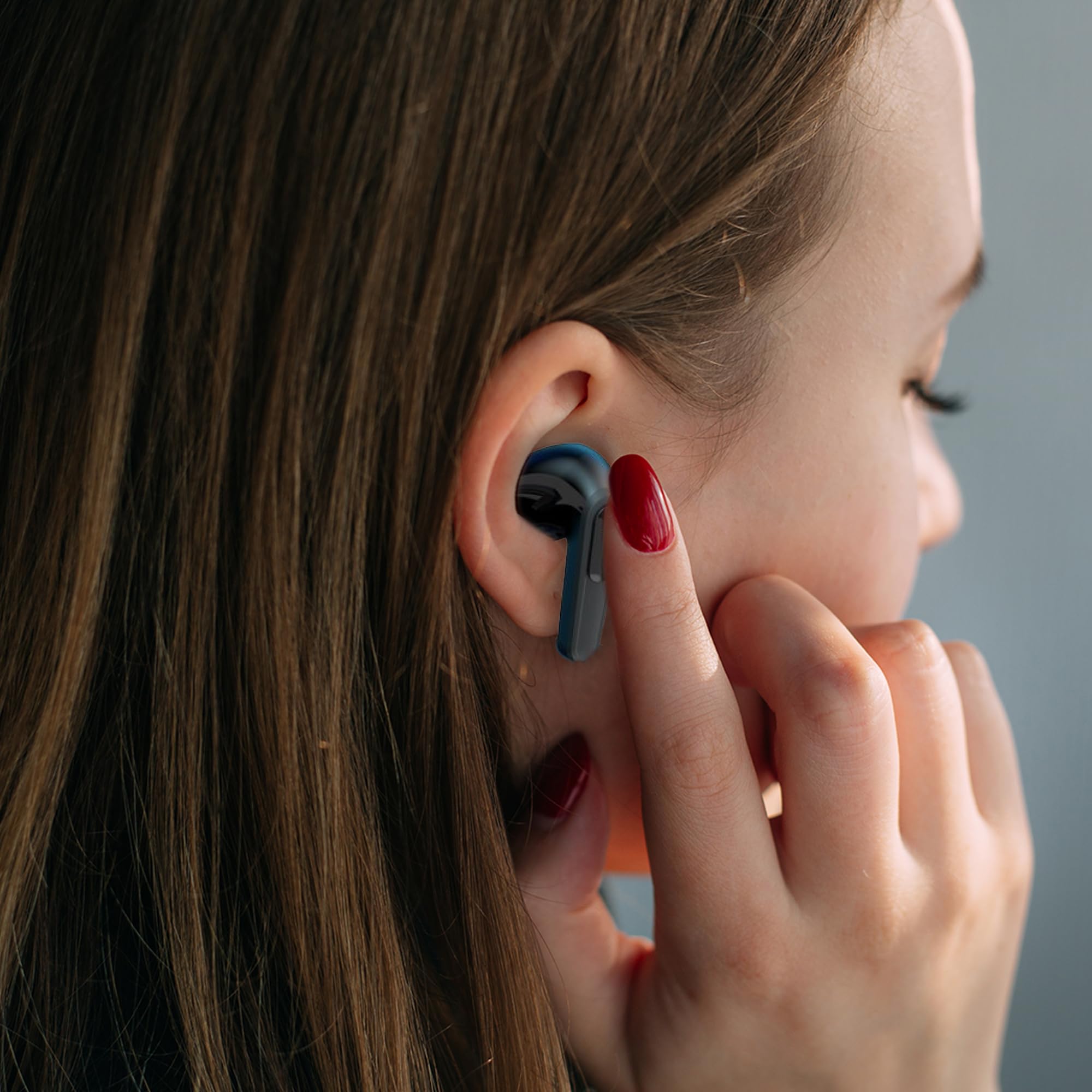
Image: A woman comfortably wearing one of the Laser TWS Earbuds while interacting with her smartphone.
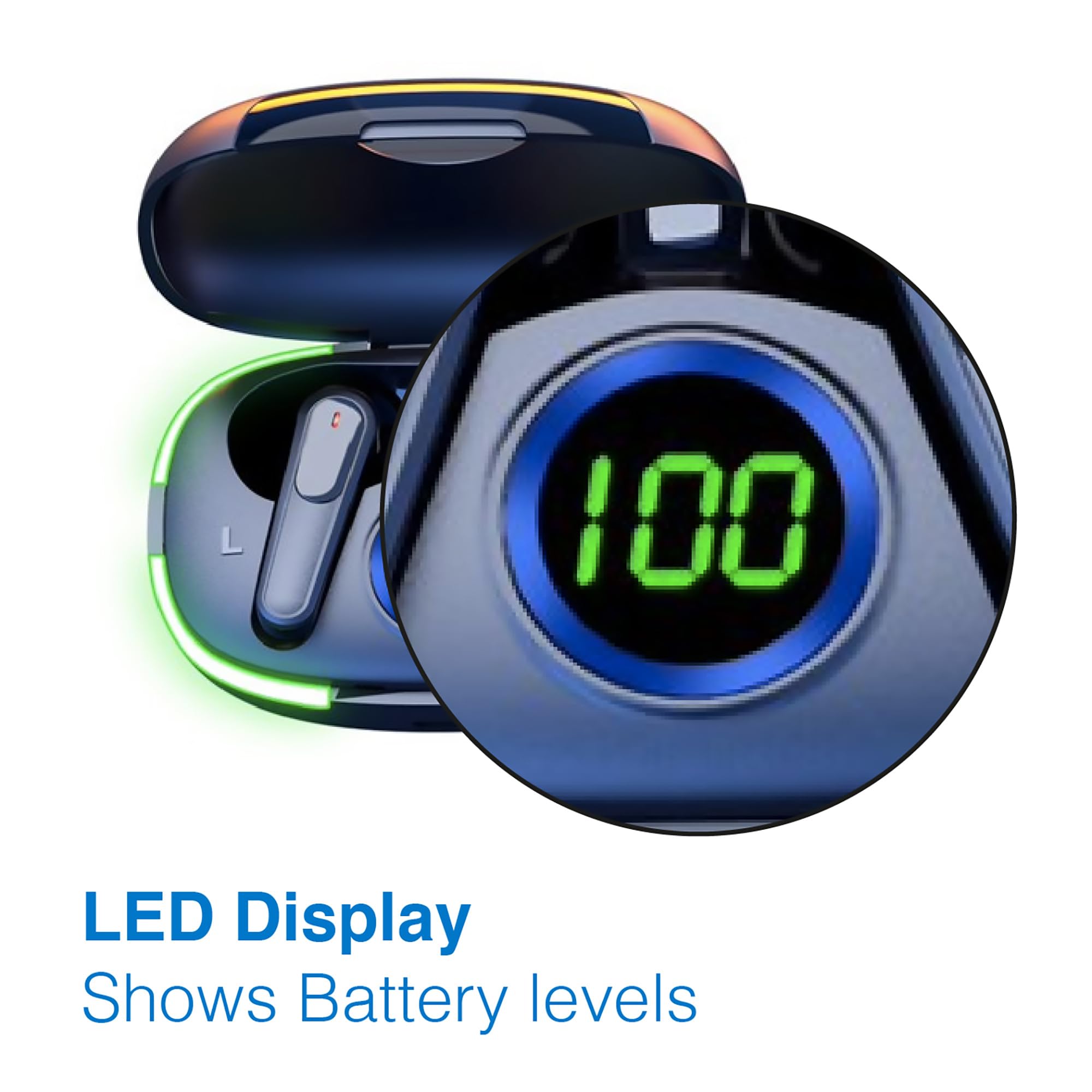
Image: A man walking outdoors, wearing a Laser TWS Earbud, demonstrating the ergonomic design for active use.
True Wireless Stereo Experience
These earbuds provide a true wireless stereo experience, delivering high-fidelity sound with clear channel separation for an immersive audio experience, whether for music, movies, or gaming.
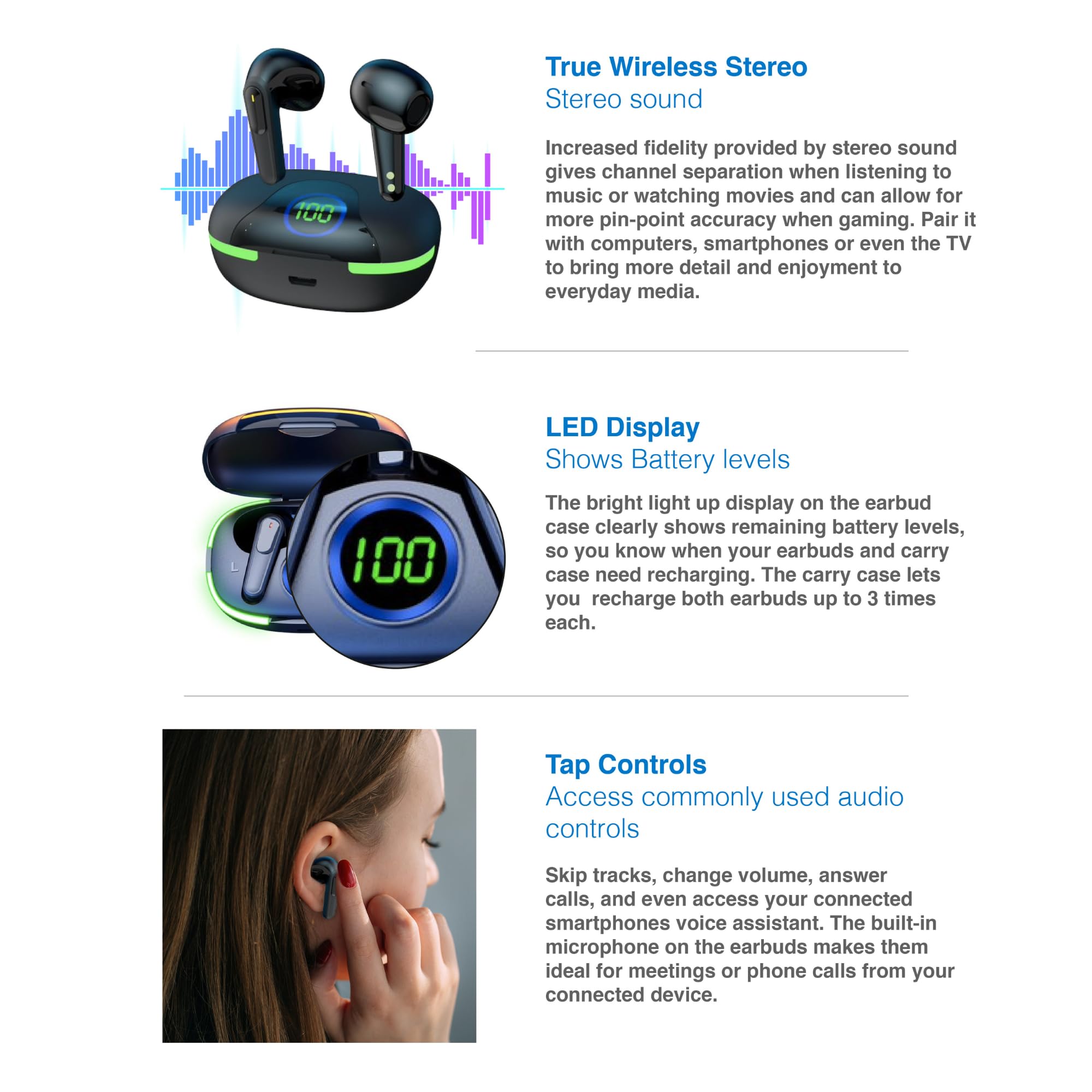
Image: A graphic representation of the True Wireless Stereo feature, showing the earbuds in their case with sound wave visualizations.
Башкарууларды таптаңыз
The earbuds feature intuitive tap controls for easy management of audio playback and calls without needing to access your connected device.
| Акция | Control |
|---|---|
| Музыканы ойнотуу/тындыруу | Кулакчындарды бир жолу таптаңыз |
| Кийинки трек | Оң кулакчынды эки жолу таптаңыз |
| Мурунку трек | Сол кулакчынды эки жолу таптаңыз |
| Чалууга жооп берүү/аяктоо | Кулакчындарды бир жолу таптаңыз |
| Чакырууну четке кагуу | Кулакчындардын бирин дагы көпкө басыңыз |
| Activate Voice Assistant (Siri, Google Assistant, Alexa) | Кулакчындарды үч жолу таптаңыз |

Image: A person's hand touching an earbud, illustrating the tap control functionality.
Камтылган микрофон
Each earbud includes a built-in microphone, enabling hands-free calls and meetings without needing to switch to your device.
Техникалык тейлөө
- Тазалоо: Кулакчындарды жана заряддоо кутусун жумшак, кургак, түксүз чүпүрөк менен дайыма тазалап туруңуз. Абразивдүү материалдарды же катуу химиялык заттарды колдонуудан алыс болуңуз.
- Сактагыч: Колдонулбаганда, кулакчындарды коргоо жана кубаттоо үчүн кубаттоочу кутучага сактаңыз.
- Батареяга кам көрүү: Батареянын иштөө мөөнөтүн узартуу үчүн, кулакчындарды жана кутуну бат-баттан толук кубаттап турбаңыз. Аларды дайыма колдонууда болбосо да, үзгүлтүксүз заряддаңыз.
- Суу каршылык: These earbuds are not water resistant. Avoid exposure to water, sweat, or high humidity.
Проблемаларды чечүү
| Көйгөй | Чечим |
|---|---|
| Кулакчындар жупташкан жок | Ensure earbuds are charged. Turn off and on Bluetooth on your device. Forget the device in Bluetooth settings and re-pair. Place earbuds back in case and take them out again. |
| Бир кулактын үнү чыкпайт | Check battery level of both earbuds. Re-pair the earbuds. Try resetting the earbuds (refer to manufacturer's webзарыл болсо, конкреттүү калыбына келтирүү нускамалары үчүн сайт). |
| Заряддоо куту заряддалбай жатат | Ensure the charging cable is securely connected. Try a different USB power source or cable. |
| Tap controls not responding | Ensure earbuds are properly seated in your ears. Clean the touch sensitive area. Re-pair the earbuds. |
If you encounter persistent issues, please refer to the official Laser support webкошумча жардам үчүн сайт.
Техникалык шарттар
| Өзгөчөлүк | Деталь |
|---|---|
| Модел | EPS-LT10B-128 |
| Байланыш технологиясы | Bluetooth зымсыз |
| Noise Control | Үн изоляциясы |
| Батареянын иштөө мөөнөтү (наушник) | Болжол менен 3 саат |
| Заряддоо убактысы | Болжол менен 1 саат |
| Заряддоо корпусунун заряддары | 3 эсеге чейин |
| Максималдуу операциялык аралык | 10 метр |
| Башкаруу түрү | Сенсордук башкаруу, Үн менен башкаруу |
| Материал | Пластик |
| Элемент Салмагы | 30 грамм |
| Өлчөмдөр | 62.2 x 42.5 x 32.6 см (Продукт) |
| Сууга туруктуулук деңгээли | Сууга чыдамдуу эмес |
Кепилдик жана колдоо
The Laser TWS Earbuds come with a 1 жылдык кепилдик сатып алынган күндөн тартып. Кепилдик дооматтары үчүн сатып алганыңыздын далилин сактап коюңуз.
For further support, troubleshooting, or warranty information, please visit the official Laser webсайт:
You may also contact Laser customer service directly for assistance.


