1. Киришүү
1.1 Продукт бүттүview
This manual provides instructions for the Walfront 180dB Industrial Siren Alarm with LED Stroboscopic Light. This device is designed for industrial safety and warning applications, featuring a high-decibel siren and a bright LED strobe light. It is rated IP65 for dust and water resistance, making it suitable for various demanding environments.
1.2 Максаттуу пайдалануу
The industrial siren alarm is applicable in environments such as mines, stone yards, sand yards, forest yards, port machinery, mechanical and electrical industries, large and medium-sized driving vehicles, ships, wharfs, belt conveying equipment, large and medium-sized cranes, construction sites, railway crossings, workshops, banks, campuses, factories, shopping malls, and security posts.
1.3 Пакеттин мазмуну
- 1 x Industrial Siren Alarm
2. Коопсуздук маалыматы
2.1 Маанилүү коопсуздук нускамалары
- Орнотуудан жана иштетүүдөн мурун бардык нускамаларды кылдат окуп чыгыңыз.
- Ensure power is disconnected from the device before performing any installation, maintenance, or troubleshooting.
- Орнотуу жергиликтүү электр эрежелерине жана эрежелерине ылайык квалификациялуу кызматкерлер тарабынан аткарылышы керек.
- Do not expose the device to extreme temperatures outside its specified operating range of -30℃ to 70℃.
- The siren produces a very loud sound (up to 180dB). Prolonged exposure to high sound levels can cause hearing damage. Use appropriate hearing protection when testing or operating in close proximity.
- The device is rated IP65, providing protection against dust ingress and low-pressure water jets. It is not designed for submersion in water.
- Use only the specified power supply (US Plug 110V for this model). Using an incorrect power supply may damage the device or pose a safety risk.
- Keep children and unauthorized personnel away from the device during operation.
3. Орнотуу
3.1 Орнотуу
The Walfront Industrial Siren Alarm is designed for wall mounting. Follow these steps for proper installation:
- Жайгашкан жерди тандаңыз: Select a suitable wall location that provides clear sound and light transmission, free from obstructions. Ensure the mounting surface is strong enough to support the device's weight (approximately 2.97 kg).
- Орнотуу пункттарын белгилөө: Use the device's mounting holes as a template to accurately mark the drilling points on the wall.
- Бургулоо тешиктери: Drill appropriate holes for mounting screws (screws and anchors are not included and must be sourced separately based on wall material).
- Аппаратты коргоо: Attach the siren alarm securely to the wall using suitable screws and anchors. Ensure it is firmly fixed to prevent accidental dislodgement.
- Кубат туташуу: Connect the US Plug 110V power cord to a compatible power outlet. Ensure the power source matches the device's voltagд талаптар.

3.1-сүрөт: алдыңкы жагы view of the Walfront Industrial Siren Alarm with power cord.
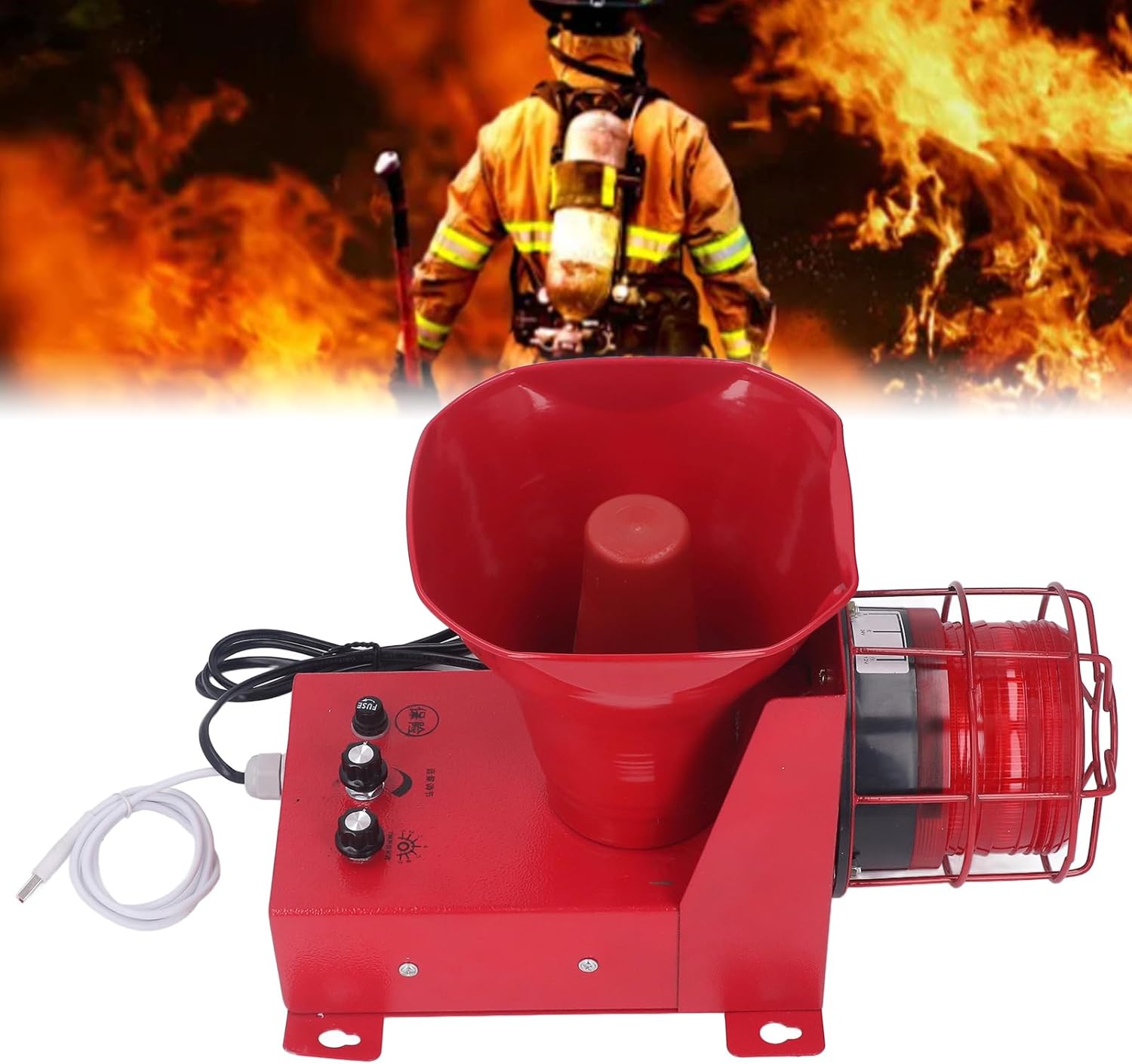
3.2-сүрөт: жогорудан ылдыйга view highlighting the mounting brackets.
4. Иштөө нускамалары
4.1 Күйгүзүү/өчүрүү
Once properly installed and connected to a power source, the device is ready for operation. The siren alarm typically activates upon receiving a signal from a connected system or through its internal controls, if applicable. There is no explicit on/off switch on the unit itself, implying activation is controlled externally or by its internal logic.
4.2 Үндү жана Тонду тууралоо
The industrial siren alarm features controls for adjusting the sound volume and selecting from various alarm tones.
- Үндү тууралоо: Locate the knob or button on the side of the unit designated for volume control. Rotate or press to adjust the sound level, which is adjustable from 0 to 180dB.
- Тон тандоо: The device offers 6 optional alarm tones. Use the tone selection control (typically a knob or switch near the volume control) to cycle through and select the desired alarm tone.
- Custom Voice (USB Port): A USB port is available for advanced users to set up custom voice messages. Connect a USB device to this port to upload or configure personalized audio. Refer to the device's internal software interface or specific instructions for detailed guidance on custom voice setup.
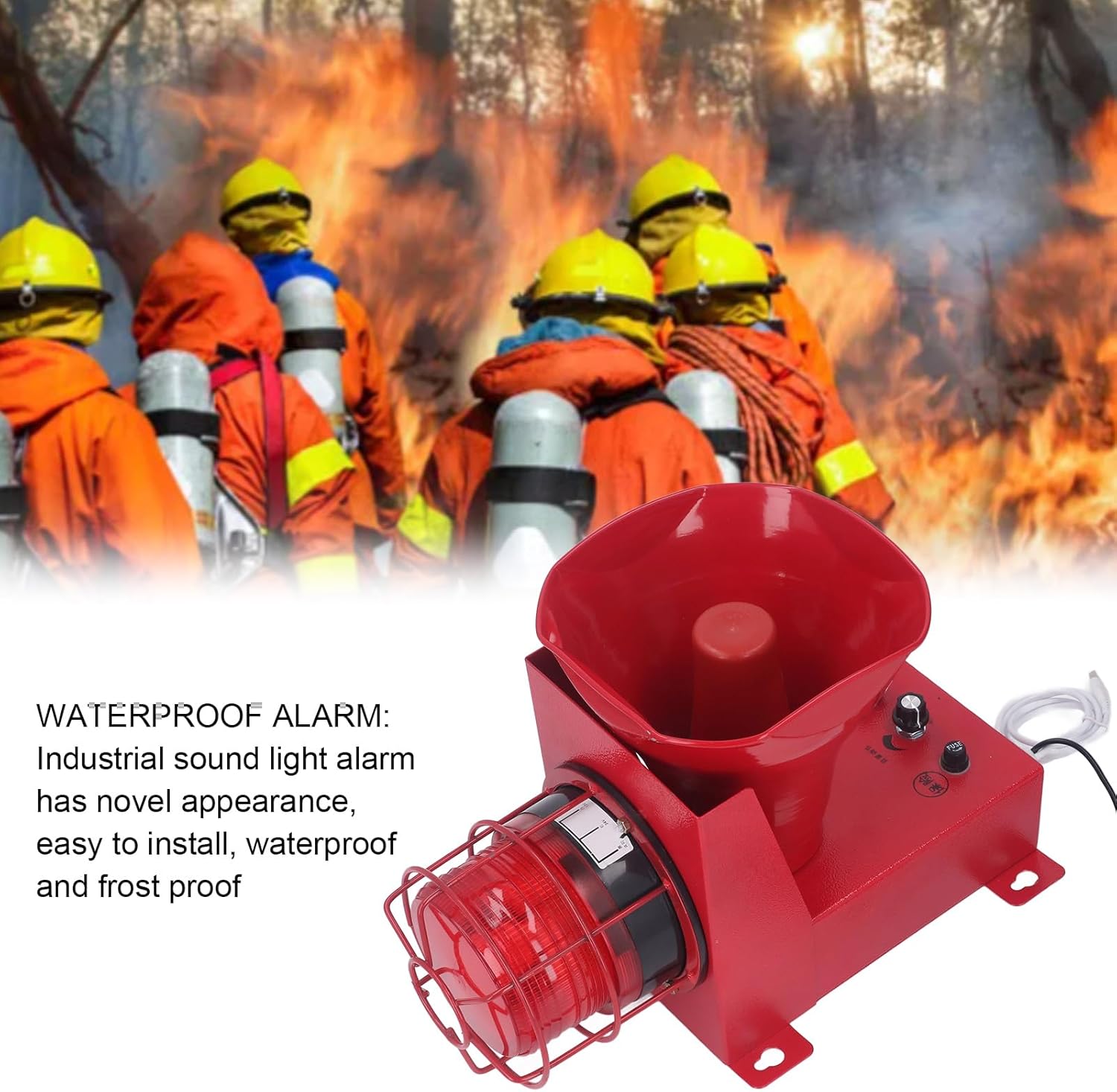
4.1-сүрөт: Каптал view of the siren alarm, illustrating the control knobs and USB port.
5. Техникалык тейлөө
5.1 Тазалоо
Regularly clean the exterior of the siren alarm with a soft, damp кездеме. Абразивдүү тазалагычтарды, эриткичтерди же катуу химиялык заттарды колдонбоңуз, алар аппараттын жасалгасын же ички бөлүктөрүн бузушу мүмкүн.
5.2 Текшерүү
Periodically inspect the device for any signs of physical damage, such as cracks or corrosion. Check for loose connections in the wiring and ensure that the mounting hardware remains secure. Verify that the LED strobe light is clear of obstructions.
5.3 Сактагычты алмаштыруу
The device includes a fuse for electrical protection. If the device fails to power on or operate, check the fuse. To replace the fuse:
- Кубатты өчүрүү: Ensure the device is completely disconnected from the power source.
- Locate Fuse Holder: Identify the fuse holder on the unit (refer to Figure 5.1).
- Эски сактагычты алып салуу: Carefully remove the old fuse from its holder.
- Жаңы сактагычты салыңыз: Insert a new fuse of the correct rating. Using a fuse with an incorrect rating can lead to damage or fire.
- Кубатты кайра туташтыруу: Reconnect the power and test the device.

Сүрөт 5.1: Жакын пландан view of the fuse holder and control knobs.
6. Кыйынчылыктарды
6.1 Жалпы маселелер жана чечимдер
| Көйгөй | Мүмкүн себеп | Чечим |
|---|---|---|
| Түзмөк күйбөйт | Электр энергиясы жок | Кубаттуу туташууну текшерип, розетка иштеп жатканын текшериңиз. |
| Түзмөк күйбөйт | Күйгүзүүчү | Replace the fuse with one of the correct rating (refer to Section 5.3). |
| No sound or light when activated | Туура эмес орнотуулар | Verify volume and tone settings are correctly configured (refer to Section 4.2). |
| Sound is too low or inaudible | Үн өтө төмөн коюлду | Adjust the volume control to a higher setting (refer to Section 4.2). |
| Strobe light not flashing | LED malfunction or connection issue | Ensure all connections are secure. If the LED is still not functioning, contact customer support. |
6.2 Колдоо кызматы менен байланышуу
If issues persist after attempting the troubleshooting steps, please contact Walfront customer support for further assistance.
7. Техникалык шарттар
7.1 Техникалык маалыматтар
- Модел: WALFRONT8btv9q7ek6-12
- Бренд: Walfront
- Кубат жыштыгы: 50-60 Гц
- Иштөө агымы: 6.7A
- Электр камсыздоо: 80 Вт
- Иштөө температурасы: -30 градустан 70 градуска чейин
- Көлөмү: 0-180дБ (жөнгө салынуучу)
- Maximum Sound Power: 60 Вт
- Үндү тууралоо: 6 Tones optional, adjustable sound volume, USB port for custom voice.
- Коргоо деңгээли: IP65 (чаңга жана сууга туруктуу)
- Орнотуу режими: Дубалга орнотуу
- Иш режими: LED stroboscopic light
- Тtage: 110 Volts (US Plug)
- Элемент Салмагы: 2.97 кг
- Почталардын өлчөмдөрү: 44.2 x 27.8 x 23.4 см
- Келип чыккан өлкө: Кытай
- ASIN: B0CM1FC83X
8. Кепилдик жана колдоо
8.1 Кепилдик маалыматы
For details regarding product warranty and return policies, please refer to the terms provided by your retailer or point of purchase. The product typically includes a return period of 31 days from the date of purchase.
8.2 Кардарларды колдоо
Көбүрөөк жардам, техникалык колдоо же суроолор боюнча, төмөнкү дарекке кириңиз Walfront Store on Amazon or contact your original point of purchase.


