Introduction
This manual provides comprehensive instructions for the installation, programming, operation, and maintenance of your Garage Outlet Keyless Keypad Door Opener. This aftermarket replacement keypad is designed for convenient keyless entry to your garage and is compatible with various Liftmaster, Chamberlain, and Craftsman garage door opener models, specifically those utilizing a purple learn button.
Compatible models include Liftmaster 1345, 1355, 1356, 3220, 3240, 3265, 3270, 3280, and Craftsman 139.53754.
Продукт өзгөчөлүктөрү
- Backlit Keypad for enhanced visibility in low light conditions.
- Designed for compatibility with garage door openers featuring a Purple Learn Button.
- Compact dimensions: Approximately 6.25 inches (L) x 2.5 inches (W) x 1 inch (H).
- Aftermarket replacement unit.
- Includes step-by-step programming instructions.
Пакеттин мазмуну
Пакетиңизде бардык буюмдар бар экенин текшериңиз:
- 1 x Garage Outlet Keyless Keypad Door Opener
- 1 x 9V Lithium Metal Battery (pre-installed or separate)
- Монтаждоо бурамалар жана анкерлер
- Instruction Manual

Image: The keypad unit shown with included mounting screws and wall anchors.
Орнотуу жана орнотуу
Before mounting, ensure the 9V battery is correctly installed in the keypad. The battery compartment is typically located on the back of the unit.
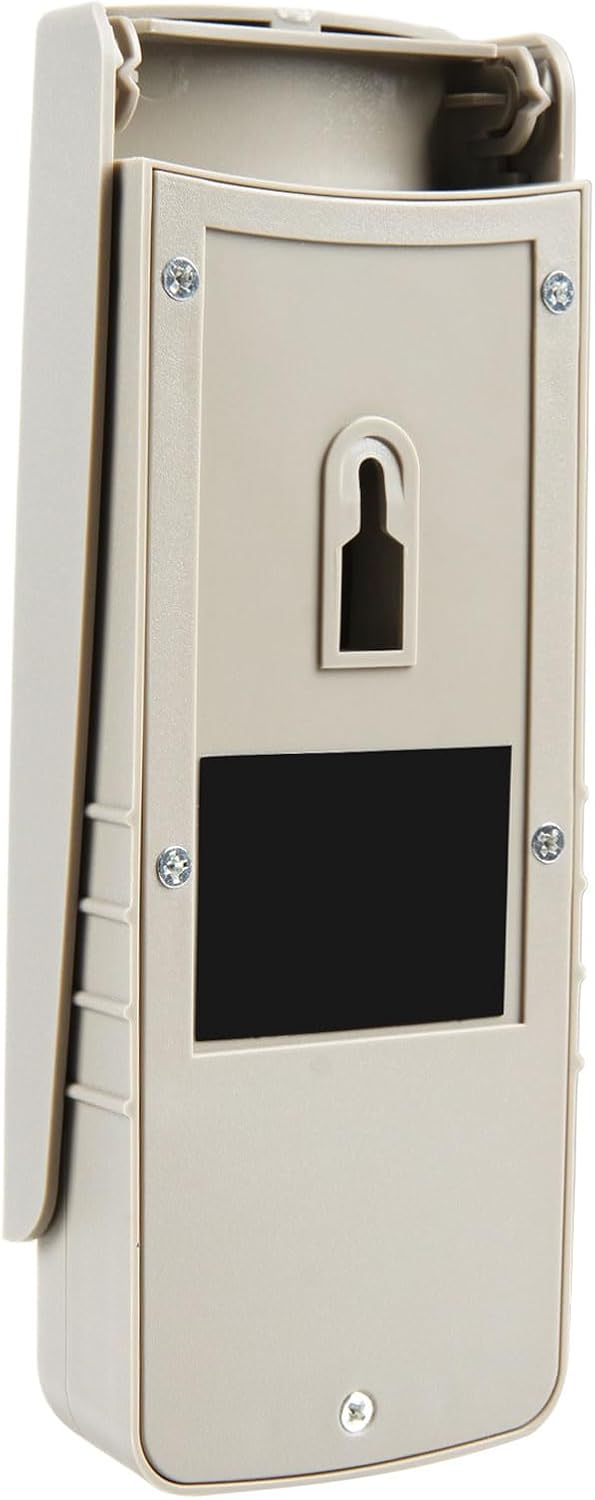
Сүрөт: Арткы view of the keypad, highlighting the mounting points and battery access.
- Choose a suitable location near your garage door, preferably out of direct sunlight and rain, but easily accessible.
- Use the keypad as a template to mark the drilling locations for the mounting screws.
- Зарыл болсо, тешиктерди бургулап, дубалга бекиткичтерди орнотуңуз.
- Secure the keypad to the wall using the provided mounting screws.
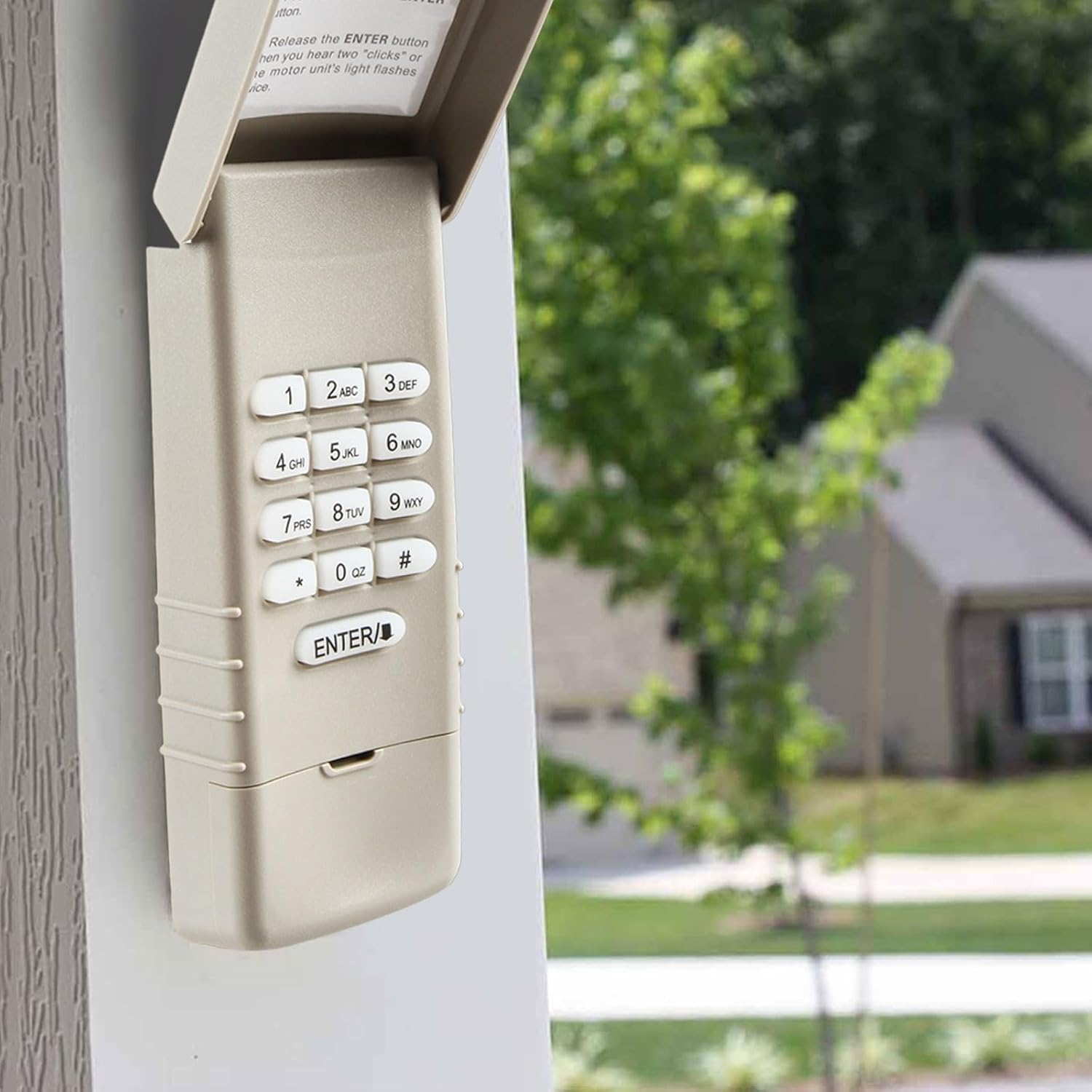
Image: The keypad installed on an exterior wall, demonstrating typical placement.
Программалоо нускамалары
This keypad is compatible with garage door openers that have a purple learn button. Please verify your opener's learn button color before proceeding.

Image: Compatibility chart for garage door opener learn buttons, emphasizing the purple button.
Программалоо кадамдары:
Step 1: Locate the Learn Button on your Garage Door Opener.
The learn button is typically found on the back or side panel of the garage door opener motor unit, usually near the antenna wire.

Image: Visual guide for locating the learn button on the garage door opener.
Step 2: Activate Programming Mode on the Opener.
Press and immediately release the Learn button on your garage door opener. The light on the opener will illuminate for 30 seconds, indicating it is in programming mode.
Step 3: Program the Keypad.
Within 30 seconds of pressing the learn button on the opener, enter your desired 4-digit Personal Identification Number (PIN) on the keypad, then press and hold the ENTER баскычы.
бошотуңуз ENTER button when you hear two "clicks" or when the garage door opener's light flashes. This confirms successful programming.

Image: Step-by-step visual instructions for programming the keypad.
If programming is unsuccessful, repeat the steps, ensuring you complete the process within the 30-second window.
Иштөө нускамалары
Гараждын эшигин клавиатура аркылуу иштетүү үчүн:
- Программаланган 4 орундуу PIN кодуңузду киргизиңиз.
- басыңыз ENTER баскычы.
The garage door will activate. The keypad is backlit for easy use in the dark.
Техникалык тейлөө
Батареяны алмаштыруу:
The keypad is powered by a 9V Lithium Metal battery. If the keypad's backlight dims or the unit becomes unresponsive, it may be time to replace the battery. Access the battery compartment on the back of the unit, replace the old battery with a new 9V Lithium Metal battery, and re-secure the cover.
Тазалоо:
Клавиатуранын бетин жумшак, d менен сүртүңүзamp Абразивдүү тазалоочу каражаттарды же эриткичтерди колдонуудан алыс болуңуз, анткени алар каптоого же ички компоненттерге зыян келтириши мүмкүн.
Проблемаларды чечүү
| Көйгөй | Мүмкүн себеп | Чечим |
|---|---|---|
| Баскычтоп жооп бербей жатат же арткы жарык күңүрт. | Батарея аз же өлүк. | Replace the 9V Lithium Metal battery. |
| Keypad does not program to opener. | Incorrect learn button color; programming window expired; incorrect steps followed. | Ensure your opener has a purple learn button. Repeat programming steps carefully, ensuring all steps are completed within 30 seconds. |
| Poor operating range. | Interference; weak battery; keypad too far from opener. | Check for sources of interference. Replace battery. Ensure keypad is mounted within reasonable range of the garage door opener. |
| Garage door does not open/close after programming. | Programming not successful. | Repeat the programming steps. Ensure the opener's light flashes or clicks are heard, indicating successful pairing. |
Техникалык шарттар
| Өндүрүүчү | Гараж розеткасы |
| Бөлүмдүн номери | GO10312025 |
| Элемент Салмагы | 3 унция |
| Пакеттин өлчөмдөрү | 6.22 x 2.95 x 1.38 дюйм |
| Элемент моделинин номери | GO10312025 |
| Батареялар | 1 Литий Металл батарейкасы талап кылынат (кошулган) |
| Түс | Keypad (Beige/Tan) |
| Элементтин пакетинин саны | 1 |
Кепилдик жана колдоо
This product is an aftermarket replacement item provided by Garage Outlet. Each item includes step-by-step instructions for installation and programming.
For technical assistance or inquiries, Garage Outlet offers support. Please refer to the contact information provided with your purchase or visit the official Garage Outlet store on Amazon for further details.
The standard return policy allows for refund or replacement within 30 days of purchase.
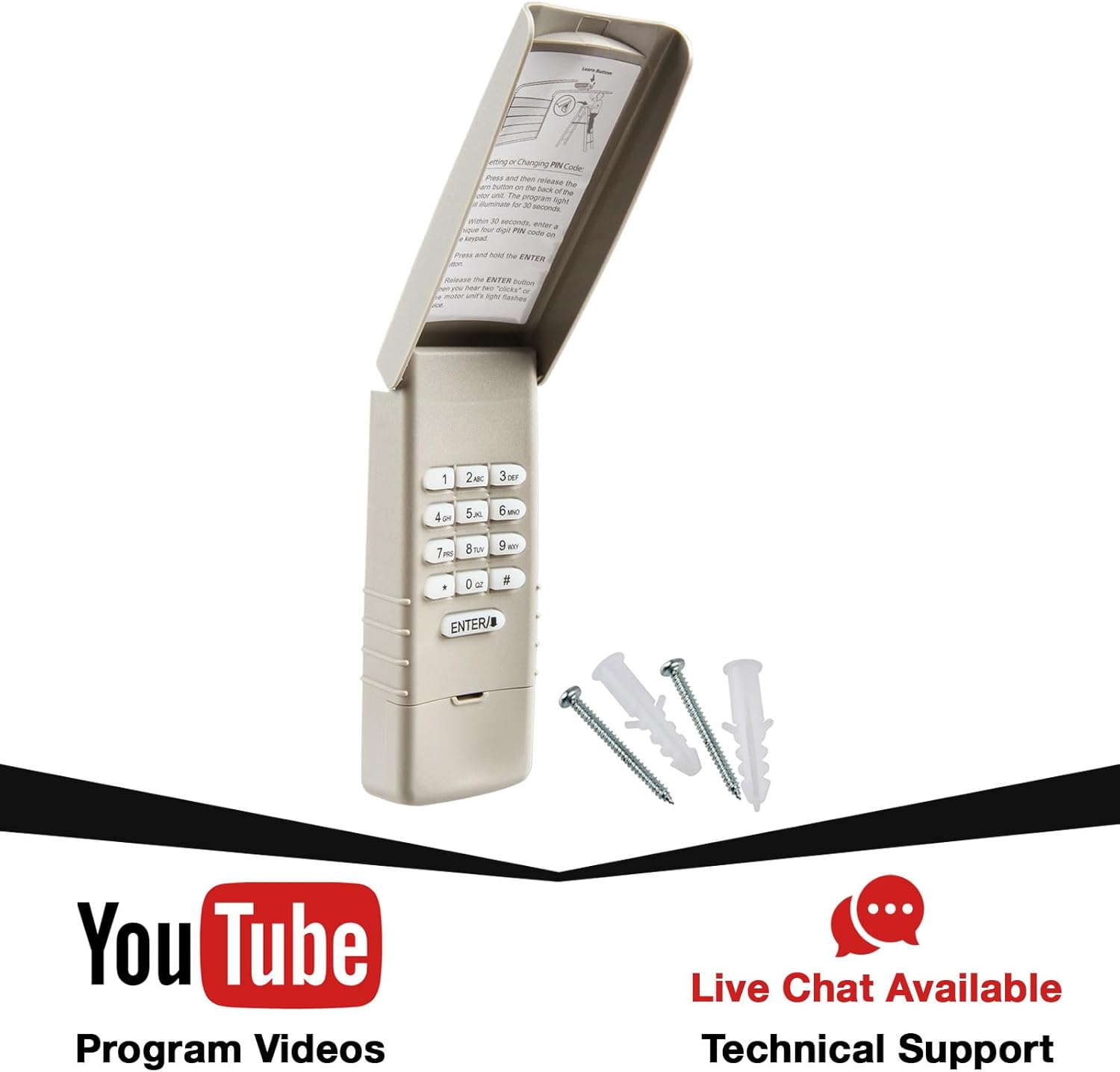
Image: Keypad packaging highlighting available support resources.


