Introduction
This manual provides essential information for setting up, operating, and maintaining your Apple iPhone 15 Pro. Please read this guide thoroughly to ensure optimal performance and longevity of your device.

The iPhone 15 Pro features a 6.1-inch Super Retina XDR display with ProMotion technology, powered by the A17 Pro chip. It includes an advanced triple-camera system and supports 5G connectivity. This device is a renewed product, meaning it has been inspected, tested, and refurbished to be fully functional.
Жайгашуу
1. Баштапкы күйгүзүү
To power on your iPhone 15 Pro, press and hold the Каптал баскычы on the right side of the device until the Apple logo appears. If the device does not power on, ensure it is charged using the provided USB-C cable.
2. SIM Card / eSIM Activation
The iPhone 15 Pro supports Dual eSIM. For models sold in the United States, a physical SIM card slot is not present. Contact your carrier for eSIM activation. For international models, insert your physical Nano-SIM card into the SIM tray located on the left side of the device.
3. Баштапкы орнотуу процесси
Баштапкы орнотууну аяктоо үчүн экрандагы нускамаларды аткарыңыз:
- Тилди жана аймакты тандаңыз.
- Wi-Fi тармагына туташыңыз.
- Set up Face ID for secure authentication.
- Create a passcode.
- Apple ID менен кириңиз же жаңысын түзүңүз.
- Review жана жоболорго жана шарттарга макул.
- Set up Siri, Screen Time, and other services.
4. Маалыматтарды өткөрүү
You can transfer data from an old iPhone or Android device during the setup process using Quick Start, iCloud Backup, iTunes/Finder, or the Move to iOS app for Android.
Аппаратты иштетүү
1. Дисплей жана өз ара аракеттенүү
The iPhone 15 Pro features a 6.1-inch LTPO Super Retina XDR OLED display with a 120Hz ProMotion refresh rate, HDR10, and Dolby Vision. This provides a smooth and vibrant visual experience.
2. Динамикалык арал
The Динамикалык арал is an interactive area at the top of your display that adapts to show alerts, notifications, and ongoing activities, such as calls, timers, and Face ID authentication.
3. Аракет баскычы
жаңы Аракет баскычы, located above the volume buttons, can be customized to quickly access various functions like Silent Mode, Camera, Flashlight, Voice Memos, Focus modes, Translate, and Accessibility features.
4. Камера системасы
Your iPhone 15 Pro is equipped with an advanced triple-camera system:
- Негизги камера: 48MP, f/1.8 (wide) for high-resolution photos.
- Телефото камера: 12MP, f/2.8 with 3x optical zoom.
- Ультра кең камера: 12MP, f/2.2 for expansive shots.
- Алдыңкы камера: 12MP, f/1.9 (wide) for selfies and video calls.
The camera supports features like 4K video recording, Cinematic mode, and Photographic Styles.
5. Performance and Software
аппарат тарабынан кубатталган Apple A17 Pro chip, offering exceptional speed and efficiency for demanding applications and gaming. It runs on iOS 17, with planned upgrades to future iOS versions.
6. Байланыш
The iPhone 15 Pro supports a wide range of connectivity options:
- 5G: For high-speed cellular data.
- Wi-Fi: Зымсыз интернетке кирүү үчүн.
- Bluetooth: Зымсыз аксессуарларды туташтыруу үчүн.
- NFC: For Apple Pay and other contactless functions.
- USB-C: Заряддоо жана маалыматтарды өткөрүү үчүн.
Техникалык тейлөө
1. Аппаратыңызды тазалоо
To clean your iPhone, use a soft, lint-free cloth. Avoid abrasive materials, aerosols, and cleaning sprays. Do not submerge your iPhone in cleaning agents.
2. Батареяга кам көрүү
To maximize battery lifespan, avoid extreme temperatures. Optimize battery charging in Settings to reduce battery aging. For renewed devices, battery health is typically 80% or higher of the original capacity.
3. Программалык камсыздоону жаңыртуу
Regularly update your iPhone's software to the latest iOS version to ensure you have the newest features, security updates, and performance improvements. Go to Орнотуулар > Жалпы > Программаны жаңыртуу.
4. Маалыматтын резервдик көчүрмөсү
Regularly back up your iPhone data to iCloud or a computer to prevent data loss. This can be done via Орнотуулар > [Сиздин атыңыз] > iCloud > iCloud камдык көчүрмөсү or by connecting to a computer and using Finder (macOS Catalina or later) or iTunes (macOS Mojave or earlier, or Windows PC).
Проблемаларды чечүү
1. Түзмөк жооп бербей жатат
If your iPhone is unresponsive, perform a force restart:
- басыңыз жана тез коё бериңиз Үнүн жогорулатуу баскычы.
- басыңыз жана тез коё бериңиз Үндү азайтуу баскычы.
- басып, кармап туруңуз Каптал баскычы Apple логотиби пайда болгонго чейин.
2. Battery Drain
If you experience unusual battery drain, check Орнотуулар > Батарея to identify apps consuming the most power. Consider reducing screen brightness, disabling background app refresh for non-essential apps, or updating apps.
3. Тармакка туташуу маселелери
For Wi-Fi or cellular issues, try toggling Airplane Mode on and off. You can also reset network settings by going to Орнотуулар > Жалпы > iPhone'ду өткөрүп берүү же баштапкы абалга келтирүү > Кайра калыбына келтирүү > Тармак жөндөөлөрүн баштапкы абалга келтирүү.
4. Заводдук абалга кайтаруу
As a last resort for persistent issues, you may need to perform a factory reset. Warning: This will erase all data on your iPhone. Ensure you have a backup. барыңыз Орнотуулар > Жалпы > iPhone'ду өткөрүп берүү же баштапкы абалга келтирүү > Бардык мазмунду жана жөндөөлөрдү өчүрүү.
Техникалык шарттар
| Өзгөчөлүк | Деталь |
|---|---|
| Модель аты | iPhone 15 Pro |
| Дисплей | 6.1-inch LTPO Super Retina XDR OLED, 120Hz ProMotion, HDR10, Dolby Vision |
| Резолюция | 1179x2556 пиксел |
| Процессор | Apple A17 Pro (3 nm), Hexa-core CPU, Apple GPU (6-core graphics) |
| Ички сактагыч | 128 ГБ |
| RAM | 8 ГБ |
| Арткы камера | 48MP (wide), 12MP (telephoto, 3x optical zoom), 12MP (ultrawide) |
| Алдыңкы камера | 12MP (wide) |
| Батарея сыйымдуулугу | 3274 мАч |
| Операция системасы | iOS 17 (жаңыртылуучу) |
| Байланыш | 5G, Wi-Fi, Bluetooth, NFC, USB-C |
| Өлчөмдөр | 5.77 x 2.78 x 0.33 дюйм |
| Салмагы | 6.6 унция |
| Өзгөчөлүктөр | Dynamic Island, Action Button, Face ID, Fast Charging, Wireless Charging, Built-In GPS |
Кепилдик жана колдоо
This Apple iPhone 15 Pro is a renewed product. Renewed products undergo inspection, diagnostic tests, thorough cleaning, and refurbishment to ensure full functionality. They typically come with generic or original accessories and packaging, and a battery life of greater than 80% of the original capacity.
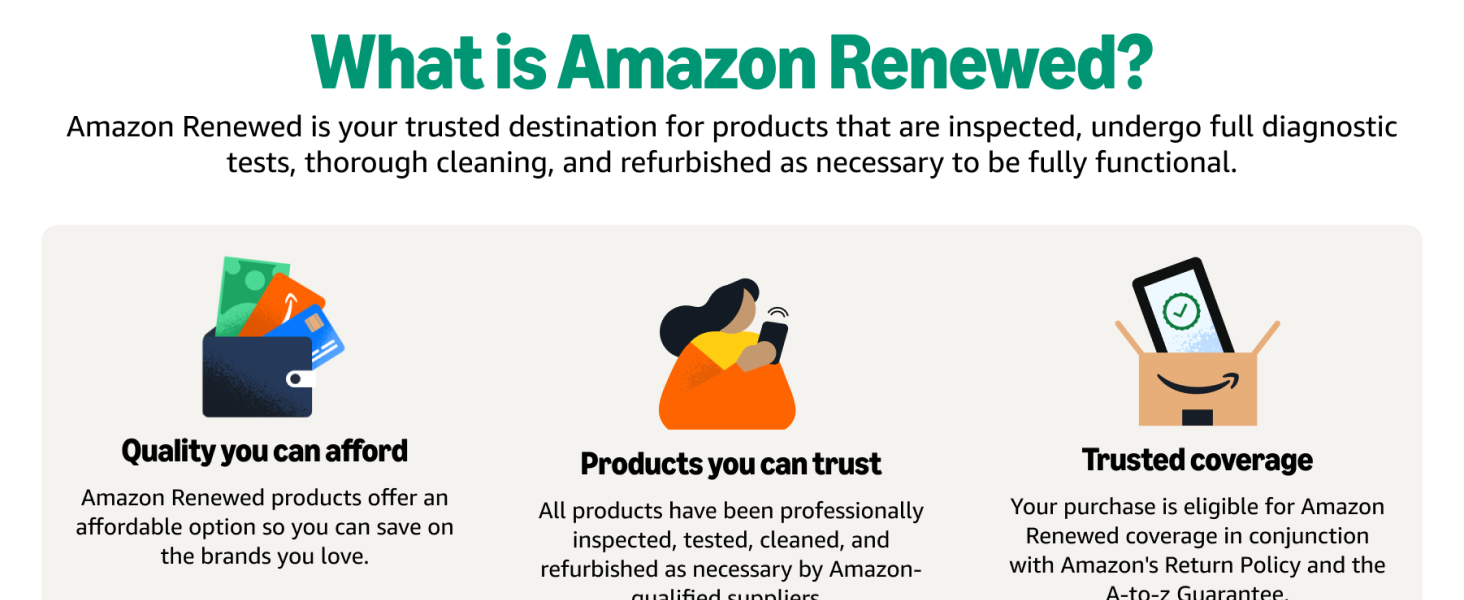
For specific warranty details and support for your renewed device, please refer to the documentation provided with your purchase or visit the Amazon Renewed Store. For general product support, visit the official Apple Support webсайт.


