Introduction
Thank you for choosing the Lexip Tsume Kakashi Kamui Naruto Shippuden Controller. This high-performance gaming controller is designed to enhance your gaming experience with its unique design and advanced features. This manual provides essential information for setting up, operating, and maintaining your controller.
Пакеттин мазмуну
Сураныч, пакетте төмөнкү нерселерди текшериңиз:
- Lexip Tsume Kakashi Kamui Naruto Shippuden Controller
- USB заряддоо/дата кабели
- Колдонуучунун Колдонмосу (бул документ)
Controller Layout
Familiarize yourself with the various components of your controller.

1-сүрөт: Фронт view контроллердин, шоуasing the limited edition design inspired by Naruto Shippuden.
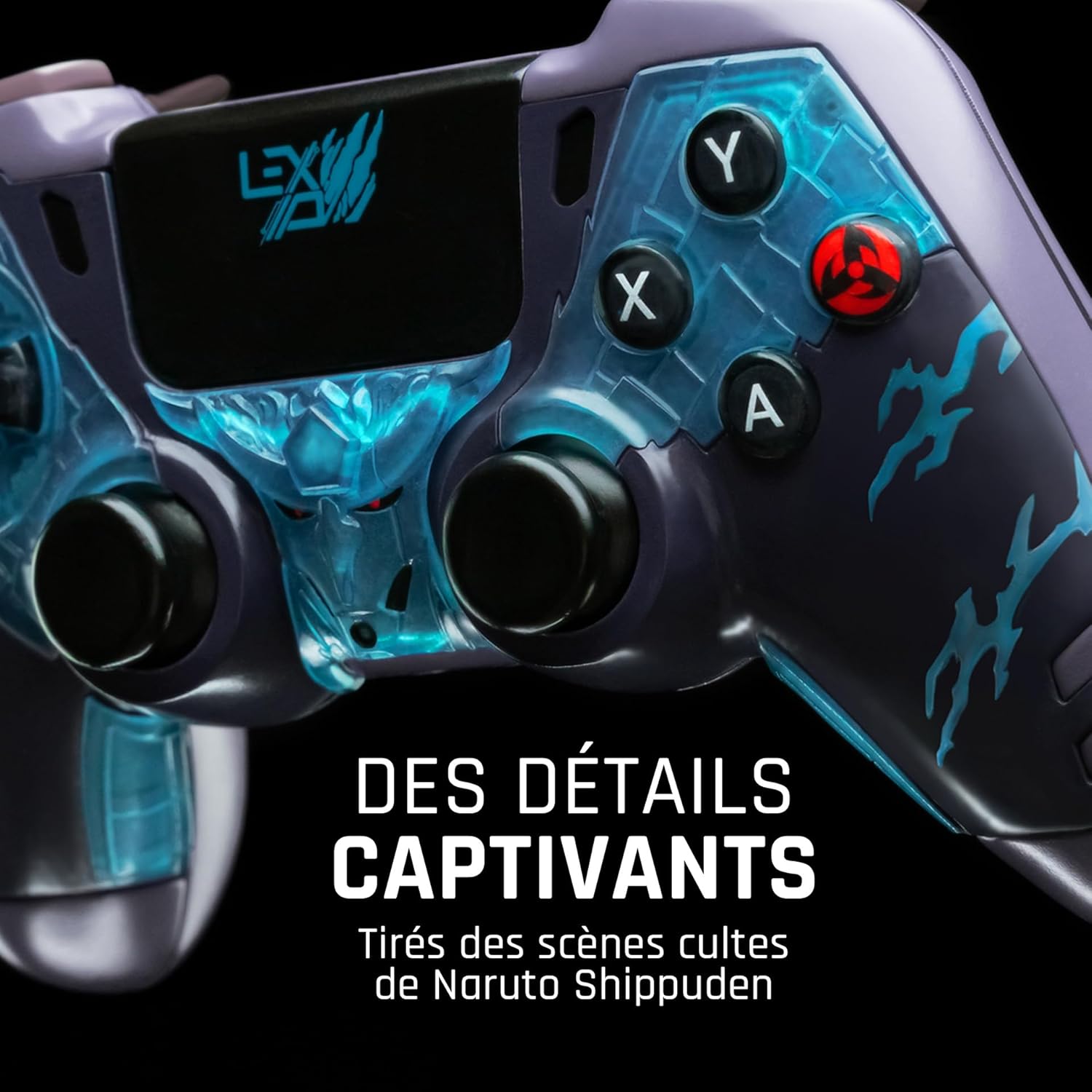
2-сүрөт: Деталдаштырылган view of the controller's face buttons and analog sticks, highlighting the intricate Naruto Shippuden design elements.

3-сүрөт: Арткы view of the controller, illustrating the placement of the programmable paddles (M1, M2, M3) for enhanced gameplay.
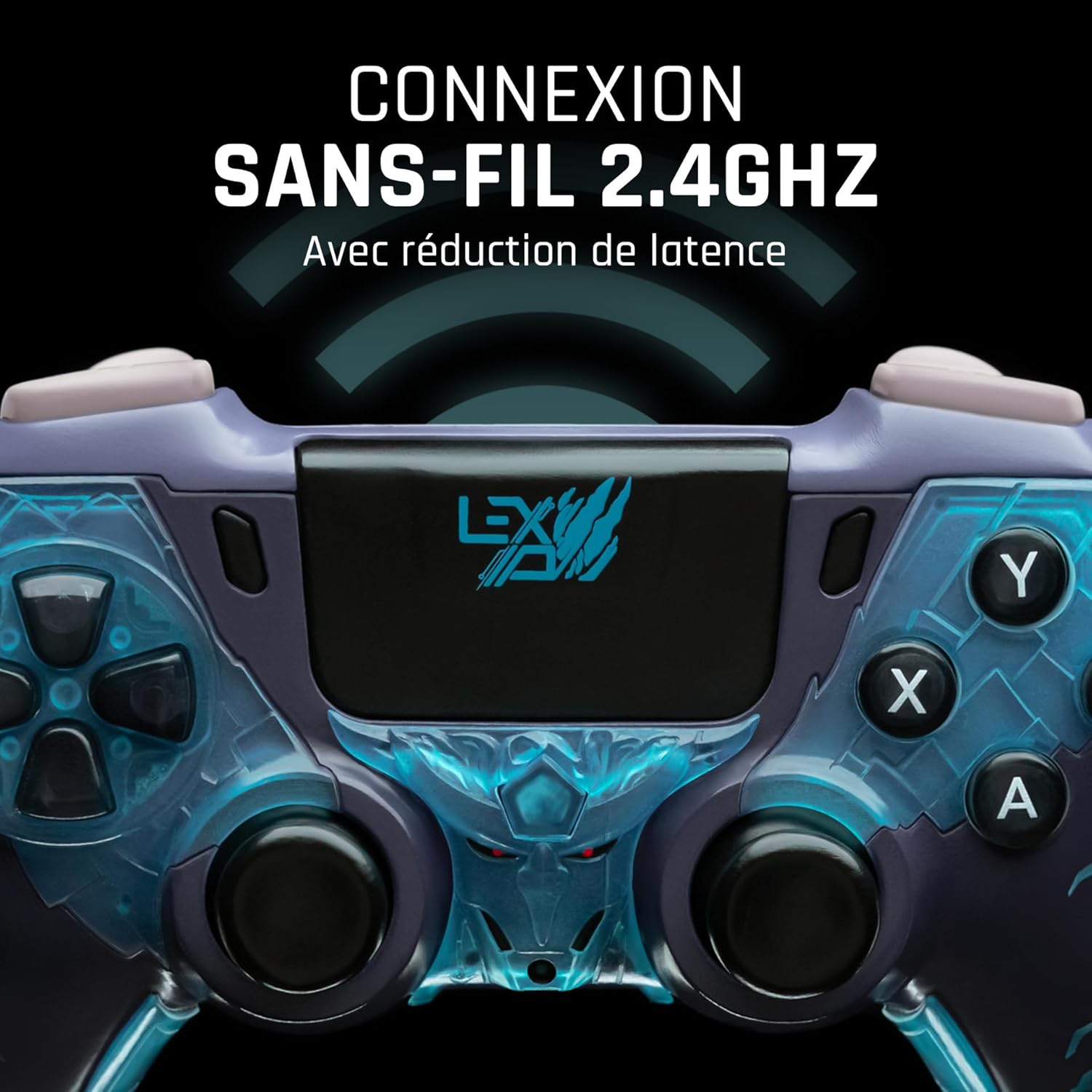
4-сүрөт: Фронт view of the controller, indicating its 2.4GHz wireless connection capability for reduced latency.
Негизги компоненттер:
- Аналогдук таякчалар: Кыймыл жана камераны башкаруу үчүн эки жогорку тактыктагы аналогдук таякча.
- D-Pad: Так киргизүү үчүн багыттоочу панель.
- Бет баскычтары (A, B, X, Y): Стандарттык аракет баскычтары.
- Ийин баскычтары (L1, R1) жана триггерлер (L2, R2): Оюндагы ар кандай аракеттер үчүн.
- Programmable Paddles (M1, M2, M3): Located on the rear for custom button assignments.
- Үй баскычы: For system menu access.
- Share/Options Buttons: For in-game menu and sharing functions.
- USB-C порту: Заряддоо жана зымдуу туташуу үчүн.
Жайгашуу
1. Баштапкы заряддоо
Before first use, fully charge the controller. Connect the supplied USB cable to the controller's USB-C port and the other end to a powered USB port (e.g., console, PC, or USB wall adapter). The charging indicator will show the charging status and turn off when fully charged.
2. Connecting Wirelessly (2.4GHz)
- Insert the 2.4GHz wireless dongle (if included, typically found in the controller's packaging or a dedicated slot) into an available USB port on your gaming console or PC.
- Башкы бет баскычын басуу менен башкаруучуну күйгүзүңүз.
- The controller will automatically attempt to pair with the dongle. The indicator light on the controller will stop flashing and remain solid once connected.
3. Connecting via USB Cable
To use the controller in wired mode or if wireless connection is not desired:
- Connect the USB cable to the controller's USB-C port.
- Connect the other end of the USB cable to an available USB port on your gaming console or PC.
- The controller will be recognized as a wired device and is ready for use.
Иштөө нускамалары
Күйгүзүү/өчүрүү
- Күйгүзүү үчүн: Press the Home button. The controller will attempt to connect to the last paired device.
- Өчүрүү үчүн: Press and hold the Home button for approximately 5-10 seconds until the indicator lights turn off. The controller will also power off automatically after a period of inactivity to conserve battery.
Using Programmable Paddles
The controller features three programmable paddles (M1, M2, M3) on the rear. These paddles can be assigned to replicate other button inputs for quick access during gameplay. Refer to your console or PC's controller settings for specific button remapping options, as dedicated software for programming these paddles may not be available.

5-сүрөт: A user holding the controller, demonstrating its ergonomic design during use.
Техникалык тейлөө
- Тазалоо: Башкаргычты тазалоо үчүн жумшак, кургак чүпүрөктү колдонуңуз. Өтө кир болсо, бир аз сүртүңүзampчүпүрөктү суу менен. Катуу химиялык заттарды же абразивдүү тазалагычтарды колдонбоңуз.
- Сактагыч: Контроллерди түз күн нурунан жана экстремалдык температурадан алыс салкын, кургак жерде сактаңыз.
- Батареяга кам көрүү: Батареянын иштөө мөөнөтүн узартуу үчүн, контроллерди тез-тез толук зарядсыздандырбаңыз. Аны көпкө чейин колдонбосоңуз да, үзгүлтүксүз кубаттап туруңуз.
Проблемаларды чечүү
Контроллер туташпай жатат
- Контроллер заряддалганын текшериңиз.
- For wireless connection, ensure the 2.4GHz dongle is securely plugged into the console/PC and the controller is powered on.
- Try connecting the controller via the USB cable to verify functionality.
- Restart your console/PC and try connecting again.
Buttons/Sticks Unresponsive
- Ensure the controller is properly connected and powered on.
- Баскычтардын же таякчалардын айланасында кандайдыр бир физикалык тоскоолдуктар же таштандылар бар-жогун текшериңиз.
- Test the controller with another game or application to determine if the issue is specific to one program.
Кыска батареянын иштөө мөөнөтү
- Колдонуудан мурун контроллердин толук заряддалганын текшериңиз.
- Reduce rumble intensity if possible through system settings, as vibration motors consume significant power.
- Avoid extreme temperatures during use and storage.
Техникалык шарттар
| Өзгөчөлүк | Деталь |
|---|---|
| Модель номери | TSXLXGC0002 |
| Байланыш | 2.4 ГГц зымсыз, USB зымдуу |
| Өлчөмдөрү (L x W x Y) | 3.94 x 1.97 x 0.5 дюйм |
| Салмагы | 1.01 фунт |
| Киргизүү көлөмүtage | 3V - 500mA |
| Programmable Paddles | Yes (M1, M2, M3) |
Кепилдик жана колдоо
Кепилдик жөнүндө маалымат жана техникалык колдоо алуу үчүн, расмий Lexip сайтына кайрылыңыз website or contact Lexip customer service. Keep your proof of purchase for warranty claims.
Lexip Official Webсайт: www.lexip.com (Note: This is a placeholder link, please refer to actual Lexip support channels.)