1. Киришүү
This user manual provides comprehensive instructions for the IPRO A21 Mini mobile phone. It covers setup, operation, maintenance, and troubleshooting to ensure you get the most out of your device. Designed for ease of use, this phone is ideal for seniors and anyone seeking a straightforward mobile communication experience.
2. Пакеттин мазмуну
Сураныч, төмөнкү нерселер үчүн кутучаны белгилеңиз:
- 1 x IPRO A21 Mini Mobile Phone
- 1 x Micro USB заряддагыч
- 1 х Батарея
- 1 x User Manual
3. Продукт бүтүп калдыview

Сүрөт 3.1: Алдыңкы жана арткы view of the IPRO A21 Mini mobile phone, showcasing its compact design and physical keypad.
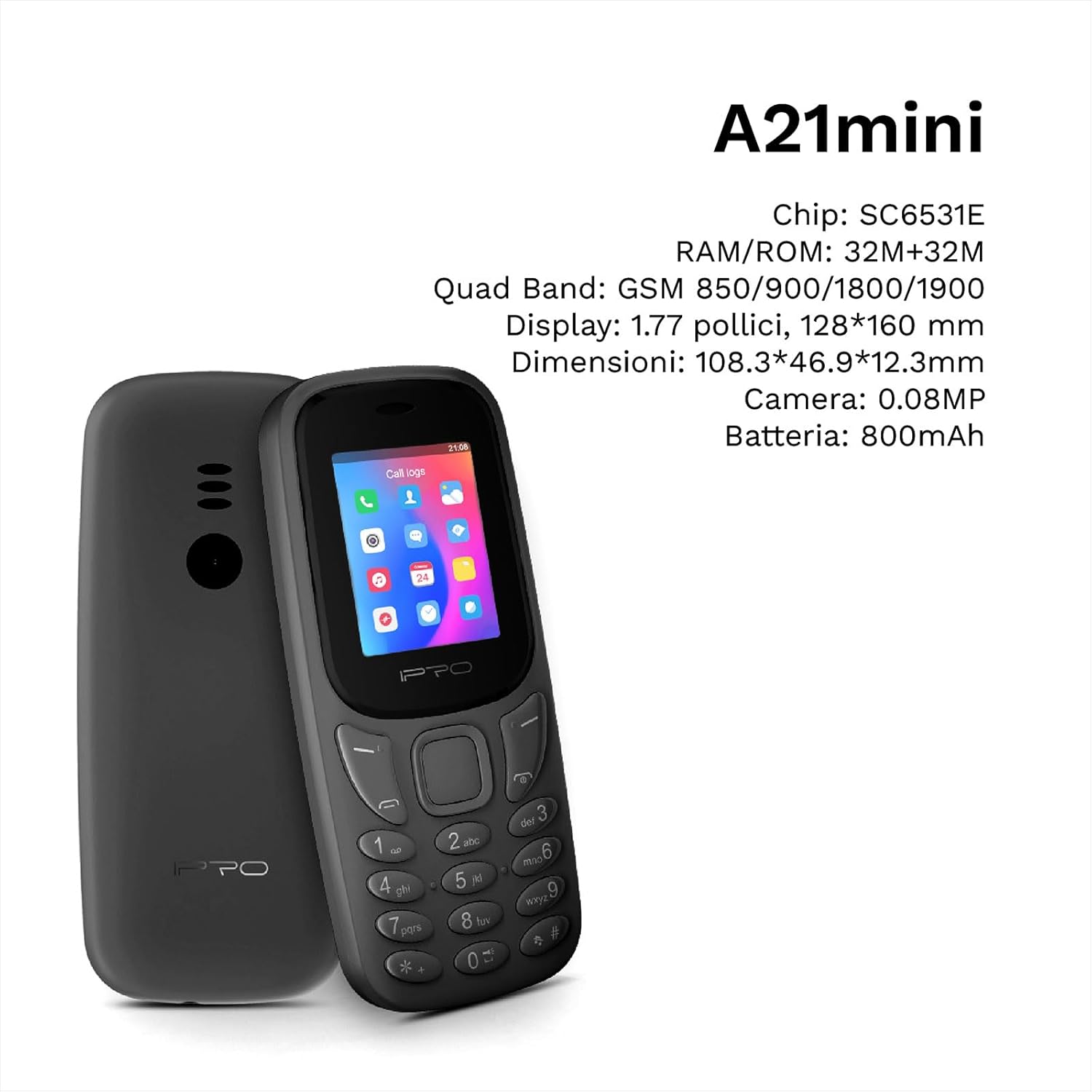
Figure 3.2: The IPRO A21 Mini highlighting its core specifications including the SC6531E chip, 32MB RAM/ROM, 1.77-inch display, and 800mAh battery.
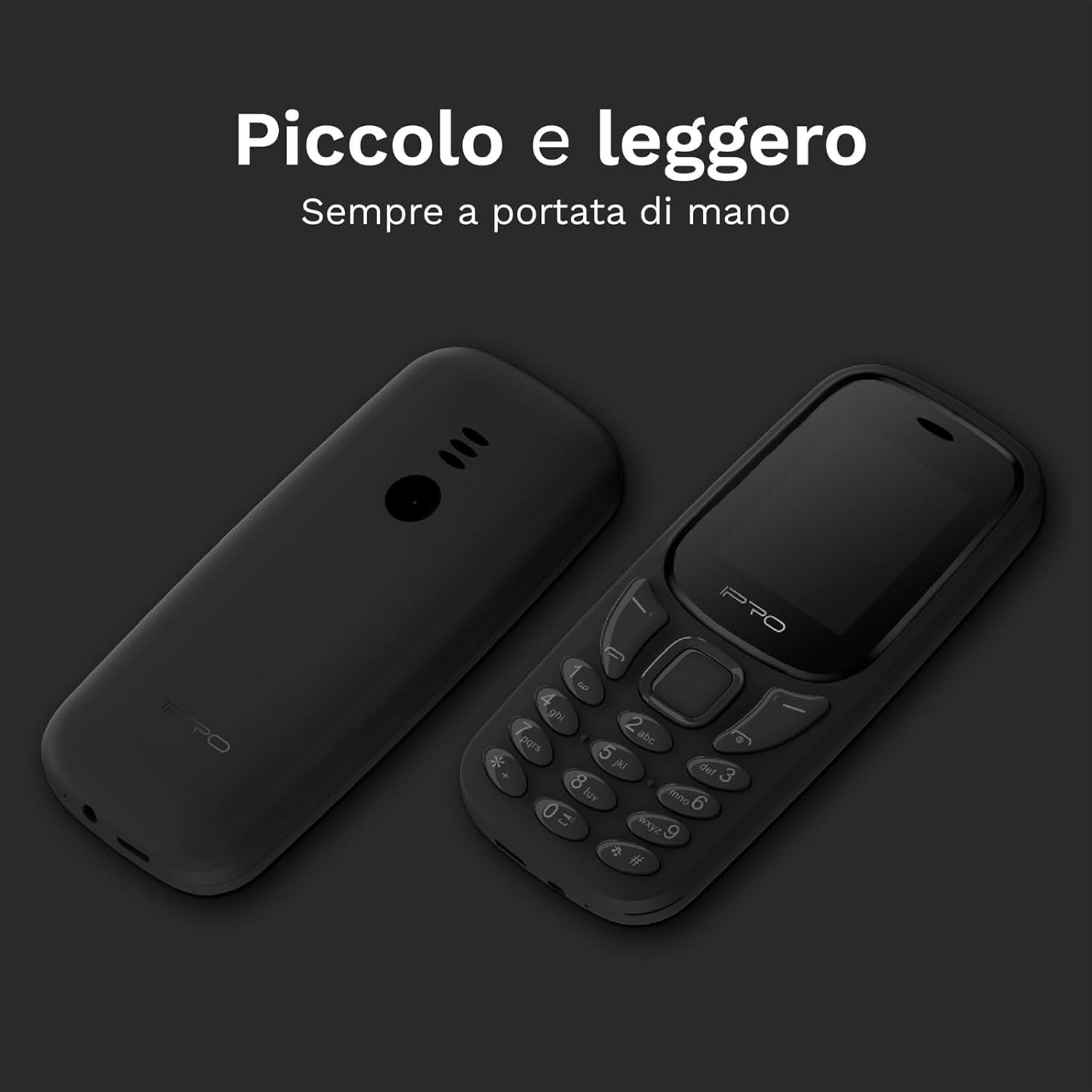
Figure 3.3: Two IPRO A21 Mini phones demonstrating their small and lightweight form factor, designed for easy portability.

Figure 3.4: The IPRO A21 Mini's 1.77-inch color screen, providing clear visibility for daily use.
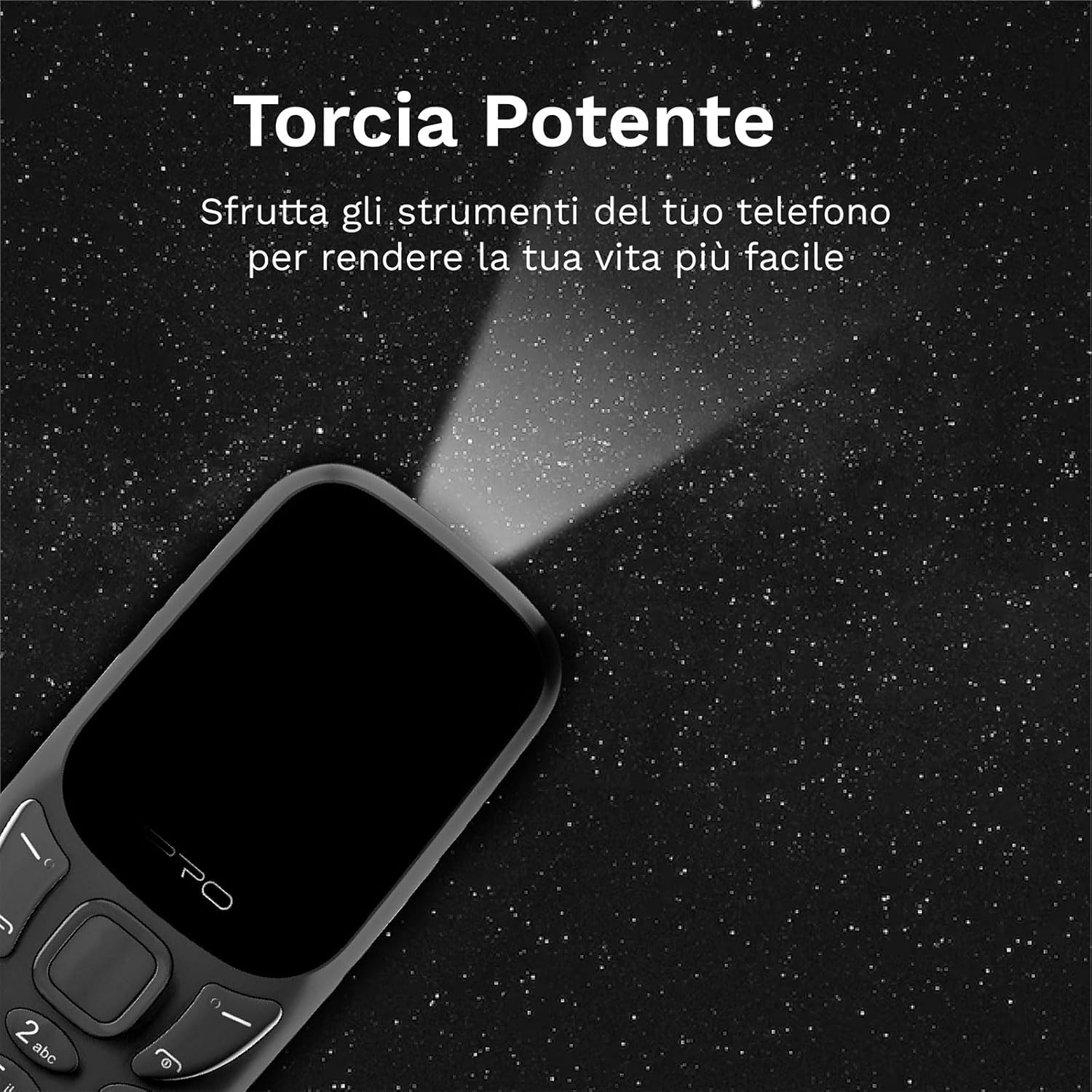
Figure 3.5: The IPRO A21 Mini's integrated powerful LED flashlight, useful for various situations.
The IPRO A21 Mini features a compact design with a 1.77-inch color display and large, easy-to-press buttons. It includes essential functions such as a camera, Bluetooth, FM radio, alarm clock, and a powerful LED flashlight.
4. Орнотуу
4.1. SIM картаны жана батареяны орнотуу
- Телефондун арткы капкагын оюктан акырын ачып, чечиңиз.
- If present, remove the battery.
- Insert the SIM card(s) into the designated slot(s) with the gold contacts facing down. This phone supports Dual SIM.
- Контакттарды туура тегиздөө менен батареяны салыңыз.
- Арткы капкакты ордуна чыкылдаган үн чыкканга чейин кайра жабыңыз.
4.2. Телефонду заряддоо
- Connect the micro USB charger to the charging port on the phone.
- Заряддоо түзүлүштү розеткага сайыңыз.
- Биринчи колдонуудан мурун телефондун толук заряддалышына уруксат бериңиз. Экрандагы батарея индикатору кубаттоо абалын көрсөтөт.
5. Иштөө нускамалары
5.1. Күйгүзүү/өчүрүү
- To power on: Press and hold the Power/End Call button until the screen lights up.
- Өчүрүү үчүн: Күйгүзүү/Чалууну аяктоо баскычын басып, кармап туруңуз, андан кийин параметрлерден "Өчүрүүнү" тандаңыз.
5.2. Чалууларды кабыл алуу жана кабыл алуу
- To make a call: Enter the phone number using the keypad and press the Call button (green).
- To receive a call: Press the Call button (green) when the phone rings.
- To end a call: Press the End Call button (red).
5.3. Sending and Receiving SMS
- "Билдирүүлөр" менюсуна өтүңүз.
- Select "Write message" to compose a new SMS.
- Алуучунун номерин жана билдирүүңүздү киргизип, андан кийин жөнөтүңүз.
5.4. FM радиосун колдонуу
- Access the "FM Radio" application from the main menu.
- Ensure headphones are connected as they act as an antenna.
- Станцияларды издөө же кол менен жөндөө үчүн навигация баскычтарын колдонуңуз.
5.5. Activating the LED Flashlight
The IPRO A21 Mini features a dedicated LED flashlight. Refer to your phone's specific key mapping for direct activation, or access it via the tools menu.
6. Техникалык тейлөө
- Батареяга кам көрүү: To prolong battery life, avoid extreme temperatures and do not leave the phone charging for extended periods after it is fully charged.
- Тазалоо: Телефондун экранын жана корпусун тазалоо үчүн жумшак, кургак чүпүрөктү колдонуңуз. Суюк тазалагычтарды же абразивдүү материалдарды колдонуудан алыс болуңуз.
- Сактагыч: Store the phone in a cool, dry place when not in use for long periods.
7. Кыйынчылыктарды
| Көйгөй | Мүмкүн себеп | Чечим |
|---|---|---|
| Телефон күйбөйт | Аз батарея; Батарея туура орнотулган эмес | Charge the phone; Reinstall the battery |
| Чалууларды жасоо/кабыл алуу мүмкүн эмес | No SIM card; SIM card not activated; Out of network coverage | Insert SIM card; Contact your service provider; Move to an area with better signal |
| Аудио сапаты начар | Low signal; Speaker/microphone obstructed | Move to an area with better signal; Clean speaker/microphone openings |
| Батарея бат эле түгөнөт | Excessive usage; Old battery | Reduce usage; Replace battery if necessary |
8. Техникалык шарттар
| Өзгөчөлүк | Деталь |
|---|---|
| Бренд | IPRO |
| Модел | IP-P-A21M-K |
| Network Technology | 2G GSM Quad Band (850/900/1800/1900MHz) |
| Чипсет | SC6531E |
| Дисплей | 1.77 дюймдук түстүү экран |
| RAM | 4 MB |
| ROM | 4 MB |
| Expandable Memory | 16 ГБ чейин (MicroSD) |
| SIM колдоо | Кош SIM |
| Байланыш | Bluetooth |
| Камера | 2 депутат |
| Аудио форматтары | MP3, MP4 |
| Батарея | 800 мАч литий-ион |
| Talk Time | 240 мүнөткө чейин |
| Күтүү убактысы | 150 саатка чейин |
| Өлчөмдөрү (L x W x Y) | 11.18 x 4.9 x 1.39 см |
| Салмагы | 200 г |
| Тилдер | Англис, испан, француз, италия, португал |
| Кошумча функциялар | FM Radio, Alarm Clock, Calendar, Calculator, LED Flashlight, Games |
9. Кепилдик жана колдоо
IPRO offers comprehensive technical and customer service support for two years from the date of purchase. Please note that this warranty does not cover artificial damage.
For any inquiries or support needs, please refer to the contact information provided with your purchase documentation or visit the official IPRO webсайт.


