1. Киришүү
This manual provides instructions for the safe and effective use of your ChargeWorx Solar Power Bank. Please read this manual thoroughly before operating the device and retain it for future reference. This power bank is designed to provide portable power for various electronic devices, featuring solar charging capabilities, multiple output ports, wireless charging, a built-in compass, and dual LED flashlights.
2. Продукт бүтүп калдыview
2.1 Компоненттер
- Solar Panel: For supplemental charging via sunlight.
- USB-A Output Ports (x2): For charging compatible devices.
- USB-C Input/Output Port: For charging the power bank or compatible devices.
- Micro-USB Input Port: For charging the power bank.
- Wireless Charging Pad: For wirelessly charging compatible devices.
- LED Indicator Lights: Display battery level and charging status.
- Dual LED Flashlights: For illumination.
- Built-in Compass: For basic navigation.
- Power Button: To activate the device and flashlight.
2.2 Негизги өзгөчөлүктөрү
- Кубаттуулугу: 15,000 мАч.
- Charge Cycles: Offers 600+ charge cycles.
- Multi-Port Charging: Supports simultaneous charging of multiple devices.
- Weatherproof Rating: IPX4, resistant to water splashes from any direction.
- Impact-Resistant Design: Enhanced durability for outdoor use.
- Compatibility: Works with various smartphones (Apple, Samsung, Motorola), tablets, headphones, smartwatches, and cameras.

Image: The ChargeWorx Solar Power Bank, showcasing its solar panel, charging ports, wireless charging area, and dual LED flashlights.

Image: A visual representation of the power bank's key features, including its 15,000 mAh capacity and various functionalities.
3. Орнотуу
3.1 Power банктын алгачкы заряддоосу
Before first use, fully charge the power bank using a wall adapter. Solar charging is primarily for emergency or supplemental power and is not recommended for initial full charging.
- Connect a USB-C cable to the power bank's USB-C input port or a Micro-USB cable to the Micro-USB input port.
- Connect the other end of the cable to a compatible USB wall adapter (not included).
- Кубаттоо жүрүп жатканын көрсөтүү үчүн LED индикатору күйөт. Толук заряддалганда төрт жарык тең туруктуу күйөт.
4. Иштөө нускамалары
4.1 Charging Devices via USB Ports
- Түзмөгүңүздүн кубаттоочу кабелин USB-A чыгаруу портторунун бирине же Power Bank'тагы USB-C киргизүү/чыгаруу портуна туташтырыңыз.
- Кабелдин экинчи учун шайманга туташтырыңыз.
- Press the Power Button once to begin charging. The LED indicators will show the remaining power.
- Кубаттоо аяктагандан кийин түзмөгүңүздү ажыратыңыз.

Image: The power bank simultaneously charging a mobile phone, tablet, wireless earbuds, and an action camera via its various ports.
4.2 Зымсыз заряддоо
The power bank supports wireless charging for compatible devices.
- Press the Power Button once to activate the power bank.
- Place your wireless charging compatible device (e.g., smartphone) directly onto the wireless charging pad area of the power bank.
- Ensure the device is centered on the pad for optimal charging. Charging will begin automatically.
- Remove your device once charging is complete.

Image: A smartphone being wirelessly charged on the power bank, demonstrating the wireless charging function.
4.3 Solar Charging Function
The integrated solar panel allows for supplemental charging of the power bank using sunlight. This feature is ideal for maintaining charge during outdoor activities or for emergency situations. It is not intended as the primary charging method due to varying solar intensity and efficiency.
- Place the power bank with the solar panel facing direct sunlight.
- Ensure no obstructions block the solar panel.
- The LED indicators will show charging activity.
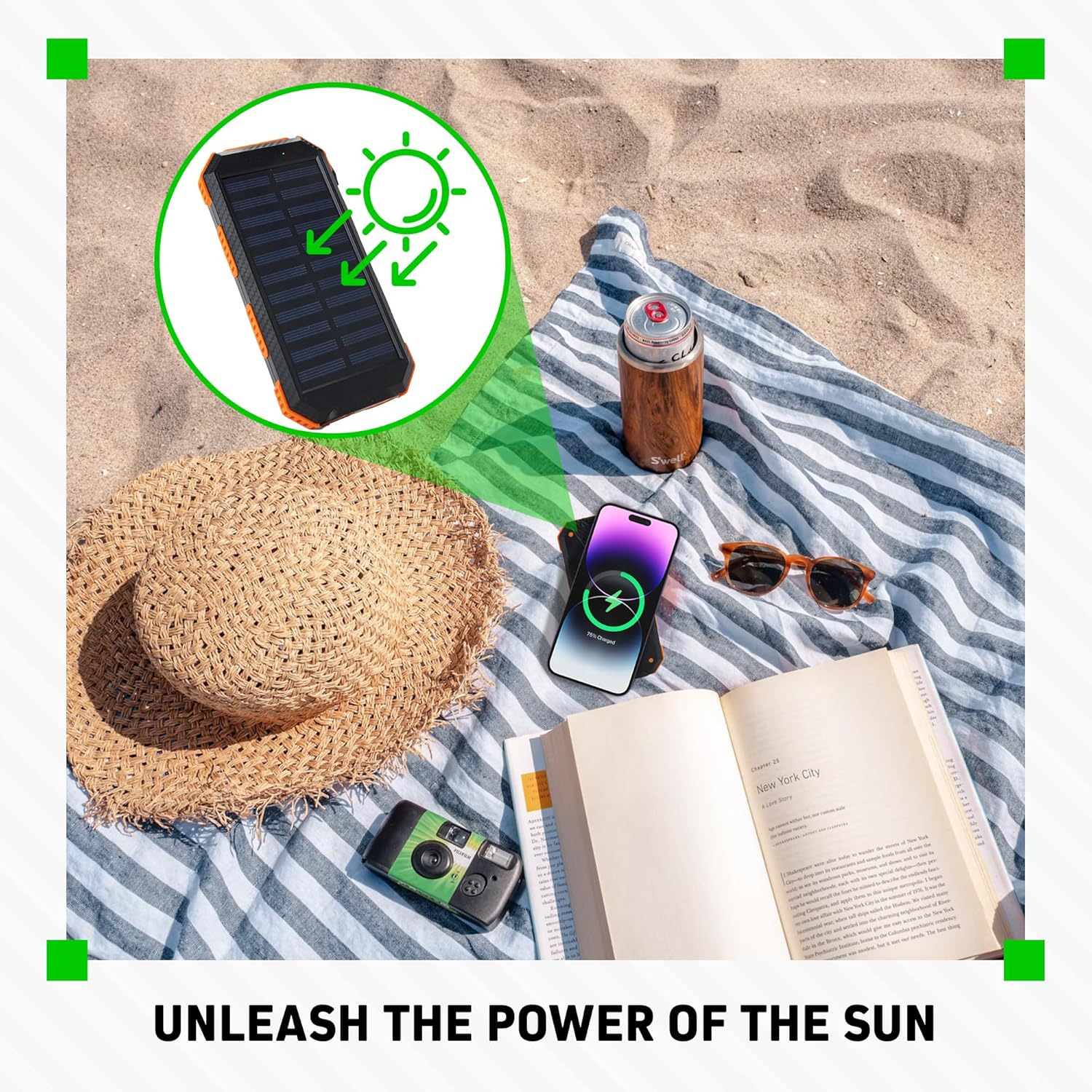
Image: The power bank's solar panel absorbing sunlight on a beach, illustrating its solar charging capability.
4.4 LED фонарьды колдонуу
- Press and hold the Power Button for approximately 3 seconds to turn on the dual LED flashlights.
- Press the Power Button again to cycle through different light modes (e.g., steady, SOS, strobe, if available).
- Press and hold the Power Button again for approximately 3 seconds to turn off the flashlights.
4.5 Using the Built-in Compass
The power bank includes a basic built-in compass for directional guidance. For accurate readings, ensure the power bank is held horizontally and away from strong magnetic fields or electronic devices that could interfere with its operation.

Image: The power bank's flashlight in use, demonstrating its illumination feature, with a small inset showing the solar panel on a backpack, indicating outdoor utility and the presence of a compass.
5. Техникалык тейлөө
5.1 Тазалоо
- Wipe the power bank with a soft, dry cloth.
- Катуу химиялык заттарды, тазалоочу эриткичтерди же күчтүү жуучу каражаттарды колдонбоңуз.
- Оптималдуу иштеши үчүн күн панелин таза кармаңыз.
5.2 Сактоо
- Power банкты күн тийбеген жана экстремалдык температурадан алыс, салкын, кургак жерде сактаңыз.
- If storing for extended periods, charge the power bank to approximately 50-75% every 3 months to maintain battery health.
5.3 Батареяга кам көрүү
- Avoid fully discharging the power bank frequently.
- Do not expose the power bank to temperatures above 60°C (140°F) or below -10°C (14°F).
6. Кыйынчылыктарды
6.1 Power Bank заряддалбай жатат
- Заряддоо кабели кубат банкына жана дубал адаптерине тең туташтырылганын текшериңиз.
- Verify the wall adapter is functioning correctly and providing power.
- Башка заряддоо кабелин же дубал адаптерин колдонуп көрүңүз.
- For solar charging, ensure the panel is in direct, strong sunlight and not obstructed. Note that solar charging is slow and supplemental.
6.2 Devices Not Charging
- Powerbank жетиштүү заряддалганын текшериңиз (LED индикаторлорун текшериңиз).
- Press the Power Button once to activate output.
- Verify your device's charging cable is properly connected to both the power bank and your device.
- Башка USB портун же кабелин колдонуп көрүңүз.
- For wireless charging, ensure your device is compatible and correctly positioned on the charging pad. Remove any thick cases that might interfere.
6.3 Flashlight Not Working
- Электр банкында жетиштүү заряд бар экенин текшериңиз.
- Press and hold the Power Button for approximately 3 seconds to activate the flashlight.
7. Техникалык шарттар
| Өзгөчөлүк | Спецификация |
|---|---|
| Модель номери | CX6579 |
| Батарея сыйымдуулугу | 15,000 мАч |
| Input (Micro-USB) | 5V / 2A |
| Киргизүү/Чыгуу (USB-C) | 5V / 2A |
| Чыгаруу (USB-A x2) | 5V / 2A (Total) |
| Зымсыз чыгуу | 5 Вт (Стандарттык) |
| Күн панелинин чыгышы | 5V / 0.2A (Max, supplemental) |
| Өлчөмдөр | 7.95 x 1.3 x 4.21 дюйм |
| Салмагы | 10.1 унция |
| Аба ырайына каршы рейтинг | IPX4 |
| Камтылган компоненттер | User Manual |
8. Коопсуздук маалыматы
- Батарея пакетин бөлбөңүз, ачпаңыз же майдалабаңыз.
- Электр кубаты банкын ысыкка же отко тийгизбеңиз. Түз тийген күн нурунда сактоодон алыс болуңуз.
- Батарея пакетин кыска туташтырбаңыз.
- Powerbankты механикалык соккуга дуушар кылбаңыз.
- In case of battery leakage, do not allow the liquid to come into contact with skin or eyes. If contact has been made, wash the affected area with copious amounts of water and seek medical advice.
- Power банкты балдар жетпеген жерде сактаңыз.
- Powerbank колдонуп жатканда балдарды көзөмөлдөңүз.
- Ensure proper disposal of the power bank according to local regulations.
- Do not use the power bank if it has been damaged or modified.
9. Кепилдик жана колдоо
Warranty information for this product was not provided in the available data. For specific warranty details, technical support, or customer service inquiries, please contact ChargeWorx directly through their official webпродукт сатылып алынган сайт же сатуучу.

