1. Киришүү
Welcome to the user manual for your new DOOGEE T30 Ultra 11-inch Tablet. This guide provides essential information to help you set up, operate, and maintain your device. The DOOGEE T30 Ultra is a high-performance Android 13 tablet featuring a stunning 2.5K display, powerful Helio G99 Octa-Core processor, ample memory and storage, and a long-lasting battery, designed for both productivity and entertainment.
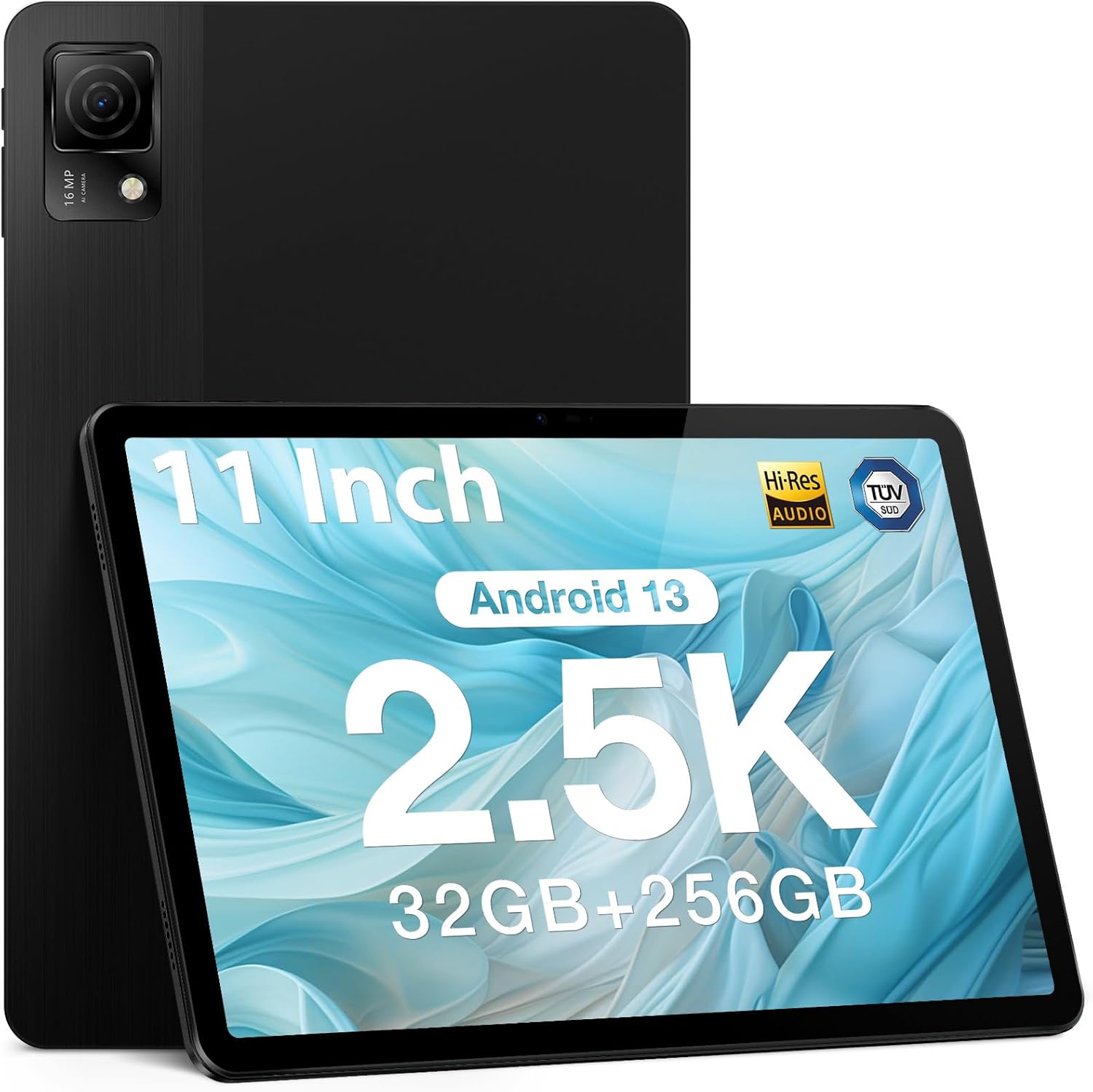
Figure 1.1: DOOGEE T30 Ultra Tablet (Black)
Продукт бүттүview Video
Видео 1.1: Расмий продукт бүттүview of the DOOGEE T30 Ultra tablet, showcasing анын дизайны жана негизги өзгөчөлүктөрү.
2. Баштоо: Орнотуу
2.1 Кутуда эмне бар
- DOOGEE T30 Ultra Tablet
- Заряддагыч
- Data line (USB Cable)
- Картаны алып салуучу ийне
- Manual
2.2 Алгачкы заряддоо
Before first use, fully charge your tablet using the provided charger and data cable. The tablet supports 18W fast charging.

Figure 2.1: Illustration of the tablet charging, highlighting its 8580mAh battery capacity.
2.3 Күйгүзүү/өчүрүү
- Күйгүзүү үчүн: Press and hold the power button until the DOOGEE logo appears.
- Өчүрүү үчүн: Press and hold the power button, then select 'Power off' from the options.
2.4 SIM карта жана TF карта орнотуу
Use the provided card removal needle to open the SIM/TF card tray. Insert your SIM card(s) for 4G connectivity and/or a TF (microSD) card for expanded storage, ensuring correct orientation. The tablet supports up to 2TB TF card expansion.
3. Планшетиңизди иштетүү
3.1 Дисплейдин өзгөчөлүктөрү
The DOOGEE T30 Ultra features an 11-inch 2.5K FHD touch screen with a resolution of 1600 x 2560 pixels. It offers a high pixel density for detailed images and realistic color reproduction. The display also has TUV low blue light certification to reduce visual fatigue during prolonged use.
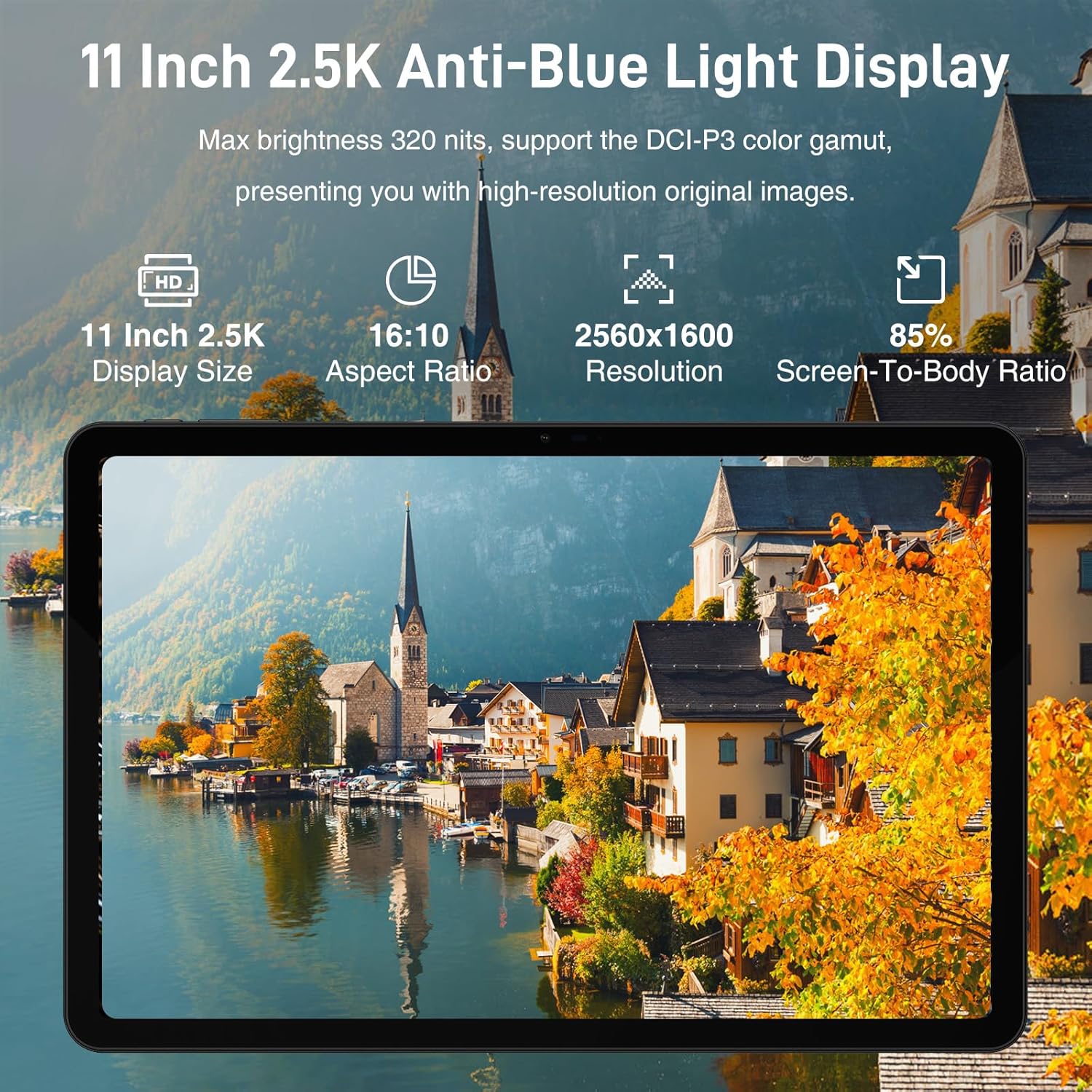
Figure 3.1: The 11-inch 2.5K Anti-Blue Light Display with 2560x1600 resolution.
3.2 Аткаруу жана сактоо
Powered by the Helio G99 2.2GHz octa-core processor, the tablet ensures smooth performance for various tasks. It comes with 32GB (12GB physical + 20GB virtual) RAM and 256GB ROM, expandable up to 2TB via TF card, providing ample space for applications, media, and documents.

Figure 3.2: Helio G99 Octa-Core Processor for powerful performance.

Figure 3.3: Super powerful storage capacity with 32GB RAM and 256GB ROM, expandable to 2TB.
3.3 Operating System and Connectivity
The tablet runs on the latest Android 13 operating system, offering an improved user experience with enhanced privacy and security features. It supports dual-band Wi-Fi (2.4GHz and 5GHz) for faster and more stable network connections, as well as 4G LTE for mobile data. Bluetooth 5.0 is also integrated for wireless peripheral connections.

Figure 3.4: Android 13 GMS Authentication features.
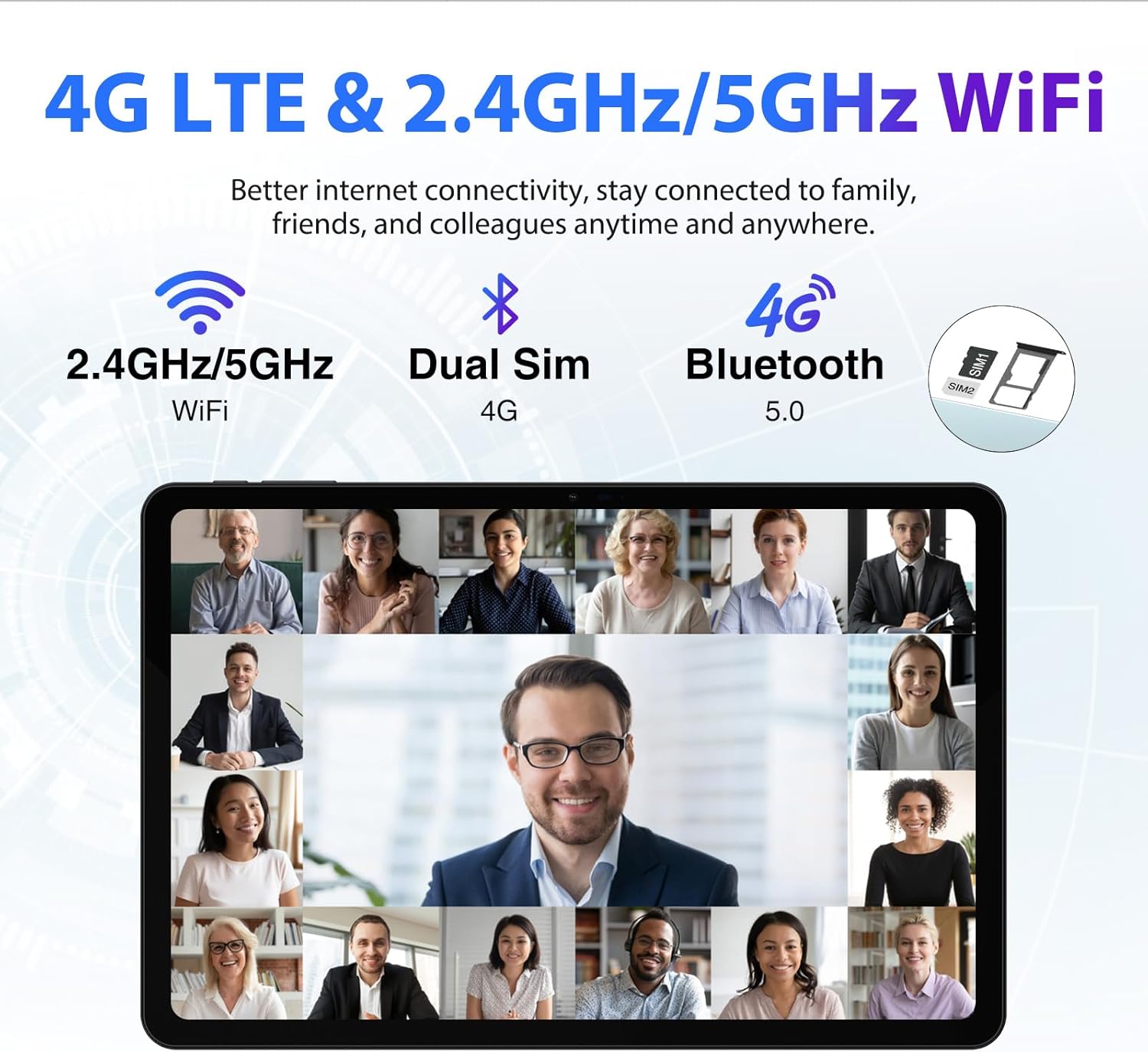
Figure 3.5: Connectivity options including 4G LTE and Dual Band WiFi.
3.4 камеранын иштеши
The tablet is equipped with a 16MP main camera and an 8MP front camera, allowing you to capture high-quality photos and engage in clear video calls.

Figure 3.6: Capture beautiful moments with the 16MP main camera and 8MP front camera.
3.5 Multimedia and Audio
The tablet features Quad Speakers that deliver richer and fuller audio, reducing resonance and distortion for an enhanced listening experience. It also supports Google Widevine L1, enabling you to watch 1080P and above-definition video content from streaming services.

Figure 3.7: Widevine DRM L1 Support for high-definition video streaming.
4. Техникалык тейлөө
4.1 Батареяга кам көрүү
The 8580mAh battery provides extended usage. To maximize battery lifespan, avoid extreme temperatures, use the original charger, and try to keep the battery level between 20% and 80% when possible.
4.2 Планшетиңизди тазалоо
Планшеттин экранын жана корпусун тазалоо үчүн жумшак, түксүз чүпүрөктү колдонуңуз. Катуу химиялык заттарды же абразивдүү материалдарды колдонуудан алыс болуңуз.
5. Кыйынчылыктарды
5.1 Жалпы маселелер жана чечимдер
- Планшет күйбөй жатат: Батарея заряддалганын текшериңиз. Заряддагычты туташтырыңыз жана кайра күйгүзүү аракетинен мурун бир нече мүнөт күтүңүз.
- Жай аткаруу: Керексиз фон колдонмолорун жабуу. Кэшти жана убактылуу тазалоо files. Consider reducing the number of installed apps or moving large files to the TF card.
- Wi-Fi туташуу көйгөйлөрү: Планшетиңизди жана Wi-Fi роутериңизди өчүрүп-күйгүзүңүз. Тармакты унутуп, кайра туташыңыз. Wi-Fi сигналынын диапазонунда экениңизди текшериңиз.
- Экрандын жоопсуздугу: Restart the tablet. If the issue persists, perform a factory reset (back up your data first).
Татаалыраак маселелер боюнча, DOOGEE расмий колдоо ресурстарына кайрылыңыз же кардарларды тейлөө кызматына кайрылыңыз.
6. Техникалык шарттар
| Өзгөчөлүк | Спецификация |
|---|---|
| Модель аты | T30 Ultra |
| Дисплей өлчөмү | 11 дюйм |
| Screen Resolution | 2560 x 1600 пиксел (2.5K) |
| Процессор | Helio G99 сегиз ядролуу (2.2 ГГц) |
| RAM | 32 ГБ (12 ГБ физикалык + 20 ГБ виртуалдык) |
| Ички сактагыч (ROM) | 256 ГБ |
| Кеңейтүүчү сактагыч | 2 ТБ чейин (TF карта) |
| Операция системасы | Android 13 |
| Батарея сыйымдуулугу | 8580mAh |
| Тез заряддоо | 18 Вт |
| Арткы камера | 16MP |
| Алдыңкы камера | 8MP |
| Зымсыз байланыш | 802.11ac (2.4GHz/5GHz Wi-Fi), 4G LTE, Bluetooth 5.0 |
| Өлчөмдөрү (LxWxH) | 10.11 x 6.64 x 0.3 дюйм |
| Элемент Салмагы | 1.19 фунт |
| Түс | Кара |
7. Кепилдик жана колдоо
7.1 Продукциянын кепилдиги
The DOOGEE T30 Ultra is backed by a 1-year warranty. Please retain your proof of purchase for warranty claims.
7.2 Кардарларды колдоо
For technical assistance, troubleshooting, or warranty inquiries, please contact DOOGEE customer service. Refer to the official DOOGEE website or the contact information provided with your product packaging for support details.

Figure 7.1: DOOGEE customer service and warranty information.


