1. Орнотуу колдонмосу
1.1 Кутудан чыгаруу жана Пакеттин мазмуну
Upon opening your FOSSIBOT F110 Pro package, ensure all components are present:
- FOSSIBOT F110 Pro Mobile Phone
- TP Protective Film
- 20W заряддагыч
- SIM карта PIN
- Type-C USB кабели
- Колдонуучунун колдонмосу жана Кепилдик картасы

Image: FOSSIBOT F110 Pro package contents, including the phone, charger, cable, SIM tool, and documentation.
1.2 SIM картаны жана сактагычты орнотуу
To install your SIM card(s) and/or expandable storage:
- Аппараттын капталындагы SIM карта салгычын табыңыз.
- Берилген SIM чыгаруучу куралды лотоктун жанындагы кичинекей тешикке салып, лоток чыгып кеткенче бекем басыңыз.
- Place your Nano-SIM card(s) and/or microSD card (up to 1TB) into the designated slots on the tray. Ensure they are correctly oriented.
- Табаны телефондун ичине кылдаттык менен түртүңүз, ал чыкылдагыча.
1.3 Баштапкы күйгүзүү жана орнотуу
Press and hold the Power button on the side of the phone until the FOSSIBOT logo appears. Follow the on-screen prompts to complete the initial setup, including language selection, Wi-Fi connection, and Google account setup.
2. Operating Your FOSSIBOT F110 Pro
2.1 Basic Navigation and Interface (Android 15)
Your FOSSIBOT F110 Pro runs on Android 15, offering an intuitive and customizable user experience. Navigate using gestures or on-screen buttons. Swipe down from the top for notifications and quick settings. Customize your home screen by long-pressing on empty space.
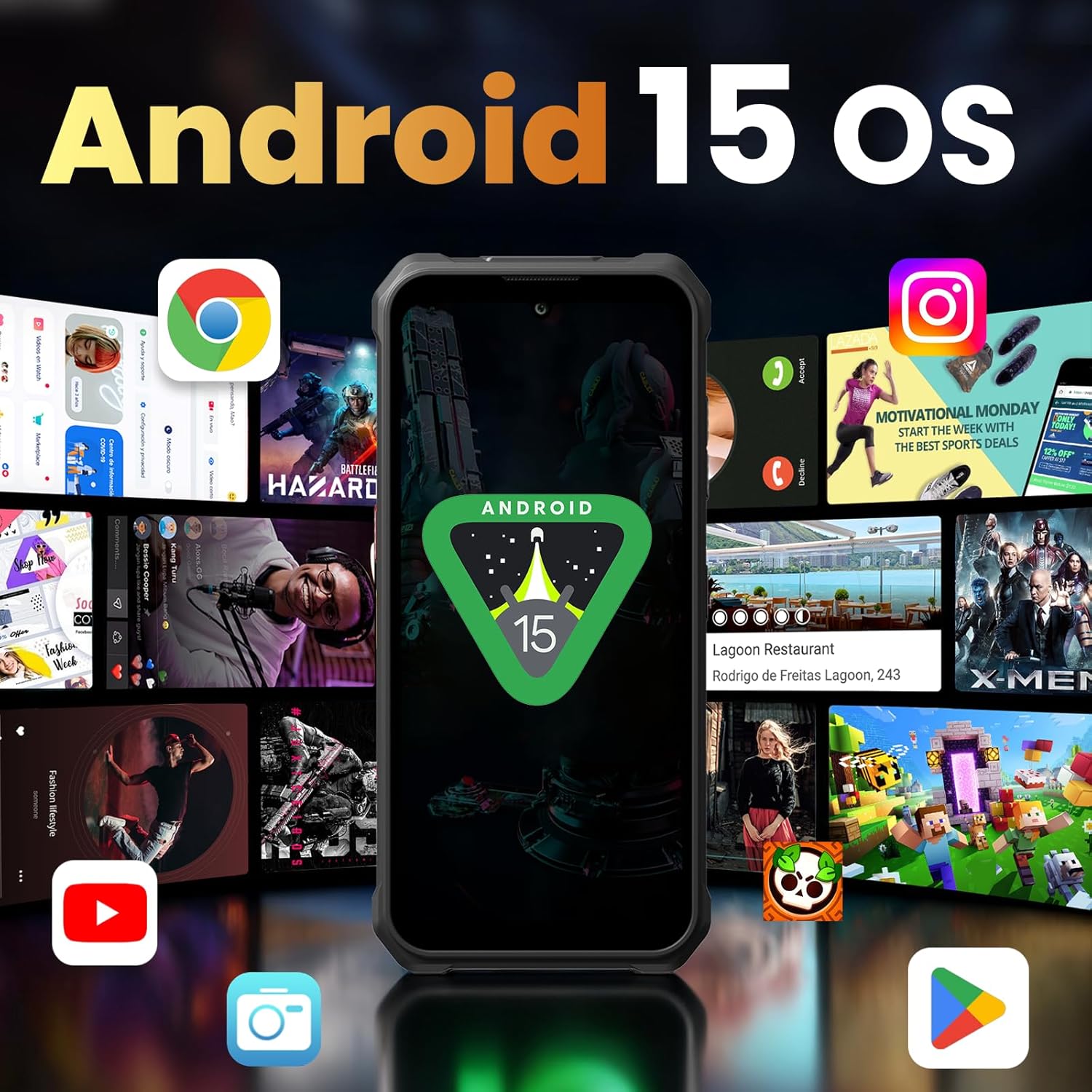
Image: The FOSSIBOT F110 Pro displaying the Android 15 operating system interface with various app icons.
2.2 Камераны колдонуу
The FOSSIBOT F110 Pro features a 50MP AI main camera, a 5MP macro lens, and an 8MP front camera. Open the Camera app to capture photos and 2K videos. Explore modes like Night Mode for low-light conditions and Underwater Camera Mode for shooting in aquatic environments.

Сүрөт: Жакын план view of the FOSSIBOT F110 Pro's rear camera module, highlighting the 50MP AI main camera, 5MP macro lens, and 8MP front camera.
2.3 Байланыш
The device supports 5G connectivity for ultra-fast downloads and streaming. It also includes Wi-Fi, Bluetooth, and NFC for seamless connections to other devices and services.
2.4 Батареяны башкаруу
The F110 Pro is equipped with a massive 10000mAh battery, providing extended usage times. It supports 18W fast charging for quick power-ups and OTG reverse charging, allowing you to use your phone as a power bank for other devices.
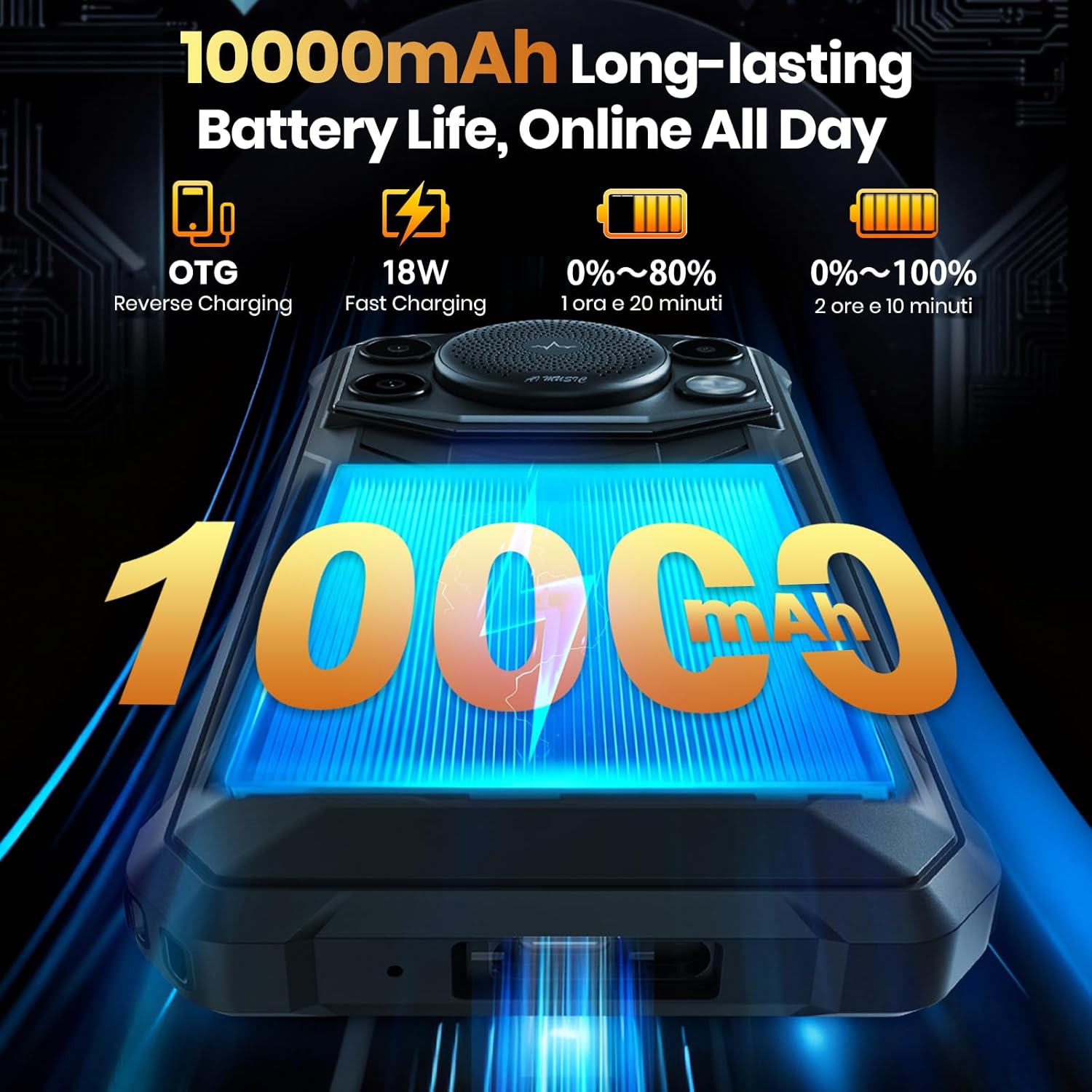
Image: The FOSSIBOT F110 Pro showcasing its 10000mAh battery capacity and fast charging capabilities.
2.5 Smart Toolbox
The F110 Pro includes a Smart Toolbox with various utility features designed for rugged use. Access tools such as a compass, sound meter, height measure, magnifier, flashlight, and more.
3. Техникалык тейлөө жана кам көрүү
3.1 Аппаратыңызды тазалоо
To clean your FOSSIBOT F110 Pro, use a soft, lint-free cloth. For stubborn dirt, a slightly damp кездеме колдонсо болот. Катуу химиялык заттардан же абразивдүү материалдардан алыс болуңуз.
3.2 Суу жана чаңга туруктуулук
The F110 Pro is built to military standards (MIL-STD-810H) and boasts an IP68/IP69K rating, making it highly resistant to water, dust, and drops. While durable, avoid intentional submersion in corrosive liquids or extreme conditions beyond its specified ratings.
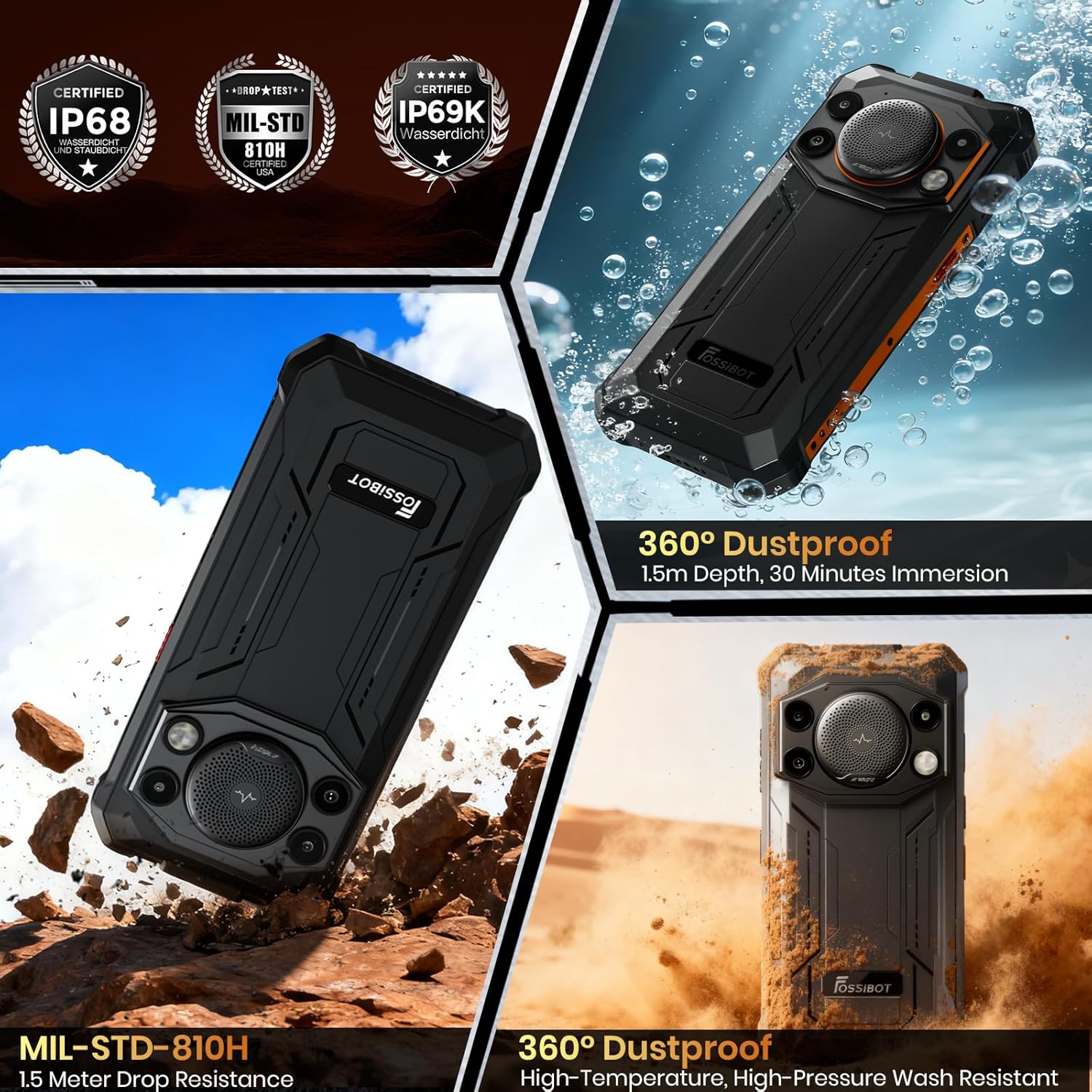
Image: Visual representation of the FOSSIBOT F110 Pro's IP68, IP69K, and MIL-STD-810H certifications, showing its resistance to water, dust, and drops.
3.3 Температурага туруктуулук
The device is designed to operate within a wide temperature range, from -40°C to 70°C, ensuring reliability in diverse environments.
3.4 Программалык камсыздоо жаңыртуулары
Regularly check for and install software updates to ensure optimal performance, security, and access to new features. Updates can typically be found in the phone's Settings menu under 'System' or 'About phone'.
4. Жалпы көйгөйлөрдү чечүү
- Телефон күйбөй жатат: Ensure the battery is charged. Connect the phone to its charger and wait a few minutes before attempting to power on again. If it still doesn't turn on, perform a forced restart by holding the Power button for 10-15 seconds.
- Байланыш көйгөйлөрү (Wi-Fi/5G): Check if Airplane Mode is off. Restart your Wi-Fi router or mobile data connection. If issues persist, reset network settings in your phone's settings.
- Battery draining fast: Экрандын жарыктыгын азайтыңыз, фондо иштеп жаткан колдонулбаган колдонмолорду жаап, колдонулбай турганда GPS же Bluetooth сыяктуу керексиз функцияларды өчүрүңүз. Кубатты көп сарптаган колдонмолорду аныктоо үчүн жөндөөлөрдөн батареянын колдонулушун текшериңиз.
- Колдонмолор бузулуп же катып жатат: Clear the cache and data of the problematic app in Settings > Apps. If the issue continues, uninstall and reinstall the app. Ensure your phone's software is up to date.
- Speaker issues: Ensure the volume is turned up and the phone is not in silent mode. Check for any physical obstructions in the speaker grille.
5. Техникалык шарттар
| Өзгөчөлүк | Спецификация |
|---|---|
| Модель аты | F110 Pro |
| Операция системасы | Android 15 |
| CPU модели | MediaTek Dimensity 6300 Octa-Core |
| RAM | 8 ГБ (виртуалдык RAM менен 20 ГБ чейин кеңейтилиши мүмкүн) |
| Эстутум сактоо сыйымдуулугу | 128GB (expandable to 1TB via TF card) |
| Screen Size | 6.745-inch HD+ Waterdrop Display |
| Резолюция | 720 x 1600 |
| Жаңыртуу ылдамдыгы | 120 Гц |
| Арткы камера | 50MP AI негизги камерасы + 5MP макро камера |
| Алдыңкы камера | 8MP |
| Батарея сыйымдуулугу | 10000mAh |
| Заряддоо | 18W тез заряддоо, OTG тескери заряддоо |
| Туруктуулук рейтинги | IP68/IP69K, MIL-STD-810H |
| Өлчөмдөр | 0.03 x 0.01 x 0.07 дюйм |
| Элемент Салмагы | 1.69 фунт |
6. Кепилдик жана Кардарларды колдоо
Your FOSSIBOT F110 Pro comes with a 2 жылдык кепилдик. For any inquiries or assistance, FOSSiBOT provides 24/7 online after-sales support with real-time response. Please refer to the Warranty Card included in your package for detailed terms and conditions.
For direct support, visit the official FOSSiBOT website or contact their customer service team through the contact information provided in your warranty documentation.
7. Коопсуздук боюнча маанилүү маалымат
Please read all safety information before using your device to ensure safe and proper use. Keep the device away from extreme temperatures, direct sunlight, and sources of heat. Do not attempt to disassemble or modify the device. Use only approved chargers and accessories.


