Продукт бүттүview
The LC-M27-QHD-180 is a 27-inch (68.58 cm) PC monitor designed to deliver a high-quality visual experience. It features a QHD resolution of 2560 x 1440 pixels, providing sharp and detailed images. The IPS panel ensures an ultra-fast 1 ms response time, excellent color accuracy, and wide viewing angles. With a refresh rate of 180 Hz, content display is very fluid, making it suitable for fast-paced applications and gaming.
Key features include Adaptive Sync for smooth gameplay, Picture-by-Picture (PbP) and Picture-in-Picture (PiP) for multi-source viewing, and a height-adjustable stand with integrated cable management for ergonomic use. The monitor also supports a pivot feature, allowing it to be rotated 90 degrees for vertical document viewing.
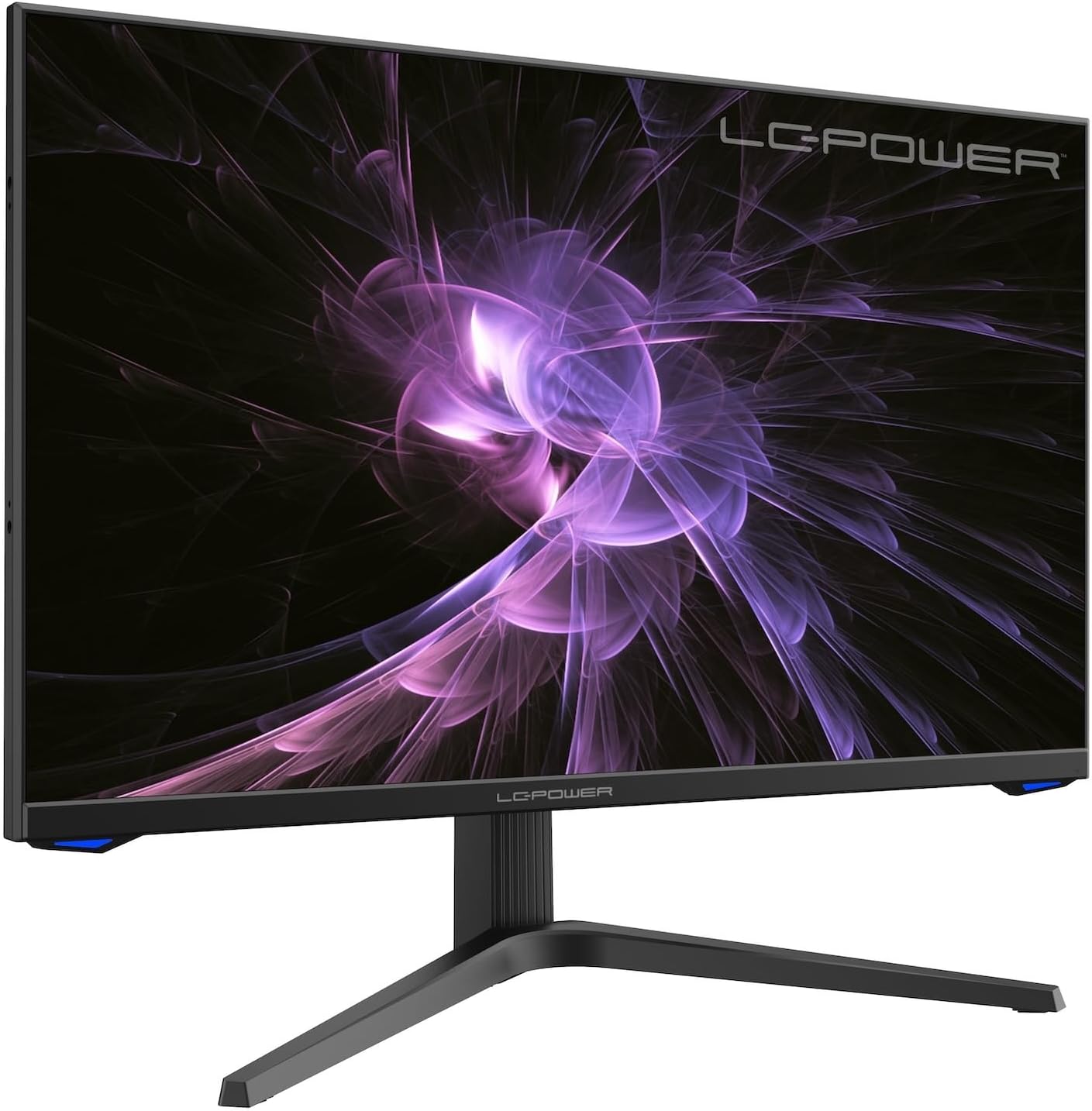
Сүрөт: алдыңкы view of the LC-M27-QHD-180 monitor, showcasing анын дисплейи жана жаркыраган дизайны.
Орнотуу колдонмосу
1. Пакеттен чыгаруу жана мазмуну
Carefully remove all components from the packaging. Please verify that all items listed below are present:
- LC-M27-QHD-180 Monitor
- Монитор базасы
- HDMI кабели
- Кубаттуу адаптер
- Монтаждоочу материал
- Колдонуучунун Колдонмосу (бул документ)
2. Ассамблея
Базаны тиркөө:
- Чийип кетпеш үчүн монитор экранын жумшак, таза бетке ылдый каратып кой.
- Align the stand arm with the slot on the back of the monitor.
- Secure the stand arm to the monitor using the provided screws.
- Attach the base plate to the stand arm and tighten the screws.
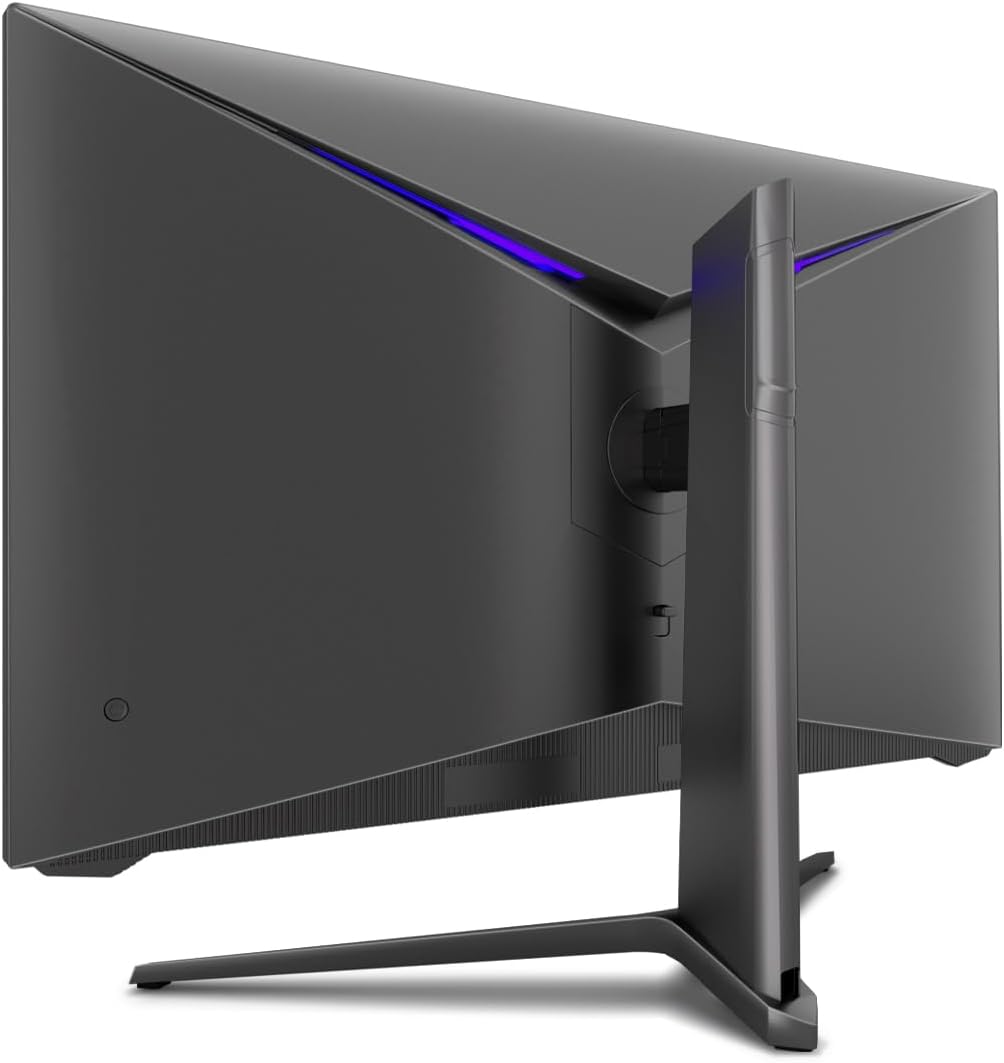
Сүрөт: Арткы view of the monitor, illustrating the stand assembly area and cable management design.
VESA орнотуу: The monitor is VESA compatible. If you intend to use a VESA mount, remove the stand arm after assembly and attach your VESA mount according to its instructions.
3. Мониторду туташтыруу
- Кубат туташуу: Connect the power adapter to the monitor's power input and then plug the power adapter into a wall outlet.
- Видео туташуу: Connect one end of the provided HDMI cable to the HDMI port on your computer's graphics card and the other end to an HDMI input port on the monitor.
- Бардык байланыштар коопсуз экенин текшериңиз.
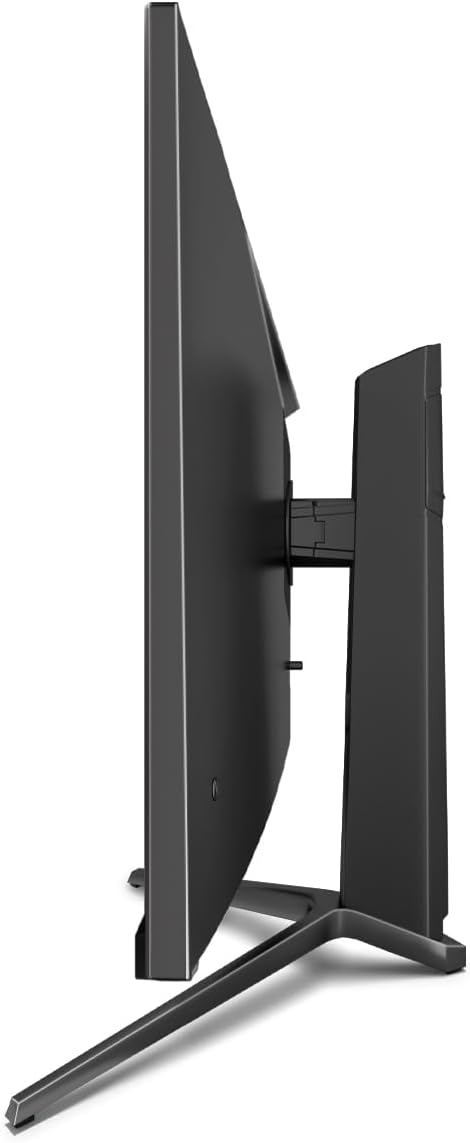
Сүрөт: каптал view of the monitor, showing its slim design and connectivity ports.
4. Баштапкы күйгүзүү
Press the power button on the monitor. The power indicator light should illuminate. Your computer should automatically detect the new display. If not, adjust display settings in your operating system.
Иштөө нускамалары
Экрандагы дисплей (OSD) менюсу
The monitor features an On-Screen Display (OSD) menu for adjusting various settings. Use the control buttons located on the monitor (typically on the back or bottom edge) to navigate the OSD menu.
Негизги функциялар жана жөндөөлөр
- Адаптивдүү синхрондоштуруу: This technology synchronizes the monitor's refresh rate with your graphics card's frame rate, reducing screen tearing and stuttering for a smoother gaming experience. Enable this feature in your graphics card settings and on the monitor's OSD if applicable.
- Overdrive: Overdrive pre-calculates and accelerates specific pixels, significantly reducing response times for both black-and-white and color nuance changes, resulting in clearer motion.
- Төмөн көк жарык: The Low Blue Light filter reduces the emission of harmful blue light from the screen, minimizing eye strain and fatigue during prolonged use. This feature can be adjusted via the OSD menu.
- Picture-by-Picture (PbP) / Picture-in-Picture (PiP):
- PbP: Allows you to display content from two different input sources side-by-side on the same screen.
- PiP: Displays the image from a second source as a smaller, scalable window (up to 25% of original size) that can be positioned anywhere on the main screen.
- FPS / RTS Modes: Dedicated display modes optimized for First Person Shooter (FPS) and Real-Time Strategy (RTS) games. These modes enhance visibility and provide a better gaming experience by adjusting display parameters.
- Пивот өзгөчөлүгү: The monitor can be rotated 90 degrees to a vertical (portrait) orientation. This is particularly useful for reading documents, coding, or web серептөө.

Image: Diagram illustrating the monitor's ability to pivot 90 degrees for vertical viewing.
Note: After physically rotating the monitor, you must adjust the display orientation settings within your operating system (e.g., Windows Display Settings) to match the new physical orientation.
- Height Adjustable Stand & Cable Management: The integrated stand allows for height adjustment to achieve an ergonomic viewing position. Cables can be neatly routed through the stand's built-in cable management system to maintain a tidy workspace.

Image: Close-up of the monitor's stand, highlighting the integrated cable management feature.
Техникалык тейлөө
Мониторуңуздун узак иштөөсүн жана оптималдуу иштешин камсыз кылуу үчүн төмөнкү тейлөө көрсөтмөлөрүн аткарыңыз:
- Экранды тазалоо: Экранды электроника үчүн атайын жасалган жумшак, мамыксыз чүпүрөк менен акырын сүртүңүз. Өжөр тактар үчүн, акырын сүртүңүз.ampen the cloth with water or a non-abrasive, monitor-safe cleaning solution. Do not spray liquid directly onto the screen.
- Тазалоо Casing: Мониторду тазалоо үчүн жумшак, кургак чүпүрөктү колдонуңуз casing. Катуу химиялык заттарды же абразивдүү материалдарды колдонуудан алыс болуңуз.
- Вентиляция: Ашыкча ысып кетүүнүн алдын алуу үчүн монитордогу желдетүү тешиктери жабылбаганын текшериңиз.
- Өчүрүү: Always power off the monitor and unplug it from the power outlet before cleaning or if it will not be used for an extended period.
- Түздөн-түз күндүн нурунан качуу: Мониторду түз күн нуруна же ашыкча ысыкка дуушар кылбаңыз.
Проблемаларды чечүү
If you encounter issues with your LC-M27-QHD-180 monitor, please refer to the following common troubleshooting steps:
| Көйгөй | Мүмкүн себеп | Чечим |
|---|---|---|
| Экранда сүрөт жок | Monitor not powered on; video cable loose or disconnected; incorrect input source selected. | Ensure power cable is securely connected and monitor is turned on. Check video cable connections (HDMI). Select the correct input source via the OSD menu. |
| Сүрөт бүдөмүк же бурмаланган | Incorrect resolution setting; video cable issue. | Set the display resolution to 2560 x 1440 pixels in your computer's display settings. Try a different HDMI cable if available. |
| No sound (if monitor has speakers/audio out) | Аудио кабель туташкан эмес; үнү өтө төмөн; компьютерде туура эмес аудио чыгышы тандалды. | Ensure audio cable (if used) is connected. Adjust monitor volume via OSD. Select the monitor as the default audio output device in your computer's sound settings. |
| Экрандын бүлбүлдөөсү | Refresh rate mismatch; faulty cable; graphics driver issue. | Ensure refresh rate is set to 180 Hz in display settings. Try a different video cable. Update your graphics card drivers. |
For more detailed troubleshooting or persistent issues, please consult the full user manual or contact LC-Power customer support.
Техникалык шарттар
| Өзгөчөлүк | Деталь |
|---|---|
| Модель номери | LC-POWER (LC-M27-QHD-180) |
| Screen Size | 27 дюйм (68.58 см) |
| Резолюция | QHD Wide 1440p (2560 x 1440 pixels) |
| Аспект катышы | 16:9 |
| Жаңыртуу ылдамдыгы | 180 Гц |
| Жооп убактысы | 1 мс |
| Панел түрү | IPS |
| Screen Surface | Flach (Flat) |
| Продукциянын өлчөмдөрү (L x W x Y) | 28.74 x 18.9 x 8.66 дюйм |
| Элемент Салмагы | 17.73 фунт |
| Өндүрүүчү | LC Power |
| ASIN | B0CQJNV3YR |
| Дата биринчи жеткиликтүү | 31-май, 2024-жыл |

Image: EU Energy Label for the LC-M27-QHD-180 monitor. For more details, scan the QR code or visit eprel.ec.europa.eu/qr/1758049.
Кепилдик жана колдоо
The LC-M27-QHD-180 monitor is manufactured by LC Power.
- Жалпы кепилдик: The product comes with a 3-year general warranty from the date of purchase.
- Guaranteed Availability of Spare Parts: Spare parts are guaranteed to be available for 7 years from the date of placing the product on the market.
- Кепилденген продукт колдоосу: Product support is guaranteed for 7 years.
For technical support, warranty claims, or service inquiries, please contact LC-Power customer support through their official channels. Refer to the packaging or the brand's official webконкреттүү байланыш маалыматы үчүн сайт.


