Introduction
This manual provides comprehensive instructions for the setup, operation, and maintenance of your ZUMIMALL 2K Wireless Outdoor Solar Security Camera. Designed for home security, this camera features 3MP color night vision, 2.4GHz WiFi connectivity, two-way talk, spotlight, and siren, all within an IP66 waterproof casing. It is also compatible with Alexa for integrated smart home control.
Кутуда эмне бар

Пакетке төмөнкүлөр кирет:
- Коопсуздук камерасы: 1 бирдик
- Camera Bracket: 1 бирдик
- Күн панели: 1 бирдик
- Маалымат кабели: 1 unit (USB-C charging cable)
- Screw Package: 2 sets (for mounting)
- Instruction Manual: 1 бирдик
- Tip Sticker: 1 unit ("Hey! You are on camera")
Продукт өзгөчөлүктөрү
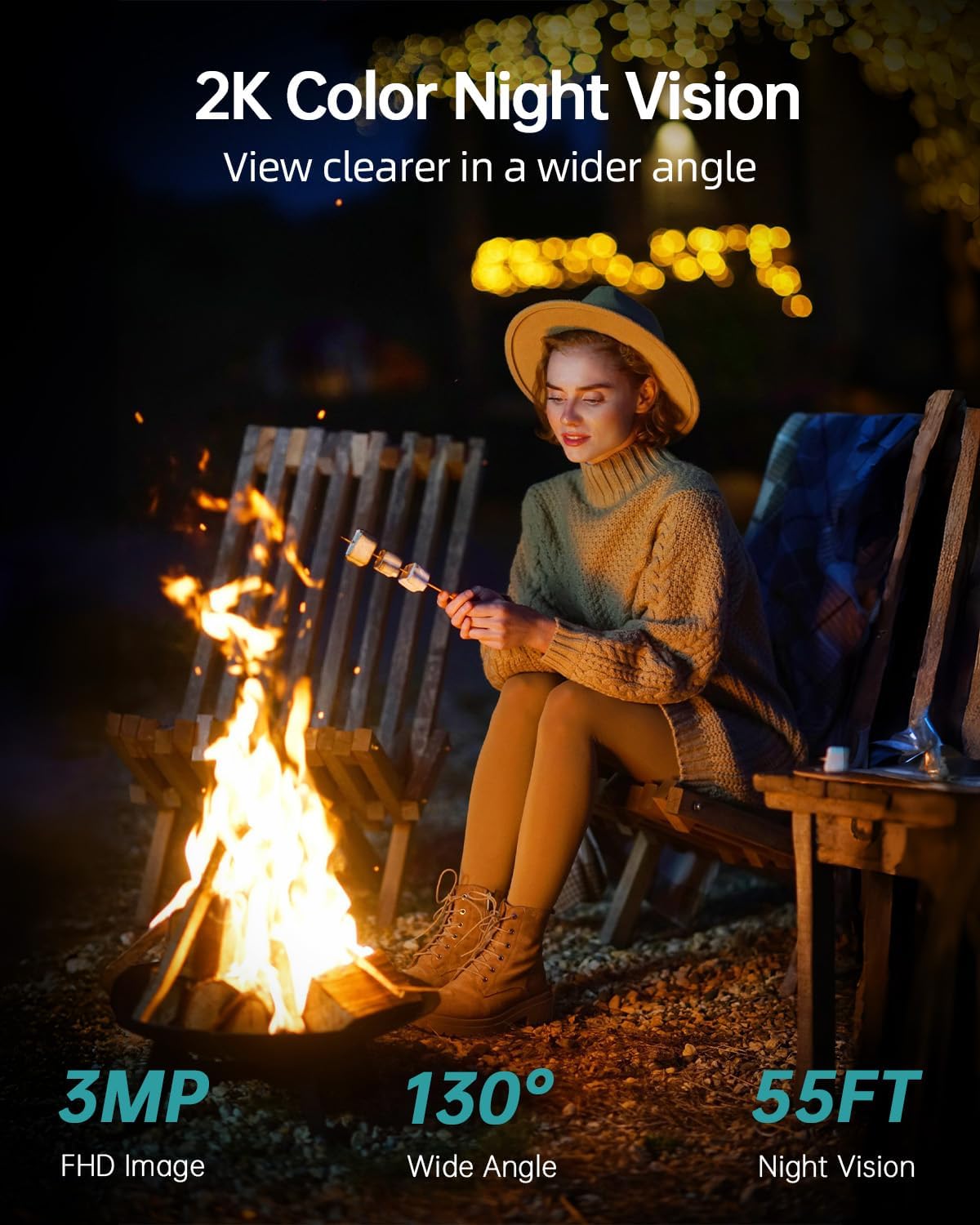
- 2K FHD & Color Night Vision: Equipped with 4 infrared LEDs, providing 130° wide-angle view and 55ft night vision range, automatically switching between black-white and color night vision.
- Күн жана батарея менен иштейт: Features a large-capacity rechargeable battery and an efficient solar panel for continuous operation.
- DIY Detection Area & Real-Time Alert: Improved PIR sensor with adjustable sensitivity allows customization of alarm plans, intervals, and detection areas. Includes spotlight and siren.
- Two-Way Talk and Multi-User Sharing: Integrated microphone and high-power speaker for two-way communication. Supports sharing live broadcast with up to 4 devices.
- IP66 аба ырайы: Designed to operate in temperatures from -4°F to 120°F (-20°C to 50°C), resistant to rain, shine, or snow.
- 2.4 ГГц Wi-Fi байланышы: Supports 2.4GHz WiFi for wireless installation (5G connectivity is not supported).
- Smart Home шайкештиги: Compatible with Alexa and Google Assistant.
- Жергиликтүү жана булуттагы сактагыч: Supports up to 128GB SD card for local storage and optional cloud storage service.
Орнотуу колдонмосу
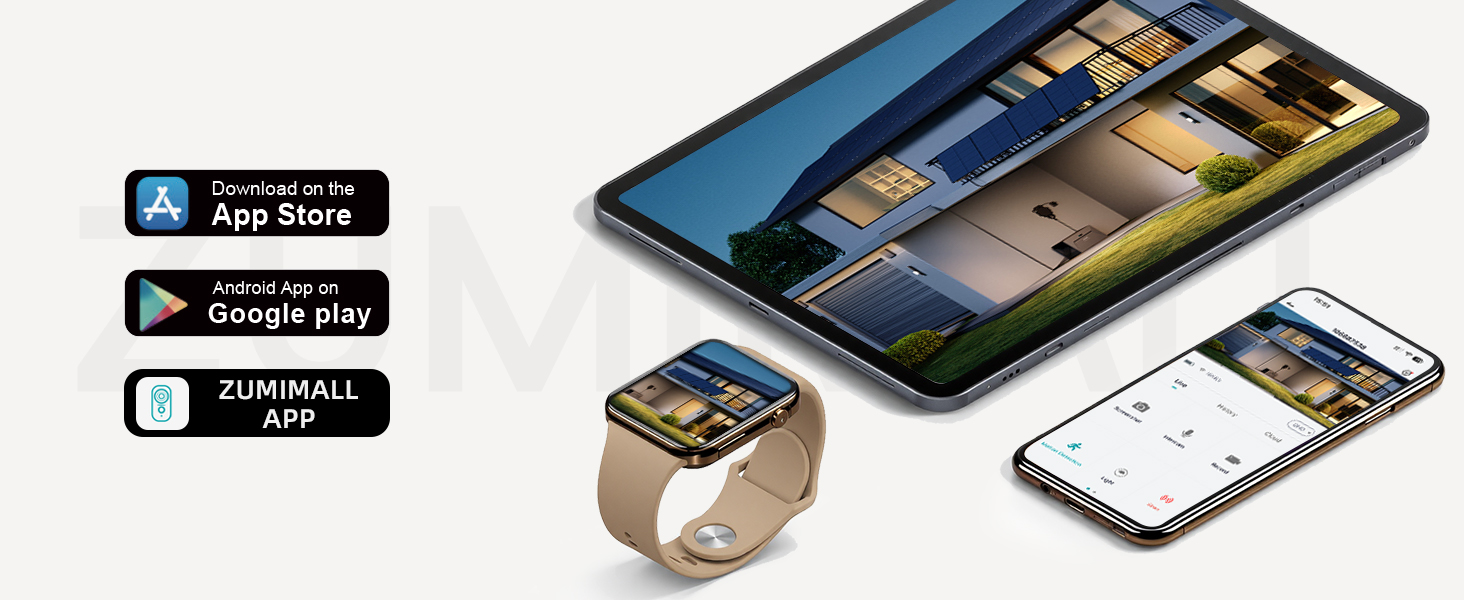
1. Download the ZUMIMALL App

Download the "ZUMIMALL" app from the Apple App Store or Google Play Store on your smartphone or tablet. Create an account and log in.
2. Power On and Connect to WiFi
Power on your camera. Open the ZUMIMALL app and follow the on-screen instructions to add your device. Ensure your camera is connected to a 2.4GHz WiFi network. Note: 5G WiFi is not supported. If you have a dual-band router, select the 2.4GHz network during setup.

The app will guide you through the connection process, typically involving scanning a QR code displayed on your phone with the camera.
3. Физикалык орнотуу
Mount the camera and solar panel using the provided screws and brackets. The solar panel ensures continuous power to the camera. Connect the solar panel cable to the camera's charging port.
Орнотуу боюнча кеңеш: Install the camera on the side of the detection area, approximately 7-10 feet (2-3 meters) above the ground, perpendicular to the wall, and tilted downwards at 10-15°. Avoid facing the camera toward strong lights, mirrors, windows, swimming pools, or white walls to prevent glare and false detections.
Video: ZUMIMALL Solar Security Cameras Wireless Outdoor. This video demonstrates the quick and easy installation process, highlighting the solar panel connection and initial setup steps for the ZUMIMALL wireless outdoor security camera.
Иштөө нускамалары
Live View жана Жаздыруу
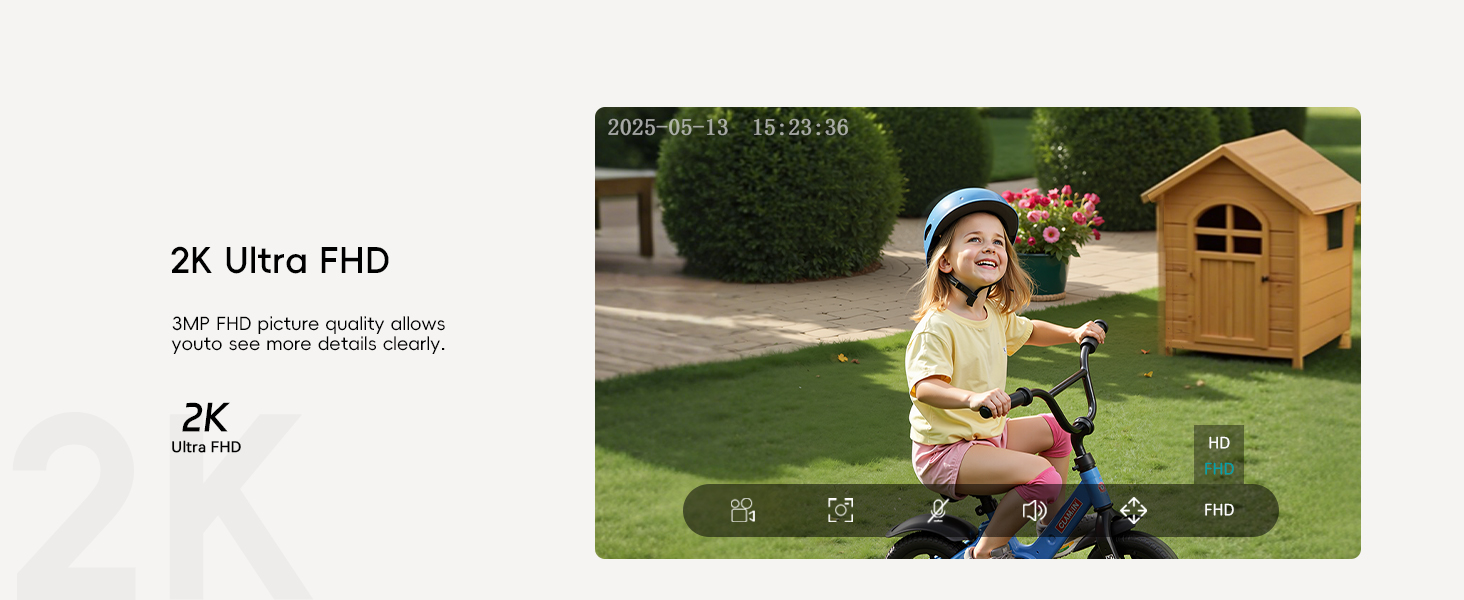
Access the live feed of your camera through the ZUMIMALL app. The camera provides 2K Ultra FHD resolution for clear viewing. You can take screenshots or record video directly from the live view интерфейс.
Эки тараптуу сүйлөшүү

Use the two-way talk function to communicate with visitors or deter intruders. Simply press the intercom button in the app to speak through the camera's speaker.
Кыймылды аныктоо жана эскертүүлөр
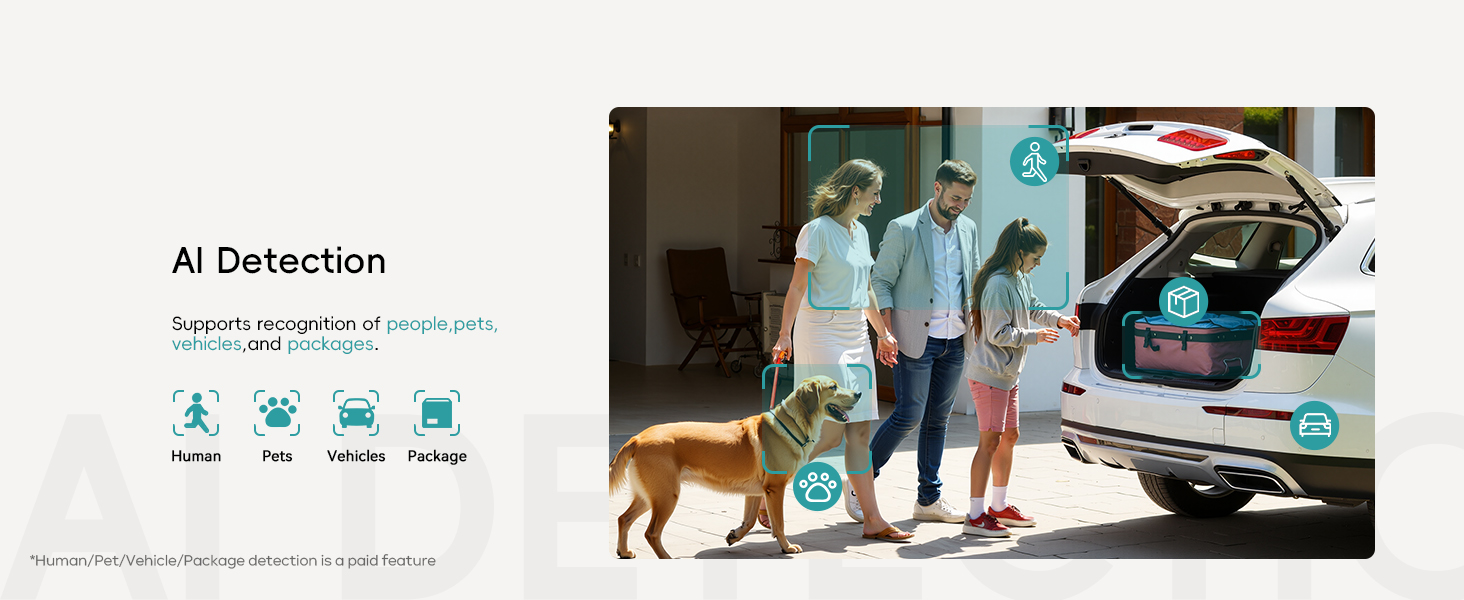
The camera features AI detection for people, pets, vehicles, and packages. You will receive instant notifications on your device when motion is detected.
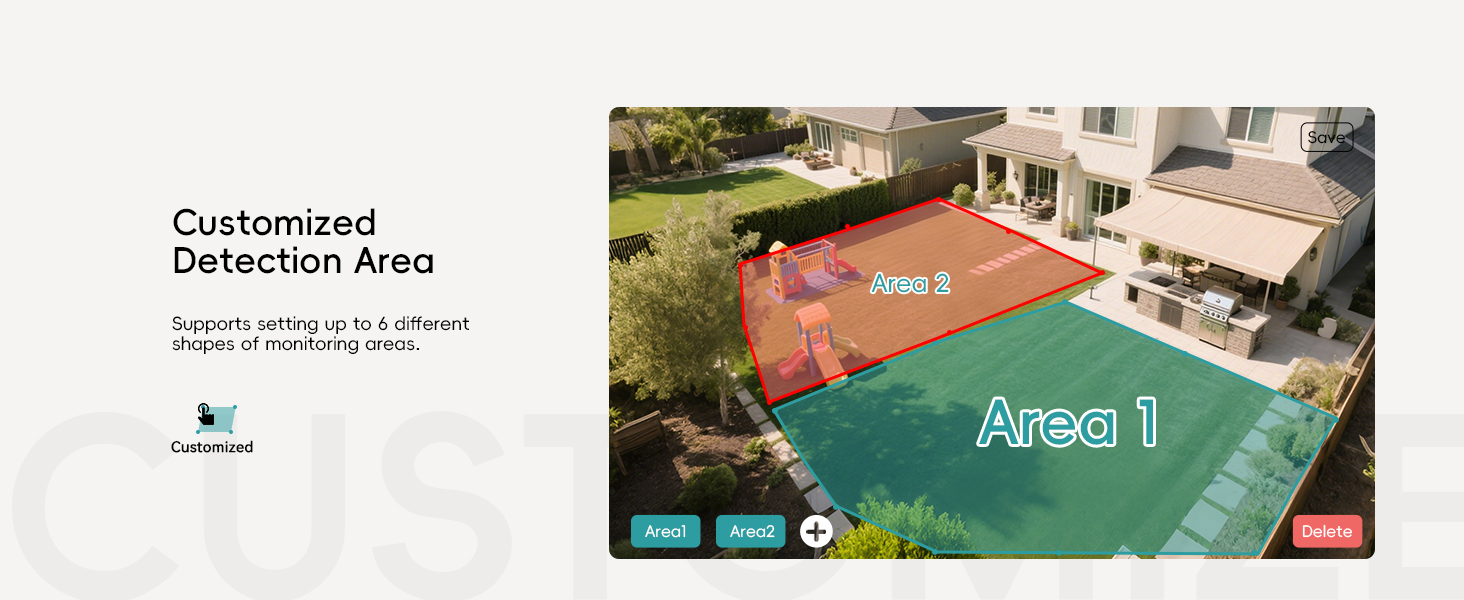
Ыңгайлаштырылган аныктоо аймагы: Set up to 6 different shapes of monitoring areas to focus on specific zones and reduce false alarms.
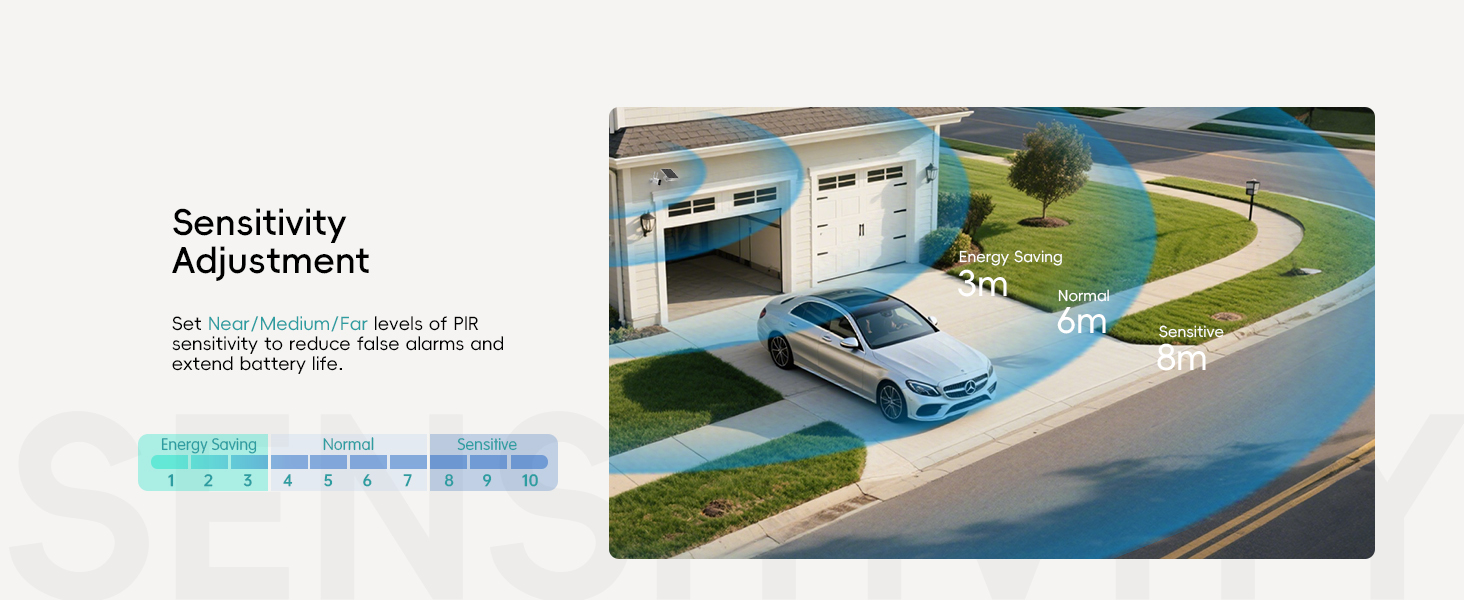
Сезимталдыкты жөндөө: Adjust the PIR sensor sensitivity (Near/Medium/Far) to optimize detection and battery life.

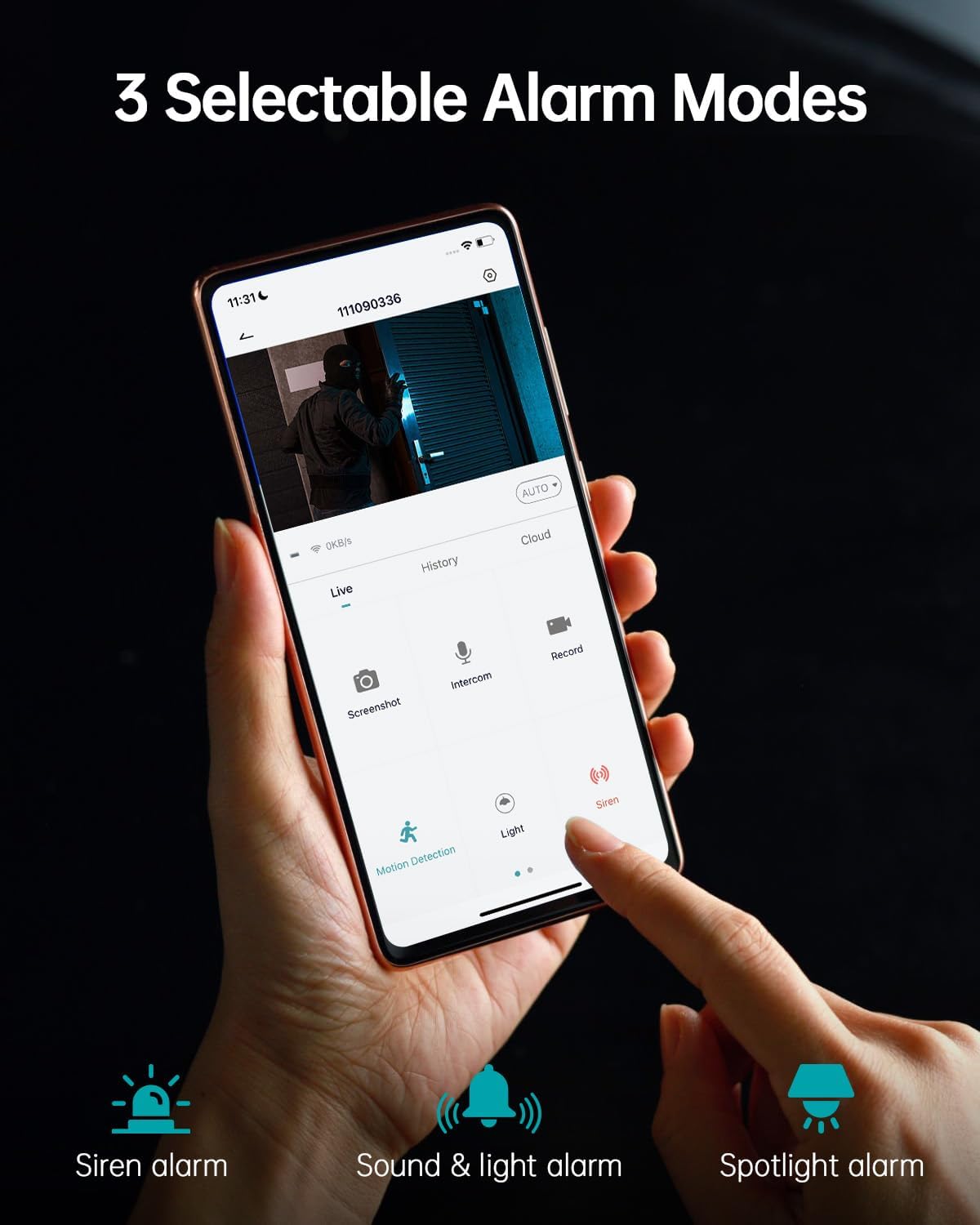
Choose from 3 selectable alarm modes: Siren alarm, Sound & light alarm, or Spotlight alarm. These can be activated automatically upon motion detection.
Түнкү көрүү режимдери

The camera offers 3MP Color Night Vision, providing clear and detailed images even in low-light conditions up to 55 feet. It automatically switches between black-white and color modes.
Көп колдонуучу менен бөлүшүү
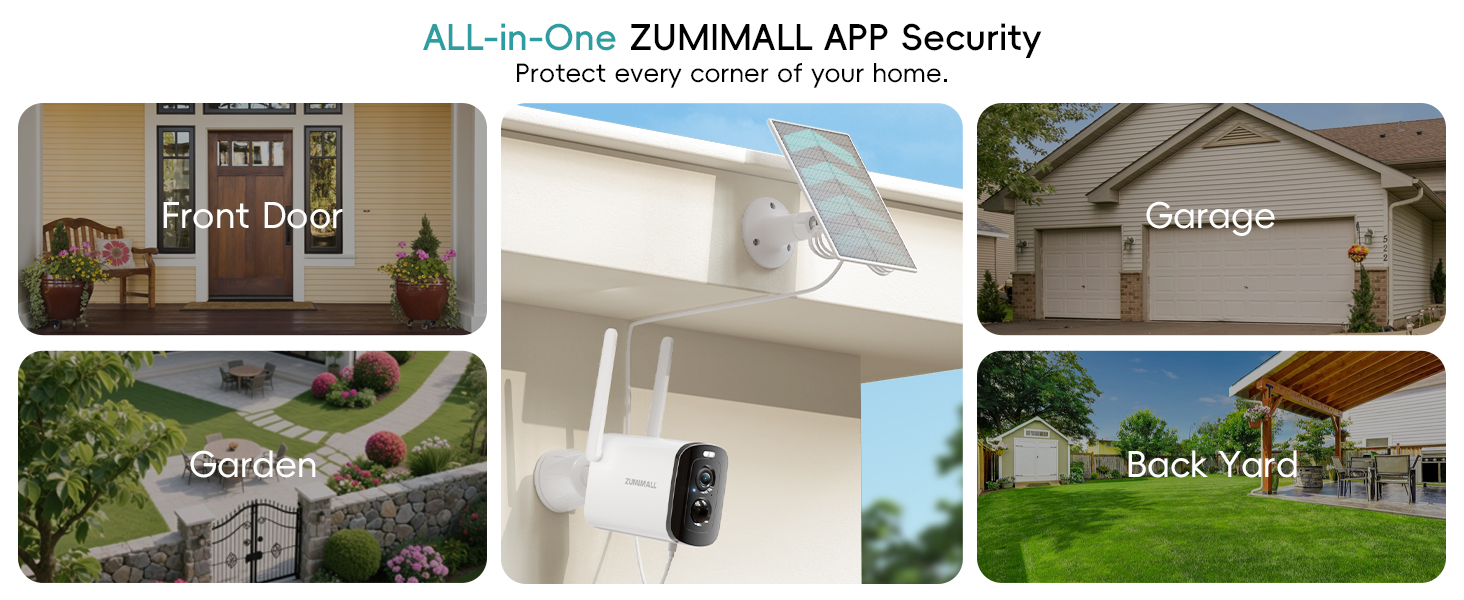
Share access to your camera's live feed with family members. They can view the live broadcast on their own devices after scanning a QR code or entering an account.

The ZUMIMALL app allows monitoring of up to 4 devices simultaneously.
Hide Indicator Light
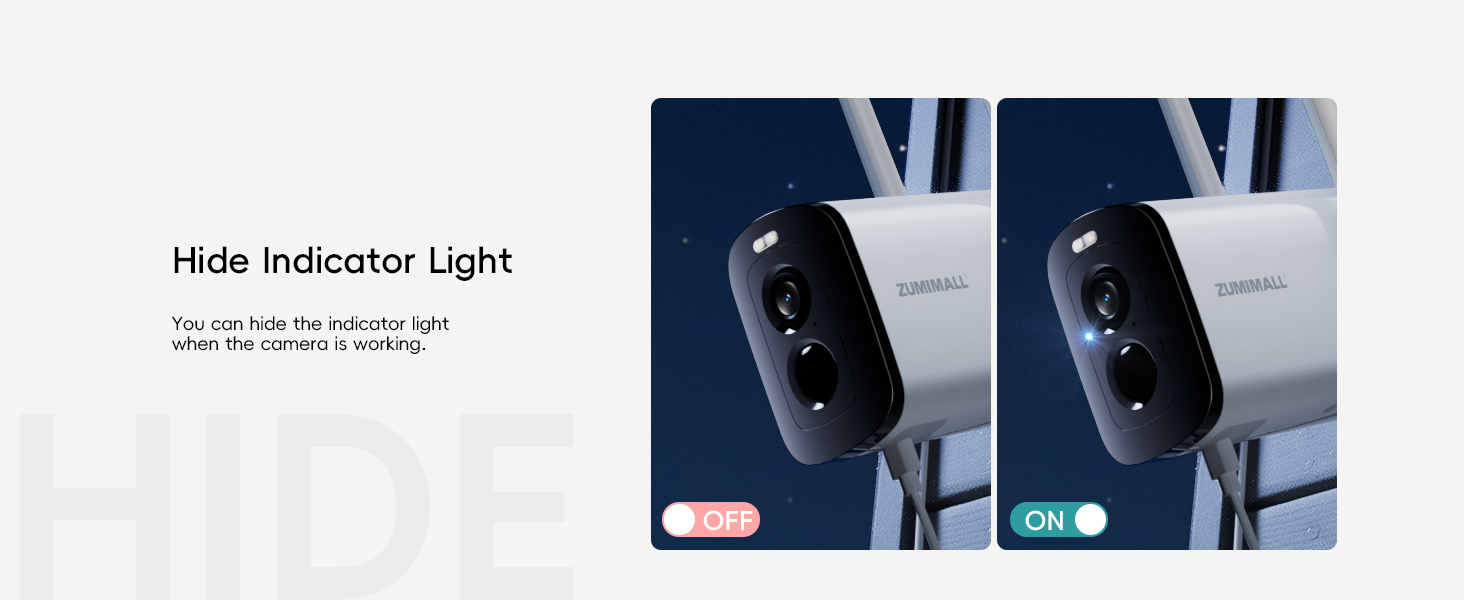
For discreet monitoring, you can hide the indicator light when the camera is actively working.
Техникалык тейлөө
- Тазалоо: Камера линзасын жана күн панелин жумшак, d менен үзгүлтүксүз сүртүп туруңузamp cloth to ensure clear vision and efficient solar charging.
- Батарея башкаруу: The solar panel provides continuous charging. For optimal battery life, ensure the solar panel receives adequate sunlight. The camera supports multiple power usage modes (low, medium, high frequency) which affect battery duration (e.g., 3-4 months on low frequency, 1-2 months on high frequency).
- Программалык камсыздоонун жаңыртуулары: Keep the ZUMIMALL app and camera firmware updated to ensure optimal performance and access to new features.
Проблемаларды чечүү
- Туташуу маселелери: Ensure your camera is within range of a 2.4GHz WiFi network. Check your router settings if you experience frequent disconnections.
- Видеонун сапаты начар: Verify the camera lens is clean and free from obstructions. Ensure sufficient lighting for optimal night vision performance.
- Жалган ойготкучтар: Adjust the PIR sensor sensitivity and customize detection areas in the app to minimize unwanted alerts.
- Батарея заряддалбай жатат: Ensure the solar panel is clean and positioned to receive direct sunlight. Check the connection between the solar panel and the camera.
Техникалык шарттар
| Өзгөчөлүк | Деталь |
|---|---|
| Видео тартуунун резолюциясы | 1920p (2K FHD) |
| Сүрөт сенсору | 3 МП CMOS |
| Түнкү көрүнүш | Color Night Vision, 4 IR LEDs, 55 Feet Range |
| Viewбурч | 130 градус |
| Байланыш | 2.4GHz Wi-Fi (5G not supported) |
| Power Source | Solar Powered, Rechargeable Lithium Polymer Battery (included) |
| Аба ырайына каршылык | IP66 Waterproof, -4°F to 120°F (-20°C to 50°C) |
| Сактагыч | Max 128 GB Flash Memory (SD card not included), Cloud Storage option |
| Өзгөчөлүктөр | 2-Way Audio, Built-In Spotlight, Siren, Motion Detection, Digital Zoom |
| Шайкеш түзмөктөр | Alexa, Android (via ZUMIMALL App) |
| Элемент Салмагы | 1.37 фунт |
| Пакеттин өлчөмдөрү | 6.02 x 5.83 x 3.39 дюйм |
Кепилдик жана колдоо
ZUMIMALL is committed to providing high-quality products and customer satisfaction. For any questions, technical assistance, or warranty claims, please refer to the contact information provided in your product packaging or visit the official ZUMIMALL website. We offer one-on-one online support to ensure you always get the help you need.
Сиз да зыярат кылсаңыз болот ZUMIMALL Store on Amazon көбүрөөк маалымат жана продуктулар үчүн.


