1. Киришүү
Thank you for choosing the BOBLOV KJ25 Body Camera. This device is designed to provide reliable video and audio recording for various applications, including personal safety, law enforcement, security patrols, and outdoor activities. With its 1080P video resolution, 48MP photo capability, and long battery life, the KJ25 ensures clear and comprehensive documentation of important moments.

The BOBLOV KJ25 Body Camera, showcasing its compact design and integrated screen for playback.
The KJ25 is equipped with night vision for low-light conditions and supports external Micro SD cards for ample storage. Its wearable design, featuring versatile clips, allows for hands-free operation, making it an ideal tool for documenting events on the go.

The BOBLOV KJ25 Body Camera is suitable for a variety of uses, from outdoor adventures like hiking and cycling to daily activities such as pet walking.
2. Пакеттин мазмуну
Төмөндө тизмеленген нерселердин баары пакетиңизге камтылганын текшериңиз:
- 1 x BOBLOV KJ25 Body Camera
- 1 x Short 360° Back Clip
- 1 x Long 180° Shoulder Clip
- 1 x Charging Plug
- 1 x USB кабели
- 1 x User Manual

All components included in the BOBLOV KJ25 Body Camera package, laid out for inspection.
3. Продукциянын өзгөчөлүктөрү
- High-Definition Recording: Capture clear video in 1080P and high-resolution photos at 48MP, ensuring detailed evidence and memories.
- Узартылган батареянын иштөө мөөнөтү: Equipped with a built-in 3000mAh rechargeable battery, offering up to 13 hours of continuous recording.
- Түнкү көрүү жөндөмдүүлүгү: Features 10 infrared (IR) lights for clear recording in low-light or nighttime conditions.
- External Memory Support: Compatible with Micro SD cards from 64GB up to 512GB (card not included).
- Pre/Post-Recording: Ensures comprehensive event capture by recording before and after the main event.
- Кийилүүчү дизайн: Includes short 360° back clip and long 180° shoulder clip for versatile and hands-free attachment to clothing or gear.
- Кызыл лазер көрсөткүчү: Aids in quick targeting and positioning for accurate recording.
- White Filling Lights: Provides additional illumination for improved video quality in dim environments.

The BOBLOV KJ25 provides clear 1080P footage for reliable evidence capture.

The KJ25's night vision feature allows for clear recording even in complete darkness.
The KJ25 can be easily attached to uniforms or clothing for hands-free recording.

The integrated red laser assists in quickly identifying the camera's recording target.

White filling lights enhance visibility and recording quality in low-light conditions.
4. Орнотуу
4.1 Батареяны заряддоо
Before first use, fully charge the BOBLOV KJ25 Body Camera. Connect the included USB cable to the camera's USB-C port and the charging plug. Plug the charging plug into a standard wall outlet. The charging time is approximately 5 hours for a full charge, providing up to 13 hours of recording time.

The KJ25 camera being charged via its USB-C port, highlighting its long battery life.
4.2 Micro SD картаны салуу
The KJ25 requires a Micro SD card (not included) for storing recordings. It supports capacities from 64GB to 512GB. Locate the Micro SD card slot on the camera. Gently insert the Micro SD card into the slot until it clicks into place. To remove, press the card in again until it springs out.
Note: The Micro SD card slot can be deep. A small tool or fingernail may be required to fully insert or remove the card.

Inserting a Micro SD card into the dedicated slot on the BOBLOV KJ25 Body Camera.
4.3 Attaching the Clips
The KJ25 comes with two types of clips: a short 360° back clip and a long 180° shoulder clip. Choose the appropriate clip for your intended use. Attach the clip securely to the back of the camera. These clips allow you to wear the camera on your uniform, shirt pocket, backpack strap, or other suitable locations for hands-free recording.
5. Иштөө нускамалары
5.1 Күйгүзүү/өчүрүү
- Күйгүзүү үчүн: Press and hold the Power button until the screen illuminates and the device starts up.
- Өчүрүү үчүн: Түзмөк өчкөнгө чейин Кубат баскычын басып, кармап туруңуз.
5.2 Видеону жаздыруу
Once powered on, press the Video Record button to start recording. The recording indicator light will typically flash red. Press the Video Record button again to stop recording. Videos are saved to the inserted Micro SD card.

The KJ25 camera in operation, displaying a live feed on its screen during recording.
5.3 Сүрөт тартуу
From standby mode, press the Photo button to capture a still image. Photos are saved to the Micro SD card.
5.4 Activating Night Vision
The KJ25 features automatic and manual night vision modes. Refer to the on-screen menu or dedicated button (if available) to toggle night vision. When activated, the infrared lights will illuminate, allowing for clear recording in dark environments.

The camera's night vision can be set to automatic or manual mode for optimal low-light recording.
5.5 Цикл жаздыруу
The KJ25 supports loop recording, which automatically overwrites the oldest files when the memory card is full. You can typically set the video segment length (e.g., 3, 5, 10, 15, 20, or 30 minutes) through the camera's settings menu. The default segment length is 10 minutes.

Loop recording allows continuous recording by overwriting older files, with customizable segment lengths.
5.6 Компьютерге туташуу
Жазылган өткөрүп берүү files, connect the camera to your computer using the provided USB cable. The camera will appear as a removable disk drive. You can then access and copy your video and photo files.
6. Техникалык тейлөө
- Тазалоо: Use a soft, dry cloth to clean the camera body and lens. Do not use liquid cleaners or solvents.
- Сактагыч: Камераны салкын, кургак жерде күндүн тике тийген нурунан жана экстремалдык температурадан алыс сактаңыз.
- Батареяга кам көрүү: Батареянын иштөө мөөнөтүн узартуу үчүн, батареянын тез-тез толук зарядын жоготуп алуудан алыс болуңуз. Батареянын иштөө мөөнөтүн сактоо үчүн, колдонулбаса да, камераны үзгүлтүксүз кубаттап туруңуз.
- Программалык камсыздоонун жаңыртуулары: Расмий BOBLOVду текшериңиз webОптималдуу иштөөнү камсыз кылуу үчүн, мезгил-мезгили менен сайттагы микропрограммалык камсыздоонун бардык жеткиликтүү жаңыртууларын карап туруңуз.
7. Кыйынчылыктарды
- Камера күйбөй жатат: Ensure the battery is charged. Connect the camera to a power source and try again. If the issue persists, contact customer support.
- Cannot Record/Save Files: Check if a Micro SD card is properly inserted and has sufficient free space. If the card is full, transfer files to a computer and format the card (this will erase all data). Ensure the card is compatible (64GB-512GB).
- Начар видео/сүрөт сапаты: Ensure the lens is clean and free from smudges. Check lighting conditions; activate night vision or white filling lights if necessary.
- Computer Not Recognizing Camera: Башка USB портун же кабелин колдонуп көрүңүз. Туташтырылганда камера күйүп турганын текшериңиз. Компьютериңизди өчүрүп-күйгүзүңүз.
- Кыска батареянын иштөө мөөнөтү: Ensure the camera is fully charged. Battery performance can degrade over time. Avoid using the camera in extreme temperatures.
- SD Card Insertion Difficulty: The Micro SD card slot is designed for a secure fit. Use a small, non-metallic tool or your fingernail to gently push the card until it clicks into place.
8. Техникалык шарттар
| Өзгөчөлүк | Спецификация |
|---|---|
| Модель аты | KJ25-NOCARD |
| Видео тартуунун резолюциясы | 1080p |
| Натыйжалуу дагы эле чечим | 47.97 МП (48 МП) |
| Батарея сыйымдуулугу | 3000 мАч литий полимери |
| Жазуу убактысы | 13 саатка чейин |
| Заряддоо убактысы | Болжол менен 5 саат |
| Flash эс тутум түрү | Micro SD (64GB-512GB supported) |
| Байланыш технологиясы | USB |
| Өлчөмдөрү (L x W x Y) | 2.1 x 1.1 x 2.9 дюйм (5.3 x 2.8 x 7.4 см) |
| Элемент Салмагы | 14 унция (397 грамм) |
| Сууга туруктуулук деңгээли | Сууга чыдамдуу эмес |
| Өзгөчөлүктөр | Night Vision, Lightweight, Built-in Light, Laser Pointer |
9. Кепилдик жана колдоо
БОБЛОВ камсыз кылат 24 айлык продукт кепилдик for its supporters. For any technical assistance, product inquiries, or warranty claims, please contact BOBLOV customer support. We aim to provide a quick response within 24 hours and offer lifetime technical support.
For support, please refer to the contact information provided in your product packaging or visit the official BOBLOV webсайт.
10. Коопсуздук маалыматы
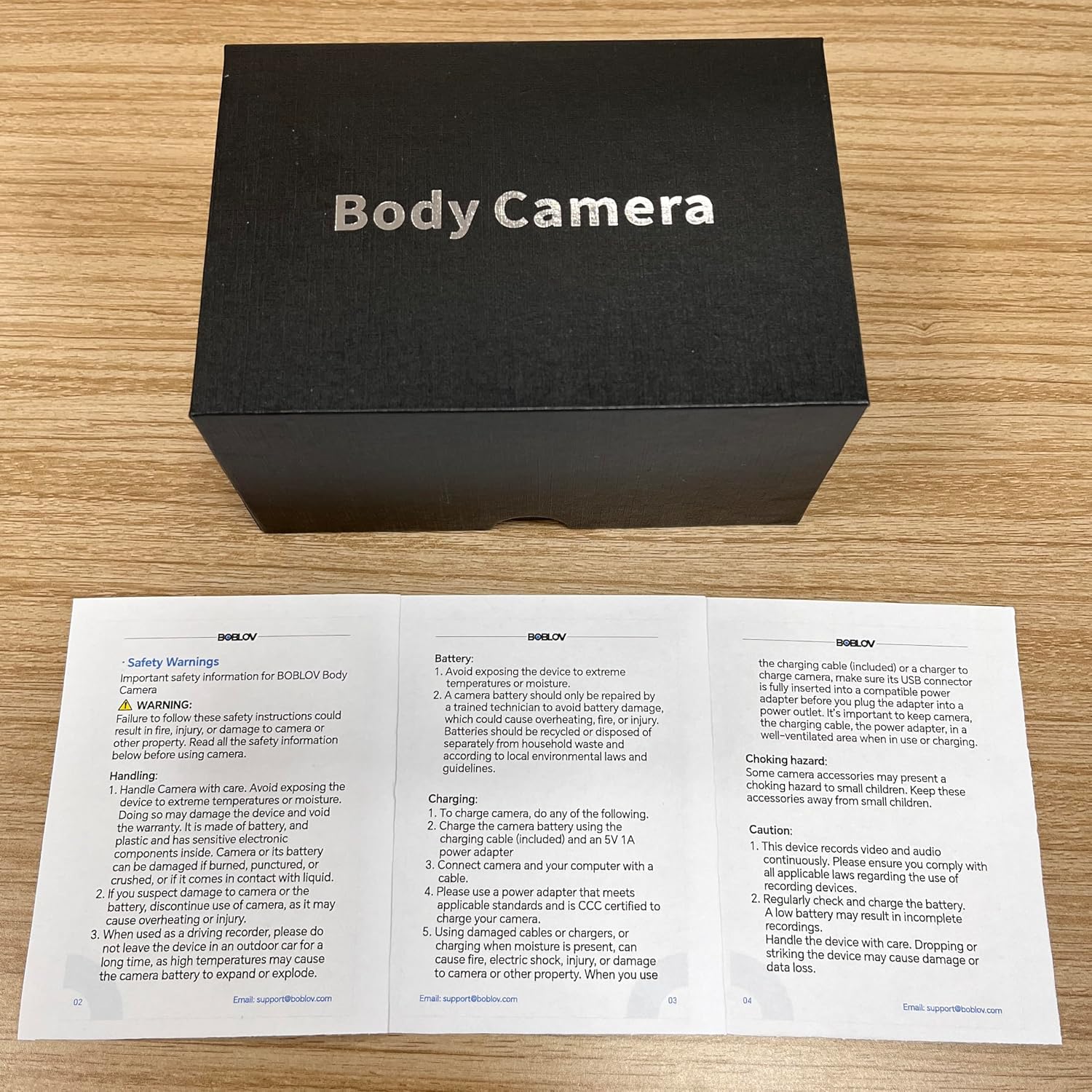
Please read and follow these safety instructions carefully before using your BOBLOV KJ25 Body Camera:
- Батареянын коопсуздугу: Do not expose the device to extreme temperatures, direct sunlight, or fire. Do not disassemble or modify the battery. Use only the provided charging cable and plug.
- Суу каршылык: This device is NOT water resistant. Avoid exposing it to rain, splashes, or submersion in water.
- Колдонуу: Handle the camera with care. Avoid dropping the device or subjecting it to strong impacts, which can cause damage.
- Мункунуп калуу коркунучу: Keep small components and accessories away from children to prevent choking hazards.
- Иштөө чөйрөсү: Do not operate the camera in environments with high humidity, dust, or corrosive substances.
- Жоюу: Dispose of the device and its battery responsibly according to local environmental laws and regulations.


