1. Продукт бүтүп калдыview
The Sinocare iCan i3 CGM is a continuous glucose monitor designed for diabetes management. It provides insightful trend analysis to help identify patterns and trends in glucose levels over time. This device supports informed decision-making regarding diabetes management plans, aiming for improved health outcomes. With a 15-day wear-life and durable construction, the iCan i3 CGM integrates seamlessly into daily routines, offering continuous glucose monitoring without disruption. It adheres to international standards for accuracy and consistency of glucose readings.
Кутуда эмне бар
- 1 Сенсор
- 1 Transmitter
- 1 Ыкчам колдонмо
Негизги өзгөчөлүктөрү
- Өркүндөтүлгөн сенсор технологиясы: Utilizes cutting-edge sensor technology for precise and reliable glucose level detection with a MARD of only 8.71%.
- Колдонуучуга ыңгайлуу дизайн: The iCan CGM App features an intuitive interface for effortless monitoring and easy tracking of blood glucose levels.
- реалдуу убакыт эскертүүлөр: Provides instant notifications for high and low blood sugar levels, customizable to individual needs.
- Long Wear Life & Waterproof: Offers 15 days of continuous monitoring with measurements every 3 minutes (7160 total measurements). Boasts IP28-rated ingress protection, allowing wear during bathing or swimming.
- Considerate After-Sales Service: Dedicated customer service team available for support, product information, and addressing feedback, including guidance on usage and app.
2. Safety Information and Indications
The Sinocare iCan i3 CGM is indicated for individuals with diabetes mellitus to monitor their glucose levels continuously.
Маанилүү коопсуздук эскертүүлөрү:
- Always consult with your healthcare provider before making any changes to your diabetes management plan based on CGM readings.
- Do not use the device if the packaging is damaged or if the sensor/transmitter appears compromised.
- Ensure proper application as per instructions to maintain accuracy and prevent discomfort.
- Балдар жетпеген жерде сактаңыз.
3. Орнотуу колдонмосу
Follow these steps to set up your Sinocare iCan i3 CGM for the first time.
3.1 Аппараттын компоненттери

Image: The Sinocare iCan i3 CGM system, showing the sensor, transmitter, applicator, and the accompanying mobile application interface displaying glucose readings.
3.2 Sensor and Transmitter Application
- Choose Application Site: Select a clean, dry area on the back of your upper arm. Avoid areas with scars, moles, or recent injections.
- Clean the Site: Use an alcohol wipe to clean the chosen application site thoroughly. Allow it to air dry completely.
- Prepare the Applicator: Remove the cap from the sensor applicator. Ensure the sensor and transmitter are securely seated within the applicator.
- Apply the Sensor: Place the applicator firmly against the prepared skin site. Press down until you hear a click, indicating the sensor has been applied.
- Remove Applicator: Gently lift the applicator straight up from your arm. The sensor should now be securely attached to your skin.
- Сенсорду иштетүү: The sensor will automatically begin its warm-up period once applied.
3.3 Колдонмону жүктөп алуу жана жупташтыруу

Image: The Sinocare iCan CGM app, showing the sensor, Bluetooth connection symbol, and icons for downloading the app from the Apple App Store and Google Play Store.
- Download the iCan CGM App: Издөө "iCan CGM" on the Apple App Store (for iOS devices) or Google Play Store (for Android devices) and download the official application.
- Каттоо эсебин түзүү: Колдонмону ачып, жаңы колдонуучу каттоо эсебин түзүү үчүн экрандагы нускамаларды аткарыңыз.
- Өткөргүч менен жупташуу: Within the app, navigate to the device pairing section. Follow the prompts to connect your smartphone to the iCan i3 transmitter via Bluetooth. Ensure Bluetooth is enabled on your phone.
- Алгачкы сканерлөө: Once paired, the app will guide you through the initial scan to activate the sensor and begin receiving glucose readings.
4. Operating the iCan i3 CGM
The iCan i3 CGM provides continuous glucose monitoring and insights through its dedicated mobile application.
4.1 Реалдуу убакыттагы мониторинг
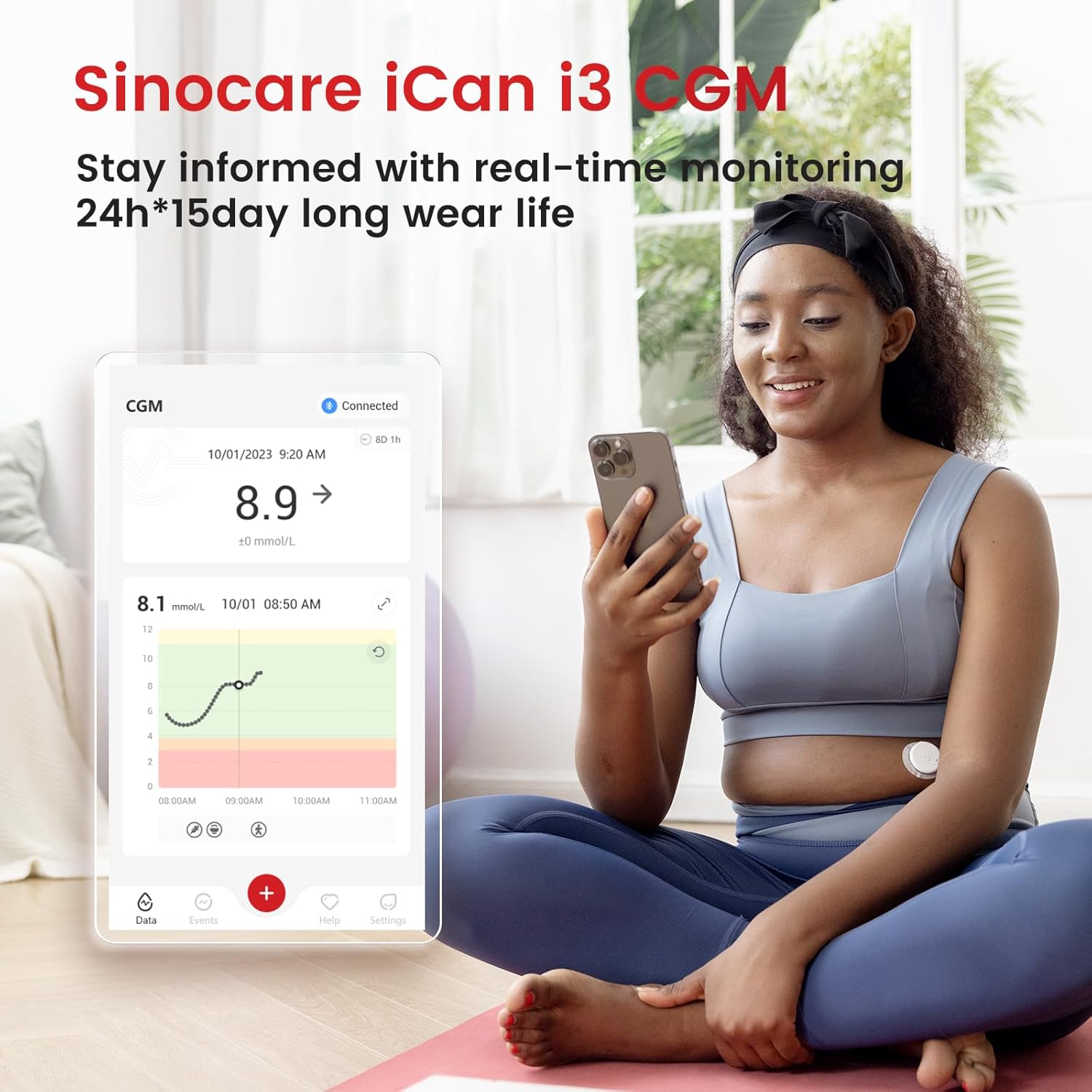
Image: A person wearing the Sinocare iCan i3 CGM sensor on their arm, actively viewing their real-time glucose levels on the iCan CGM smartphone application.
Once the sensor is active and paired, the iCan CGM App will display your glucose levels continuously. Readings are taken every 3 minutes, providing a comprehensive view of your glucose trends throughout the day and night. The app's intuitive interface allows you to easily track your blood glucose levels and identify patterns.
4.2 Customized Alerts
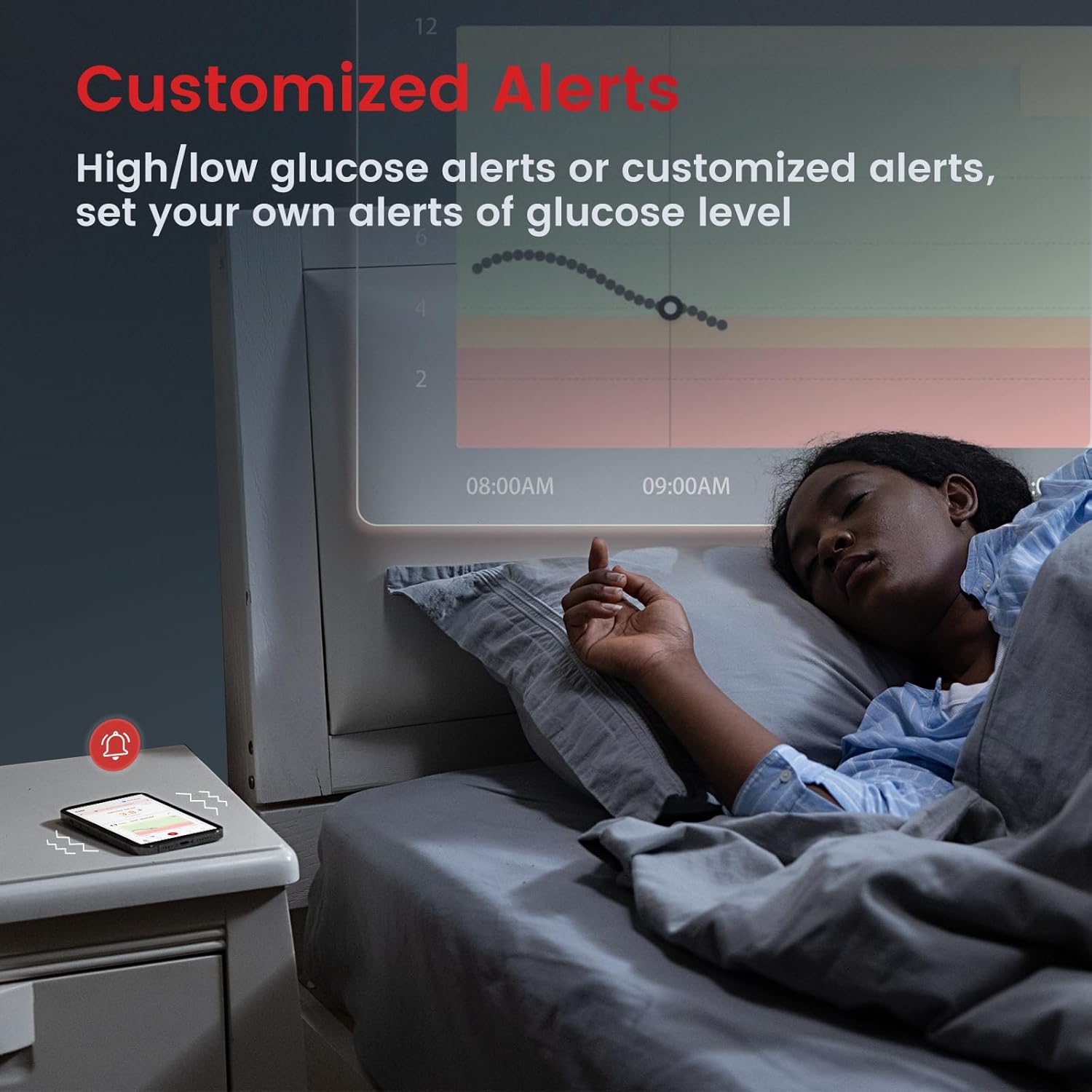
Image: A smartphone displaying the customized alerts feature of the Sinocare iCan i3 CGM app, with a notification icon, while a person sleeps in the background, indicating continuous monitoring.
The iCan i3 CGM provides real-time alerts for high and low blood sugar levels. You can customize the thresholds for these alerts within the app based on your individual needs and conditions. These instant notifications are received on your smartphone, enabling you to take immediate action to maintain optimal blood glucose control.
4.3 Data Sharing (iCan Reach App)
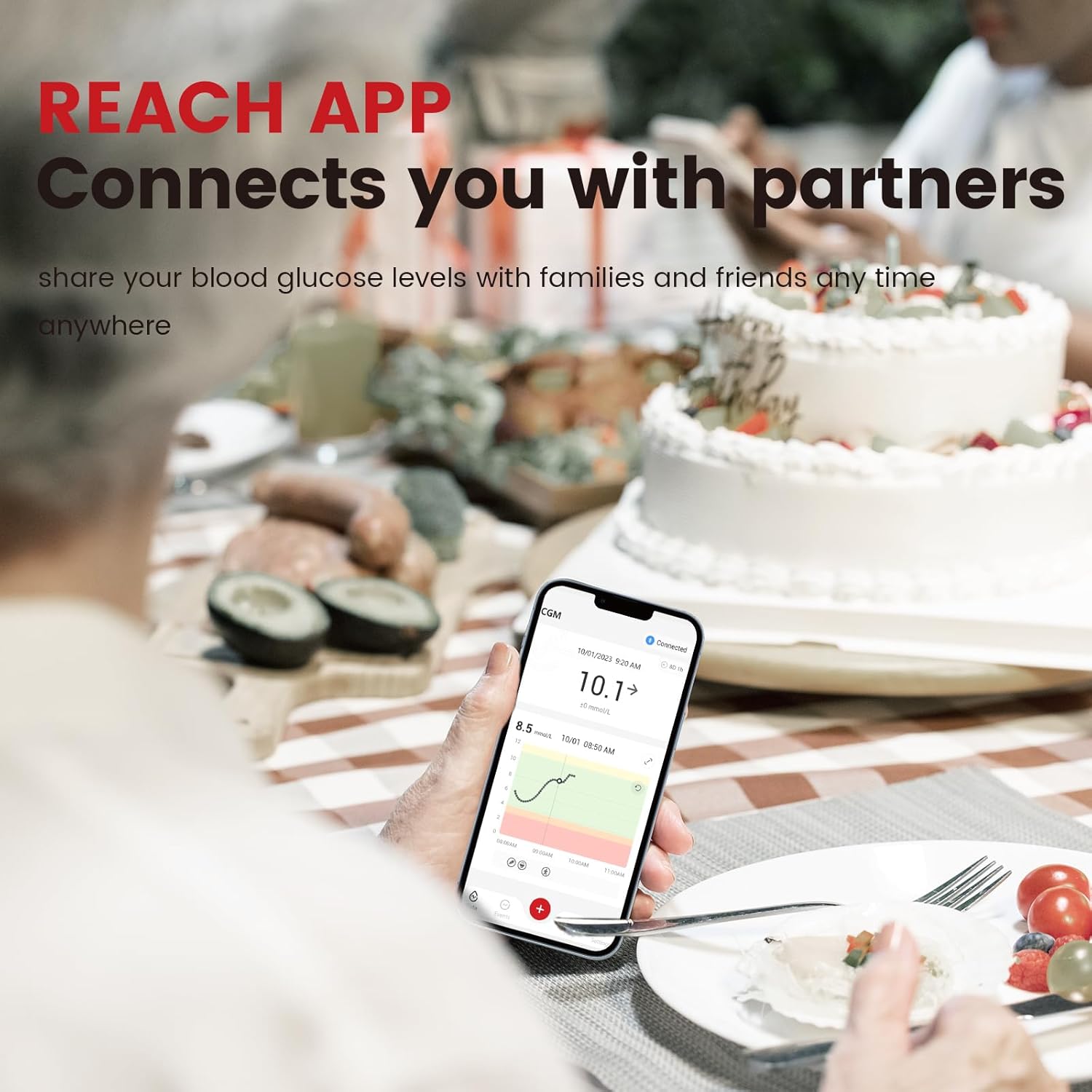
Сүрөт: адам viewing the iCan CGM app on their smartphone at a table, illustrating the ability to share blood glucose levels with family and friends via the iCan Reach App.
The iCan Reach App allows you to easily share your glucose data with caregivers, family, or friends. This feature enables your support network to view your blood sugar values and provide assistance when needed, fostering a collaborative approach to diabetes management.
5. Техникалык тейлөө
Proper care and understanding of your iCan i3 CGM's features will ensure optimal performance.
5.1 Wear Life
Each Sinocare iCan i3 CGM sensor is designed for a 15-day wear life, providing continuous monitoring for over two weeks. After 15 days, the sensor will expire and must be replaced with a new one.
5.2 Суу өткөрбөй турган өзгөчөлүктөрү
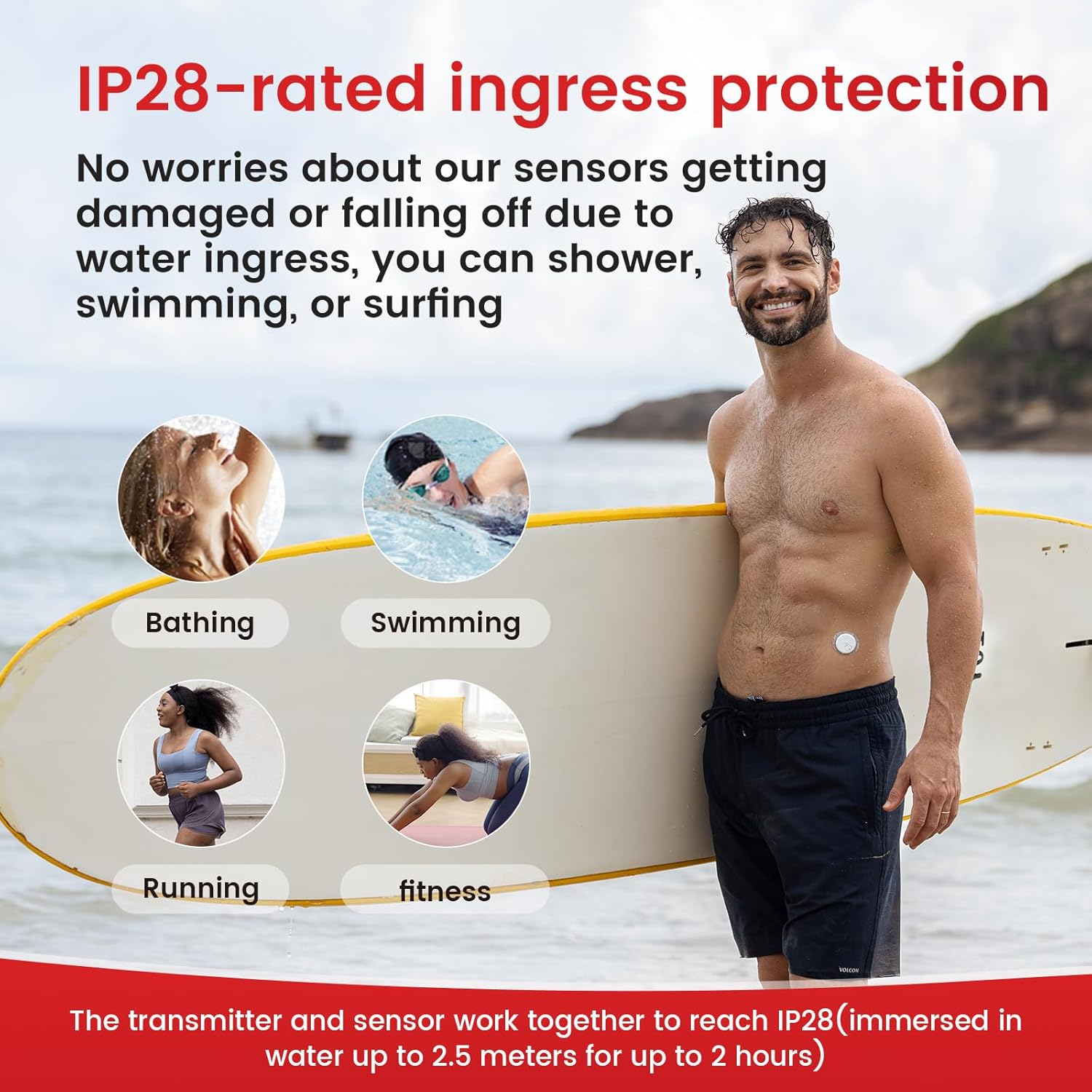
Image: Various individuals engaging in water activities such as bathing, swimming, running, and fitness, demonstrating the IP28-rated ingress protection of the Sinocare iCan i3 CGM, which allows it to be worn during these activities.
The Sinocare iCan CGM boasts IP28-rated ingress protection. This means the transmitter and sensor work together to be immersed in water up to 2.5 meters for up to 2 hours. You can confidently wear your CGM while bathing, showering, swimming, or engaging in other water-related activities without concern for damage due to water ingress.
5.3 Тазалоо жана сактоо
- Keep the sensor and transmitter clean and dry when not in use.
- Store unused sensors and transmitters in their original packaging in a cool, dry place, away from direct sunlight and extreme temperatures.
- Do not attempt to clean the sensor once applied to the skin with harsh chemicals.
6. Кыйынчылыктарды
If you encounter issues with your Sinocare iCan i3 CGM, refer to the following common problems and solutions.
6.1 No Readings or "Device Unusable" Error
- Bluetooth байланышын текшерүү: Ensure Bluetooth is enabled on your smartphone and that the app is properly connected to the transmitter.
- Колдонмонун абалы: Verify that the iCan CGM App is running in the foreground or background and has necessary permissions.
- Sensor Warm-up: Remember that a new sensor requires a warm-up period before it starts providing readings.
- Sensor Expiration: Confirm that the sensor has not exceeded its 15-day wear life.
- Түзмөктүн бузулушу: If the device consistently displays "device unusable" or fails to provide readings despite proper setup, it may indicate a device problem. In such cases, please contact Sinocare customer service for assistance and potential replacement.
6.2 Туура эмес окуулар
- Сенсордун жайгашуусу: Ensure the sensor is applied to a clean, dry, and appropriate site on the back of the upper arm, avoiding areas with excessive movement or pressure.
- Гидратация: Dehydration can affect glucose readings. Ensure adequate hydration.
- Интерференция: Avoid placing strong magnets or electronic devices directly over the sensor.
- Медициналык камсыздоочуга кайрылыңыз: If you consistently experience significant discrepancies between CGM readings and blood glucose meter readings, consult your healthcare provider.
6.3 App Not Responding
- Колдонмону кайра иштетүү: Close the iCan CGM App completely and reopen it.
- Телефонду кайра иштетүү: If the app remains unresponsive, restart your smartphone.
- Жаңыртууларды текшерүү: Ensure your iCan CGM App is updated to the latest version.
7. Техникалык шарттар
| Атрибут | Нарк |
|---|---|
| Модель аты | iCan i3 CGM |
| Продукциянын өлчөмдөрү | 3.94"L x 3.94"W x 3.54"H (3.94 x 3.94 x 3.54 дюйм) |
| Элемент Салмагы | 150 грамм (5.29 унция) |
| Wear Life | 15 күн |
| Measurements Per Sensor | 7160 (ар бир 3 мүнөт) |
| MARD (Mean Absolute Relative Difference) | 8.71% |
| Кирүү коргоо рейтинги | IP28 (immersed in water up to 2.5 meters for up to 2 hours) |
| Батарея клеткасынын курамы | щелочтуу |
| Өндүрүүчү | Sinocare Inc. |
| Дата биринчи жеткиликтүү | 10-январь, 2024-жыл |
8. Кепилдик жана колдоо
Sinocare is committed to providing comprehensive support for the iCan i3 CGM. Our customer service team is dedicated to assisting users with any general queries, product information, and feedback.
8.1 Кардарларды тейлөө
For assistance with your iCan i3 CGM, including guidance on how to wear the CGM, usage precautions, app download and usage, or any other questions, please contact Sinocare customer service. If you encounter any issues preventing successful wear due to device problems, such as a faulty sensor or transmitter, please reach out to us for a replacement of a brand new Sinocare iCan i3 CGM.
Please refer to the contact information provided with your product packaging or visit the official Sinocare webэң заманбап колдоо каналдары үчүн сайт.


