Introduction
Thank you for choosing PowerLocus P6 Bluetooth Headphones. These over-ear headphones are designed to provide a high-quality audio experience with the convenience of wireless connectivity. Featuring a foldable design and a hard-shell carry case, they are ideal for travel and daily use. This manual provides detailed instructions on how to set up, operate, and maintain your headphones.
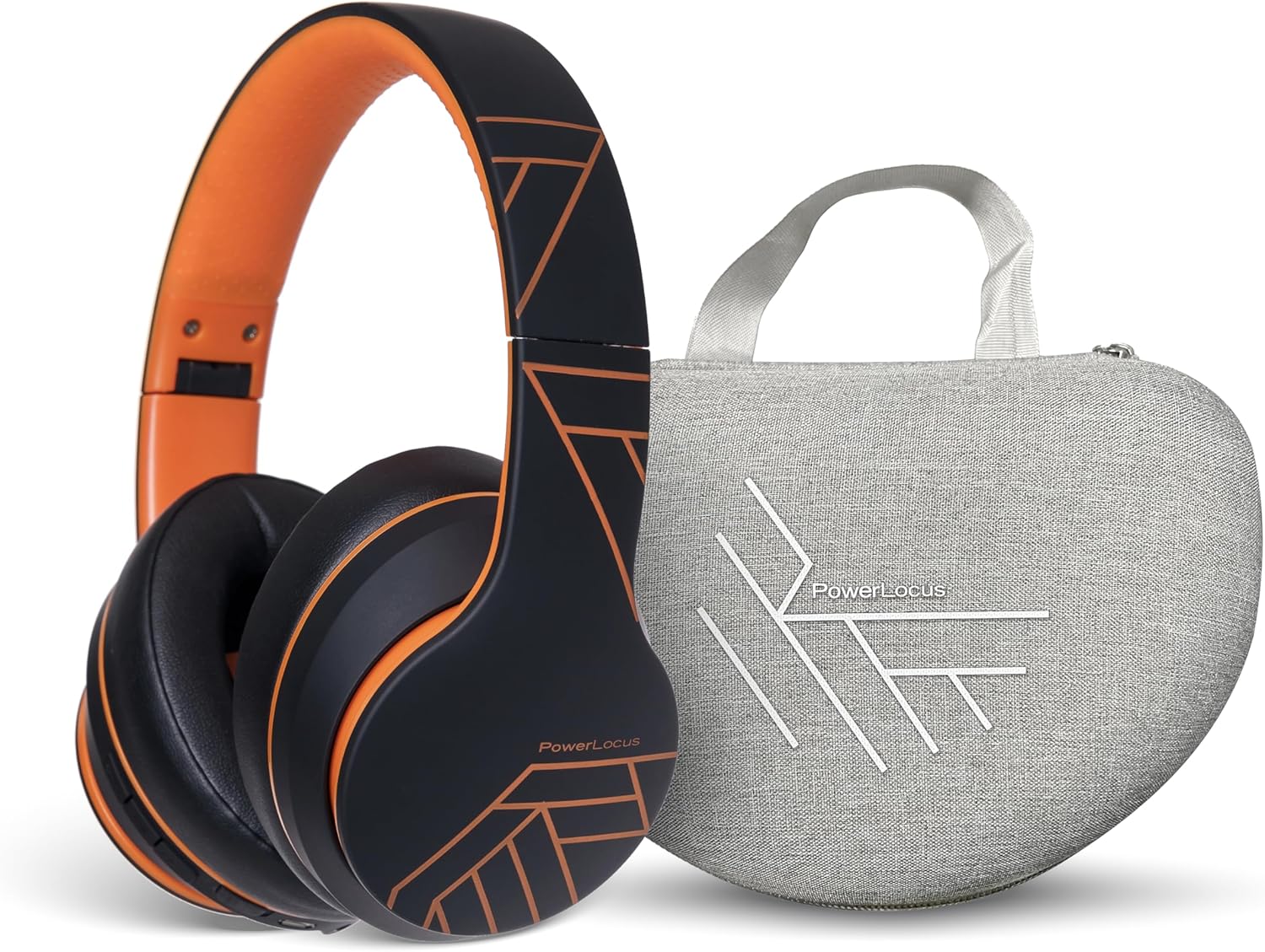
Image: PowerLocus P6 Bluetooth Headphones in black and orange, shown alongside their grey hard-shell carry case. The headphones are folded, demonstrating their compact design for portability.
Коопсуздук маалыматы
- Наушниктерди экстремалдык температурага, нымдуулукка же жегич заттарга тийгизбеңиз.
- Кулакчындарды түшүрүүдөн же катуу тийүүдөн сактаныңыз.
- Наушниктерди өзүңүз чечбеңиз же оңдоого аракет кылбаңыз. Бул кепилдикти жокко чыгарат.
- Clean the headphones with a soft, dry cloth only. Do not use liquid cleaners.
- Үндүн катуу деңгээлинде узакка созулган угуу угуунун бузулушуна алып келиши мүмкүн. Үндү коопсуз деңгээлге тууралаңыз.
Пакеттин мазмуну
Пакетте бардык буюмдар бар экенин текшериңиз:
- PowerLocus P6 Bluetooth кулакчындары
- Катуу кабык ташуучу куту
- USB заряддоо кабели
- Аудио кабель (3.5мм)
- User Manual

Image: A hand holding the grey hard-shell carry case for the PowerLocus P6 headphones by its fabric loop. The case features the PowerLocus logo on its front.
Продукт бүттүview
The PowerLocus P6 headphones are designed for comfort and functionality. Key features include:
- Flexible Earpads: Designed for a comfortable fit.
- Жумшак эс тутум көбүгүнөн жасалган кулакчындар: Provide enhanced comfort during extended listening sessions.
- Бир өлчөм баарына ылайыктуу: Adjustable headband to suit various head sizes.
- Бүктөлүүчү Дизайн: Компакттуу сактоо жана оңой көчүрүүгө мүмкүндүк берет.
- Камтылган микрофон: Үнсүз чалуулар үчүн.
- Башкаруу баскычтары: Located on the earcup for easy access to media and call controls.

Image: A person wearing PowerLocus P6 headphones, demonstrating their comfortable fit. Insets highlight key features: flexible earpads, soft memory foam earmuffs, and the adjustable "one size fits all" design.

Image: A close-up of the PowerLocus P6 headphones, accompanied by icons illustrating their key features: Hi-Fi Stereo Sound, Stable Wireless Connectivity, HD Microphones for Clear Calls, Foldable Design, and Long Battery Life.
Жайгашуу
1. Наушниктерди заряддоо
Before first use, fully charge the headphones. Connect the USB charging cable to the charging port on the headphones and the other end to a USB power source (e.g., computer USB port, wall adapter). The LED indicator will show charging status and turn off or change color when fully charged.
2. Bluetooth Жупташтыруу
- Наушниктердин өчүрүлгөнүн текшериңиз.
- Күйгүзүү баскычын LED индикатору кезектешип көк жана кызыл түстө күйүп-өчкөнгө чейин басып туруңуз, бул жупташтыруу режимин көрсөтөт.
- Түзмөгүңүздө (смартфон, планшет, компьютер) Bluetooth иштетип, жеткиликтүү түзмөктөрдү издеңиз.
- Түзмөктөрдүн тизмесинен "PowerLocus P6" тандаңыз.
- Once paired, the LED indicator will flash blue slowly or turn solid blue.
3. Connecting to Multiple Devices (Multi-Point)
The PowerLocus P6 headphones support multi-point connection, allowing you to connect to two Bluetooth devices simultaneously. This is useful for switching between a phone and a laptop without re-pairing.
- Наушниктерди жогоруда айтылгандай биринчи аппарат менен жупташтырыңыз.
- Биринчи түзмөктө Bluetooth'ду өчүрүңүз. Кулакчындар жупташтыруу режимине кайра кирет.
- Наушниктерди экинчи аппарат менен жупташтырыңыз.
- Биринчи түзмөктө Bluetooth'ду кайра иштетиңиз. Наушник эки түзмөккө тең автоматтык түрдө туташып турушу керек.
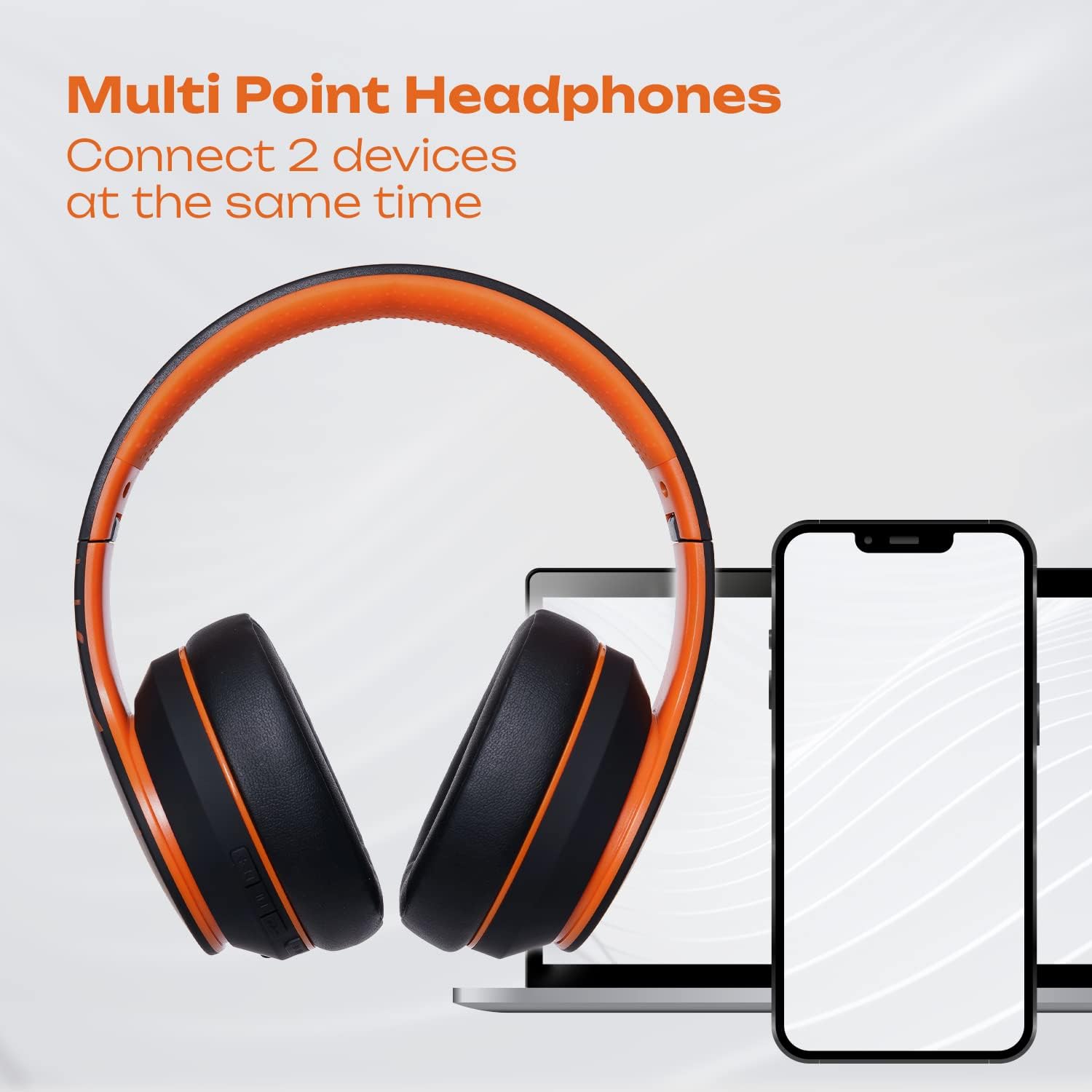
Image: PowerLocus P6 headphones positioned between a laptop and two smartphones, illustrating their capability to connect to multiple devices simultaneously via multi-point Bluetooth technology.

Image: A person using PowerLocus P6 headphones with a laptop, with icons below indicating universal compatibility with phones, tablets, PCs, and TVs.
Иштөө нускамалары
Күйгүзүү/өчүрүү
- Күйгүзүү: Кубат баскычын 3 секунд басып, кармап туруңуз.
- Өчүрүү: Кубат баскычын 3 секунд басып, кармап туруңуз.
Музыканы ойнотуу
- Ойнотуу/тындыруу: Көп функциялуу баскычты бир жолу басыңыз.
- Кийинки трек: Үнүн жогорулатуу баскычын басып, кармап туруңуз.
- Мурунку трек: Үндү азайтуу баскычын басып, кармап туруңуз.
- Көлөмү: Үндү жогорулатуу баскычын кыска басыңыз.
- Үнүн азайтуу: Үндү азайтуу баскычын кыска басыңыз.
Чалууларды башкаруу
- Чалууга жооп берүү/аяктоо: Көп функциялуу баскычты бир жолу басыңыз.
- Чакырууну четке кагуу: Көп функциялуу баскычты 2 секунд басып туруңуз.
- Акыркы номерди кайра терүү: Көп функциялуу баскычты эки жолу басыңыз.
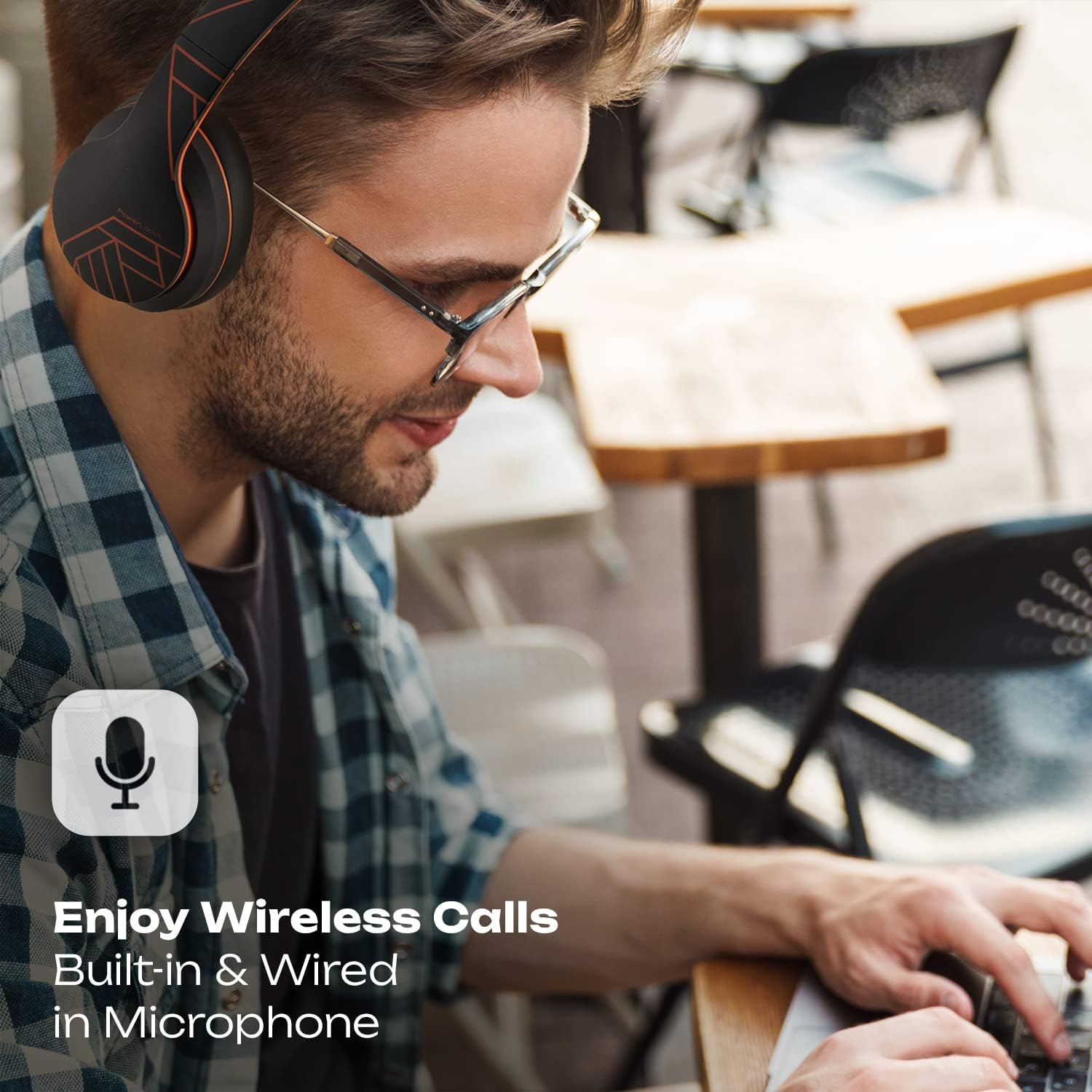
Image: A person wearing PowerLocus P6 headphones while working on a laptop, with an icon emphasizing the built-in and wired microphone for clear wireless calls.
Үн жардамчысы
- Үн Жардамчысын жандыруу: Triple-press the Multi-function button (e.g., Siri, Google Assistant).
Техникалык тейлөө
Тазалоо
Use a soft, dry, lint-free cloth to clean the headphones. Do not use abrasive cleaners, alcohol, or chemical solvents, as these may damage the surface or internal components.
Сактагыч
When not in use, store the headphones in their hard-shell carry case to protect them from dust, scratches, and impacts. Store in a cool, dry place away from direct sunlight and extreme temperatures.

Image: A hand placing the grey PowerLocus P6 hard-shell carry case into the main compartment of a grey backpack, demonstrating its portability and ease of storage.

Image: The grey PowerLocus P6 hard-shell carry case placed neatly inside an open suitcase alongside folded clothing, illustrating its compact size and suitability for travel.
Проблемаларды чечүү
| Көйгөй | Мүмкүн себеп | Чечим |
|---|---|---|
| Кулакчындар күйбөйт. | Батарея аз. | Наушниктерди толук заряддаңыз. |
| Түзмөк менен жупташтыруу мүмкүн эмес. | Кулакчындар жупташтыруу режиминде эмес; түзмөктө Bluetooth өчүрүлгөн; түзмөк өтө алыс. | Ensure headphones are in pairing mode (flashing blue/red). Enable Bluetooth on your device. Move device closer to headphones (within 10 meters). |
| Үн жок же үн сапаты начар. | Үнү өтө төмөн; кулакчындар туташтырылган эмес; тоскоолдуктар. | Increase volume on both headphones and device. Reconnect headphones. Move away from other wireless devices. |
| Микрофон иштебей жатат. | Microphone muted on device; incorrect audio input selected. | Check device settings to ensure microphone is not muted and PowerLocus P6 is selected as the input device. |
Техникалык шарттар
- Модел: PowerLocus P6
- Байланыш: Bluetooth
- Форма фактору: Кулак үстүндө
- Башкаруу түрү: Медиа башкаруу, тийүү
- Микрофон: Камтылган
- Ызы-чууну көзөмөлдөө: Үн изоляциясы
- Камтылган компоненттер: Коргоочу кап
- ASIN: B0CSC3PH3Y
Кепилдик жана колдоо
PowerLocus P6 кулакчындары төмөнкүлөр менен келет 2 жылдык толук кепилдик. This warranty covers manufacturing defects and ensures the reliability of your product. For warranty claims or technical support, please contact PowerLocus customer service through the official PowerLocus webсайт же сатып алуу пункту.
Кошумча жардам алуу үчүн, баш багыңыз Amazon'догу PowerLocus дүкөнү.


