1. Киришүү
Thank you for choosing the BINNUNE 2.4GHz Wireless Gaming Headset. This manual provides detailed instructions to help you set up, operate, and maintain your headset for an optimal gaming and audio experience across various platforms including PS5, PS4, PC, Mac, and mobile devices via Bluetooth.
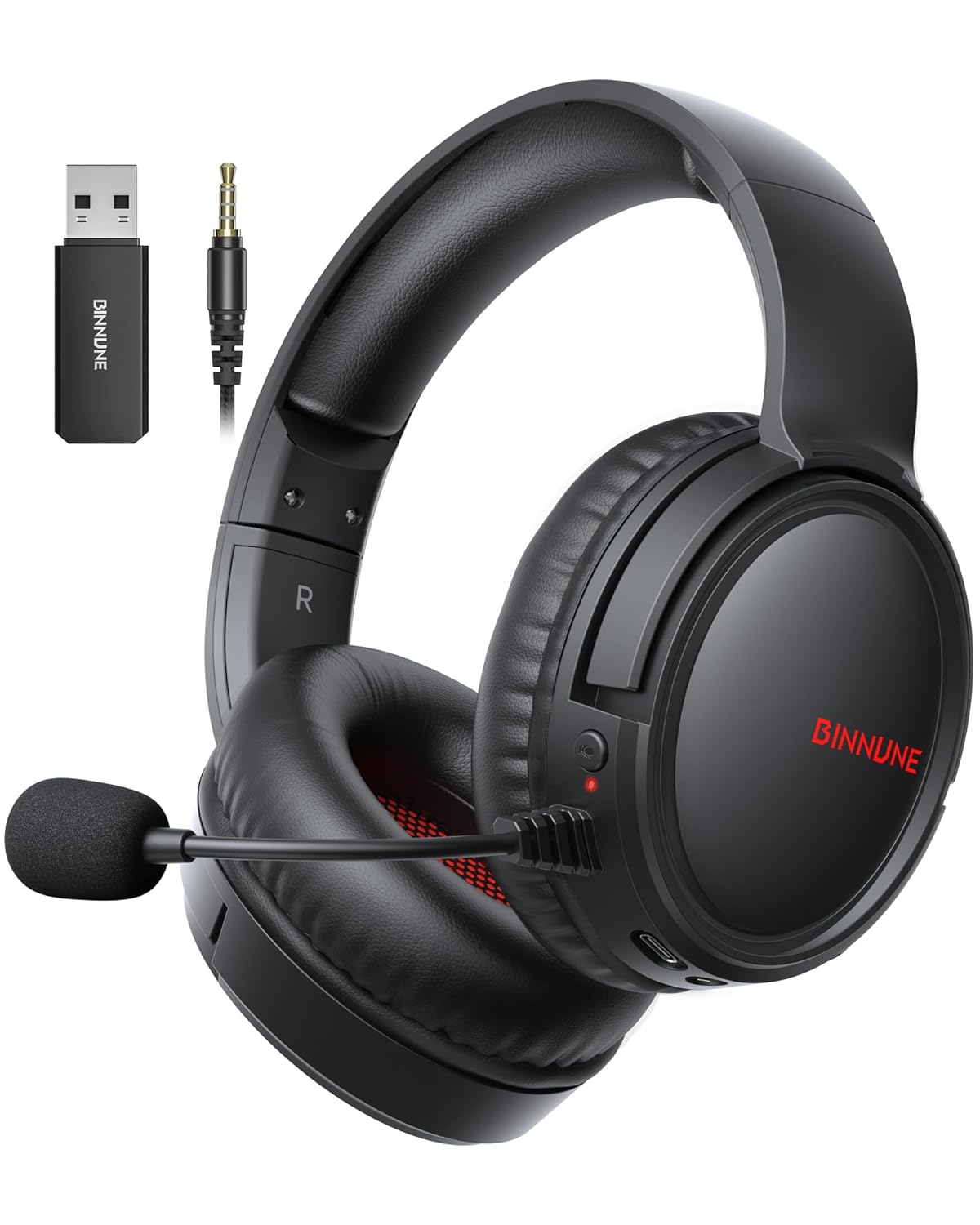
Figure 1: BINNUNE Wireless Gaming Headset (Model BW02-BT) with included accessories.
2. Кутуда эмне бар
- BINNUNE Wireless Gaming Headset (BW02-BT)
- 2.4 ГГц USB Dongle
- 3.5 мм аудио кабель
- USB-C заряддоо кабели
- User Manual

Figure 2: All components included with your BINNUNE Gaming Headset.
3. Продукт бүтүп калдыview жана Controls
Familiarize yourself with the headset's controls and ports for seamless operation.
- Микрофон: Dual beamforming microphones with rotatable design for clear communication. Features ENC noise-canceling technology.
- USB-C порту: Гарнитураны заряддоо үчүн.
- 3.5 мм аудио уячасы: Шайкеш келген түзмөктөргө зымдуу туташуу үчүн.
- LED көрсөткүчү: Кубаттын абалын, заряддоо абалын жана туташуу режимин көрсөтөт.
- Кубат баскычы: Күйгүзүү/өчүрүү үчүн басып туруңуз.
- Көлөм дөңгөлөгү: Аудионун үнүн тууралайт.
- Үнсүз баскычы: Микрофондун үнүн өчүрөт/ачат.
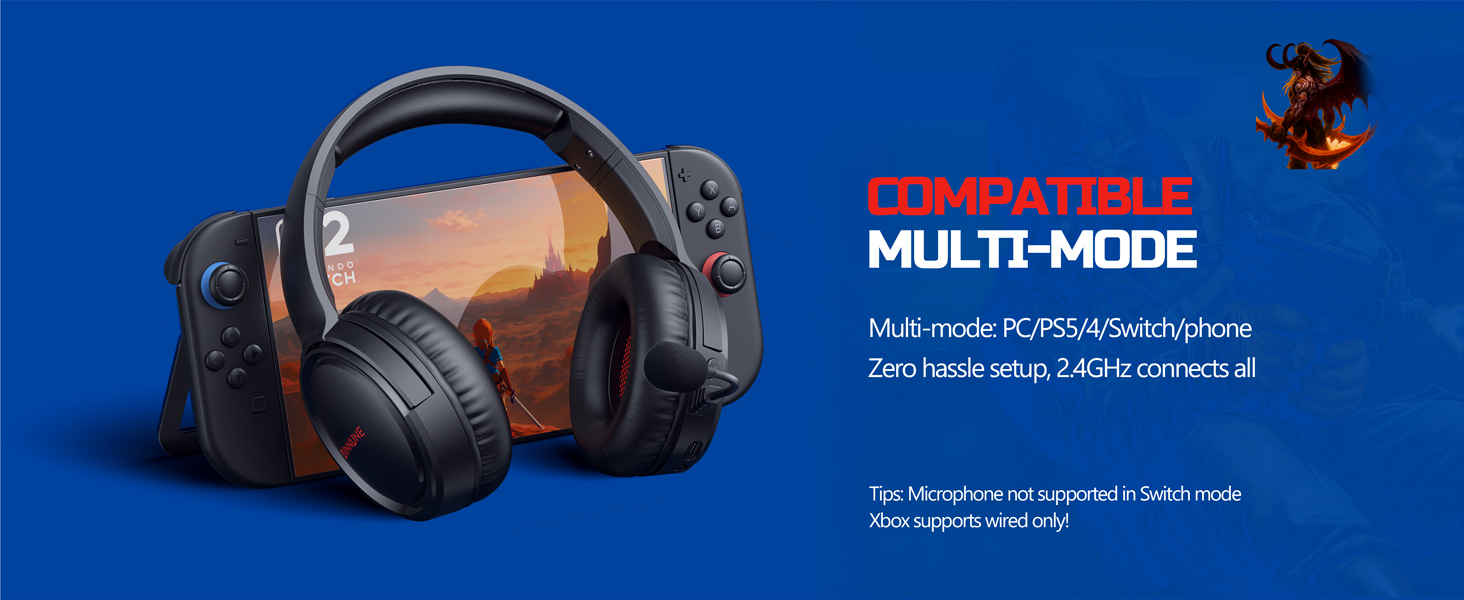
Figure 3: Key controls and ports on the BINNUNE Wireless Gaming Headset.
Видео 1: Кыскача баяндамаview of the BINNUNE Gaming Headset's features and controls.
4. Орнотуу жана туташуу
4.1 Алгачкы заряддоо
Before first use, fully charge your headset. Connect the USB-C charging cable to the headset's USB-C port and the other end to a USB power source. The LED indicator will show charging status and turn off when fully charged. A full charge takes approximately 6 hours.

Figure 4: The headset offers up to 40 hours of battery life on a single charge.
4.2 2.4GHz Wireless Connection (USB Dongle)
This mode provides ultra-low latency audio (≤38ms) for gaming on PS5, PS4, PC, and Mac.
- Plug the 2.4GHz USB dongle into an available USB port on your PS5/4, PC, or Mac.
- Power on your BINNUNE headset by pressing and holding the power button.
- The headset will automatically connect to the dongle. The LED indicator will show a stable light when connected.
Эскертүү: The microphone is not available when connected to Nintendo Switch in 2.4GHz mode. Not compatible with XBOX.

Figure 5: The 2.4GHz USB dongle ensures a fast and stable connection.
4.3 Bluetooth байланышы
Use Bluetooth mode for mobile phones, tablets, iPads, and other smart devices.
- Гарнитура күйгүзүлгөнүн текшериңиз.
- Түзмөгүңүздө Bluetooth жөндөөлөрүнө өтүп, Bluetooth'ду иштетиңиз.
- Select "BINNUNE BW02-BT" from the list of available devices to pair.
- The LED indicator will flash during pairing and show a stable light once connected.
Эскертүү: Bluetooth mode is not compatible with PS5/4. The microphone is not available when connected to Nintendo Switch in Bluetooth mode.
4.4 Зымдуу туташуу (3.5 мм аудио кабель)
For devices that do not support wireless connectivity or when battery is low.
- 3.5 мм аудио кабелдин бир учун гарнитуранын 3.5 мм аудио уячасына туташтырыңыз.
- Connect the other end to the 3.5mm audio port on your gaming device (e.g., PS5/4 controller, PC, phone).
Эскертүү: The microphone may not be available on some devices when using the wired connection.

Figure 6: Multiplatform compatibility of the BINNUNE headset across 2.4G, Bluetooth, and Wired modes.
Video 2: Demonstrating the multi-mode connectivity of BINNUNE Gaming Headsets for PS4/PS5/PC.
5. Иштөө нускамалары
5.1 Күйгүзүү/өчүрүү
Press and hold the Power Button for 3 seconds to turn the headset on or off. The LED indicator will light up or turn off accordingly.
5.2 Үндү башкаруу
Rotate the Volume Wheel up (+) to increase volume or down (-) to decrease volume.
5.3 Микрофонду колдонуу
The headset features a rotatable microphone. Flip the microphone down to use it. Press the Mute Button to toggle microphone mute on or off. The ENC noise-canceling technology helps ensure clear voice transmission.
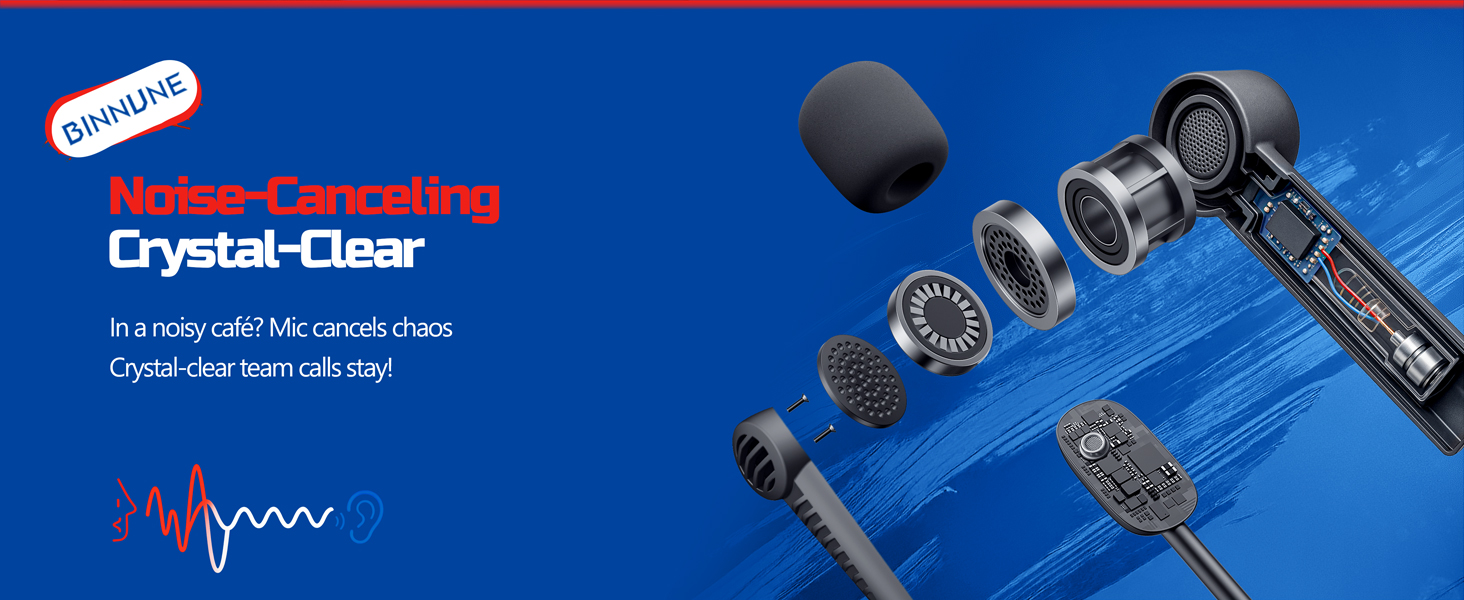
Figure 7: The noise-canceling microphone ensures crystal-clear voice calls by reducing background noise.
5.4 Режимдердин ортосунда которулуу
The headset supports seamless switching between 2.4GHz and Bluetooth modes. Refer to section 4 for specific connection steps for each mode. The headset prioritizes the 2.4GHz connection when the dongle is active.
6. Техникалык тейлөө
- Тазалоо: Гарнитураны тазалоо үчүн жумшак, кургак чүпүрөктү колдонуңуз. Абразивдүү тазалоочу каражаттарды же эриткичтерди колдонуудан алыс болуңуз.
- Сактагыч: Гарнитураны күн нурунан жана экстремалдык температурадан алыс салкын, кургак жерде сактаңыз.
- Батареяга кам көрүү: Батареянын иштөө мөөнөтүн узартуу үчүн, гарнитураны бат-баттан толук зарядсыздандырбаңыз. Узак мөөнөткө колдонулбаса да, аны үзгүлтүксүз заряддаңыз.
7. Кыйынчылыктарды
| Көйгөй | Мүмкүн себеп | Чечим |
|---|---|---|
| Гарнитурадан үн жок. | Headset not powered on, low battery, incorrect connection mode, volume too low. | Ensure headset is on and charged. Check connection mode (2.4GHz/Bluetooth/Wired). Increase volume. |
| Микрофон иштебей жатат. | Microphone muted, incorrect input device selected on computer/console, compatibility issue in certain modes. | Unmute microphone. Check audio settings on your device to ensure BINNUNE headset is selected as input. Note mode limitations (e.g., Switch, some wired connections). |
| 2.4 ГГц жыштыктагы донгл аркылуу туташуу мүмкүн эмес. | Dongle not properly inserted, interference, headset too far from dongle. | Ensure dongle is fully inserted. Move closer to the dongle. Try a different USB port. |
| Bluetooth аркылуу туташуу мүмкүн эмес. | Headset not in pairing mode, device Bluetooth off, already connected to another device. | Ensure headset is discoverable. Turn Bluetooth on your device. Disconnect from other devices. |
8. Техникалык шарттар
| Өзгөчөлүк | Деталь |
|---|---|
| Модель аты | BW02-BT |
| Байланыш технологиясы | Зымсыз (2.4 ГГц, Bluetooth 5.3), Зымдуу (3.5 мм уяча) |
| Аудио драйверинин өлчөмү | 50 мм |
| Frequency Response | 20 Гц - 20 000 Гц |
| Сезимталдуулук | 96 дБ |
| Аудио кечигүүсү (2.4 ГГц) | 32 Milliseconds (≤38ms advertised) |
| Батареянын иштөө мөөнөтү | 40 саатка чейин |
| Заряддоо убактысы | 6 саат |
| Микрофон | Dual Beamforming with ENC Noise-Canceling |
| Материал | Plastic (Headset), Leather (Ear Cushions) |
| Салмагы | 13.4 унция |
| Шайкеш түзмөктөр | Gaming Consoles (PS4, PS5), PC, Mac, Telephones, Laptops, Desktops |
9. Кепилдик жана колдоо
BINNUNE products are manufactured with high-quality standards. For any product-related inquiries, technical support, or warranty claims, please refer to the official BINNUNE store or contact their customer service directly.
зыярат кылыңыз BINNUNE Store on Amazon көбүрөөк маалымат жана колдоо үчүн.


