1. Киришүү
This manual provides detailed instructions for the Rapoo V500Pro Full-Size Mechanical Gaming Keyboard. Please read this manual thoroughly before using the product to ensure proper operation and to maximize its features. The V500Pro is designed for both gaming and office use, featuring durable mechanical switches, customizable RGB backlighting, and programmable keys.

Image 1: Rapoo V500Pro Full-Size Mechanical Gaming Keyboard (White version).
2. Орнотуу колдонмосу
2.1 Пакеттин мазмуну
- Rapoo V500Pro Mechanical Gaming Keyboard
- USB-C Cable
- Колдонуучунун Колдонмосу (бул документ)
2.2 Баскычтопту туташтыруу
- USB-C портун клавиатуранын арткы бетинен табыңыз.
- Берилген USB-C кабелинин бир учун клавиатуранын USB-C портуна туташтырыңыз.
- Connect the other end of the USB-C cable (USB-A connector) to an available USB port on your computer or compatible device.
- Баскычтоп сиздин операциялык тутумуңуз тарабынан автоматтык түрдө таанылат. Негизги функциялар үчүн, адатта, кошумча драйверлер талап кылынбайт.
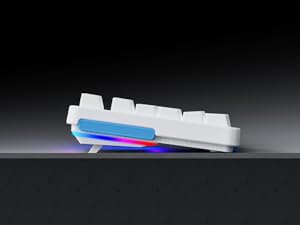
Image 2: Connecting the USB-C cable to the keyboard. The keyboard features an optimized cable management system allowing the cable to be routed to the left, center, or right.
2.3 Кабелди башкаруу
The V500Pro features an optimized cable management system on its underside. You can route the USB-C cable to the left, center, or right to suit your desk setup and minimize cable clutter.

Image 3: Underside of the keyboard showing the three-way cable routing channels.
3. Иштөө нускамалары
3.1 Механикалык өчүргүчтөр
The Rapoo V500Pro utilizes brown mechanical switches, offering a tactile feel with a lower audible click compared to blue switches, making them suitable for both gaming and typing in various environments.

Image 4: Detail of the brown mechanical switch, highlighting its design for balanced performance.
3.2 RGB Backlighting Customization
The keyboard features customizable Rainbow RGB backlighting with 20 lighting modes. You can adjust brightness and speed directly from the keyboard.
- FN + PGUP/PGDN: Ар кандай арткы жарык режимдери ортосунда которулуу.
- FN + INS: Switch side lights modes (RGB/solid color/solid breathing/off).
- FN + DEL: Switch side lights color (red/orange/yellow/green/cyan/blue/purple/white).
- FN + D: Brightness adjustment (press repeatedly to cycle through levels).
- FN + D: Breathing frequency adjustment (press repeatedly to cycle through speeds).
- FN + ESC (short press): Арткы жарыкты күйгүзүү/өчүрүү.
- FN + ESC (long press): Restore default lighting settings.
- FN + V: Switch logo lighting (on/breathing/off).
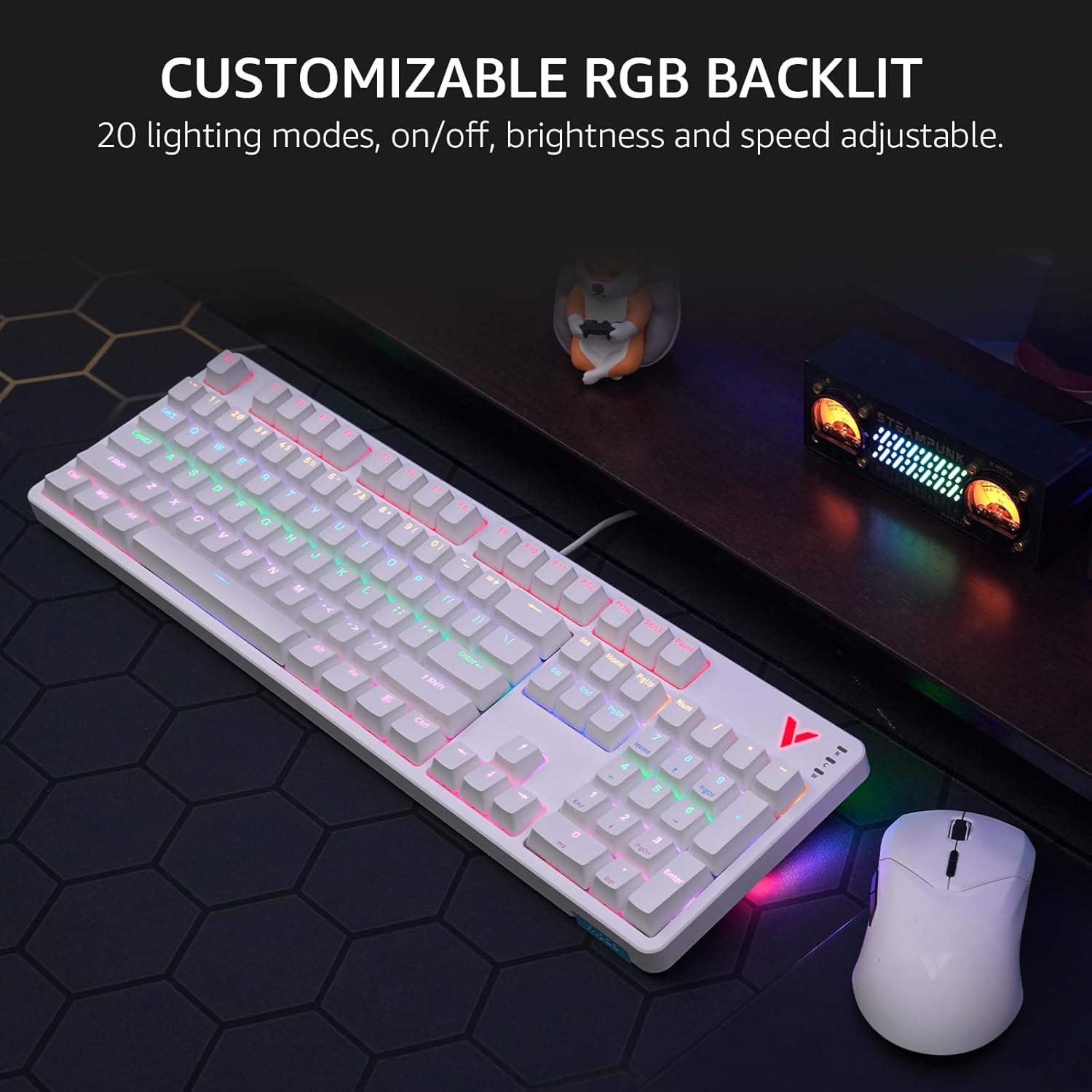
Image 5: The keyboard displaying its customizable RGB backlighting in a typical desktop setup.
Видео 1: Бүттүview of the Rapoo V500Pro keyboard, demonstrating its features including RGB lighting and mechanical switches.
3.3 Мультимедиалык Ыкчам баскычтар
The keyboard includes 12 multimedia hotkeys, accessible by pressing the FN менен айкалышта ачкыч F1-F12 keys. These provide quick access to common functions.
| Ачкыч айкалышы | Функция |
|---|---|
| FN + F1 | Компьютер |
| FN + F2 | Калькулятор |
| FN + F3 | Почта кутусу |
| FN + F4 | Башкы бет |
| FN + F5 | издөө |
| FN + F6 | Медиа ойноткуч |
| FN + F7 | Мурунку трек |
| FN + F8 | Кийинки трек |
| FN + F9 | Ойнотуу/Тыныгуу |
| FN + F10 | Үндү төмөндөтүү |
| FN + F11 | Үндү көтөрүү |
| FN + F12 | Үнсүз |
| FN + Win | Windows ачкыч |

Image 6: Visual representation of the FN key combinations for multimedia and system controls.
3.4 Programmable Keys and On-board Memory
The V500Pro allows for programming 103 keys (excluding the FN key) to assign commands and macros. This functionality is managed through dedicated software (available for Windows operating systems) and stored in the keyboard's on-board memory. This enables users to save profiles and apply them across different devices without re-configuration.

Image 7: The software interface for customizing key functions and creating macros. Note: Keyboard driver available for Windows system only.
3.5 Арбактарга каршы
The keyboard supports full 104-key anti-ghosting, ensuring that all simultaneous key presses are registered accurately. This is particularly beneficial for complex skill combinations in gaming.
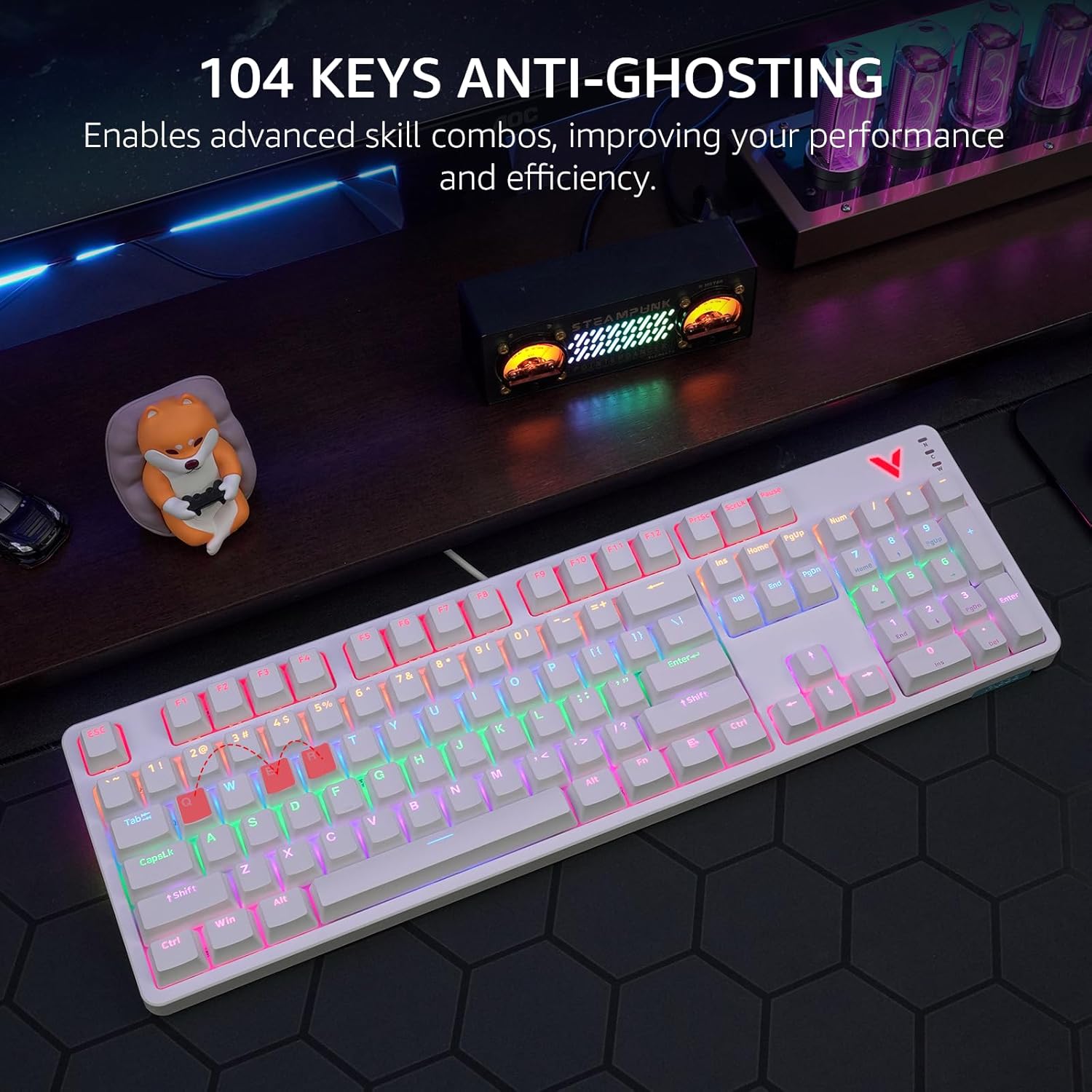
Image 8: Visual explanation of anti-ghosting technology, showing multiple key presses being registered simultaneously.
4. Техникалык тейлөө
4.1 Баскычтопту тазалоо
To clean your Rapoo V500Pro keyboard, follow these steps:
- Тазалоодон мурун клавиатураны компьютерден ажыратыңыз.
- Бир аз жумшак, түксүз кездемени колдонуңуз dampачкыч капкактарын жана шассиди сүртүү үчүн суу же жумшак тазалоо эритмеси менен жабыңыз.
- For deeper cleaning, the top case of the keyboard is removable, allowing easier access to the switches and plate. Gently detach the top case as shown in the product images.
- Суюктуктарды клавиатурага түздөн-түз чачуудан алыс болуңуз.
- Баскыч капкактарынын ортосундагы чаңды жана калдыктарды тазалоо үчүн кысылган абаны колдонуңуз.

Image 9: The removable top case feature, which facilitates cleaning and allows for switching between high and low profile keycap setups.
4.2 Сактоо
Store the keyboard in a dry, cool environment away from direct sunlight and extreme temperatures to prevent damage.
5. Кыйынчылыктарды
| Көйгөй | Мүмкүн чечим |
|---|---|
| Баскычтоп жооп бербей жатат |
|
| Арткы жарык иштебейт же туура эмес |
|
| Keys are not registering or double-typing |
|
6. Техникалык шарттар
| Өзгөчөлүк | Деталь |
|---|---|
| Модел | V500Pro |
| Баскычтоптун түрү | Full-Size Mechanical Gaming Keyboard |
| Ачкычтардын саны | 104 |
| Которуу түрү | Күрөң механикалык өчүргүчтөр |
| Арткы жарыктандыруу | Customizable Rainbow RGB (20 modes) |
| Anti-Ghosting | All 104 Keys |
| Программалануучу ачкычтар | 103 (excluding FN) with On-board Memory |
| Мультимедиялык баскычтар | 12 (FN + F1-F12) |
| Байланыш | USB-C (Зымдуу) |
| Материал | Aircraft-grade aluminum alloy frame |
| Продукциянын өлчөмдөрү | 17.4 x 5.29 x 1.58 дюйм (44.2 x 13.4 x 4 см) |
| Элемент Салмагы | 2.42 фунт (1.1 кг) |
| Шайкеш түзмөктөр | PC, Laptop, Gaming Console, Smart TV |

Image 10: Dimensions and weight of the Rapoo V500Pro keyboard.
7. Кепилдик жана колдоо
Rapoo products are designed for durability and performance. For warranty information, technical support, or service inquiries, please refer to the official Rapoo webсайтына кириңиз же жергиликтүү дистрибьюторуңузга кайрылыңыз. Кепилдик талаптары үчүн сатып алуу дүмүрчөгүңүздү сактап коюңуз.
Online resources and software downloads (e.g., for programmable keys) can typically be found on the official Rapoo support page.


