Introduction
Welcome to the user manual for your new Xiaomi Watch 2. This guide provides essential information on setting up, operating, maintaining, and troubleshooting your smartwatch. The Xiaomi Watch 2 is designed to enhance your daily life with smart features, comprehensive health monitoring, and robust performance.
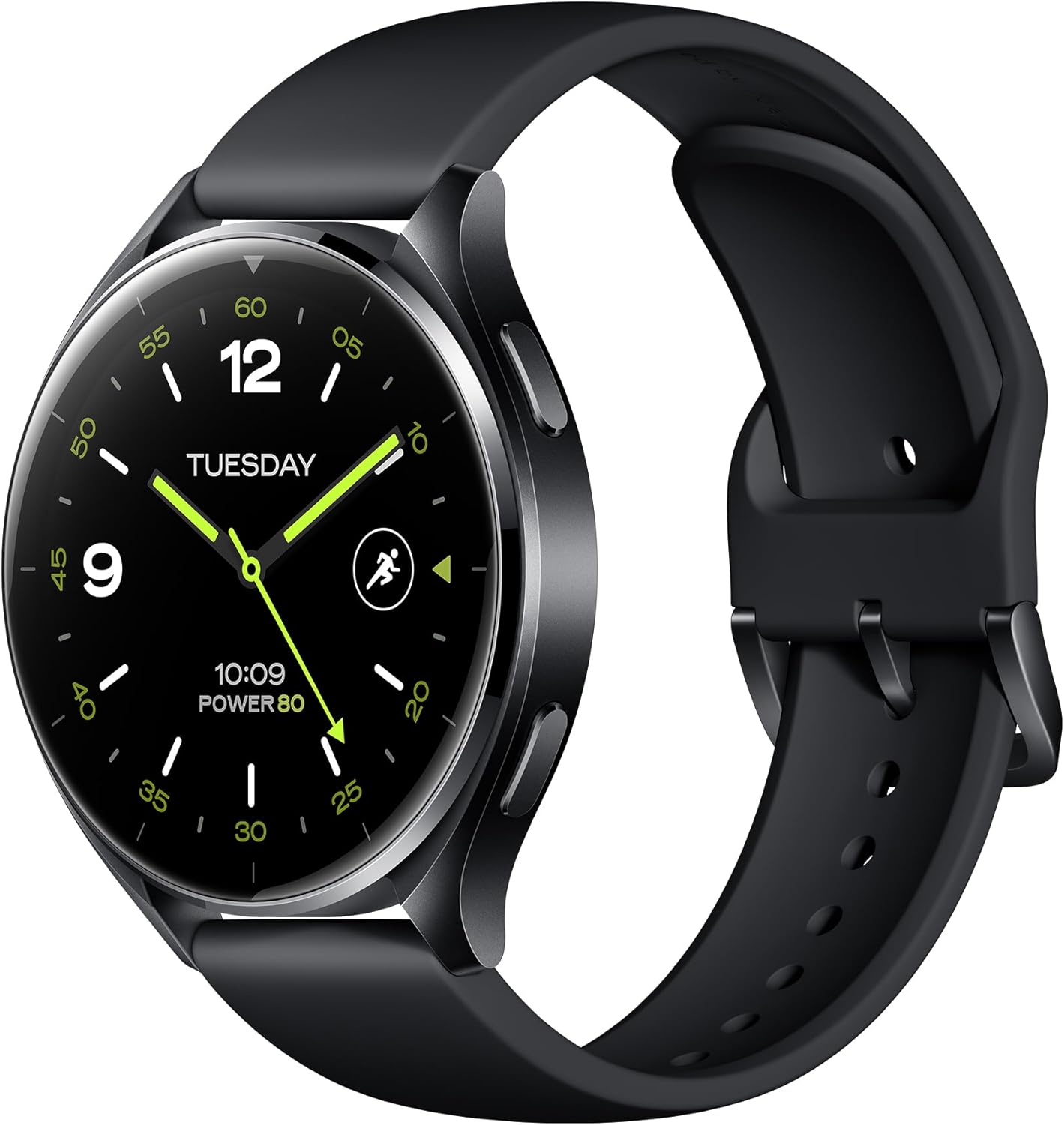
Figure 1: Xiaomi Watch 2 Overview
The Xiaomi Watch 2 features a 1.43" AMOLED display, Google Wear OS, and a powerful Qualcomm Snapdragon W5+ Gen 1 processor, offering a seamless and responsive user experience.
Кутуда эмне бар
Upon unboxing your Xiaomi Watch 2, please ensure all the following items are present:
- Xiaomi Watch 2 Smartwatch
- Магниттик кубаттоочу кабель
- User Manual (including Warranty Notice)
Жайгашуу
1. Аппаратты заряддоо
Before first use, fully charge your Xiaomi Watch 2. Connect the magnetic charging cable to the charging contacts on the back of the watch and plug the USB end into a power adapter (not included) or a computer's USB port. A full charge takes approximately 45 minutes.
2. Күйгүзүү / Өчүрүү
- Күйгүзүү: Press and hold the power button (usually the top right button) until the Xiaomi logo appears.
- Өчүрүү: Кубат баскычын басып, кармап туруңуз, андан кийин экранда "Өчүрүү" дегенди тандаңыз.
3. Смартфонуңуз менен жупташуу
- Download the 'Mi Fitness' app from the Google Play Store or Apple App Store on your smartphone.
- Open the Mi Fitness app and follow the on-screen instructions to create or log in to your Xiaomi account.
- On your watch, select your preferred language.
- In the Mi Fitness app, tap 'Add device' and select 'Xiaomi Watch 2'.
- Follow the prompts to pair your watch via Bluetooth 5.2. Confirm the pairing code on both devices.
4. Баштапкы конфигурация
Once paired, the app will guide you through setting up your Google account, Wi-Fi connection, and other essential settings for Wear OS functionality.
Аппаратты иштетүү
Дисплей жана навигация
The Xiaomi Watch 2 features a vibrant 1.43" AMOLED display with a resolution of 466 x 466 pixels. Navigate the watch using touch gestures and the physical buttons.

Figure 2: Watch Buttons for Navigation
- Төмөн сүрүү: Ыкчам жөндөөлөргө жана эскертмелерге кириңиз.
- Өйдө серпүү: View эскертмелер.
- Солго/Оңго сүрүү: Cycle through tiles (widgets) like heart rate, weather, and activity.
- Жогорку баскыч: Typically acts as a 'Home' button or app launcher.
- Төмөнкү баскыч: Customizable shortcut, often for fitness tracking.
Негизги өзгөчөлүктөрү
The Xiaomi Watch 2 integrates seamlessly with Google's ecosystem, offering a wide range of functionalities.

Figure 3: Google Wear OS Applications
- Wear OS by Google: Access Google Play for apps, use Hey Google for voice commands, make payments with Google Wallet, and navigate with Google Maps.
- Чалуу: Answer calls directly from your watch using the built-in microphone and speaker.
- Фитнеске көз салуу: Supports over 160 sports modes. Monitor your heart rate, SpO2, and track activities with the accelerometer and gyroscope sensors.
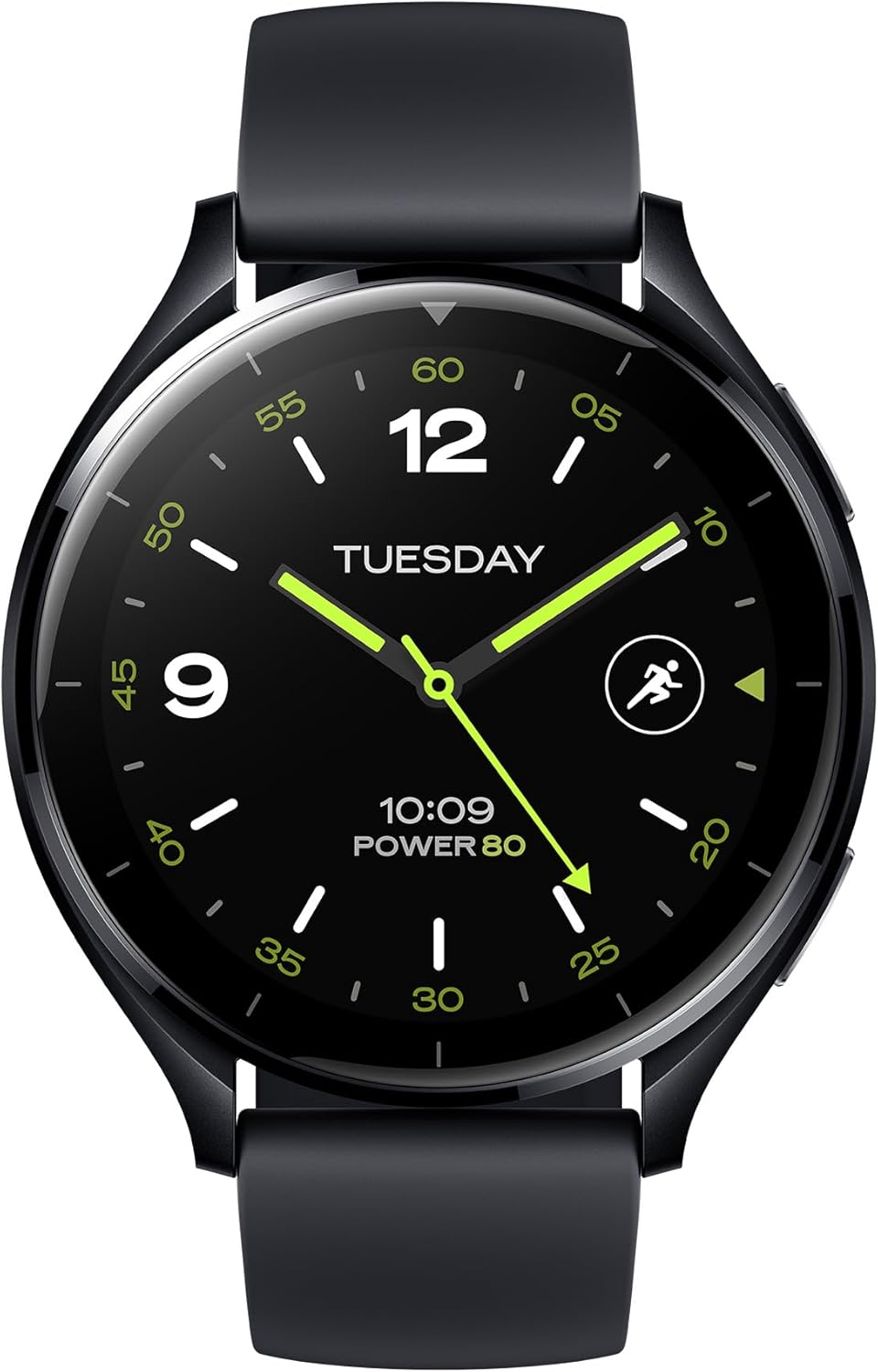
Figure 4: Water Resistance and Sports Modes
- GPS: Integrated L1+L5 GNSS for accurate location tracking during outdoor activities.
- Суу каршылык: Rated 5 ATM, suitable for shallow-water activities like swimming in a pool or ocean. Not suitable for diving or high-pressure water activities.
- Сенсорлор: Equipped with Optical Heart Rate Sensor, Accelerometer Sensor, Gyro Sensor, Ambient Light Sensor, Electronic Compass Sensor, and Barometer Sensor for comprehensive data collection.

Figure 5: GPS and Health Monitoring
Батареянын иштөө мөөнөтү жана аткаруу
The Xiaomi Watch 2 is powered by a Qualcomm Snapdragon W5+ Gen 1 processor, ensuring smooth performance. It offers a battery life of up to 65 hours under normal usage conditions, supported by a 495 mAh Lithium Ion battery and 32GB of storage.

Figure 6: Processor and Battery Information
Техникалык тейлөө
Саатты тазалоо
Regularly clean your watch and strap to prevent skin irritation and maintain device functionality. Use a soft, lint-free cloth. For stubborn dirt, slightly dampчүпүрөктү суу менен. Катуу химиялык заттарды же абразивдүү материалдарды колдонуудан алыс болуңуз.
Сууга туруктуулукту сактоо чаралары
While the watch is 5 ATM water resistant, avoid exposing it to hot water, steam, or high-velocity water. Dry the watch thoroughly after exposure to water, especially the charging contacts, to prevent corrosion.
Программалык камсыздоо жаңыртуулары
Keep your watch's software updated to ensure optimal performance, security, and access to new features. Connect your watch to Wi-Fi and check for updates via the Mi Fitness app or directly on the watch settings.
Проблемаларды чечүү
If you encounter issues with your Xiaomi Watch 2, try the following common solutions:
- Күйгүзүлбөй турган саат: Саат толук заряддалганын текшериңиз. Аны заряддагычка кеминде 10 мүнөт туташтырыңыз.
- Жупташуу маселелери: Ensure Bluetooth is enabled on your phone and watch. Restart both devices. Clear Bluetooth cache on your phone.
- Так эмес маалыматтар: Саат билегиңизге бекем тагылганын текшериңиз. Сааттын артындагы сенсорлорду тазалаңыз.
- Батарея бат эле түгөнөт: Reduce screen brightness, disable always-on display, limit background app refresh, and turn off unnecessary notifications.
- Жоопсуз көрүү: Try restarting the watch by holding the power button. If unresponsive, perform a force restart (refer to specific instructions in the Mi Fitness app or Xiaomi support).
- Заводдун баштапкы абалга келтирүү: As a last resort, you can perform a factory reset from the watch settings. This will erase all data on the watch and restore it to its original state.
Техникалык шарттар
| Өзгөчөлүк | Спецификация |
|---|---|
| Модель номери | BHR8034GL |
| Дисплей | 1.43" AMOLED, 466 x 466 pixels, 326 dpi |
| Процессор | Qualcomm Snapdragon W5+ Gen 1 |
| Операция системасы | Wear OS by Google |
| Эс | 2 ГБ RAM |
| Сактагыч | 32 ГБ |
| Батарея сыйымдуулугу | 495 мАч литий-ион |
| Заряддоо убактысы | Болжол менен 45 мүнөт |
| Кадимки колдонуудагы батареянын иштөө мөөнөтү | 65 саатка чейин |
| Байланыш | Bluetooth 5.2, 2.4/5 GHz Wi-Fi |
| Суу каршылык | 5 банкомат |
| GPS | Built-in L1+L5 GNSS |
| Сенсорлор | Optical Heart Rate, Accelerometer, Gyro, Ambient Light, Electronic Compass, Barometer |
| Салмагы | 46 грамм (1.62 унция) |
| Форма | Тегерек |
Кепилдик жана колдоо
Кепилдик маалымат
Your Xiaomi Watch 2 comes with a limited warranty. Please refer to the separate Warranty Notice included in your product packaging for detailed terms and conditions, including warranty period, coverage, and claim procedures.
Кардарларды колдоо
Кошумча жардам, техникалык колдоо же кызмат суроо үчүн Xiaomi расмий колдоо бөлүмүнө баш багыңыз website or contact their customer service. You can find contact information and FAQs on the Xiaomi webсайт:


