1. Киришүү
This manual provides essential information for the safe and efficient use of your Xgody A54 smartphone. Please read it thoroughly before operating the device to ensure proper functionality and to understand its features.
2. Түзмөк бүттүview
The Xgody A54 is an Android 10 smartphone featuring a 6.52-inch HD display, dual SIM support, and a 4500mAh battery. It is designed for everyday communication and multimedia use.

Сүрөт: бүттүview of the Xgody A54 smartphone's main features, including its Android 10 operating system, 4G connectivity, memory configuration, processor, navigation capabilities, face unlock, and card slot design.
3. Орнотуу
3.1. SIM жана SD картаны орнотуу
The Xgody A54 supports two SIM cards (1 Nano SIM, 1 Micro SIM) and one SD card for expandable storage. Ensure the phone is powered off before inserting or removing cards.
- Аппараттын капталындагы SIM карта салгычын табыңыз.
- Салгычты ачуу үчүн берилген SIM чыгаруучу куралды колдонуңуз.
- Carefully place your Nano SIM, Micro SIM, and SD card into their respective slots on the tray.
- Аспаптын ичине лотокту акырын түртүңүз.

Image: Illustration of the dual SIM and SD card slot configuration, demonstrating how to insert the cards into the Xgody A54 smartphone. It also highlights the phone's 4G LTE network compatibility and supported frequency bands.
3.2. Алгачкы заряддоо жана күйгүзүү
- Connect the USB cable to the phone's Type-C port and the other end to a power adapter.
- Allow the phone to charge until the battery indicator shows a sufficient charge.
- Press and hold the Power button until the Xgody logo appears to turn on the device.
3.3. Жүз менен таанууну орнотуу
To set up Face Unlock for convenient access:
- багыттоо Орнотуулар > Коопсуздук жана жайгашкан жер > Жүзүнөн ачуу.
- Follow the on-screen instructions to register your face. Ensure good lighting and hold the phone at eye level.

Image: Visual guide to the Face Recognition feature on the Xgody A54, detailing the process of facial scanning for unlocking the device. It also highlights the specifications of the front (8MP) and rear (15MP with LED flash) cameras.
4. Иштөө нускамалары
4.1. Негизги навигация
- Сенсордук экран: Тандоо үчүн таптаңыз, сыдыруу үчүн серпиңиз, чоңойтуу үчүн чымчыңыз.
- Башкы экран: Колдонмолорго, виджеттерге жана эскертмелерге кирүү.
- Статус тилкеси: Displays notifications, time, battery status, and signal strength.
4.2. Чалууларды жасоо жана билдирүүлөрдү жөнөтүү
- Чалуулар: Телефон колдонмосун ачып, номерди киргизип, чалуу сөлөкөтүн таптаңыз.
- Кабарлар: Open the Messages app, tap the new message icon, enter the recipient and message, then send.
4.3. Камераны колдонуу
The Xgody A54 features a 15MP rear camera and an 8MP front camera.
- Камера колдонмосун ачыңыз.
- Select between front and rear cameras using the switch icon.
- Сүрөткө тартуу үчүн жапкычты басыңыз.
- Explore various modes like Beauty Mode for enhanced photos.
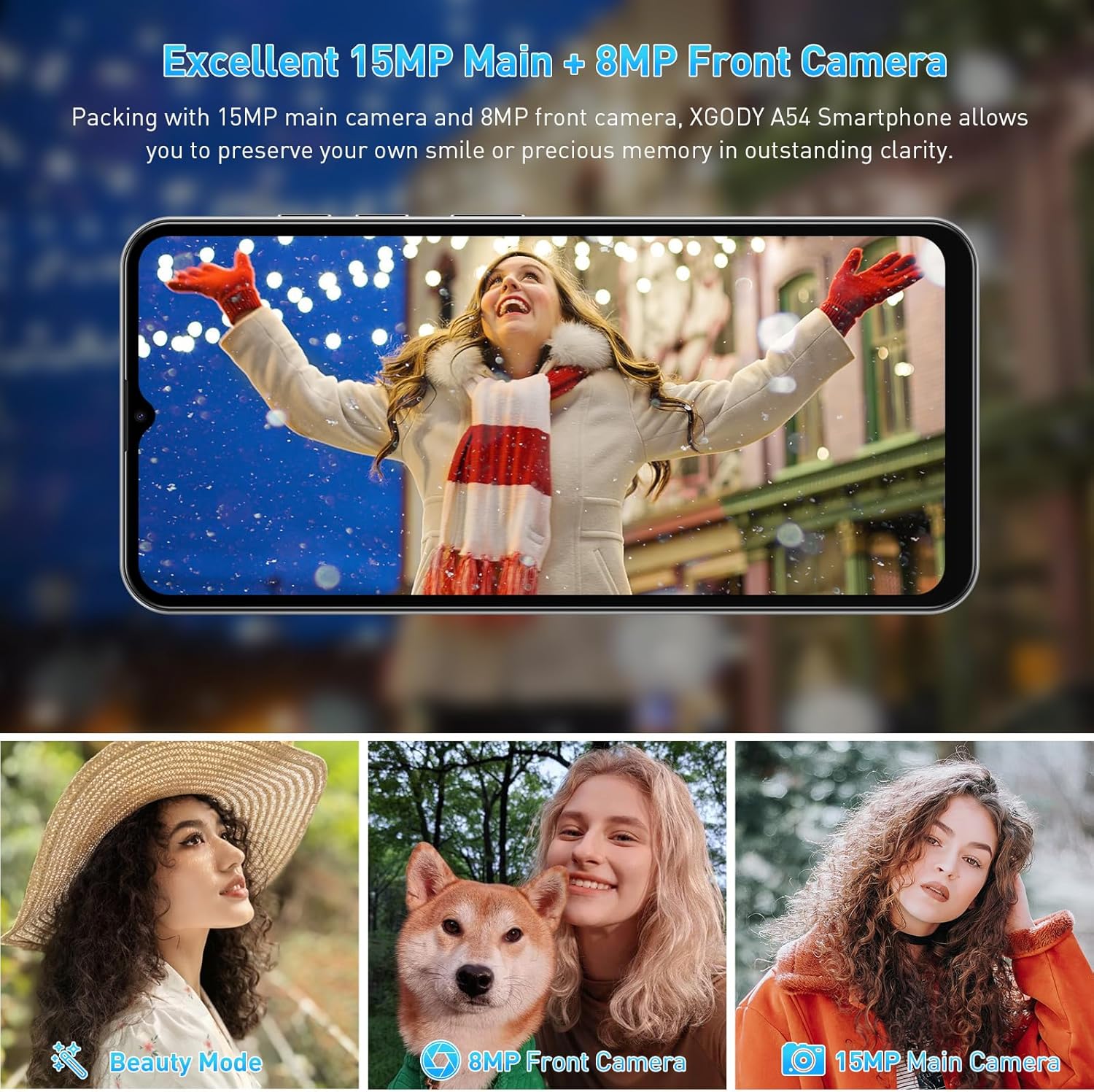
Сүрөт: Мисamples of photographs captured using the Xgody A54's 15MP main camera and 8MP front camera, demonstrating its photographic capabilities in various settings.
4.4. Сактагычты башкаруу
The device comes with 2GB RAM and 32GB ROM, expandable up to 256GB via an SD card. Regularly manage your storage to maintain optimal performance.
- Сактагычты текшерүү үчүн: өтүңүз Орнотуулар > Сактагыч.
- To free up space: Uninstall unused apps, delete old photos/videos, or move fileSD картага.

Image: A visual representation of the Xgody A54's storage capabilities, highlighting the 2GB RAM and 32GB ROM, and the potential for significant expansion with an SD card for various media types.
4.5. OTG Functionality
The Xgody A54 supports On-The-Go (OTG) functionality, allowing you to connect USB devices like flash drives to your phone for data transfer.
5. Техникалык тейлөө
5.1. Батареяга кам көрүү
4500 мАч батарея узак убакытка чейин колдонууга мүмкүндүк берет. Батареянын иштөө мөөнөтүн узартуу үчүн:
- Ашыкча температурадан сактаныңыз.
- Use the provided charger for fast charging.
- Фондо иштеп жаткан колдонулбаган колдонмолорду жабыңыз.
- Экран жарыктыгын ыңгайлуу деңгээлге тууралаңыз.

Image: A visual representation of the Xgody A54's 4500mAh battery performance, indicating approximate usage durations for various activities such as gaming, video playback, calls, and music listening.
5.2. Аспапты тазалоо
Wipe the screen and body with a soft, lint-free cloth. Avoid using harsh chemicals or abrasive materials.

Image: A close-up of the Xgody A54's rear panel, emphasizing its textured leather-like finish which is designed to be skin-friendly and resistant to fingerprints.
5.3. Программалык камсыздоону жаңыртуу
Түзмөгүңүздө эң акыркы функциялар жана коопсуздук жаңыртуулары бар экенин текшерүү үчүн мезгил-мезгили менен система жаңыртууларын текшерип туруңуз. Орнотуулар > Система > Системаны жаңыртуу.
6. Кыйынчылыктарды
If you encounter issues with your Xgody A54, refer to the following common solutions:
| Маселе | Мүмкүн чечим |
|---|---|
| Телефон жай же артта калып жатат | Close background applications. Clear cache. Ensure sufficient storage space. Restart the device. |
| Camera flash is dim or poor photo quality | Ensure adequate lighting. Clean the camera lens. Adjust camera settings. |
| "System UI" message or freezing | Restart the phone. If persistent, consider a factory reset (back up data first). |
| Аппараттын ысып кетиши | Close resource-intensive applications. Avoid direct sunlight. Disconnect from charger if charging. |
| Network data issues (4G/3G/2G) | Verify SIM card installation. Check APN settings (Access Point Names) with your carrier. Contact support for assistance with APN or IMEI number adjustments if necessary. |
| Face Unlock unreliable | Re-register your face in good lighting conditions. Ensure your face is fully visible to the front camera. |
7. Техникалык шарттар
| Өзгөчөлүк | Спецификация |
|---|---|
| Модель аты | A54 |
| Операция системасы | Android 10.0 |
| Screen Size | 6.52 дюйм |
| Резолюция | 720 x 1600 |
| RAM эс тутуму | 2 ГБ |
| Сактоо сыйымдуулугу | 32 GB (Expandable up to 256GB via SD card) |
| Арткы камера | 15 депутат |
| Алдыңкы камера | 8 депутат |
| Батарея сыйымдуулугу | 4500 мАч |
| Байланыш | 4G Cellular, Bluetooth, GPS |
| Өзгөчөлүктөр | Dual SIM, Expandable Memory, Face Unlock, OTG |
| Өлчөмдөр | 7.64 x 6.18 x 1.81 дюйм |
| Элемент Салмагы | 1.17 фунт |
| Түс | Фарфор |
8. Кепилдик жана колдоо
8.1. Кепилдик маалыматы
The Xgody A54 smartphone comes with a 12-month warranty service from the date of purchase. This warranty covers manufacturing defects under normal use. Please retain your proof of purchase for warranty claims.
8.2. Кардарларды колдоо кызматы
For any questions, technical assistance, or warranty claims, please contact Xgody customer support. When contacting support, provide your order ID for efficient service.
Xgody is committed to continuously improving product quality and enhancing user experience. Your feedback is valuable.


