1. Киришүү
This manual provides essential information for the proper use and maintenance of your Plugable USB-C Cable (USBC-240W-1M). This professional-grade cable is designed to support high-performance charging, data transfer, and video output for a wide range of USB-C compatible devices.
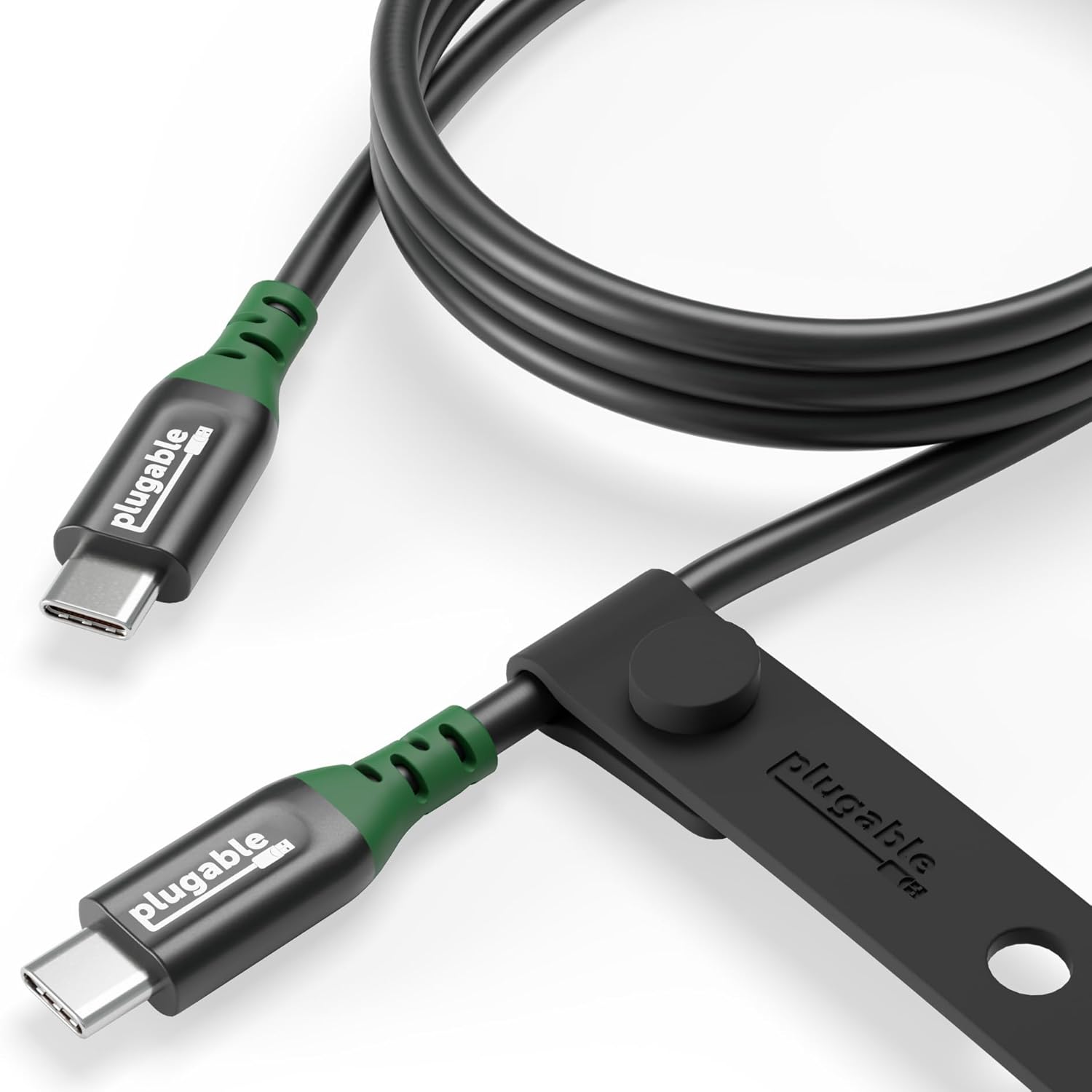
Image 1.1: The Plugable USB-C Cable (USBC-240W-1M) with its included silicone cable management strap.
2. Негизги өзгөчөлүктөрү
- 240W EPR Charging: Supports Extended Power Range (EPR) for fast charging of high-power devices.
- 20Gbps Data Transfer: Enables rapid data synchronization and transfer of large files.
- 8K 60Hz / Dual 4K 120Hz Video: Supports DisplayPort 1.4 Alternate Mode for high-resolution video output.
- USB4 and Thunderbolt Compatibility: Designed for broad compatibility with modern USB-C, USB4, and Thunderbolt devices.
- Туруктуу курулуш: Built for longevity and reliable performance.
- Silicone Cable Strap: Includes a strap for convenient cable management.

Image 2.1: Visual representation of the cable's professional-grade USB-C performance, highlighting its 1-meter length and durable silicone cable management.
3. Орнотуу жана туташуу
The Plugable USB-C Cable is designed for simple plug-and-play functionality. Ensure your devices have compatible USB-C ports.
- Identify the USB-C port on your source device (e.g., laptop, tablet, smartphone).
- Identify the USB-C port on your target device (e.g., monitor, docking station, charger).
- Connect one end of the Plugable USB-C cable firmly into the source device's USB-C port.
- Connect the other end of the Plugable USB-C cable firmly into the target device's USB-C port.
- For optimal performance, ensure both devices support the desired functions (charging, data, video) at the cable's specified rates.
4. Иштөө нускамалары
4.1. Заряддоо
This cable supports up to 240W Extended Power Range (EPR) charging. Connect the cable between a compatible USB-C power adapter and your device to initiate charging. The actual charging speed will depend on the capabilities of both your power adapter and your device.

Image 4.1: A laptop connected to a power adapter via the Plugable USB-C Cable, illustrating its charging capability.
4.2. Маалыматтарды өткөрүү
The cable facilitates data transfer speeds of up to 20Gbps. Connect your USB-C enabled devices, such as external storage drives or docking stations, to transfer files quickly. Ensure both connected devices support USB 3.2 Gen2 or higher for maximum data transfer rates.
4.3. Видео чыгаруу
Utilize this cable for high-resolution video output. It supports DisplayPort 1.4 Alternate Mode, enabling single 8K resolution at 60Hz or dual 4K resolution at 120Hz. Connect your USB-C enabled laptop or tablet to a compatible monitor or display.

Image 4.2: A laptop connected to an 8K Ultra HD monitor using the Plugable USB-C Cable, demonstrating its video output capabilities.
5. Шайкештик
The Plugable USB-C Cable is universally compatible with a wide range of USB-C enabled devices, including:
- Ноутбуктар: MacBook, Dell XPS, Lenovo ThinkPad, and other USB-C laptops.
- Планшет: iPad, Samsung Galaxy Tab, and other USB-C tablets.
- Смартфондор: iPhone 15 series, Samsung Galaxy S24, Google Pixel 8, and other USB-C smartphones.
- Башка түзмөктөр: Docking stations, external storage devices, and USB-C monitors.
It supports various operating systems including macOS, Windows, and ChromeOS.
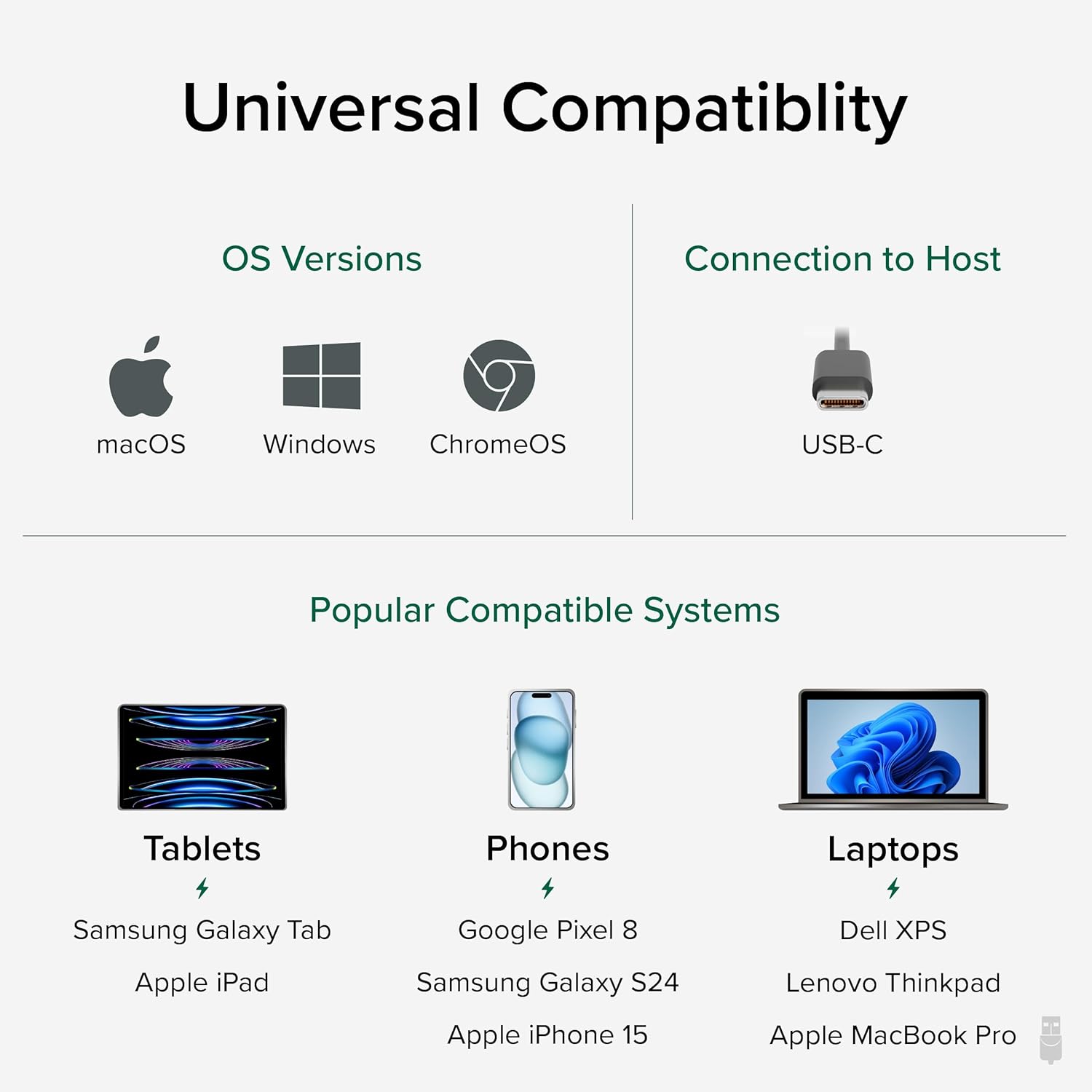
Image 5.1: A chart illustrating the universal compatibility of the Plugable USB-C Cable across different operating systems and device types.
6. Техникалык шарттар
| Өзгөчөлүк | Спецификация |
|---|---|
| Модель номери | USBC-240W-1M |
| Кабелдин узундугу | 3.3 фут (1 метр) |
| Туташтыргыч түрү | USB Type C to USB Type C |
| Power Delivery | Up to 240W (EPR) |
| Маалыматтарды өткөрүү ылдамдыгы | Up to 20Gbps (USB 3.2 Gen2) |
| Video Output | 8K 60Hz or Dual 4K 120Hz (DP1.4 Alt Mode) |
| Шайкештик | USB-C, USB4, Thunderbolt 3/4 |
| Өзгөчө өзгөчөлүк | Silicone Cable Strap |
7. Техникалык тейлөө
To ensure the longevity and optimal performance of your Plugable USB-C Cable, follow these maintenance guidelines:
- Сактагыч: When not in use, coil the cable neatly and secure it with the included silicone strap. Avoid sharp bends or kinks.
- Тазалоо: Кабель менен туташтыргычтарды сүртүү үчүн жумшак, кургак чүпүрөктү колдонуңуз. Катуу химиялык заттарды же абразивдүү материалдарды колдонуудан алыс болуңуз.
- Колдонуу: Always grasp the connector head when plugging or unplugging the cable. Avoid pulling directly on the cable itself, as this can damage the internal wiring.
- Курчап турган чөйрө: Кабелди экстремалдык температурадан, тике күн нурунан жана нымдуулуктан алыс кармаңыз.
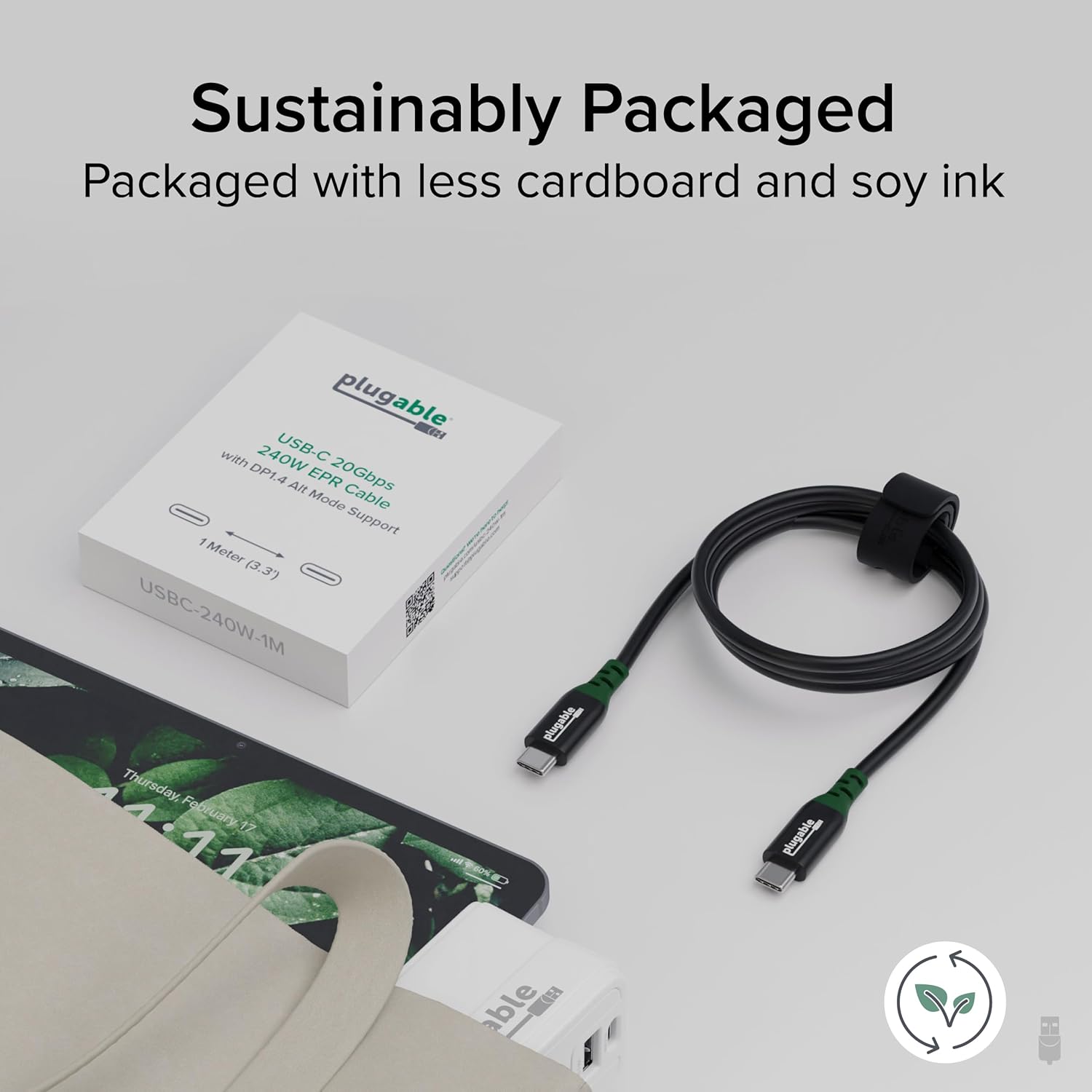
Image 7.1: The Plugable USB-C Cable and its eco-friendly packaging, emphasizing the product's durability for long-term use.
8. Кыйынчылыктарды
If you encounter issues with your Plugable USB-C Cable, consider the following common solutions:
- No Power/Slow Charging:
- Ensure both the power adapter and the device support the required power delivery (e.g., 240W).
- Verify that the cable is securely connected at both ends.
- Test with a different power adapter or device to isolate the issue.
- No Data Transfer/Slow Data:
- Confirm that both connected devices support USB 3.2 Gen2 (20Gbps) or higher.
- Check device drivers and operating system updates.
- Түзмөгүңүздөгү башка USB-C портуна туташып көрүңүз.
- No Video Output/Incorrect Resolution:
- Ensure your source device and monitor both support DisplayPort 1.4 Alternate Mode and the desired resolution/refresh rate.
- Verify display settings on your computer (e.g., resolution, refresh rate, display mode).
- Restart both the source device and the monitor.
- Үзгүлтүксүз туташуу:
- Ensure connectors are clean and free of debris.
- Avoid excessive bending or tension on the cable during use.
9. Расмий продукт Video
Көрүү үчүнview of the Plugable Premium USB Cable, please watch the official product video below:
Video 9.1: An official video from Plugable showcasing the features and benefits of the Premium USB Cable.
10. Кепилдик жана колдоо
Plugable products are backed by a 2 жылдык камтуу, certified to exceed industry standards. We also offer North American Lifetime Support from our expert engineers.
For technical assistance, warranty claims, or further information, please visit the official Plugable website or contact our support team directly.
Онлайн колдоо: plugable.com/support


