1. Киришүү
Thank you for choosing the SYLVOX 40-inch Smart RV TV. This television is designed for versatile use, offering both DC and AC power options, making it ideal for RVs, campers, and home environments. Featuring the Android 11.0 system, it provides a smart and intuitive viewing experience with access to a wide range of applications, Google Assistant, and built-in Chromecast.
This manual provides detailed instructions for setting up, operating, and maintaining your SYLVOX Smart RV TV. Please read it thoroughly before use to ensure proper functionality and longevity of your device.
2. Кутуда эмне бар
Upon opening your SYLVOX Smart RV TV package, please verify that all the following components are included:
- SYLVOX 40-inch Smart RV TV
- Remote Control (2 AAA batteries required, often included)
- Power Cord (for AC power)
- Car Charger Cable (for DC power)
- Кубаттуу адаптер
- Instructions Manual
- Base Stands (2 pieces)
- Screws for Base Stands
- Screwdriver

Contents of the SYLVOX Smart RV TV package.
3. Орнотуу
3.1 Таңгактан чыгаруу жана алгачкы жайгаштыруу
Телевизорду таңгагынан этияттык менен чыгарыңыз. Телевизорду туруктуу, тегиз жерге коюңуз же дубалга орнотууга даярдаңыз. Телевизордун айланасында жетиштүү желдетүүнү камсыз кылыңыз.

Фронт view of the SYLVOX Smart RV TV.
3.2 Attaching the Base Stands (Optional)
If you are not wall-mounting the TV, attach the included base stands to the bottom of the TV using the provided screws and screwdriver. Ensure they are securely fastened.
3.3 Кубат туташтыруу
Your SYLVOX RV TV supports both DC and AC power supply:
- DC Power (10.5V-28V): For RVs, campers, or yachts, connect the provided car charger cable directly to your vehicle's 12V/24V power outlet. The TV features wide voltage protection and shock resistance for mobile environments.
- AC Power (110V): For home use, connect the power adapter to the TV and then plug the power cord into a standard 110V AC wall outlet.
3.4 Алыстан башкарууну жөндөө
Insert the two AAA batteries into the remote control, observing the correct polarity. The remote is pre-paired and ready for use.
4. Operating Your Smart RV TV
4.1 Smart Android 11.0 System
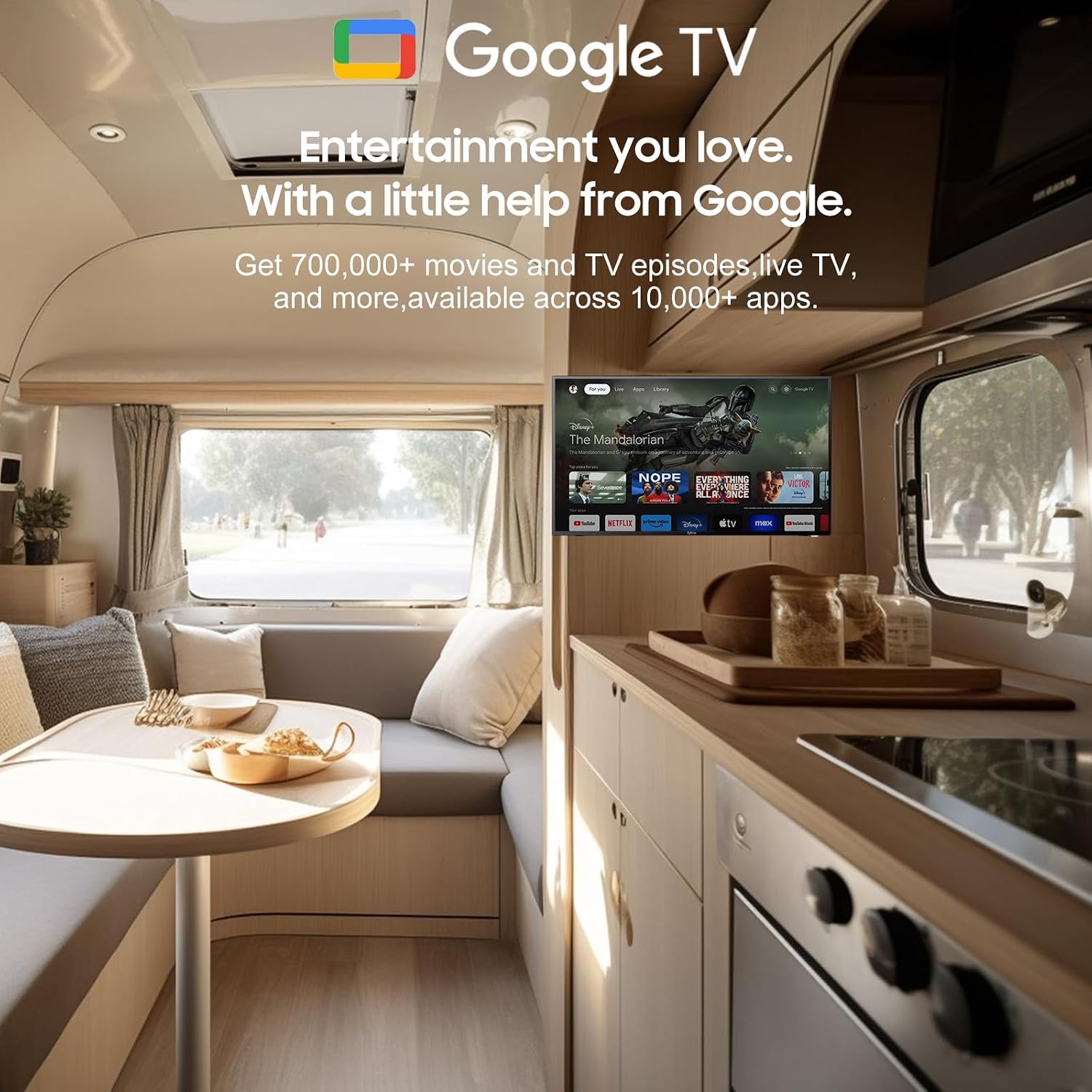
The TV runs on the Android 11.0 operating system, providing a user-friendly interface and access to a vast ecosystem of apps. Upon first power-on, follow the on-screen prompts to set up your language, Wi-Fi connection, and Google account.
4.2 Google Жардамчысы
Your remote control includes a dedicated Google Assistant button. Press this button and speak your commands to easily search for content, control smart home devices, get answers, and more.

Utilize Google Assistant for voice commands.
4.3 Google Play дүкөнү
Access the Google Play Store directly from your TV to browse and download a wide variety of applications, games, and media streaming services, expanding your entertainment options.
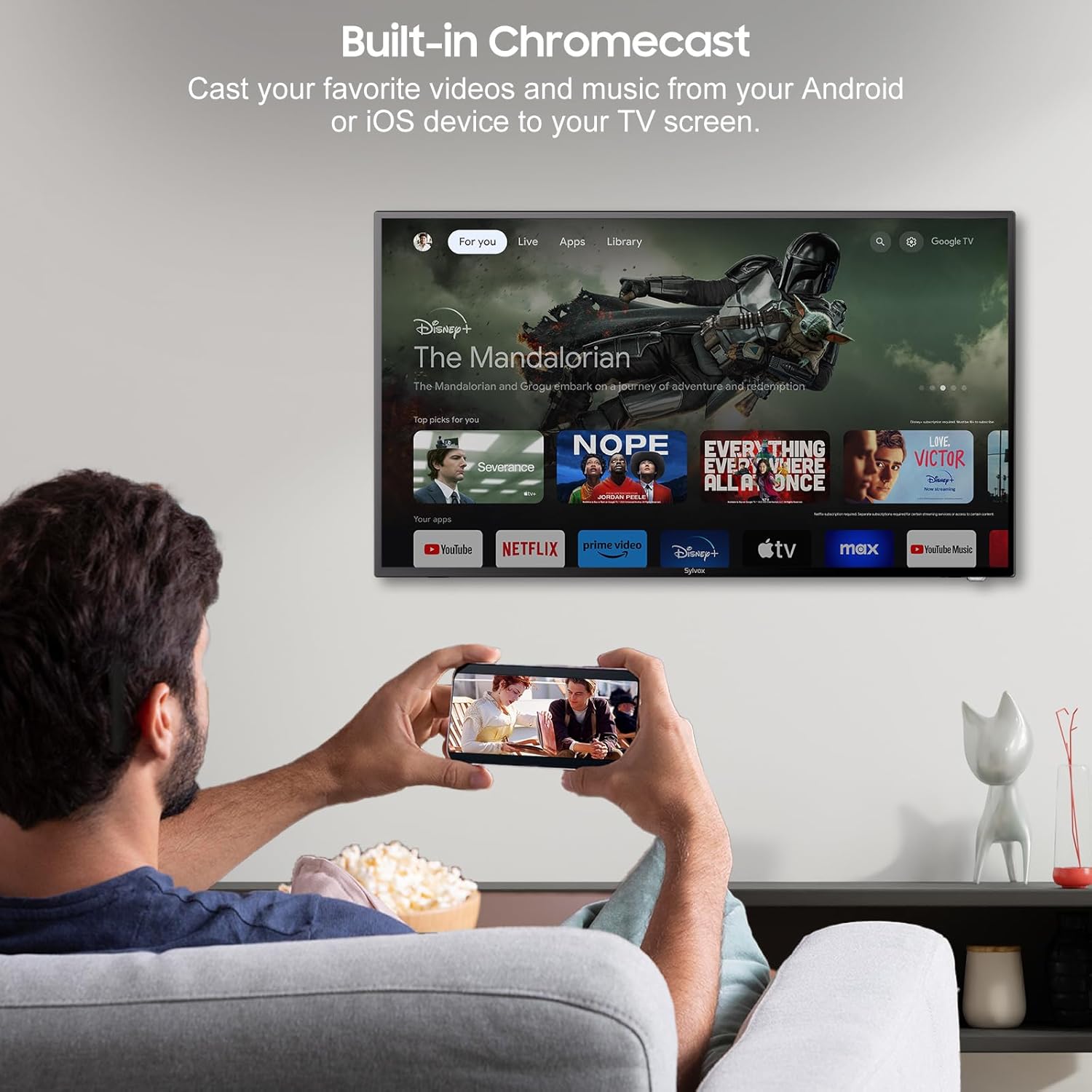
4.4 Built-in Chromecast
With built-in Chromecast, you can effortlessly stream and display content (videos, photos, music) from your compatible mobile devices (Android or iOS) or computers directly onto the TV screen.

Stream content with built-in Chromecast.
5. Байланыш
Your SYLVOX Smart RV TV offers a comprehensive range of connectivity options for various devices:
- HDMI порттору: Оюн консолдору, Blu-ray ойноткучтар же приставкалар сыяктуу тышкы түзмөктөрдү туташтырыңыз.
- USB порттору: Медиа ойнотуу files directly from USB drives or connect USB peripherals.
- RJ45 (Ethernet) порту: Туруктуу зымдуу интернет байланышы үчүн.
- Оптикалык аудио чыгаруу: Connect to soundbars or home theater systems for enhanced audio.
- RF киргизүү: For connecting an antenna to receive over-the-air broadcasts.
- AV Input (Mini AV): Композиттик видео жана стерео аудио чыгуулары бар эски түзмөктөрдү туташтыруу үчүн.
- Наушник джек: Жеке угуу үчүн.
5.1 Зымсыз байланыш
- Wi-Fi: Connect to your wireless network for internet access and smart TV features.
- Bluetooth: Pair with Bluetooth-enabled devices such as headphones, speakers, or game controllers.
Wireless and wired connectivity options.

Rear panel connectivity ports.
6. Сүрөт жана үн сапаты
6.1 1080P Full HD Display
Experience stunning visuals with the 1080P Full HD resolution, providing crisp, clear, and immersive picture quality for all your content.
1080P Full HD picture quality comparison.
6.2 Built-in HiFi Speakers
The TV is equipped with two built-in HiFi speakers, delivering rich and immersive audio to complement your viewing experience. For enhanced sound, external audio systems can be connected via the available audio output ports or Bluetooth.
7. Техникалык тейлөө
7.1 Тазалоо
- Экран: Экранды жумшак, түксүз чүпүрөк менен акырын сүртүңүз. Кежир тактар үчүн, экранга түздөн-түз эмес, кездемеге колдонулган экранга тиешелүү тазалоочу эритмени колдонуңуз.
- Кабинет: Телевизордун шкафын жумшак, кургак чүпүрөк менен сүртүңүз. Абразивдүү тазалагычтарды же эриткичтерди колдонуудан алыс болуңуз.
7.2 Сактоо
If storing the TV for an extended period, disconnect it from power, clean it, and store it in a cool, dry place, preferably in its original packaging to protect it from dust and physical damage.
8. Кыйынчылыктарды
If you encounter issues with your SYLVOX Smart RV TV, please refer to the following common problems and solutions:
| Көйгөй | Мүмкүн себеп | Чечим |
|---|---|---|
| Күч жок | Power cable not connected; outlet malfunction; vehicle battery low (for DC) | Ensure power cable is securely connected. Test outlet with another device. Check vehicle battery charge. |
| Сүрөт жок, бирок Үн бар | Туура эмес киргизүү булагы тандалды; тышкы түзмөктө көйгөй бар | Press the 'Input' or 'Source' button on the remote to select the correct input. Check connections to external devices. |
| Үн жок, бирок Сүрөт бар | Үнү өчүрүлгөн же өтө төмөн; тышкы аудио системасында көйгөй бар | Unmute volume or increase level. Check connections to external speakers/soundbar. |
| Алыстан башкаруу жооп бербейт | Батареялар түгөнүп калган; пульт менен телевизордун ортосундагы тоскоолдук | Батареяларды алмаштырыңыз. Бардык тоскоолдуктарды алып салыңыз. Иштин жүрүшүндө экениңизди текшериңиз. |
| Wi-Fi'га туташпай жатат | Туура эмес сырсөз; роутер маселеси; Телевизор роутерден өтө алыс | Double-check Wi-Fi password. Restart router. Move TV closer to router or use Ethernet. |
| Apps Not Loading or Crashing | Insufficient memory; app specific issue; outdated app version | Clear app cache/data. Update the app. Restart the TV. |
If the problem persists after trying these solutions, please contact SYLVOX customer support for further assistance.
9. Техникалык шарттар
Detailed technical specifications for the SYLVOX 40-inch Smart RV TV:
| Өзгөчөлүк | Спецификация |
|---|---|
| Бренд | СИЛВОКС |
| Модель номери | 40 Vehicle Smart |
| Screen Size | 40 дюйм (диагоналы 102 см) |
| Дисплей технологиясы | LED |
| Резолюция | 1080p (Full HD) |
| Жаңыртуу ылдамдыгы | 60 Гц |
| Операция системасы | Android 11.0 |
| Электр камсыздоо | DC 10.5V-28V, AC 110V |
| Ватtage | 84 ватт |
| Байланыш | Bluetooth, WiFi, Ethernet (RJ45), HDMI, USB, Wireless |
| Порттар | HDMI, USB, RJ45, Optical, RF, AV, Earphone |
| Динамик түрү | Built-In HiFi Speakers |
| Элемент Салмагы | 14.33 фунт |
| Продукциянын өлчөмдөрү (DxWxH) | 8.32 x 35.7 x 22.11 дюйм |
| Аспект катышы | 16:9 |
| Өзгөчөлүктөр | DC/AC, 12V, Wide voltage protection, Vibration protection, Google Assistant, Chromecast |
10. Кепилдик жана колдоо
SYLVOX is committed to providing high-quality products and excellent customer service. Your SYLVOX Smart RV TV comes with the following:
- 12-Month Free Defect Protection: Сатып алынган күндөн тартып бир жыл өндүрүштүк кемчиликтерди камтыйт.
- Free Returns for Quality Issues: If you experience quality-related problems, returns are free of charge.
- 30 күндүк кыйынчылыксыз кайтаруулар: Enjoy a 30-day return period for your convenience.
Please note that original packaging may be required for returns. For any technical assistance, warranty claims, or product inquiries, please contact SYLVOX customer support through the official SYLVOX webсайт же сатып алуу платформаңыз.


