1. Киришүү
Thank you for choosing the COCOCAM 5MP Indoor Security Camera. This device is designed to provide reliable surveillance for your indoor spaces, offering high-resolution video, advanced motion detection, two-way audio communication, and flexible storage options. This manual will guide you through the installation, operation, and maintenance of your new security camera to ensure optimal performance and peace of mind.
2. Пакеттин мазмуну
Сураныч, пакетте төмөнкү нерселерди текшериңиз:
- COCOCAM 5MP Indoor Security Camera (Model: PK323)
- Кубаттуу адаптер
- USB кабели
- Орнотуу аксессуарлары (бурамалар, дубал сайгычтары)
- Колдонуучунун колдонмосу (бул документ)
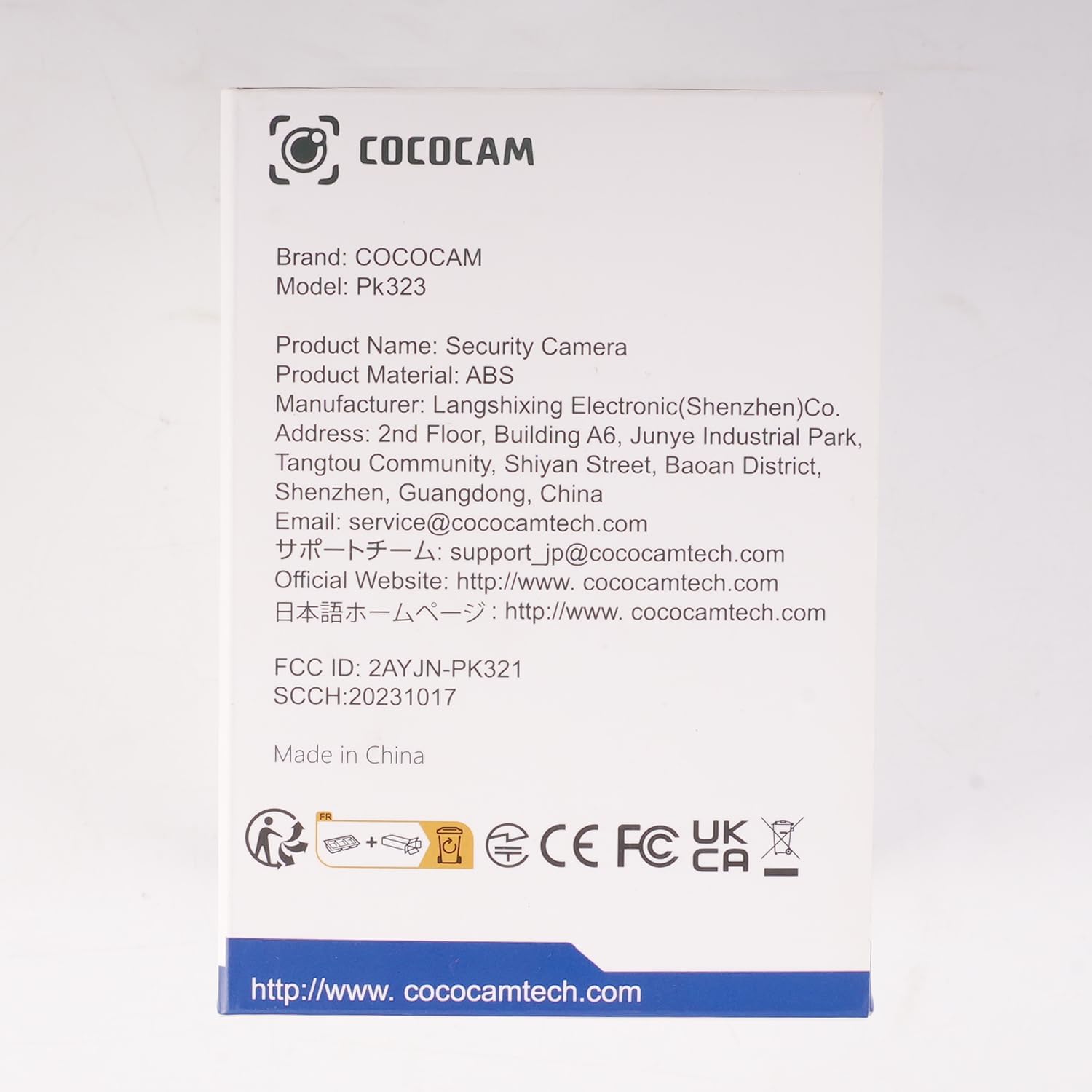
Сүрөт: алдыңкы view of the COCOCAM Security Camera retail box.
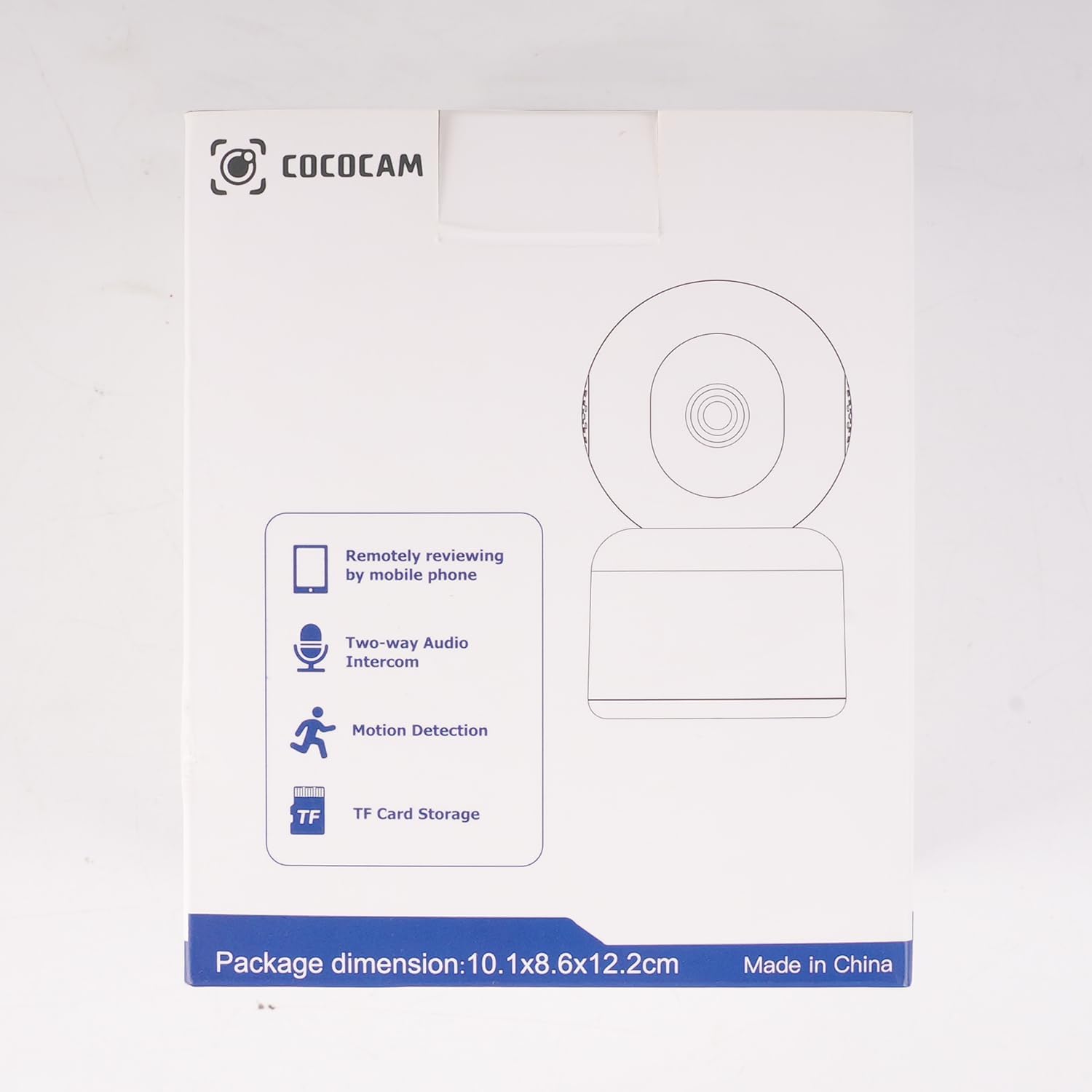
Сүрөт: каптал view of the COCOCAM Security Camera retail box highlighting features like remote viewing, two-way audio, motion detection, and TF card storage.
3. Продукт бүтүп калдыview
The COCOCAM PK323 is a versatile indoor security camera designed for comprehensive monitoring. It features a compact design and robust capabilities.
Негизги өзгөчөлүктөрү:
- 5MP чечилиши: Так жана деталдуу фоону тартатtage.
- Пан & жантайтуу: 355° horizontal pan and 80° vertical tilt for wide coverage.
- Кош тилкелүү Wi-Fi: Supports both 2.4GHz and 5GHz Wi-Fi networks for stable connection.
- Эки тараптуу аудио: Реалдуу убакыт режиминде байланышуу үчүн орнотулган микрофон жана динамик.
- AI Motion Detection & Auto Tracking: Intelligently detects human and pet movement and tracks the subject.
- HD IR Night Vision: Provides clear video monitoring even in low-light conditions, visible up to 15 meters (50 ft).
- Ийкемдүү сактагыч: Supports local TF card storage (up to 128GB) and cloud storage options.
- Alexa интеграциясы: Works with Amazon Alexa for voice control and live view on compatible devices.
Физикалык компоненттер:
- Камера линзасы: Main video capture component.
- IR Диоддордон: Түнкү көрүү үчүн инфракызыл жарыктар.
- Микрофон: Аудио киргизүү үчүн.
- Баяндамачы: For audio output (two-way audio).
- Электр порту: Кубат адаптерин туташтыруу үчүн.
- Калыбына келтирүү баскычы: Камераны заводдук жөндөөлөргө кайтаруу үчүн колдонулат.
- TF карта уячасы: For inserting a microSD card for local storage.

Image: The COCOCAM 5MP Indoor Camera alongside a smartphone displaying its live video feed, highlighting its 5MP and dual-band Wi-Fi capabilities.
4. Орнотуу колдонмосу
Follow these steps to set up your COCOCAM security camera:
4.1 Колдонмону жүктөп алыңыз
- Издөө the "CloudEdge" app in your smartphone's app store (App Store for iOS or Google Play Store for Android).
- Колдонмону жүктөп алып, орнотуңуз.
- Жаңы аккаунтка катталыңыз же сизде мурунтан эле бар болсо кириңиз.
4.2 Power On the Camera
- Connect the provided USB cable to the camera's power port and the power adapter.
- Кубат адаптерин розеткага сайыңыз.
- Wait for the camera to power on. You will hear a prompt indicating it's ready for setup.
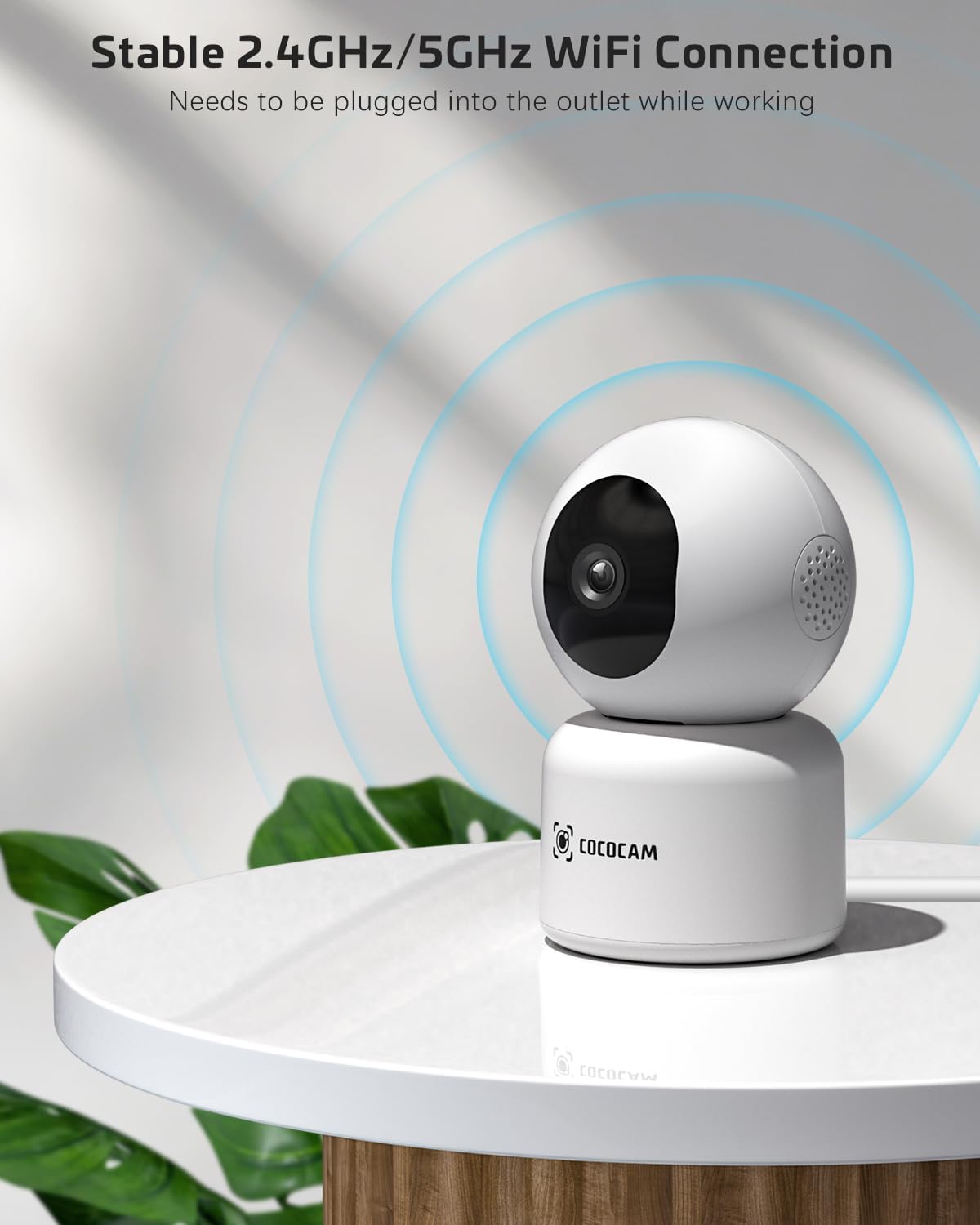
Image: The COCOCAM camera plugged into an outlet, illustrating its stable 2.4GHz/5GHz Wi-Fi connection capability.
4.3 Wi-Fiга туташуу
- Open the CloudEdge app.
- Tap the "+" icon or "Add Device" to add a new camera.
- Select your camera model from the list (e.g., Smart Camera or PTZ Camera).
- Follow the on-screen instructions to connect the camera to your Wi-Fi network. Ensure your phone is connected to the same Wi-Fi network (2.4GHz or 5GHz).
- The app will display a QR code. Hold your phone's screen in front of the camera lens (approx. 15-20 cm or 6-8 inches away) until you hear a confirmation sound from the camera.
- Once connected, the camera's indicator light will turn solid blue, and you will receive a "Connection successful" message in the app.

Image: A sequence of screenshots from the CloudEdge app demonstrating the step-by-step process for setting up and connecting the camera to a Wi-Fi network.
4.4 Install TF Card (Optional)
If you wish to use local storage, insert a TF (microSD) card (up to 128GB) into the camera's TF card slot. Ensure the camera is powered off before inserting or removing the card. Format the card through the app settings after insertion for proper functionality.
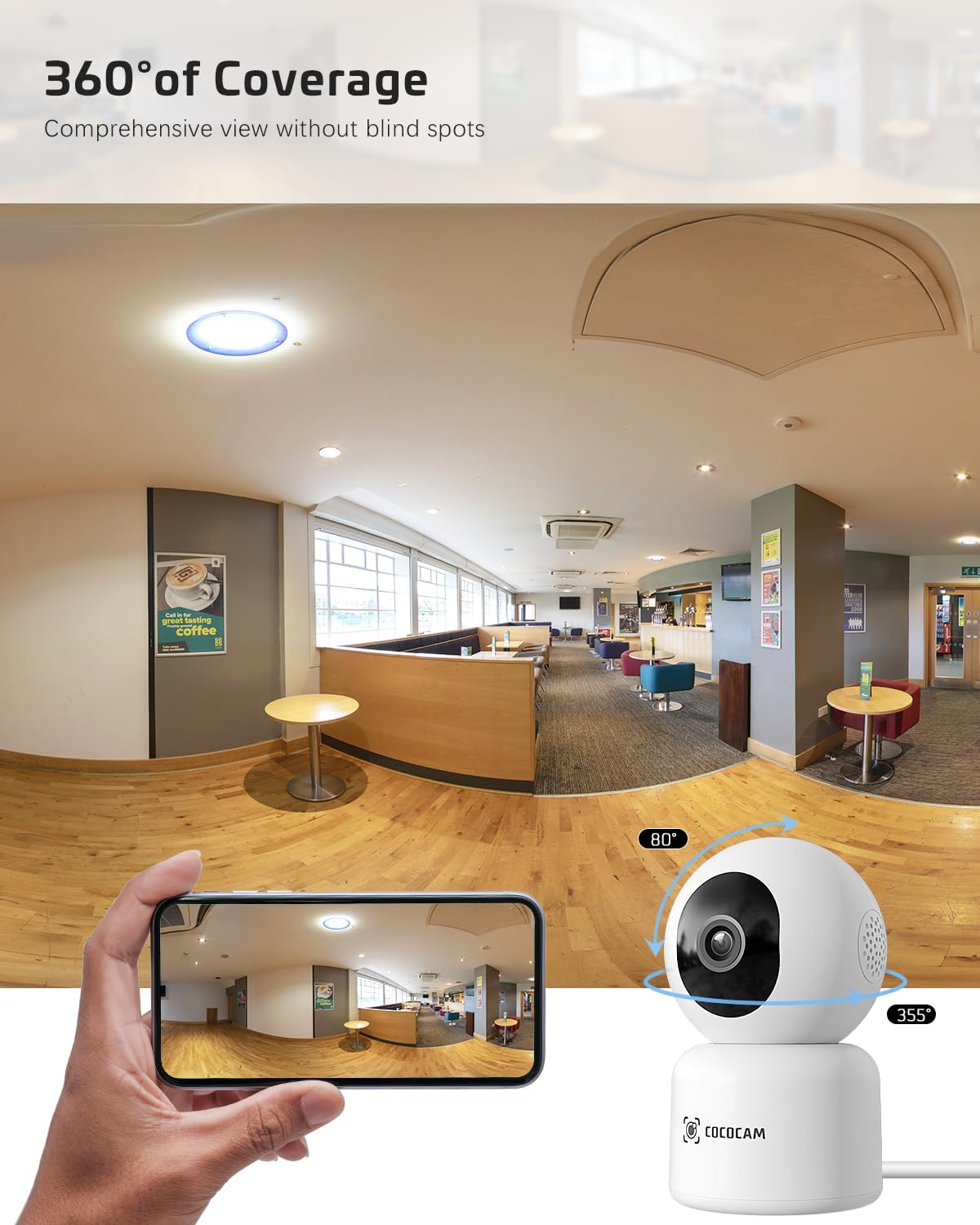
Image: The COCOCAM camera with icons representing cloud storage and TF card storage, emphasizing its safe and stable storage options.
5. Иштөө нускамалары
Once set up, you can utilize the camera's features via the CloudEdge app.
5.1 Live View & Жаздыруу
- Open the CloudEdge app and select your camera from the device list to access the live view.
- You can manually record video or capture screenshots directly from the live view интерфейс.
- The camera supports 24/7 continuous recording to a TF card or cloud storage (subscription may apply for extended cloud features).
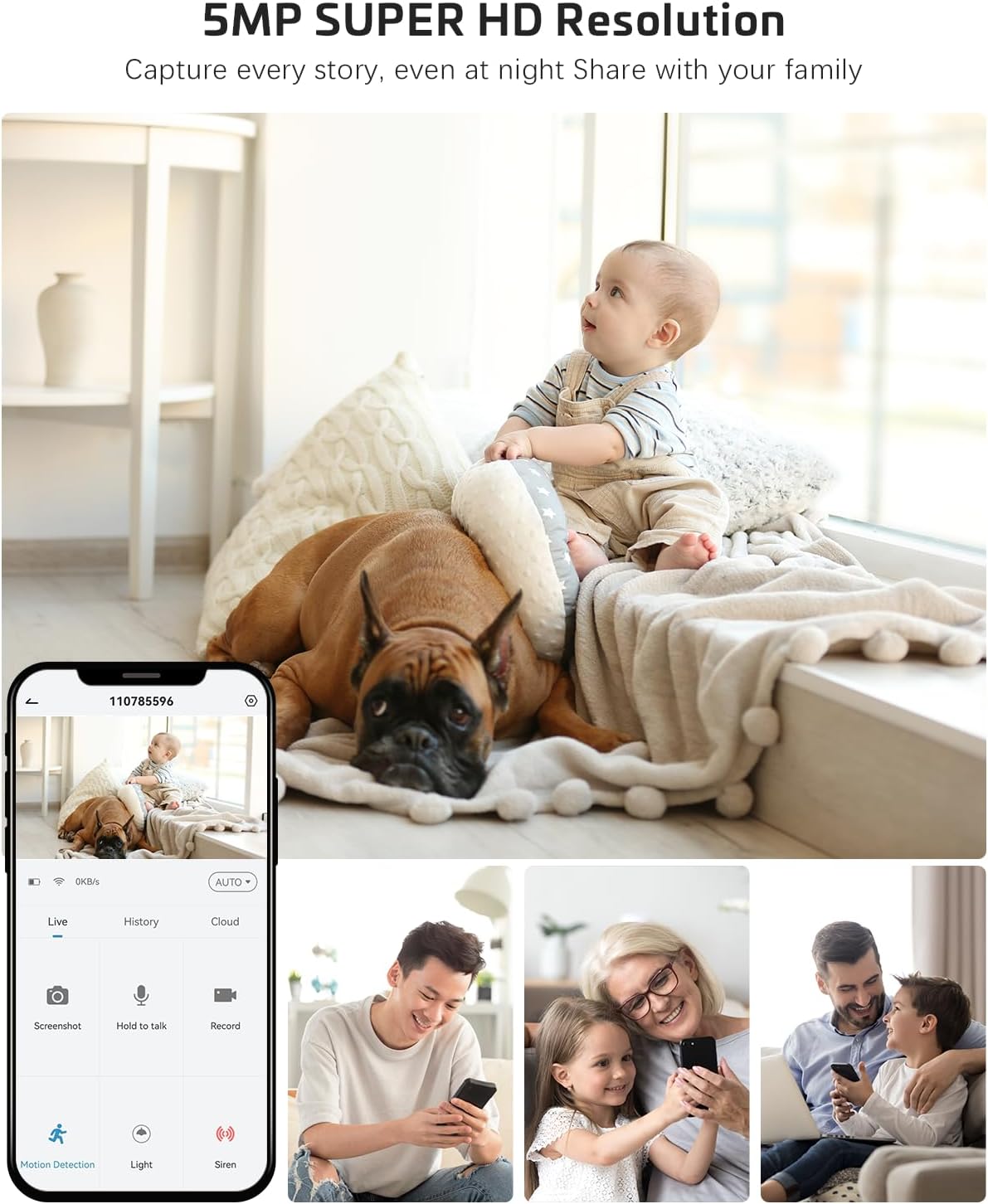
Image: The COCOCAM camera app interface displaying a live view of a baby and dog, with options for screenshot, hold to talk, record, and motion detection, alongside images of family members sharing access.
5.2 Эки тараптуу аудио
- Түз эфирден view, tap the microphone icon to enable two-way audio.
- Press and hold the talk button to speak through the camera's speaker. Release to listen.
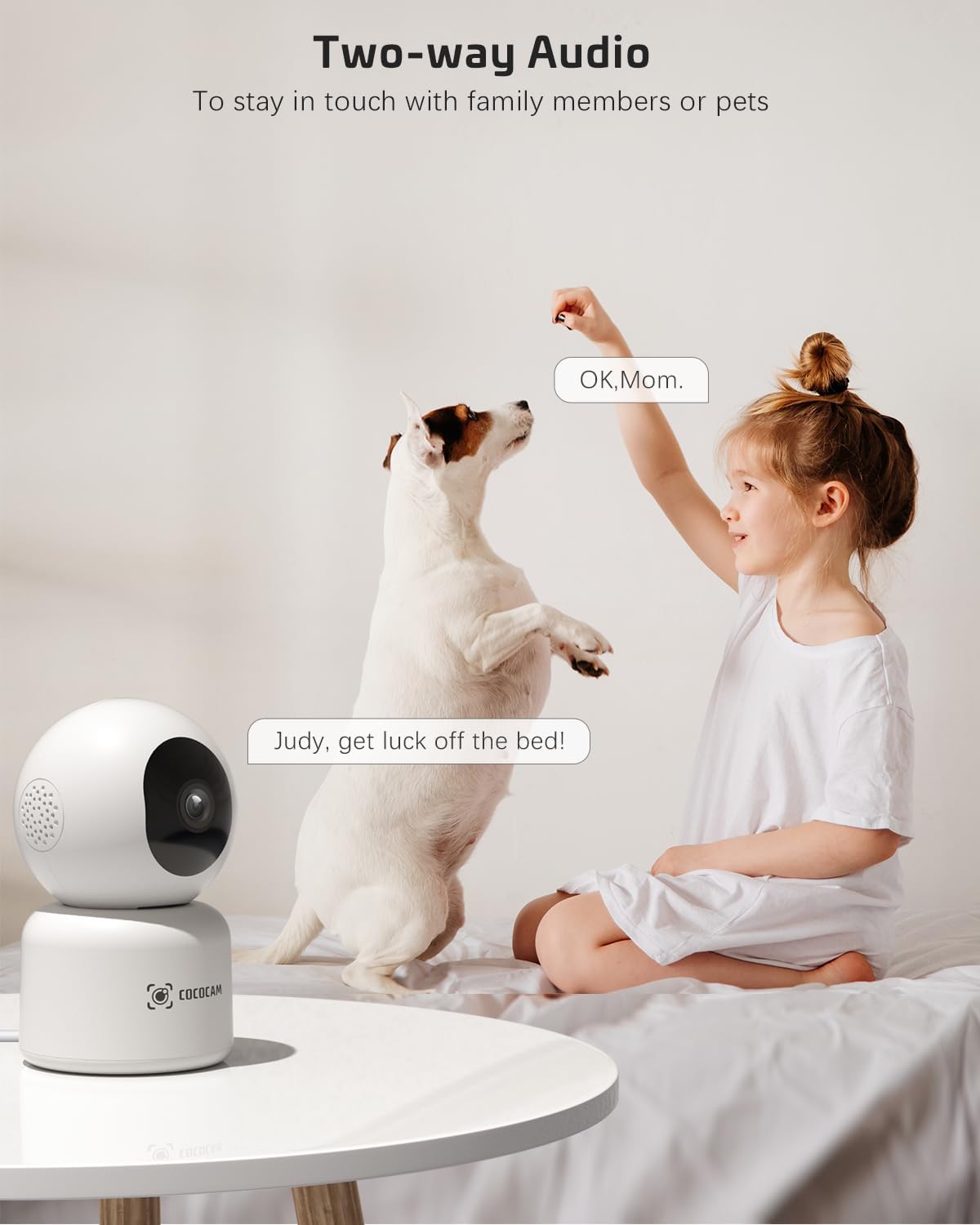
Image: A child and a dog interacting, illustrating the two-way audio feature of the COCOCAM camera, allowing communication with family members or pets.
5.3 Панорама, жантайтуу жана чоңойтуу (PTZ)
- Түз эфирде view screen, use the directional controls to pan the camera horizontally (355°) and tilt it vertically (80°).
- Pinch to zoom in or out on the video feed.
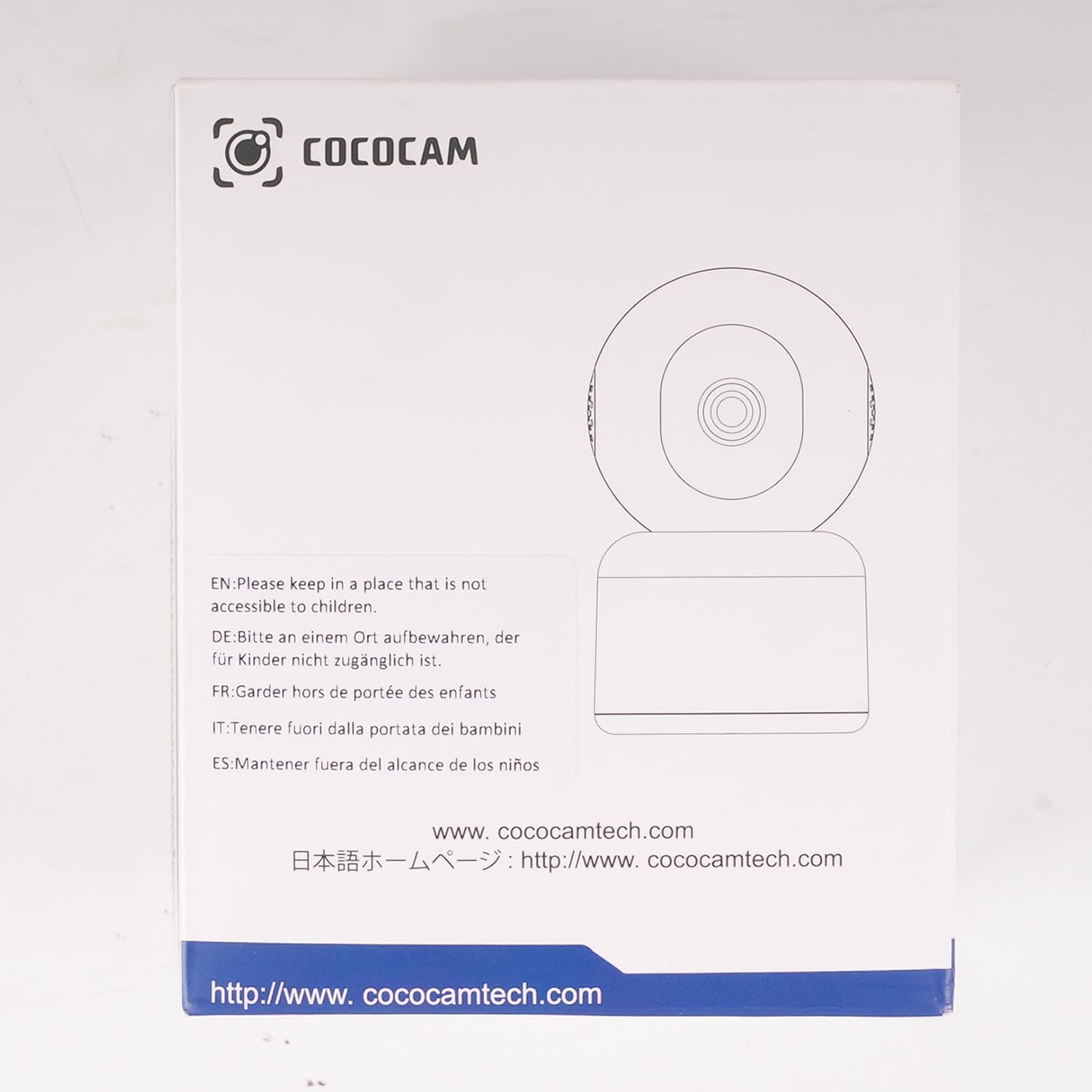
Image: The COCOCAM camera demonstrating its 360° coverage capability, providing a comprehensive view without blind spots, with a smartphone displaying the panoramic view.
5.4 AI Motion Detection & Auto Tracking
- Enable motion detection in the app settings. You can adjust sensitivity (Low, Medium, High) and set specific detection zones.
- The camera will send real-time alerts to your phone when motion is detected.
- With auto-tracking enabled, the camera will automatically follow detected movement within its field of view.
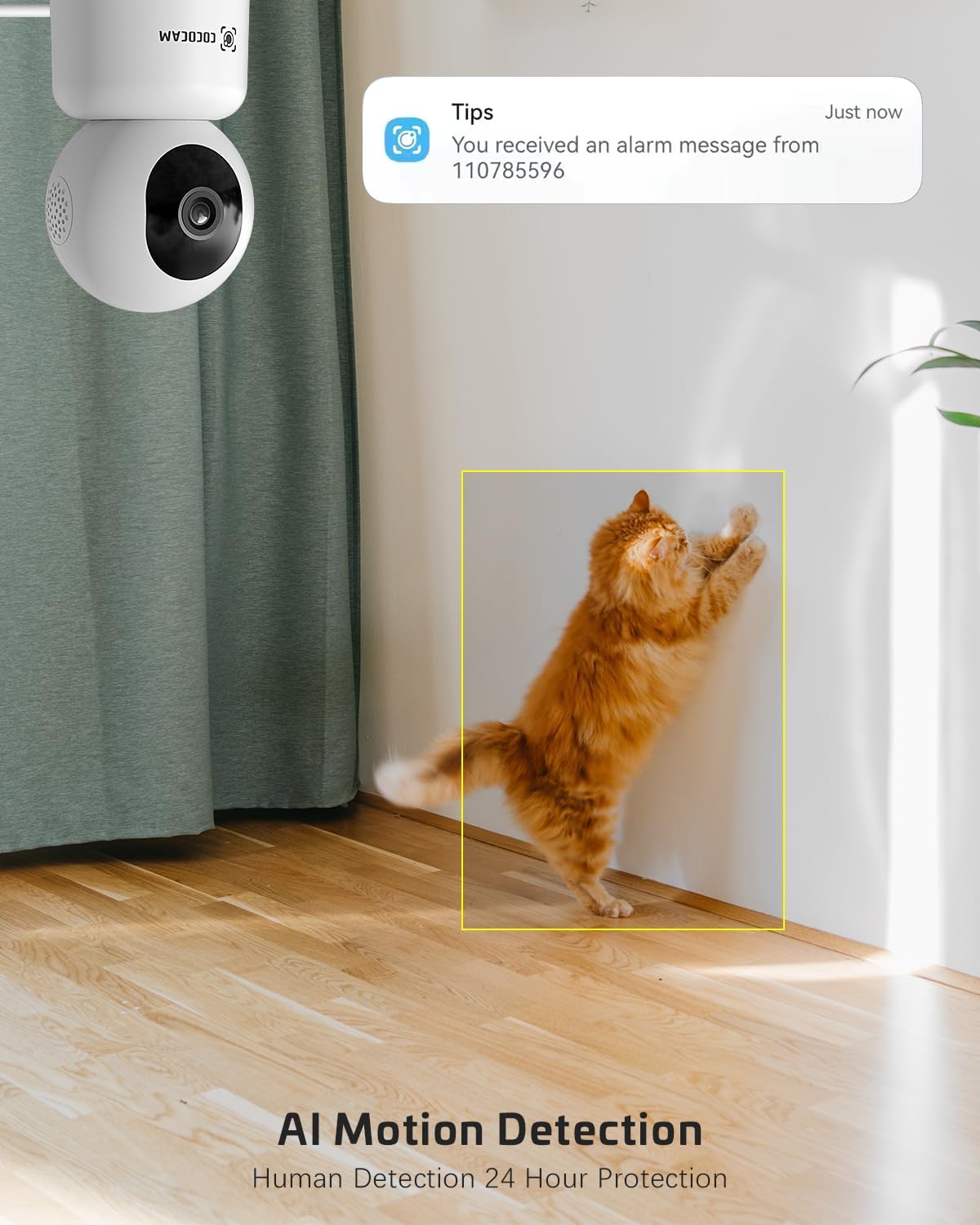
Image: The COCOCAM security camera detecting motion, with a notification pop-up on a phone screen, demonstrating its AI motion detection capabilities for human and pet activity.

Image: A screenshot of the CloudEdge app's motion detection settings, showing options to enable/disable motion detection, adjust sensitivity, set recording time, alarm interval, alert plan, and alarm area.
5.5 HD IR Night Vision
- Камера автоматтык түрдө жарык аз болгон шарттарда түнкү көрүү режимине өтөт.
- Infrared LEDs provide clear black-and-white video up to 15 meters (50 ft) in complete darkness.
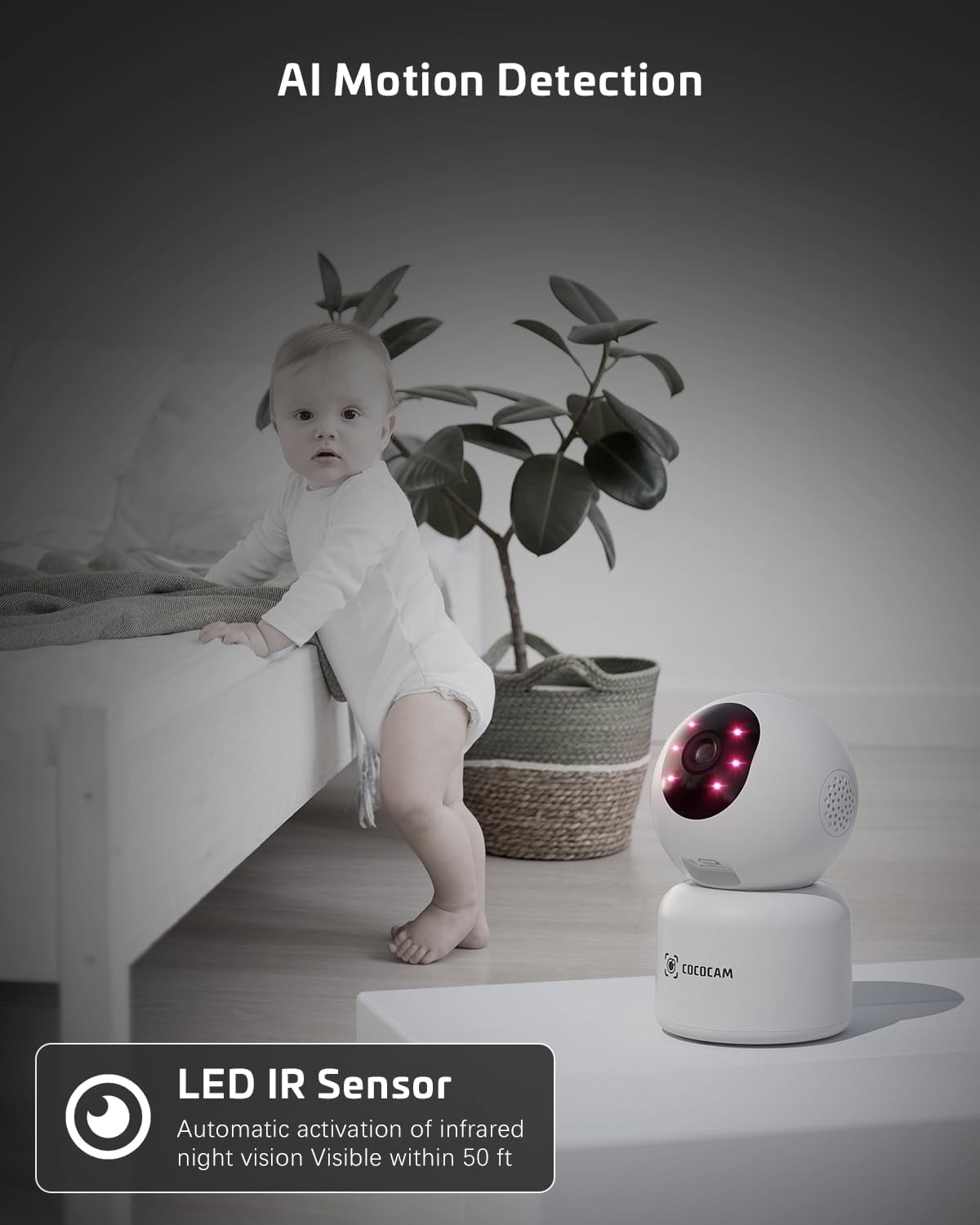
Image: The COCOCAM camera with its infrared LEDs active, providing clear night vision in a dimly lit room, suitable for monitoring a baby.
5.6 Камера менен бөлүшүү
- You can share access to your camera's live feed with family members or trusted individuals through the CloudEdge app.
- Go to the camera settings and find the "Share Device" option to invite others.

Image: Multiple family members viewing the camera feed on various devices (smartphone, tablet, laptop), illustrating the multi-user sharing feature.
5.7 Works with Alexa
- Integrate your COCOCAM camera with Amazon Alexa for convenient voice control.
- Enable the CloudEdge skill in the Alexa app and link your accounts.
- You can then use voice commands like "Alexa, show me the front door" (if named accordingly) to view the live feed on compatible Echo Show devices.

Image: An Amazon Echo Show device displaying the live feed from the COCOCAM camera, demonstrating its compatibility with Alexa for voice-controlled viewing.
6. Техникалык тейлөө
To ensure the longevity and optimal performance of your COCOCAM camera, follow these maintenance tips:
- Тазалоо: Камера линзасын жана корпусун жумшак, кургак чүпүрөк менен акырын сүртүңүз. Катуу химиялык заттарды же абразивдүү тазалоочу каражаттарды колдонуудан алыс болуңуз.
- Жайгашкан жери: Камераны күн нурунан, экстремалдык температурадан жана жогорку нымдуулуктан алыс, туруктуу жерге жайгаштырыңыз.
- Программалык камсыздоонун жаңыртуулары: Камераңызда эң акыркы функциялар жана коопсуздук жакшыртуулары бар экенине ынануу үчүн CloudEdge колдонмосун жеткиликтүү микропрограмма жаңыртуулары үчүн үзгүлтүксүз текшерип туруңуз.
- Электр камсыздоо: Камера менен кошо берилген түпнуска кубат адаптерин гана колдонуңуз.
7. Кыйынчылыктарды
Эгерде сиз COCOCAM камераңыз менен көйгөйлөргө туш болсоңуз, төмөнкү кеңири таралган көйгөйлөрдү жана чечимдерди караңыз:
| Көйгөй | Мүмкүн себеп | Чечим |
|---|---|---|
| Камера оффлайн | Электр энергиясы жок, Wi-Fi өчүрүлгөн, Wi-Fi сигналы начар. | Check power connection. Restart camera and router. Ensure camera is within Wi-Fi range. Reconnect camera in app. |
| Wi-Fi'га туташпай жатат | Incorrect Wi-Fi password, wrong Wi-Fi band (only 2.4GHz/5GHz supported), too far from router. | Verify Wi-Fi password. Ensure you are connecting to a 2.4GHz or 5GHz network. Move camera closer to router. Reset camera and try again. |
| Сүрөттүн сапаты начар | Кир линза, жарыктын жетишсиздиги, тармактын өткөрүү жөндөмдүүлүгү маселелери. | Clean the camera lens. Ensure adequate lighting or check night vision settings. Check your internet speed. |
| Кыймыл эскертүүлөрү алынган жок | Motion detection disabled, app notifications off, incorrect sensitivity settings. | Enable motion detection in app. Check phone notification settings for CloudEdge app. Adjust motion detection sensitivity. |
| TF card not recording | Card full, card not formatted, faulty card. | Format the TF card in the app. Replace with a new TF card if necessary. Ensure continuous recording is enabled. |
8. Техникалык шарттар
| Өзгөчөлүк | Спецификация |
|---|---|
| Модел | PK323 |
| Видео тартуунун резолюциясы | 5 МП (1440p) |
| Pan/Tilt диапазону | 355° Пан, 80° Тилт |
| Зымсыз байланыш | Bluetooth, Wi-Fi (2.4 ГГц/5 ГГц) |
| Түнкү көрүү диапазону | 15 метр (50 фут) |
| Сактагыч параметрлери | TF картасы (128 ГБ чейин), булут сактагычы |
| Power Source | Электр зымдары (5 вольт, 3 ватт) |
| Материал | Акрилонитрил бутадиен стирол (ABS) |
| Элементтин өлчөмдөрү (L x W x Y) | 7.8 x 7.8 x 11.5 см |
| Салмагы | 300 г |
| Шайкеш OS | iOS, Android |
| Сунушталган колдонуу | Ички коопсуздук |
9. Кепилдик жана колдоо
COCOCAM is committed to providing high-quality products and excellent customer service.
9.1 Lifetime Warranty
Your COCOCAM camera comes with a lifetime warranty, ensuring long-term peace of mind. Please retain your proof of purchase for warranty claims.
9.2 Кардарларды колдоо
For any technical assistance, questions, or concerns, please contact COCOCAM customer support. We offer 24/7 professional technical support to address your needs promptly.
- Электрондук почта: service@cococamtech.com
- Официалдуу Webсайт: www.cococamtech.com
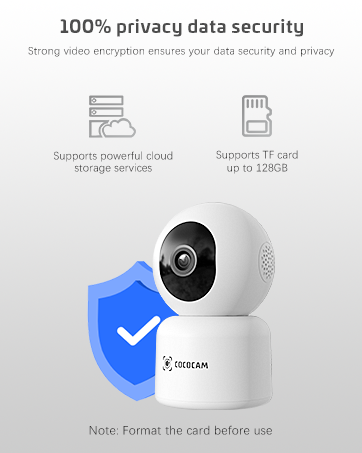
Image: A smiling customer service representative wearing a headset, symbolizing COCOCAM's commitment to customer support.

Image: An illustration emphasizing 100% privacy data security with strong video encryption, supported by powerful cloud storage services and TF card storage up to 128GB.


