1. Киришүү
Welcome to the user manual for your new Dangbei Atom Mini Projector. This guide provides comprehensive instructions on setting up, operating, maintaining, and troubleshooting your device to ensure you get the best possible experience. Please read this manual thoroughly before using the projector and keep it for future reference.
2. Коопсуздук боюнча маанилүү маалымат
To prevent fire, electric shock, or injury, please observe the following safety precautions:
- Вентиляция тешиктерин жаап албаңыз. Туура аба агымы үчүн проектордун айланасында жетиштүү мейкиндикти камсыз кылыңыз.
- Проекторду жамгырдын же нымдуулуктун таасирине дуушар кылбаңыз. Аны суу булактарынан алыс кармаңыз.
- Проектор менен келген кубат адаптерин гана колдонуңуз.
- l болгондо проектордун объективине түз кароодон качыңызamp күйүп турат, анткени жаркыраган жарык көзгө зыян келтириши мүмкүн.
- Проекторду өз алдынча бөлүүгө же оңдоого аракет кылбаңыз. Бардык тейлөөлөрдү квалификациялуу кызматкерлерге тапшырыңыз.
- Проектор кулап калбашы үчүн аны туруктуу, түз жерге коюңуз.
- Keep the projector away from heat sources such as radiators, heat registers, stoves, or other apparatus (including ampкөтөргүчтөр) жылуулукту пайда кылуучу.
3. Пакеттин мазмуну
Сураныч, бардык буюмдар бар экенин жана жакшы абалда экендигин текшериңиз:
- Dangbei Atom Mini Projector
- Алыстан башкаруу
- Кубаттуу адаптер
- Колдонуучунун Колдонмосу (бул документ)
4. Продукт бүтүп калдыview
Familiarize yourself with the components and ports of your Dangbei Atom Mini Projector.

Image: The Dangbei Atom Mini Projector, showcasinанын компакттуу дизайны жана интеграцияланган стенди.
4.1 Фронт View
- Проекциялык линза: Сүрөттү чыгарат.
- Autofocus Sensor: Detects distance for automatic focus adjustment.
4.2 Арткы View (Порттор)
- HDMI IN (ARC): Connects to external devices like Blu-ray players, game consoles, or laptops.
- USB 2.0 порт: USB сактагыч түзмөктөрдү туташтыруу үчүн.
- Кубат киргизүү: Кубат адаптерине туташат.
4.3 Top/Side View
- Кубат баскычы: Проекторду күйгүзөт/өчүрөт.
- Вентиляция торлору: туура жылуулук таркатылышын камсыз кылуу.

Image: The projector's integrated stand allows for 360-degree tilt and rotation, offering flexible projection angles.
5. Орнотуу колдонмосу
5.1 Орнотуу
Choose a flat, stable surface for the projector. For optimal viewing, place the projector at a suitable distance from the projection surface (wall or screen). The maximum projection distance is 5 meters, allowing for a large screen size up to 180 inches (4.5 meters).

Image: The compact design of the Dangbei Atom Mini Projector, weighing only 1.28 kg and standing 4.75 cm tall, makes it highly portable.
5.2 Кубат туташтыруу
- Connect the power adapter to the Power Input port on the projector.
- Кубат адаптеринин экинчи учун розеткага сайыңыз.
5.3 Баштапкы күйгүзүү
Press the Power Button on the projector or the remote control to turn on the device. The projector will perform an automatic focus and keystone correction upon startup.
5.4 Тармакка туташуу (Wi-Fi)
- Once powered on, navigate to the Орнотуулар алыстан башкаруунун жардамы менен меню.
- Тандоо Тармак жана Интернет.
- Choose your Wi-Fi network from the list and enter the password. The projector supports Wi-Fi 6 for stable and fast connections.
5.5 Bluetooth жупташтыруу
To connect Bluetooth devices (e.g., external speakers, headphones):
- барыңыз Орнотуулар > Алыстан башкаруу каражаттары жана аксессуарлар.
- Тандоо Жаңы түзмөктү жупташтыруу.
- Put your Bluetooth device into pairing mode and select it from the list on the projector screen. The projector supports Bluetooth 5.1.
5.6 Сүрөттү тууралоо
The Dangbei Atom Mini Projector features AI-controlled intelligent screen adjustment for a perfect picture every time:
- Автофокус: Проектор так сүрөт алуу үчүн фокусту автоматтык түрдө тууралайт.
- Автоматтык негизги ташты оңдоо: Corrects distorted images caused by angled projection.
- Акылдуу тоскоолдуктардан качуу: Automatically scales the image to avoid objects on the projection surface.
- Акылдуу экранга ылайыктуу: Adjusts the image to perfectly fit your screen or wall.
These features typically operate automatically. If manual adjustment is needed, access them via the Орнотуулар меню.

Image: Visual representation of the intelligent screen adjustment technologies, including autofocus, keystone correction, obstacle avoidance, and screen fit.
6. Иштөө нускамалары
6.1 Алыстан башкарууну колдонуу
The included remote control is your primary interface for navigating the projector's features. It provides direct access to Google TV and dedicated buttons for popular streaming services like Netflix and YouTube.
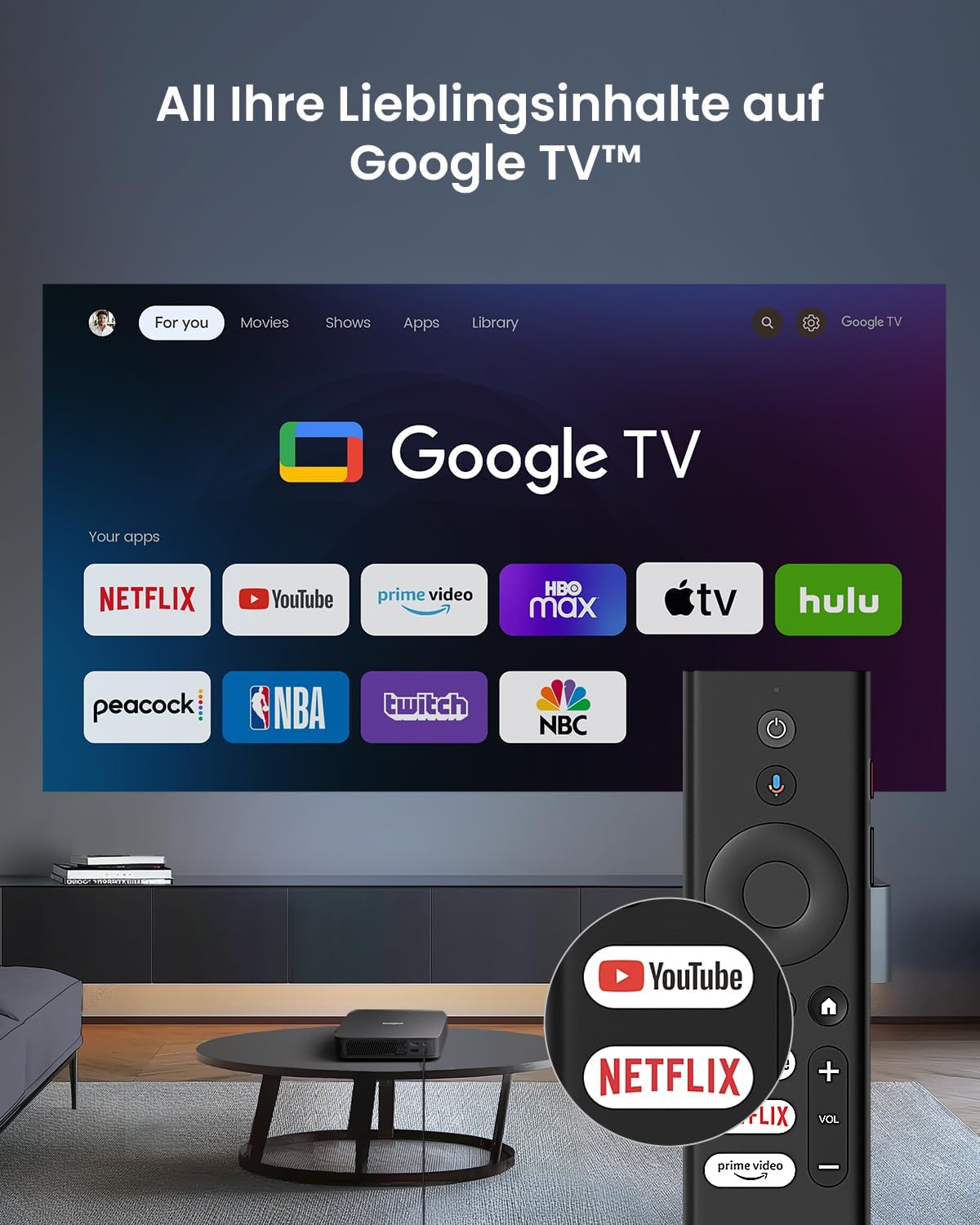
Image: The Google TV interface shown on the projection screen, with the remote control featuring dedicated buttons for Netflix and YouTube.
6.2 Google TV багыттоо
Your projector comes with official Google TV, providing access to over 10,000 applications including Netflix, Prime Video, Disney+, and YouTube. Use the directional pad and OK button on the remote to navigate the interface. The home screen displays personalized content recommendations and your installed apps.
6.3 Playing Content
- Агымдуу колдонмолор: Select your desired streaming app (e.g., Netflix, YouTube) from the home screen. Log in with your account credentials to access content.
- HDMI киргизүү: Connect an external device (e.g., laptop, game console) to the HDMI IN (ARC) port. The projector will automatically switch to the HDMI input, or you can select it from the input source menu. For 4K content via HDMI, ensure the projector is set to Auto mode.
- USB ойнотуу: Insert a USB storage device into the USB 2.0 port. Use the file manager app on Google TV to browse and play media files.
6.4 Аудио орнотуулары
The projector features integrated 2 x 5W speakers with Dolby Audio support for a cinematic sound experience. You can adjust volume using the remote control. For enhanced audio, pair external Bluetooth speakers or connect them via HDMI ARC.
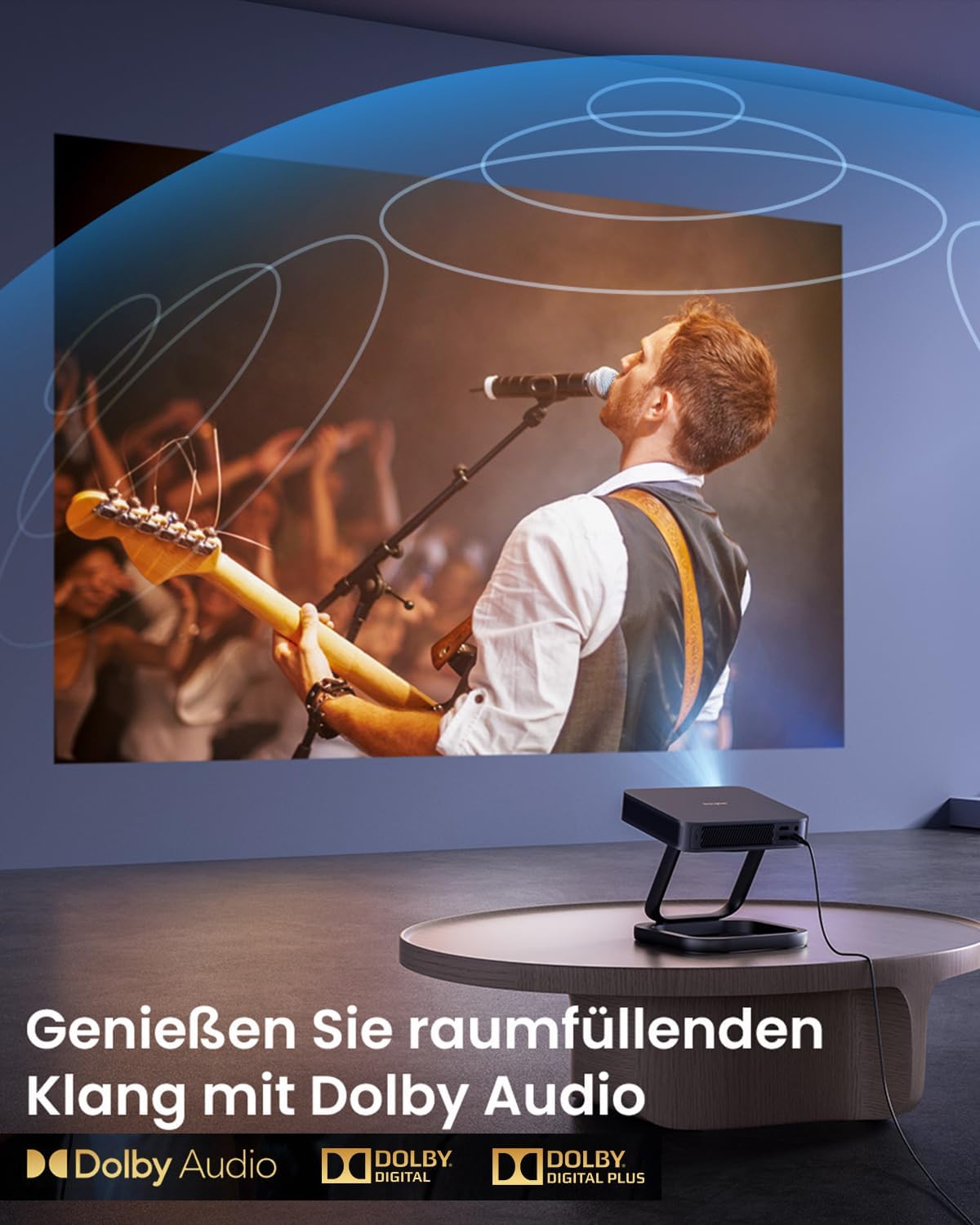
Image: A vibrant projection of a concert, emphasizing the immersive audio experience provided by Dolby Audio technology.
6.5 3D Mode
The Dangbei Atom Mini Projector supports 3D content, including Blu-ray 3D. To activate 3D mode, ensure you have compatible 3D glasses and 3D content. Маанилүү: Deactivate automatic keystone correction before using 3D mode for optimal performance.

Image: A family enjoying a 3D movie experience at home, demonstrating the projector's 3D capabilities.
6.6 Сүрөттүн сапаты
Experience cinematic brightness with ALPD 3.0 technology, delivering 1200 ISO Lumens in true 1080P. The projector supports HDR10 and HLG for stunning visuals with vibrant colors and deep contrast.
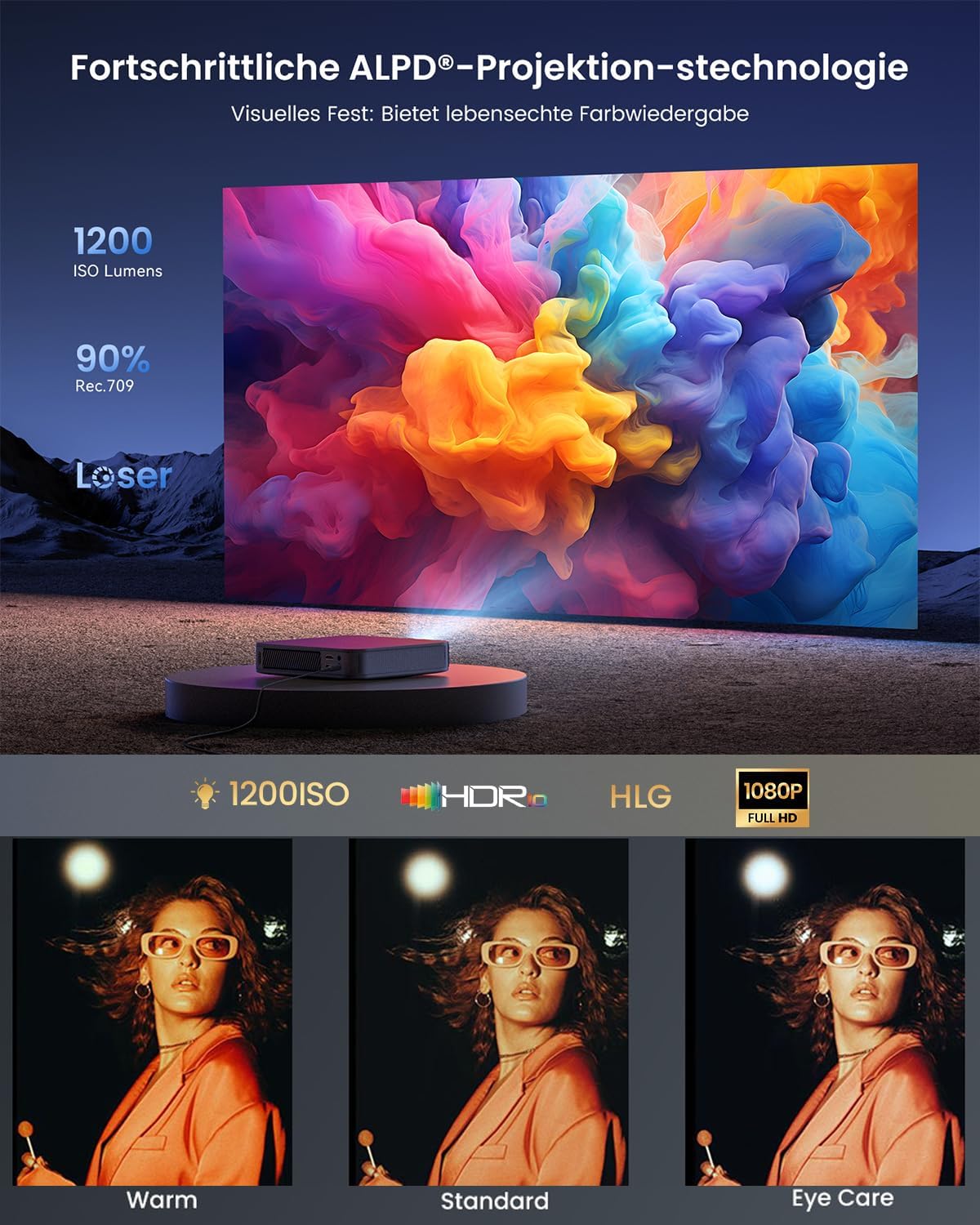
Image: A vibrant projection demonstrating the ALPD 3.0 technology, 1200 ISO Lumens, HDR, HLG, and 1080P Full HD capabilities.

Image: A comparison illustrating the superior image quality of ALPD DLP (Full HD) over LCD, and the significantly longer lifespan of laser projectors (30,000 hours) compared to lamp projectors (3,000 hours).
7. Техникалык тейлөө
Туура тейлөө проекторуңуздун узак иштөөсүн жана оптималдуу иштешин камсыз кылат.
- Линзаны тазалоо: Проектордун линзасын акырын сүртүү үчүн оптикалык линзалар үчүн атайын иштелип чыккан жумшак, мамыксыз чүпүрөктү колдонуңуз. Абразивдүү тазалоочу каражаттарды же ашыкча күч колдонбоңуз.
- Тышкы тазалоо: Проектордун сыртын жумшак, кургак чүпүрөк менен сүртүңүз. өжөр белгилери үчүн, бир аз гamp чүпүрөктү колдонсо болот, бирок аппаратка ным кирбеши керек.
- Вентиляция: Regularly check that the ventilation grilles are free from dust and debris to prevent overheating. Do not use compressed air directly into the vents as it can push dust further inside.
- Сактагыч: Узак мөөнөткө пайдаланылбаганда, проекторду салкын, кургак жерде, тике күн нурунан жана экстремалдык температурадан алыс сактаңыз.
8. Кыйынчылыктарды
Проекторуңузда көйгөйлөргө туш болсоңуз, төмөнкү жалпы көйгөйлөрдү жана чечимдерди караңыз:
| Көйгөй | Мүмкүн себеп | Чечим |
|---|---|---|
| Күч жок | Электр кабели туташкан эмес; розетка туура эмес. | Кубат кабели коопсуз туташтырылганын текшериңиз. Башка электр розеткасын колдонуп көрүңүз. |
| Сүрөт жок | Input source incorrect; device not connected; lens cap on. | Select correct input source (HDMI, USB). Check device connections. Remove lens cap. |
| Image Blurry | Out of focus; projector too close/far; lens dirty. | Allow autofocus to adjust. Adjust projector distance. Clean the lens. |
| Image Distorted (Trapezoid) | Проектор экранга перпендикуляр эмес. | Allow automatic keystone correction to adjust. If needed, manually adjust in settings. |
| Үн жок | Volume too low; external audio device not connected; audio format unsupported. | Increase volume. Check external audio connections. Ensure audio format is supported. |
| Пульт иштебейт | Batteries low/dead; remote not paired. | Replace batteries. Re-pair the remote control according to pairing instructions. |
Эгер көйгөй чечилбесе, кардарларды колдоо менен байланышыңыз.
9. Техникалык шарттар
Detailed technical specifications for the Dangbei Atom Mini Projector:
| Өзгөчөлүк | Деталь |
|---|---|
| Бренд | Dangbei |
| Продукт түрү | Мини проектор |
| Display Resolution | 1920 x 1080 (Full HD) |
| Дисплей түрү | DLP |
| Жарыктык | 1200 ISO Lumens (ALPD 3.0) |
| Контраст катышы | Минималдуу 1000:1 |
| Шайкеш түзмөктөр | HDMI, Wi-Fi, Bluetooth enabled devices |
| Зымсыз байланыш | Wi-Fi 6, Bluetooth 5.1 |
| Камтылган компоненттер | Адаптер |
| Күч | 5 Watts (speakers) |
| Controller Type | Колдонмо башкаруу |
| Maximum Projection Distance | 5 метр |
| Салмагы | 1.28 кг |
| Өзгөчөлүктөрү | Autofocus, Automatic Keystone Correction, Intelligent Obstacle Avoidance, Intelligent Screen Fit, HDR10, HLG, Dolby Audio, 3D Support, Official Netflix |
| ASIN | B0D17VDS2B |
| Дата биринчи жеткиликтүү | 9-апрель, 2024-жыл |
10. Кепилдик жана колдоо
10.1 Кепилдик маалыматы
Dangbei offers a worry-free guarantee for the Atom Mini Projector. In case of a defect covered by warranty, a replacement unit will be provided instead of a repair. Please refer to the specific warranty terms and conditions provided at the time of purchase or on the official Dangbei webтолук маалымат алуу үчүн сайт.
10.2 Кардарларды колдоо
For technical assistance, troubleshooting beyond this manual, or warranty claims, please contact Dangbei customer support. You can typically find contact information on the official Dangbei webсайт же сатуучу аркылуу.
Please have your product model (Atom Mini) and ASIN (B0D17VDS2B) ready when contacting support to expedite the process.


