1. Киришүү
Сатып алганыңыз үчүн рахматasing the eKids Marvel Deadpool Wireless Earbuds. These earbuds are designed to provide a high-quality audio experience with the convenience of wireless connectivity. This manual will guide you through the setup, operation, and maintenance of your new earbuds.
Өнүмдү колдонуудан мурун бул колдонмону кылдаттык менен окуп чыгыңыз жана аны келечекте маалымат алуу үчүн сактап коюңуз.
2. Продукт бүтүп калдыview
The eKids Marvel Deadpool Wireless Earbuds feature a distinctive Deadpool design and offer wireless stereo sound streaming with a built-in microphone for calls. They come with a portable charging case and multiple ear cushion sizes for comfort.
Негизги өзгөчөлүктөрү:
- Wireless stereo sound streaming
- Чалуулар үчүн орнотулган микрофон
- Three sizes of rubber ear cushions (small, medium, large) for personalized comfort
- USB-C заряддоо байланышы
- Bluetooth байланышы
- Up to 22 hours total music playtime with charging case
- Ergonomic shape for comfort
- Жеңил конструкция
- Compatible with iPhone, Android, smartphones, tablets, and computers
- Suitable for gaming, audiobooks, video calls, and various entertainment/educational content
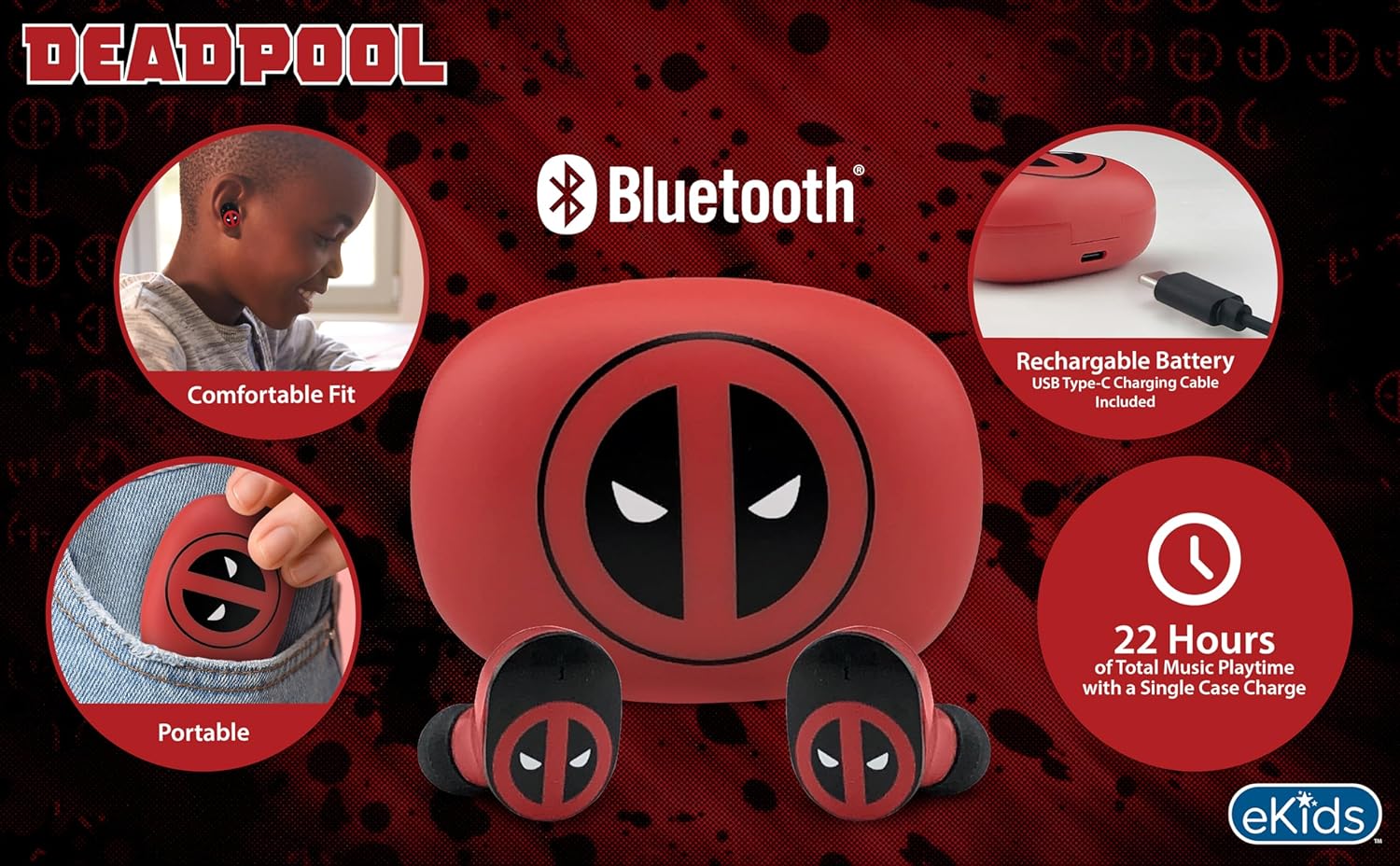
Image 2.1: The eKids Marvel Deadpool Wireless Earbuds and their charging case, showcasing the distinctive Deadpool logo.
3. Орнотуу
3.1 Кулакчындарды жана кутучаны заряддоо
- Open the charging case and place both earbuds inside, ensuring they are correctly seated.
- Берилген USB-C заряддоо кабелин корпустагы заряддоо портуна туташтырыңыз.
- Connect the other end of the USB-C cable to a compatible USB power source (e.g., computer, wall adapter).
- Кубаттоо корпусундагы индикатор жарыгы кубаттоо абалын көрсөтүү үчүн күйөт. Толук заряддалгандан кийин, жарыктын түсү өзгөрүшү же өчүп калышы мүмкүн.
A full charge provides up to 22 hours of total music playtime, with the case offering 2.5 times extra charge for the earbuds.

Image 3.1: The Deadpool-themed charging case with the USB-C charging cable connected, illustrating the charging process.
3.2 Bluetooth түзмөгү менен жупташтыруу
- Кулакчындардын заряддалганын жана кубаттоочу кутуга салынганын текшериңиз.
- Заряддоо кутучасын ачыңыз. Кулакчындар автоматтык түрдө күйүп, акыркы жупташтырылган түзмөккө туташууга аракет кылат.
- Түзмөгүңүздө (смартфон, планшет, компьютер) Bluetooth жөндөөлөрүнө өтүңүз.
- Издөө available devices and select "eKids Deadpool Earbuds" (or similar name).
- Once connected, the LED light on the earbuds will stop flashing or change to a solid color.
The earbuds are compatible with iPhone, Android, and other Bluetooth-enabled devices.
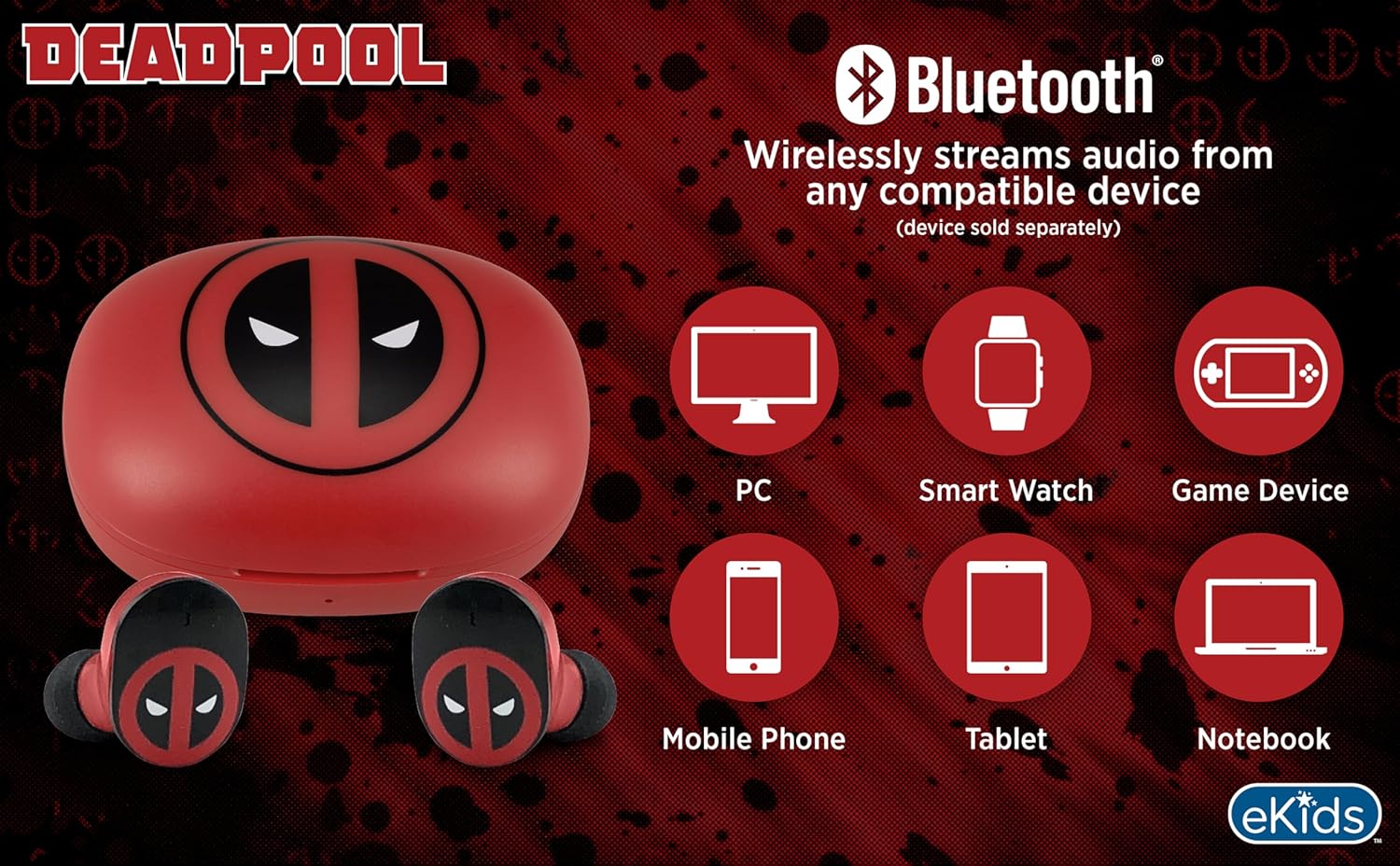
Image 3.2: An illustration showing the Bluetooth connectivity of the earbuds with various devices such as PCs, smartwatches, game devices, mobile phones, tablets, and notebooks.
3.3 Selecting Ear Cushions for Comfort
The earbuds come with three sizes of rubber ear cushions (small, medium, large) to ensure a comfortable and secure fit. Experiment with different sizes to find the best fit for your ears. A proper fit enhances sound quality and comfort.
- Gently remove the pre-installed ear cushions from the earbuds.
- Select a different size ear cushion.
- Carefully attach the new ear cushion to the earbud, ensuring it is securely fastened.

Image 3.3: The Deadpool earbuds shown with the three different sizes of ear cushions included for a customized fit.
4. Кулакчындарды иштетүү
4.1 Күйгүзүү/өчүрүү
- Күйгүзүү: Заряддоо кутучасын ачсаңыз, кулакчындар автоматтык түрдө күйүп, акыркы жупташтырылган түзмөккө туташууга аракет кылат.
- Өчүрүү: Кулакчындарды кайра заряддоо кутусуна салып, капкагын жабыңыз. Алар автоматтык түрдө өчүп, кубаттай башташат.
4.2 Музыканы ойнотуу
- Ойнотуу/тындыруу: Кулакчындарды бир жолу таптаңыз.
- Кийинки трек: Оң кулакчынды эки жолу таптаңыз.
- Мурунку трек: Сол кулакчынга эки жолу басыңыз.
- Үндү көзөмөлдөө: Үндү түздөн-түз туташкан түзмөгүңүздөн тууралаңыз.
4.3 Телефон чалуулар
Орнотулган микрофон колсуз чалууларды жүргүзүүгө мүмкүндүк берет.
- Чалууга жооп берүү/аяктоо: Кулакчындарды бир жолу таптаңыз.
- Чакырууну четке кагуу: Кулакчындардын бирин 2 секунд басып туруңуз.
5. Техникалык тейлөө
- Тазалоо: Кулакчындарды жана кубаттоочу кутуну тазалоо үчүн жумшак, кургак чүпүрөктү колдонуңуз. Абразивдүү тазалагычтарды же эриткичтерди колдонбоңуз.
- Сактагыч: Колдонулбаганда, кулакчындарды коргоо жана кубаттоо үчүн кубаттоочу кутучага сактаңыз.
- Суудан качуу: These earbuds are not waterproof. Avoid exposure to water or excessive moisture.
- Температура: Do not expose the earbuds or case to extreme temperatures.
6. Кыйынчылыктарды
| Көйгөй | Чечим |
|---|---|
| Кулакчындар жупташкан жок. | Ensure earbuds are charged. Turn off Bluetooth on your device and turn it back on. Forget the device in your Bluetooth settings and re-pair. |
| Бир наушниктен үн жок. | Эки кулакчынды тең кубаттоочу кутуга кайра салып, капкагын жаап, кайра ачыңыз. Түзмөктүн аудио балансынын жөндөөлөрүн текшериңиз. |
| Заряддоо куту заряддалбай жатат. | USB-C кабелин жана кубат адаптерин текшериңиз. Кабелдин корпуска да, кубат булагына да бекем туташтырылганын текшериңиз. |
| Үн сапаты начар. | Ensure earbuds are properly seated in your ears with the correct size ear cushions. Move closer to your connected device to avoid interference. |
7. Техникалык шарттар
- Бренд: eKids
- Модел: B0D1CS61NB
- Түсү: Deadpool (Red/Black)
- Кулак жайгаштыруу: Кулакта
- Форма фактору: Кулакта
- Импеданс: 32 Ом
- Bluetooth Аралык: ≥ 10M / 32ft
- Сезимталдуулук: 100dB ± 3dB at 1kHz spl
- Батареянын иштөө мөөнөтү: Up to 22 hours total playtime with charging case
- Заряддоо порту: USB-C
- Өлчөмдөрү (корпус): Approximately 2.4 in / 6.2 cm (width) x 1.8 in / 4.6 cm (height) x 1.2 in / 3.1 cm (depth)
- Dimensions (Earbud): Approximately 0.9 in / 2.5 cm (height) x 0.7 in / 1.8 cm (width)

Image 7.1: A detailed diagram illustrating the dimensions and key specifications of the Deadpool wireless earbuds and their charging case.
8. Кепилдик жана колдоо
Кепилдик жөнүндө маалымат жана кардарларды колдоо кызматы үчүн, сатып алууңузга тиркелген документтерди караңыз же расмий eKids веб-сайтына кириңиз webсайт. Ар кандай кепилдик дооматтары үчүн сатып алганыңыздын далилин сактаңыз.
For additional assistance, you may contact eKids customer service directly.
9. Расмий продукт Video
Видео 9.1: Продукциянын расмий көргөзмөсүasing the eKids Marvel Deadpool Wireless Earbuds, highlighting their features and design. This video provides a visual overview of the product's functionality and appearance.


