Introduction
Thank you for choosing the Vention TGESB USB-C Docking Station. This manual provides essential information for the proper setup, operation, and maintenance of your device. Please read it thoroughly before use to ensure optimal performance and longevity.
Продукт бүттүview
The Vention TGESB is a versatile 5-in-1 USB-C docking station designed to expand the connectivity of your USB-C enabled devices. It features multiple ports for data transfer, video output, and power delivery.

Figure 1: Vention TGESB USB-C Docking Station with port labels.
Негизги өзгөчөлүктөрү:
- USB-C Power Delivery (PD) 100W: Supports fast charging for compatible laptops and devices.
- USB 3.0 порттору (x3): Provides high-speed data transfer up to 5Gbps.
- HDMI порту: Supports video output up to 4K resolution at 30Hz.
- Durable Aluminum Shell: Ensures heat dissipation and product longevity.
- Компакт дизайн: Көтөрүп жүрүү жана колдонуу оңой.
Пакеттин мазмуну
- Vention TGESB USB-C Docking Station (x1)
- Колдонуучунун колдонмосу (x1)
Орнотуу нускамалары
- Хост түзмөккө туташуу: Plug the USB-C connector of the Vention TGESB docking station into an available USB-C port on your laptop, tablet, or smartphone. Ensure your device's USB-C port supports video output (DisplayPort Alternate Mode) and power delivery for full functionality.
- Перифериялык түзүлүштөрдү туташтыруу:
- USB түзмөктөрү: Connect USB flash drives, external hard drives, keyboards, mice, or other USB peripherals to the USB 3.0 ports.
- HDMI дисплей: Connect an HDMI cable from the docking station's HDMI port to your monitor or TV.
- Power Adapter (Optional): If your host device requires charging, connect your original USB-C power adapter to the PD (Power Delivery) port on the docking station. This will pass power through to your host device.
- Драйверди орнотуу: The Vention TGESB is typically plug-and-play and does not require additional drivers for most operating systems (Windows, macOS, Linux, Android). If you encounter issues, ensure your operating system is up to date.
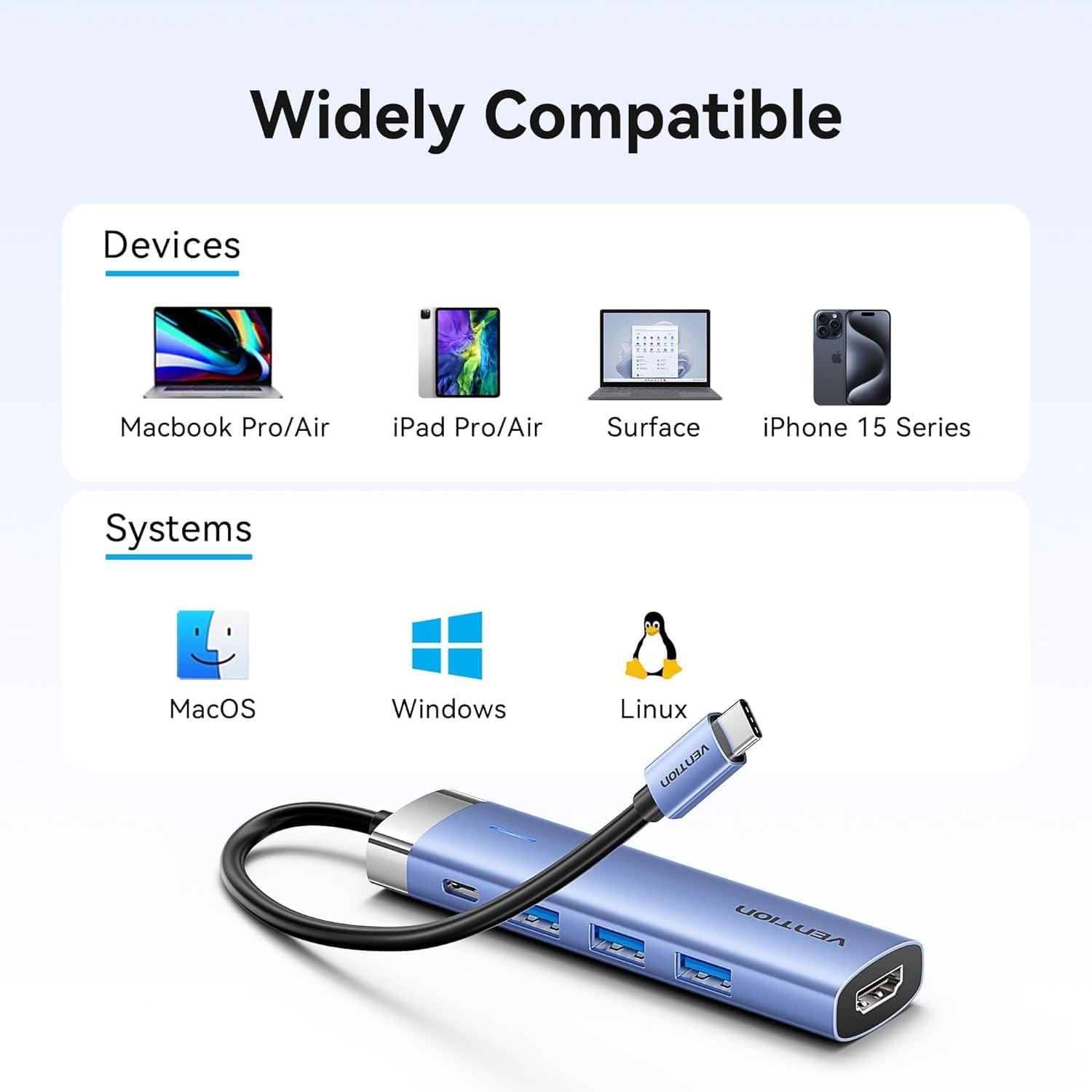
Figure 2: Device and operating system compatibility.
Иштөө нускамалары
Using USB 3.0 Ports:
Connect your USB devices to any of the three USB 3.0 ports. These ports support data transfer speeds up to 5Gbps, allowing for quick file transfers. For optimal performance, ensure your connected USB devices also support USB 3.0.
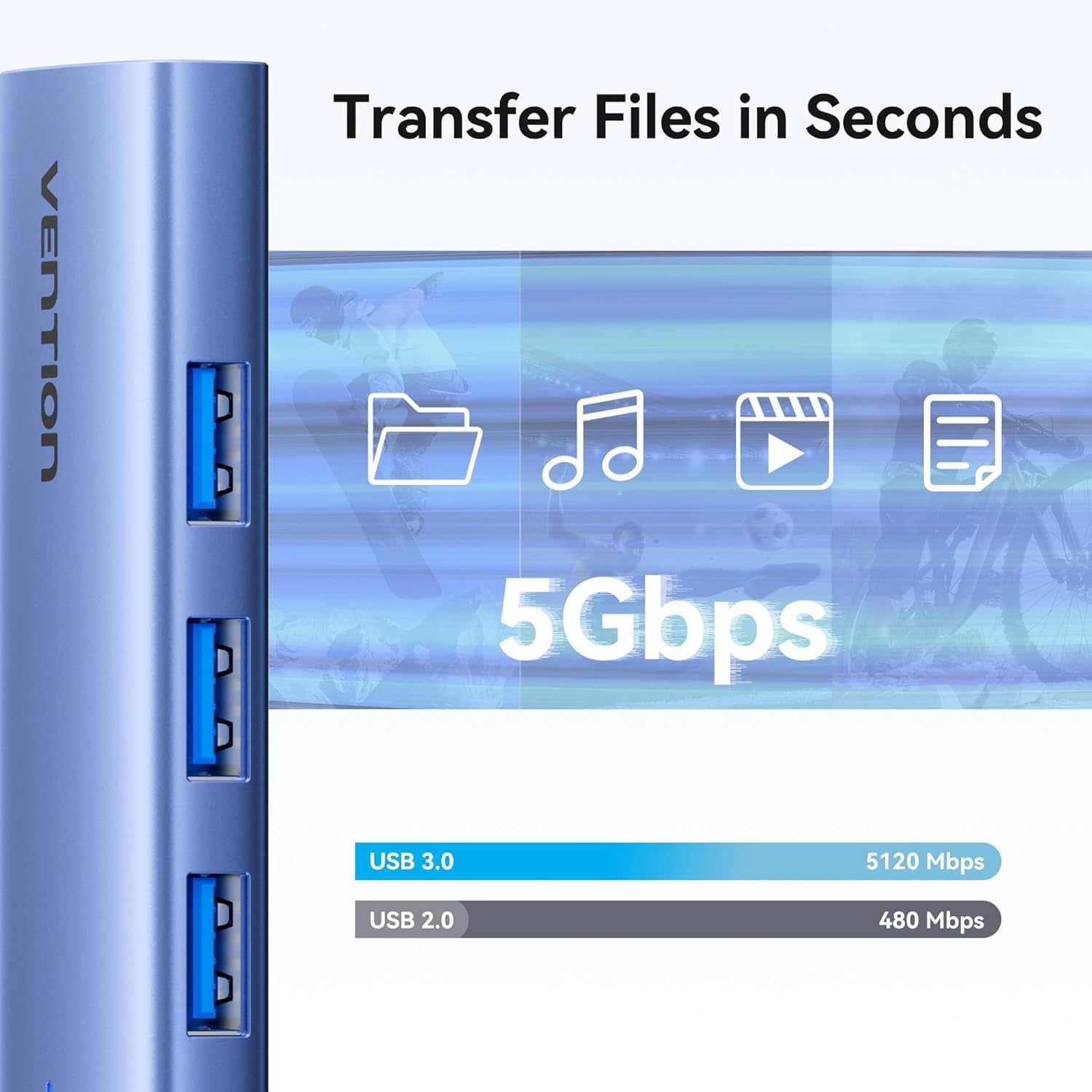
Figure 3: High-speed data transfer via USB 3.0 ports.
Using HDMI Output:
The HDMI port supports resolutions up to 4K at 30Hz. After connecting your monitor, your operating system should automatically detect the external display. You can configure display settings (mirror mode, extend mode) through your device's display settings.

Figure 4: Multiple display modes (Mirror and Extend).
Using Power Delivery (PD) Port:
Connect your laptop's original USB-C power adapter to the PD port on the docking station. This port supports up to 100W power delivery, allowing you to charge your host device while using the docking station's other features.

Figure 5: Power Delivery 100W fast charging.
Техникалык тейлөө
- Тазалоо: Use a soft, dry cloth to clean the surface of the docking station. Avoid using liquid cleaners or solvents.
- Сактагыч: Аппаратты түз күн нурунан жана экстремалдык температурадан алыс салкын, кургак жерде сактаңыз.
- Колдонуу: Avoid dropping or subjecting the device to strong impacts. Do not attempt to disassemble the docking station.
Проблемаларды чечүү
| Көйгөй | Мүмкүн себеп | Чечим |
|---|---|---|
| HDMI аркылуу дисплей чыгуусу жок. |
|
|
| USB түзмөктөрү таанылган жок. |
|
|
| Host device is not charging. |
|
|
Техникалык шарттар
| Өзгөчөлүк | Деталь |
|---|---|
| Модел | TGESB |
| Бренд | ВЕНЦИЯ |
| Киргизүү | USB-C |
| Output Ports |
|
| Өлчөмдөрү (L x W x Y) | 6.5 x 3.54 x 0.79 дюйм (16.5 x 9 x 2 см) |
| Салмагы | 2.46 унция (0.07 кг) |
| Shell Material | Алюминий эритмеси |
| Шайкештик | Devices with full-featured USB-C port (supporting DisplayPort Alt Mode and Power Delivery). Compatible with Windows, macOS, Linux, Android. |
Кепилдик жана колдоо
Vention products come with a standard manufacturer's warranty. For detailed warranty information, technical support, or customer service, please visit the official Vention webсайтка кайрылыңыз же жергиликтүү дистрибьютериңиз менен байланышыңыз. Кепилдик дооматтары үчүн сатып алганыңыздын далилин сактап коюңуз.
Official Vention Webсайт: Vention Store on Amazon (Link provided for reference, actual official website may vary)


