1. Киришүү
Thank you for choosing the SYLVOX 43-inch Deck Pro 2.0 Outdoor Smart TV. This manual provides essential information for the safe and efficient use of your new television. Designed for partial sun outdoor areas, this TV features 4K resolution, HDR 10 support, 1000 nits brightness, and a weatherproof design, ensuring a high-quality viewing experience in various outdoor conditions.
Сураныч, аппаратты иштетүүдөн мурун бул колдонмону кылдат окуп чыгыңыз жана аны келечекте маалымат үчүн сактап коюңуз.
Коопсуздук маалыматы
- Ensure the TV is installed by qualified personnel according to local electrical codes.
- Do not attempt to repair the TV yourself. Refer all servicing to authorized service personnel.
- Электр шнурын жылуулук булактарынан жана курч четтеринен алыс кармаңыз.
- Желдетүүчү тешиктерди жаппаңыз.
- Although weatherproof, avoid direct high-pressure water jets on the screen or ports.
2. Кутуда эмне бар
Carefully unpack your SYLVOX Outdoor TV and check that all items are present. If any items are missing or damaged, please contact your retailer.
- SYLVOX 43-inch Outdoor TV
- Waterproof Voice Remote Control
- Power Cable (59 inches)
- Колдонуучунун колдонмосу
- Кепилдик картасы
- Алыстан башкаруу үчүн AAA батарейкалары (x2)
- Screws for mounting (if included with specific mounting hardware)

Image: Contents of the SYLVOX Outdoor TV box, showing the waterproof voice remote, power cable, user manual, and warranty card.
3. Орнотуу
3.1 Физикалык орнотуу
The SYLVOX Outdoor TV is designed for outdoor use in partial sun areas. Ensure the mounting location is secure and can support the TV's weight (approximately 51.9 lbs).
- Монтаждоо: Use a compatible outdoor TV mount (not included) that can withstand outdoor elements. Follow the mount manufacturer's instructions for installation.
- Жайгашкан жери: Position the TV in a location that minimizes direct sunlight exposure to the screen for optimal viewing. The TV is weatherproof, but protection from extreme weather conditions is recommended for longevity.
- Вентиляция: Ensure adequate airflow around the TV. Do not install in enclosed spaces without proper ventilation.

Сүрөт: SYLVOX 43 дюймдук сырткы телевизору, шоуasing анын дизайны жана негизги өзгөчөлүктөрү.
3.2 Кубат туташтыруу
- Connect the provided power cable to the TV's power input port.
- Электр кабелинин экинчи учун жерге туташтырылган сырткы электр розеткасына сайыңыз.
3.3 Баштапкы күйгүзүү жана тармакты орнотуу
- Аны күйгүзүү үчүн пульттун же сыналгыдагы кубат баскычын басыңыз.
- Follow the on-screen instructions to complete the initial setup, including language selection and time zone.
- Тармак туташуусу: Select your Wi-Fi network from the list and enter the password. The TV supports both 2.4G and 5G Wi-Fi for stable connectivity. Alternatively, connect an Ethernet cable to the LAN port for a wired connection.
- Bluetooth жупташууда: The TV supports Bluetooth 5.0. You can pair Bluetooth devices like soundbars or headphones during setup or later in the settings menu.

Image: The TV supports both 2.4G and 5G Wi-Fi, and Bluetooth 5.0 for enhanced connectivity.
3.4 Google TV Account Setup
Your SYLVOX Outdoor TV runs on the Google TV system. You will be prompted to sign in with your Google account to access smart features, apps, and personalized content.
- Follow the on-screen prompts to sign in or create a new Google account.
- You can set up multiple family accounts to personalize watchlists and recommendations for each user.

Image: The Google TV interface provides access to a wide range of entertainment.
4. Иштөө нускамалары
4.1 Алыстан башкаруу функциялары
The included waterproof voice remote control allows for easy navigation and interaction with your TV.
- Кубат баскычы: Телевизорду күйгүзөт же өчүрөт.
- Навигация аянтчасы: Use the directional buttons to move through menus and select options.
- Үн жардамчысы баскычы: Үн буйруктары үчүн Google Жардамчыны иштетүү үчүн басып туруңуз.
- Үн баскычтары: Телевизордун үнүн тууралаңыз.
- Канал баскычтары: Change channels (for broadcast TV, if connected).
- Колдонмонун кыска баскычтары: Популярдуу агымдык кызматтарга тез жетүү.
- Скриншот баскычы: Capture screenshots of the TV display.

Image: The waterproof voice remote control with Google Assistant for convenient operation.
4.2 Navigating the Smart TV System
The Google TV interface organizes your content for easy access.
- Башкы экран: Displays personalized recommendations, installed apps, and live TV options.
- Колдонмолор: Access a wide range of streaming applications from the Google Play Store.
- Китепкана: Find your purchased movies and shows.
- Көрүү тизмеси: Add movies and TV shows you want to watch later. This can be synchronized across your Google devices.

Image: The Personal Watchlist feature allows for customized content tracking for different users.
4.3 Тышкы түзмөктөрдү туташтыруу
Сыналгы тышкы түзмөктөр үчүн бир нече туташуу параметрлерин сунуштайт.
- HDMI порттору: Connect gaming consoles (Playstation, Xbox), Blu-ray players, or other HDMI-enabled devices.
- USB порттору: Connect USB drives for media playback or to power streaming devices.
- Bluetooth: Pair Bluetooth sound systems, headphones, or other compatible accessories.
- Ethernet: Туруктуу зымдуу интернет байланышы үчүн.

Image: The TV supports various connectivity options for external devices.
4.4 Сүрөт жана үн орнотуулары
Сиздин оптималдаштыруу viewсыналгынын орнотуулар менюсу аркылуу угуу жана угуу тажрыйбасы.
- Сүрөт режимдери: Adjust brightness, contrast, color, and sharpness. The 1000 nits brightness ensures a clear, vibrant picture even in outdoor lighting.
- 4K токтому: Enjoy ultra-high-definition content with 3840x2160 pixels.
- HDR 10: Experience enhanced contrast and a wider range of colors with HDR 10 support.
- Dolby Atmos: The TV supports Dolby Atmos for immersive audio. For optimal sound, consider connecting an external sound system.
- Ызы-чууну азайтуу: This feature helps to reduce visual noise for clearer images.
- Wide Viewбурч: 178° туурасы viewсүрөттүн сапатынын туруктуулугун камсыз кылуу үчүн ар кандай бурчтарды колдонуу мүмкүнчүлүгү.

Image: The 1000 nits high brightness ensures visibility even in bright outdoor environments.
4.5 Өзгөчөлүктөр
- Chromecast камтылган: Мазмунду шайкеш келген смартфонуңуздан же планшетиңизден түз эле телевизорго чыгарыңыз.
- Оюн режими: Optimize settings for gaming to reduce input lag.
- Сыналгыга бөлүшүү: Easily share content from your mobile device to the TV screen.

Image: The 'Share to TV' feature allows for easy content mirroring from mobile devices.
5. Техникалык тейлөө
5.1 Телевизорду тазалоо
Телевизорду үзгүлтүксүз тазалоо анын көрүнүшүн жана иштешин сактоого жардам берет.
- Экран: Экранды жумшак, түксүз чүпүрөк менен акырын сүртүңүз. өжөр белгилери үчүн, бир аз гampчүпүрөккө суу же жумшак, абразивдүү эмес экран тазалагыч. Суюктукту экранга түз чачпаңыз.
- Frame and Back: жумшак колдонуу, damp cloth to wipe the frame and back of the TV. Avoid harsh chemicals or abrasive cleaners.
- Порттор: Ensure all port covers are securely closed when not in use to maintain waterproofing.

Image: The TV's waterproof design allows for easy cleaning and resilience against splashes.
5.2 Аба ырайын коргоо
While the SYLVOX Outdoor TV is designed to be weatherproof, proper care can extend its lifespan.
- Ensure all cables are properly connected and sealed to prevent water ingress.
- In extreme weather conditions (e.g., heavy storms, prolonged freezing temperatures), consider using a protective cover or temporarily relocating the TV if possible.
6. Кыйынчылыктарды
If you encounter issues with your SYLVOX Outdoor TV, refer to the following common problems and solutions.
| Көйгөй | Мүмкүн себеп | Чечим |
|---|---|---|
| Күч жок | Power cable disconnected, outlet issue, remote batteries dead. | Check power cable connection, test outlet, replace remote batteries. |
| Сүрөт/үн жок | Incorrect input source, external device off, cable issue. | Verify input source, ensure external devices are on, check HDMI/audio cables. |
| Алыстан жооп бербей жатат | Batteries dead, obstruction, remote not paired. | Replace batteries, remove obstructions, re-pair remote if necessary (refer to TV settings). |
| Wi-Fi туташуусу туруксуз | Router distance, interference, incorrect password. | Move router closer, reduce interference, re-enter Wi-Fi password, try Ethernet connection. |
| Picture quality issues (e.g., lines on screen) | Hardware defect, external interference. | Perform a factory reset (if software related). If persistent, contact customer support. |
If the problem persists after attempting these solutions, please contact SYLVOX customer support for further assistance.
7. Техникалык шарттар
Detailed technical specifications for the SYLVOX 43-inch Deck Pro 2.0 Outdoor Smart TV.
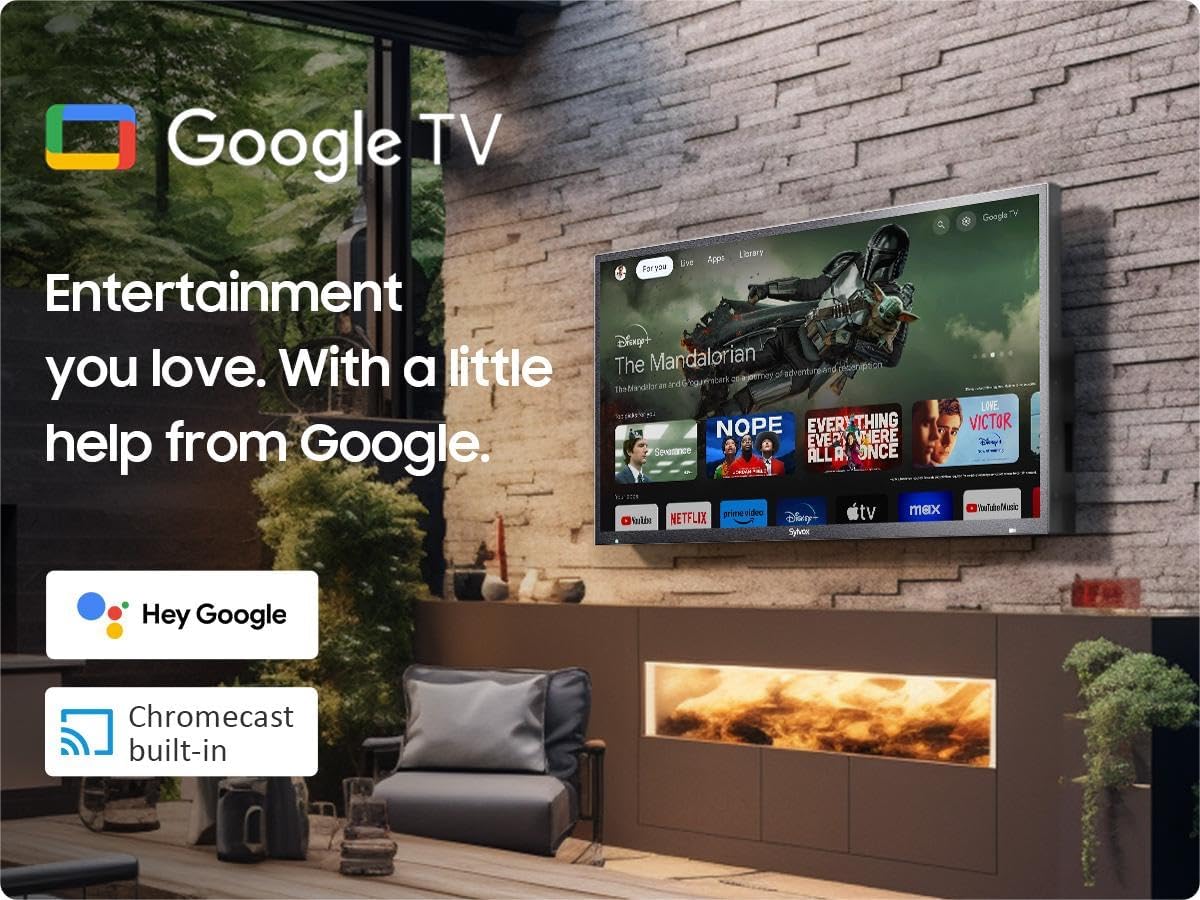
Image: Dimensions of the SYLVOX 43-inch Deck Pro 2.0 Outdoor TV.
| Өзгөчөлүк | Спецификация |
|---|---|
| Бренд | СИЛВОКС |
| Модель номери | SYLVOX-Deck-020 |
| Screen Size | 43 дюйм (110 см көрүнүүчү диагональ) |
| Дисплей технологиясы | LED |
| Резолюция | 4K (3840 x 2160) |
| Жаңыртуу ылдамдыгы | 60 Гц |
| Жарыктык | 1000 нит |
| Контраст катышы | 3000:1 |
| Viewбурч | 178° |
| Өзгөчөлүктөр | Chromecast, Waterproof, Weatherproof, High Brightness, Wide Viewing Angle, HDR 10, Dolby Atmos, Noise Reduction, Game Mode |
| Байланыш технологиясы | Ethernet, Wi-Fi (2.4G/5G), Bluetooth 5.0, HDMI (multiple), USB (multiple) |
| Операция системасы | Google TV |
| Продукциянын өлчөмдөрү (D x W x Y) | 3.44 x 38.41 x 22.64 дюйм |
| Элемент Салмагы | 51.9 фунт |
| Батареялар | 2 AAA батарейкалар (алыштан башкаруу үчүн камтылган) |
8. Кепилдик жана колдоо
8.1 Кепилдик маалыматы
Your SYLVOX Outdoor TV comes with a 12-month free defect protection сатып алынган күндөн тартып. Бул кепилдик нормалдуу колдонуудагы өндүрүш кемчиликтерин камтыйт. Кепилдик дооматтары үчүн сатып алганыңыздын далилин сактап коюңуз.
8.2 Кайтаруу саясаты
SYLVOX offers 30 күндүк кыйынчылыксыз кайтарып берүү for quality issues. Original packaging is required for all returns. Free returns are provided for quality-related issues.
8.3 Кардарларды колдоо
For technical assistance, troubleshooting, or warranty inquiries, please contact SYLVOX customer support. Refer to the warranty card or the SYLVOX official webбайланыш маалыматы үчүн сайт.


